

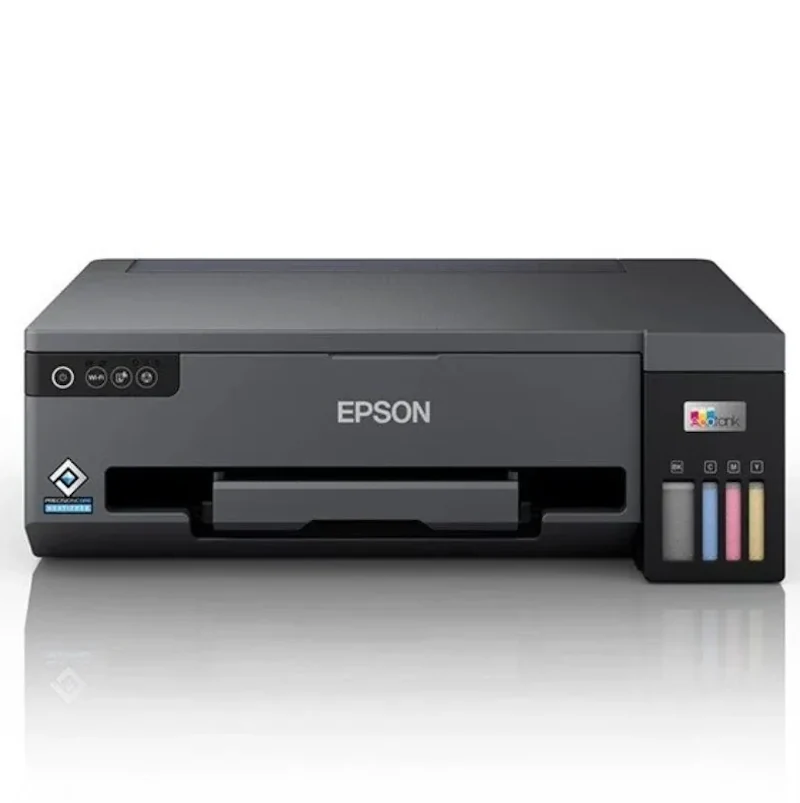
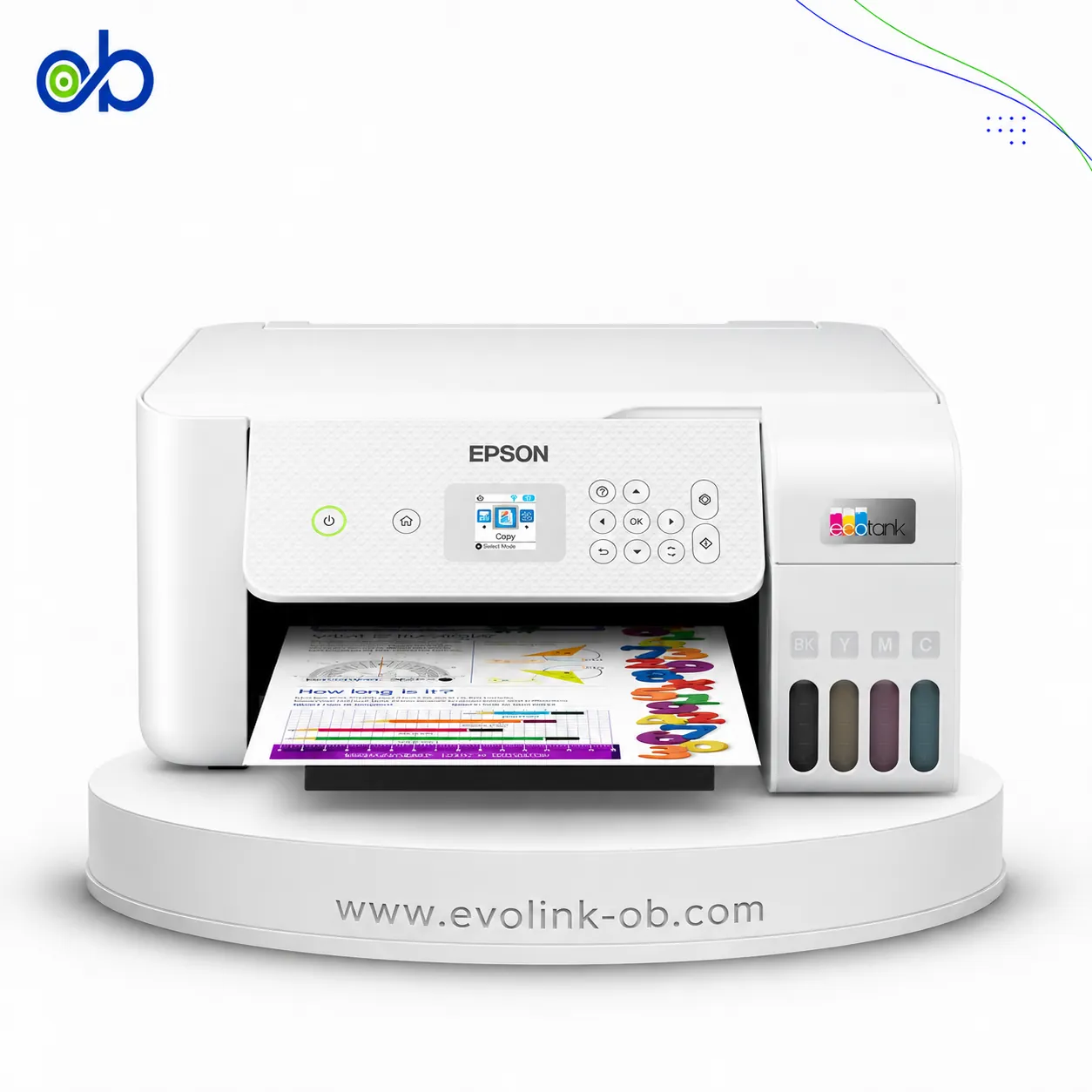
Epson EcoTank M1170 Printer
A single-function monochrome ink tank printer with a PrecisionCore print head and pigment ink, delivering ISO speeds up to 20 ppm with automatic duplex printing, Wi-Fi, and Ethernet.
- Brand
- Epson
- Category
- Printer EcoTank
- Model
- M1170
Similar Products Available Now

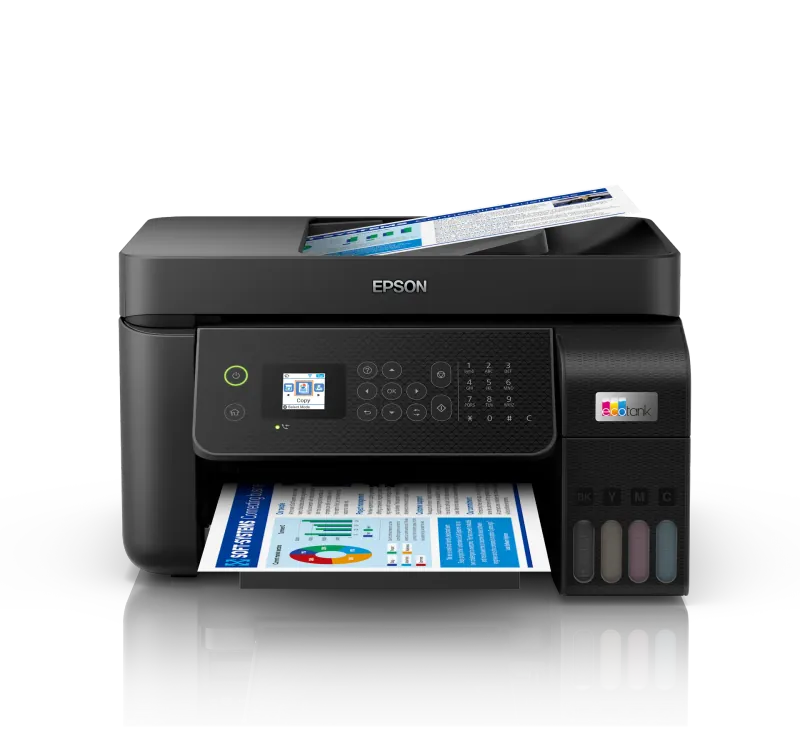

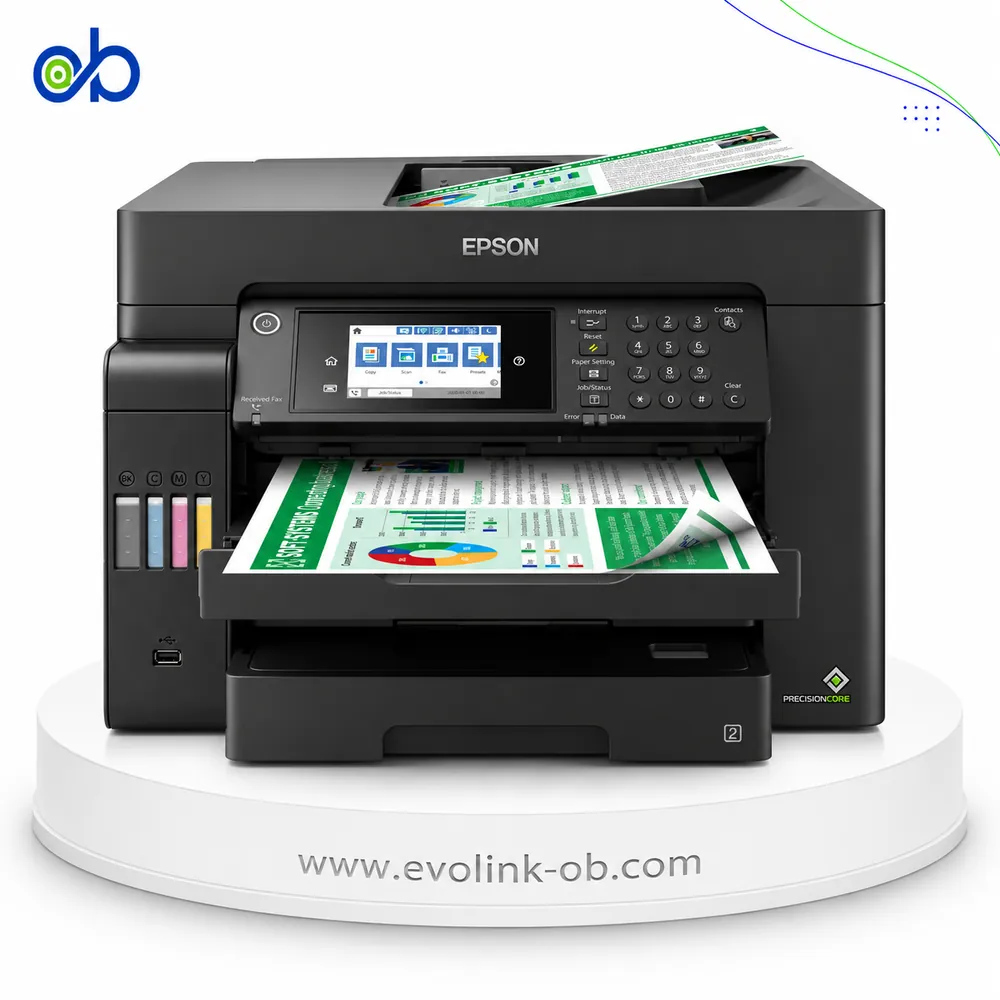

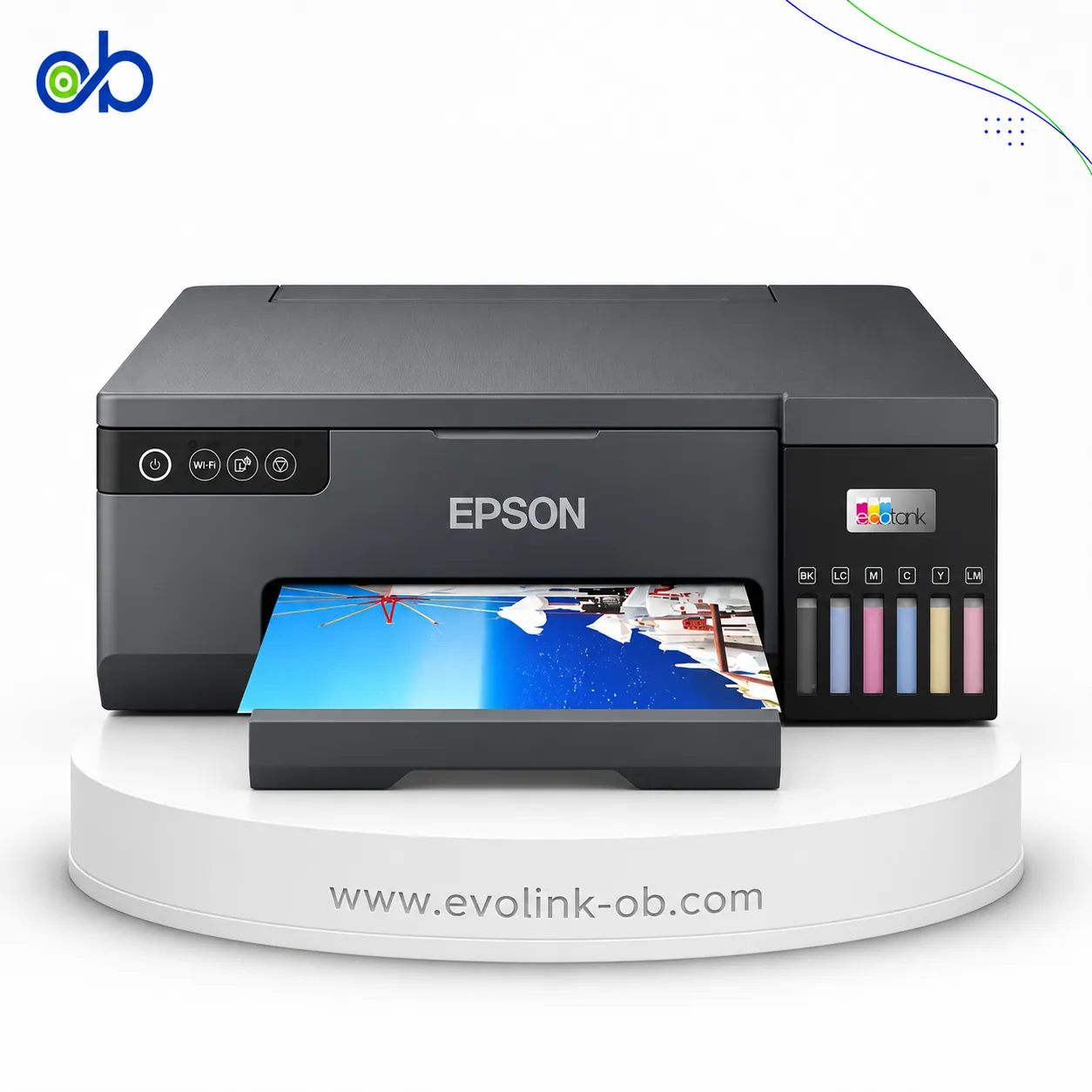
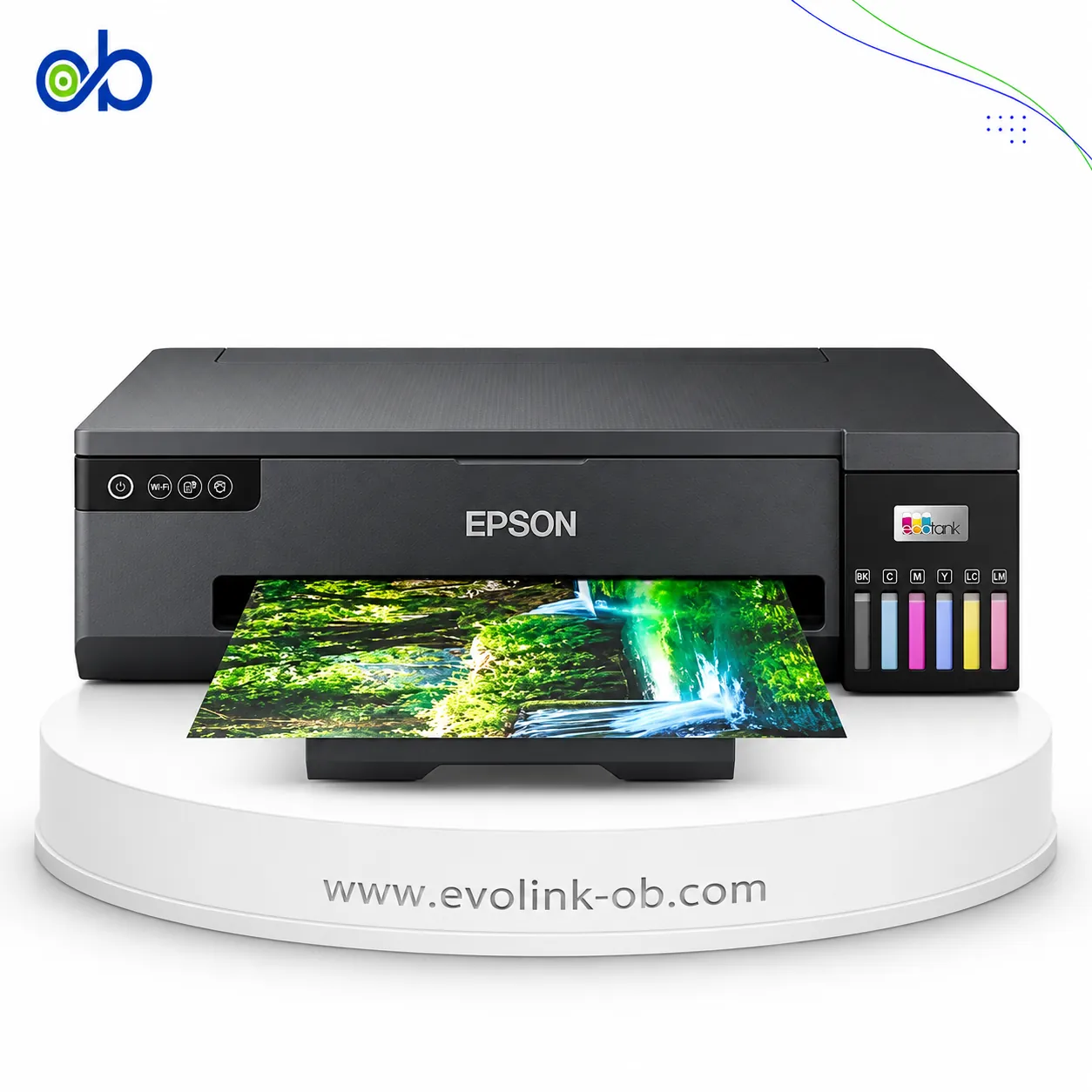
Features
- Printer Functions
- Control Panel
- Power button and light, network status button, Wi-Fi button, Wi-Fi and Wi-Fi Direct status lights
- Quiet Mode
- Yes
Printer Specifications
- تقنية الطباعة
- PrecisionCore Print Head
Printing
- Print Colors
- 1
- Ink System
- Black
- Maximum Print Resolution
- 1200 × 2400 dpi
- Duplex Printing
- Automatic
- Paper size
- Legal
- Print Margins
- 0 top, right, bottom and left where a zero-margin setting is defined; otherwise 3 on all sides mm
Ink
- Ink Technology
- Pigment Black + Dye Colour
- Included Black Ink Yield
- 11000 pages
- Standard Black Ink Bottle
- Epson 110 Pigment Black, C13T03P14A
- Replacement Black Ink Bottle Yield
- 6000 pages
Performance
- Print Speed Black
- 39 ppm
- ISO Print Speed Black
- 20 ppm
- First Page Out Time (Black)
- 6 sec
- ISO Duplex Print Speed Black
- 9 ppm
Print Head
- Black Nozzles
- 400
- Minimum Droplet Size
- 2.8 pl
Connectivity
- Wireless Connectivity
- Yes
- Wi-Fi Direct
- Yes
- Mobile Printing Services
- Epson Connect (iPrint, Email Print, Remote Print Driver)
- Interfaces
- Hi-Speed USB 2.0, Ethernet 100BASE-TX/10BASE-T, Wi-Fi IEEE 802.11b/g/n, Wi-Fi Direct
- Network Protocols
- Bonjour, Epson Connect Email Print, EpsonNet Print over IPv4, IPP over IPv4/IPv6, Remote Print over IPv4, Standard TCP/IP, WSD
- WLAN Security
- WEP 128-bit, WEP 64-bit, WPA-PSK (TKIP), WPA2-PSK (AES)
- Ethernet Connectivity
- Yes
- Supported OS
- Mac OS X 10.6.8 or later, Windows 10, Windows 7, Windows 8, Windows 8.1, Windows Vista, Windows XP SP3, Windows XP Professional x64 Edition SP2, Windows Server 2003 R2 x64, Windows Server 2008 32/64-bit, Windows Server 2008 R2, Windows Server 2012 64-bit, Windows Server 2012 R2, Windows Server 2016
- Email Print
- Yes
- Network Management Tools
- Web Config
- Wireless Frequency Bands
- 2.4 GHz
- Wireless Standards
- IEEE 802.11b/g/n
- Wireless Setup
- Infrastructure mode; Wi-Fi Direct Simple AP mode
Compatibility
- Chromebook Native Print
- Yes
Paper Handling
- Paper Input Capacity
- 250 sheets
- Paper Output Capacity
- 100 sheets
- Paper Trays
- 1 tray
- Supported Paper Weight
- 64-256 g/m²
- Rear Paper Feed
- Yes
- Standard Tray Media Types
- Plain paper, copy paper, letterhead paper, high-quality plain paper, Epson Bright White Ink Jet Paper, Epson Photo Quality Ink Jet Paper, Epson Heavyweight Matte Paper and Epson Double-Sided Matte Paper
- Manual Feed Slot Media Types
- Plain paper, thick paper, envelopes, pre-punched paper and card-size media
- Maximum Custom Paper Length
- 1200 mm
- Standard Paper Tray Capacity
- 250 sheets
Dimensions
- Width
- 375 mm
- Depth
- 347 mm
- Height
- 151 mm
Physical
- Weight
- 4.3 kg
- Printer Colour
- White
Power
- Supply Voltage
- 100-240 V
- Frequency
- 50-60 Hz
- Ready Mode Power
- 3.3 W
- Sleep Mode Power
- 0.7 W
- Power Off Consumption
- 0.2 W
- Printing Power Consumption
- 13 W
Maintenance
- Replaceable Maintenance Box
- Yes
Printer
- Printer Category
- A4 single-function monochrome printer
- Printer Language
- ESC/P-R
- Product SKU
- C11CH44403
Software
- Desktop Printing and Scanning Software
- E-Web Print, EPSON Software Updater, Epson printer driver and EPSON Status Monitor 3
Environment
- Operating Temperature
- 10-35 °C
- Operating Humidity
- 20-80 %
- Storage Temperature
- -20–40 °C
- Storage Humidity
- 5-85 %
Noise
- Printing Sound Pressure
- 56 dB(A)
Package Contents
- Package Contents
- Main unit, power cable, warranty card, 2 ink bottles
Quick comparison with available alternatives
| Attribute | Reference model | Epson EcoTank L3210 Printer | Epson EcoTank L5290 Printer |
|---|---|---|---|
| تقنية الطباعة | PrecisionCore Print Head | Epson Micro Piezo print head | Epson Micro Piezo print head |
| Supported OS | Mac OS X 10.6.8 or later, Windows 10, Windows 7, Windows 8, Windows 8.1, Windows Vista, Windows XP SP3, Windows XP Professional x64 Edition SP2, Windows Server 2003 R2 x64, Windows Server 2008 32/64-bit, Windows Server 2008 R2, Windows Server 2012 64-bit, Windows Server 2012 R2, Windows Server 2016 | Mac OS X 10.6.8 or later; Windows 10; Windows 8.1; Windows 8; Windows 7; Windows Vista; Windows XP SP3 or later (32-bit); Windows XP Professional x64 Edition SP2 or later; Windows Server 2003 SP2 or later; Windows Server 2003 R2; Windows Server 2008 (32/64-bit); Windows Server 2008 R2; Windows Server 2012 (64-bit); Windows Server 2012 R2; Windows Server 2016 | Windows , Mac OS |
| Weight | 4.3 | 3.9 | 5 |
| Printer Functions | Print, Scan, Copy | Print, Scan, Copy, Fax | |
| Print Colors | 1 | 4 | 4 |
| Ink System | Black | Black, Cyan, Magenta, Yellow | Black, Cyan, Magenta, Yellow |
| Ink Technology | Pigment Black + Dye Colour | Dye Ink | Dye Ink |
| Maximum Print Resolution | 1200 × 2400 | 5760 × 1440 | 5760 × 1440 |
Compare with available products


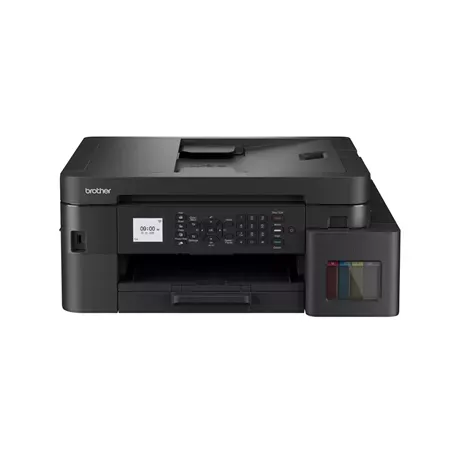
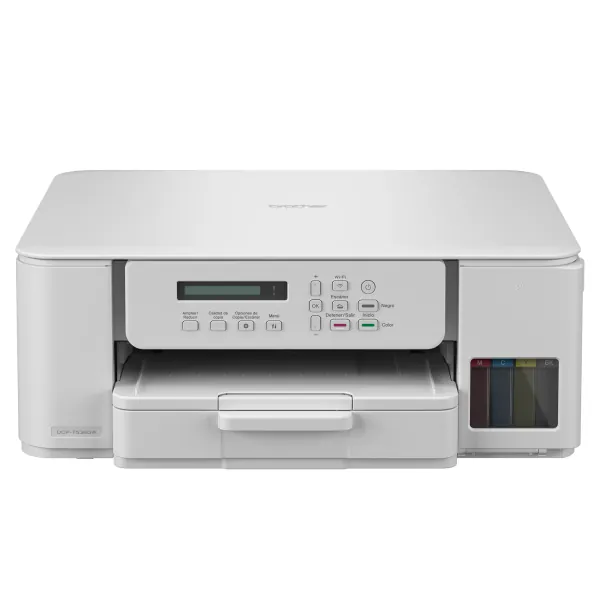
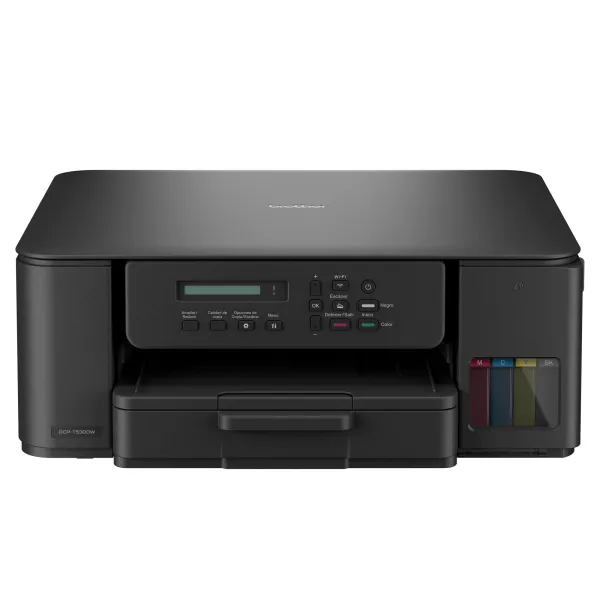
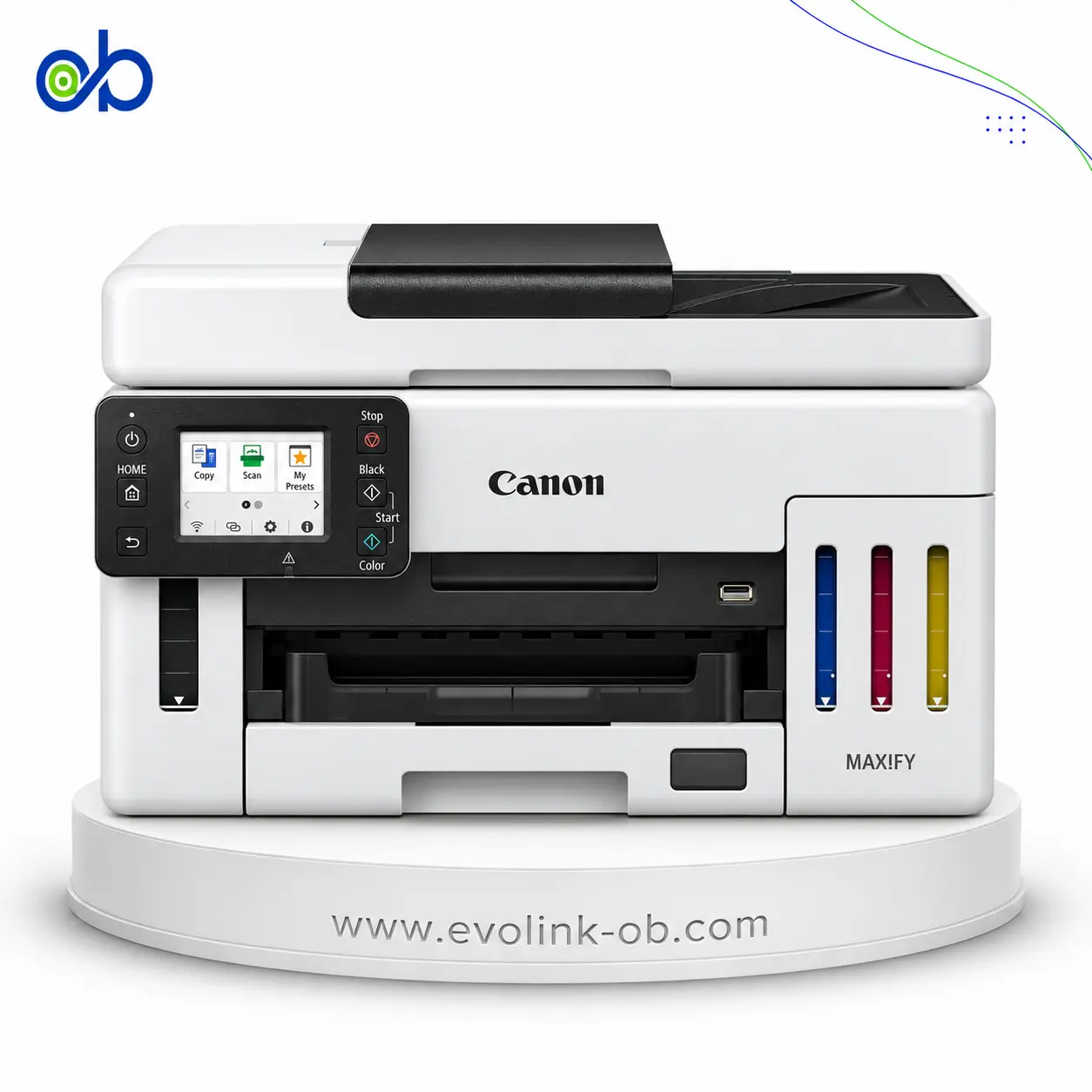

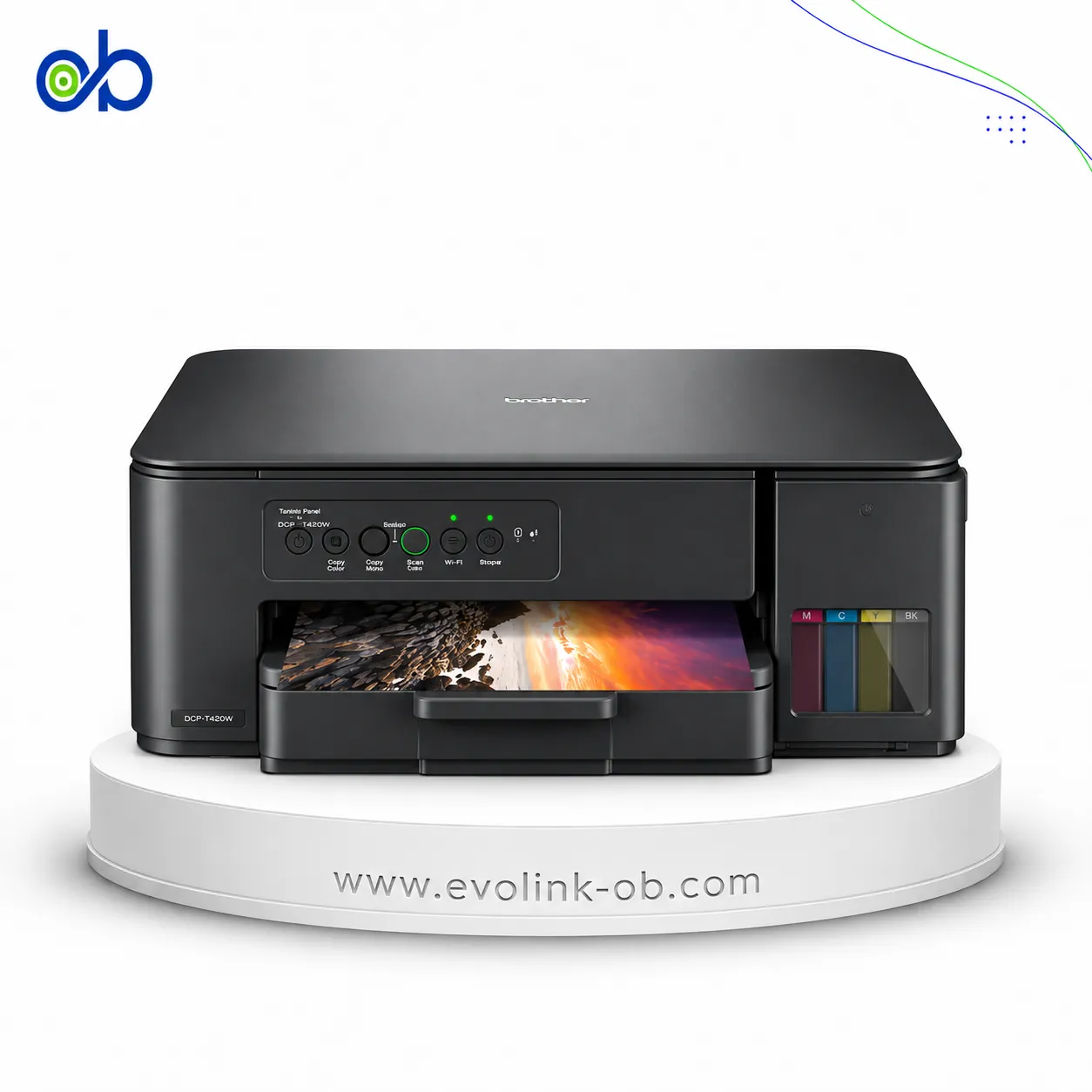

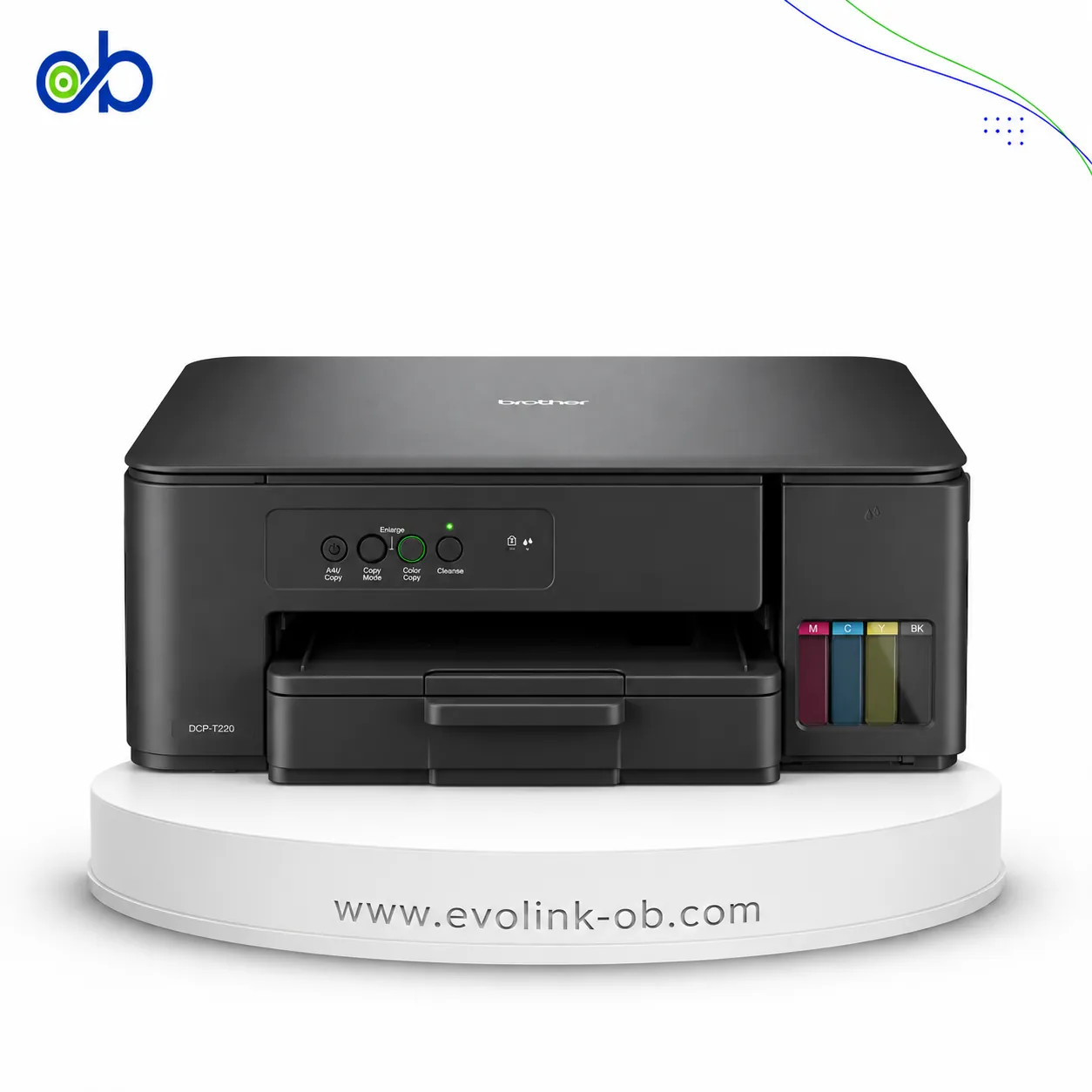


Frequently asked questions about Epson M1170 printer
What are the main specifications and functions of the Epson EcoTank M1170 Printer?
The Epson EcoTank M1170 is an A4 monochrome, print-only model using a PrecisionCore print head, pigment ink, and a refillable ink tank. It offers an ISO print speed of up to 20 ppm, automatic duplex printing, and a maximum resolution of 1200 × 2400 dpi, with USB, Wi-Fi, Wi-Fi Direct, and Ethernet connectivity.
Is the Epson EcoTank M1170 better suited to home or office use?
It may suit homes or offices that mainly print black-and-white documents. Its listed features include a 250-sheet input capacity, an ISO speed of up to 20 ppm, and support for one to three recommended users. However, it does not provide colour printing, scanning, copying, or fax functions.
Is this Epson EcoTank M1170 page for purchasing or for research and comparison?
This is a research and reference product page intended to present the Epson EcoTank M1170 specifications and support comparison with other products. It is not a current sales listing and does not indicate that the printer can presently be ordered or shipped. Availability and delivery terms for any alternative must be confirmed with the store.
Where can I find a similar alternative to M1170?
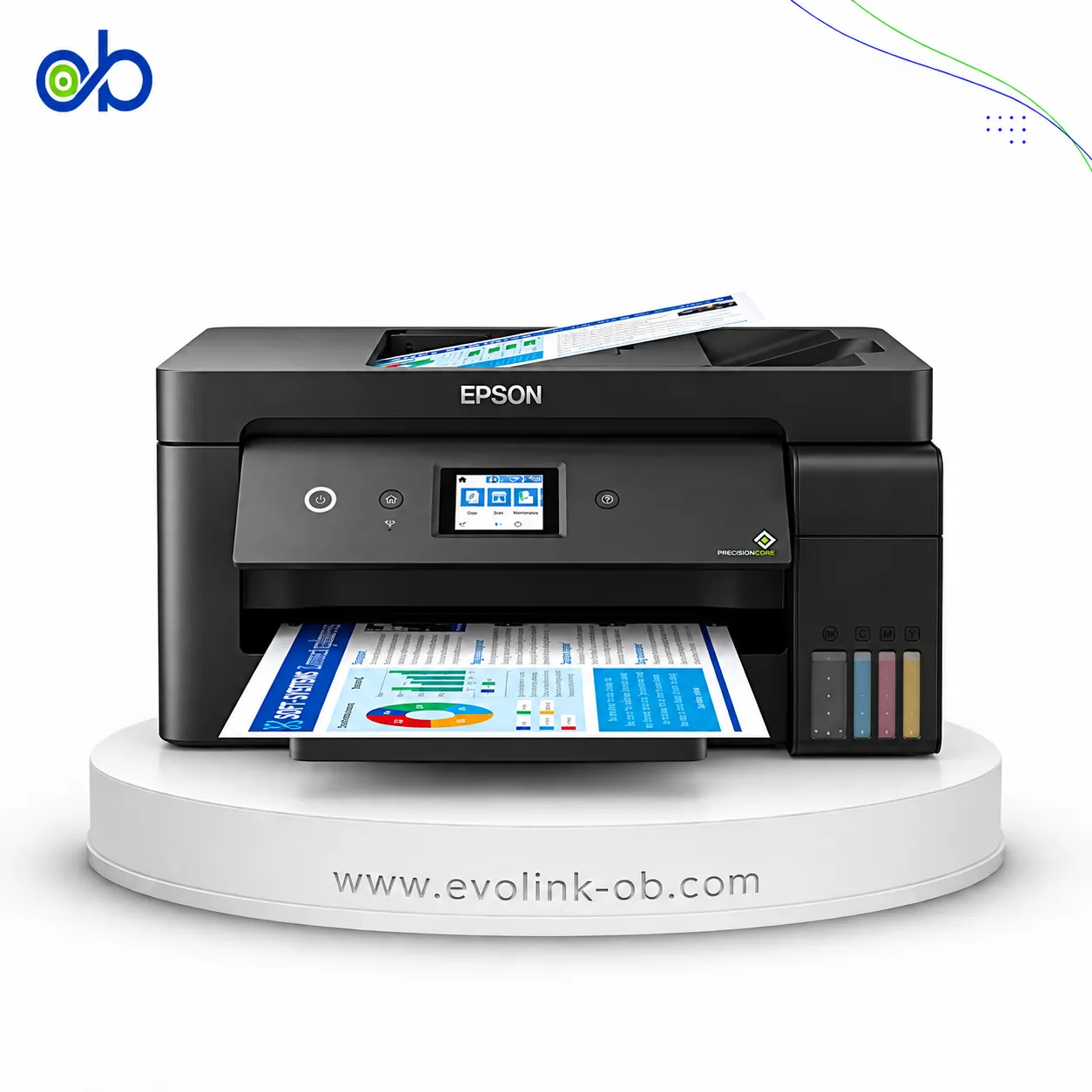
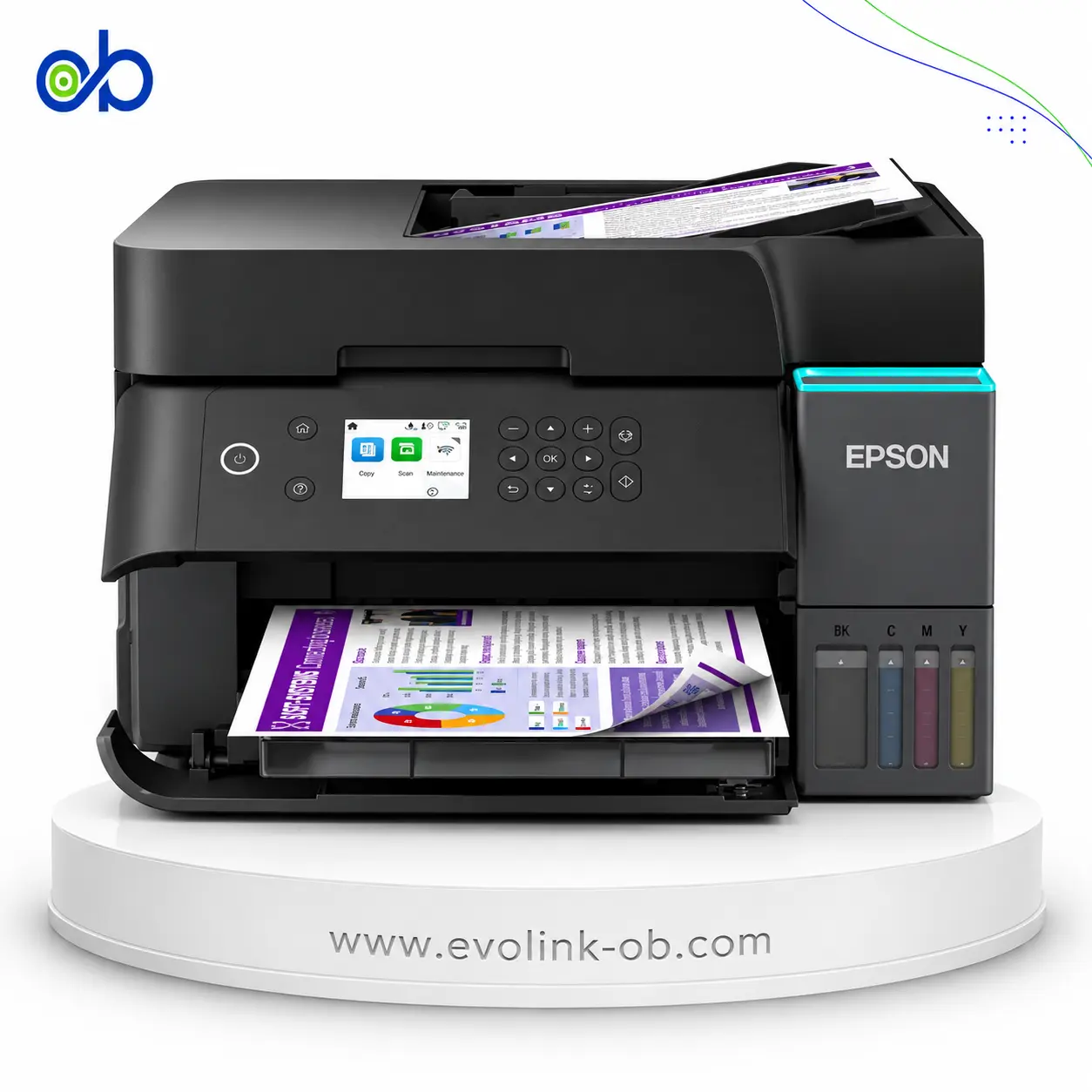
You can review currently available alternatives to M1170: Epson EcoTank L3210 Printer · Epson EcoTank L5290 Printer.
Or browse Epson products in Printer EcoTank.
For help choosing, contact us on WhatsApp.
Are alternatives to M1170 available in Syria?
Yes — suitable alternatives to M1170 are available at EvoLink in Damascus, with shipping to all Syrian governorates.
Address: Syria, Damascus, Halbouni, Musalam Barudi street, Building 1020, 1st floor.
Contact: +963 96 44 007 44 or via WhatsApp.