

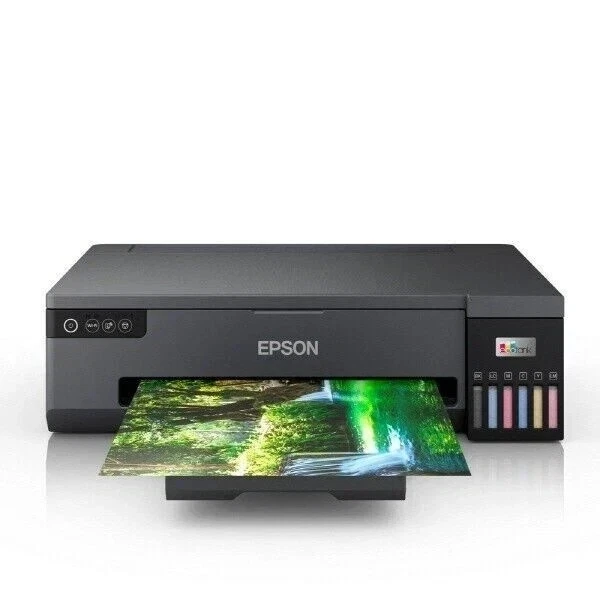
Epson EcoTank L210 Printer
A colour ink-tank multifunction printer for printing, copying, and scanning, with a 600 × 1200 dpi flatbed scanner, an approximately 50-sheet rear feed, and USB computer connectivity.
- Brand
- Epson
- Category
- Printer EcoTank
- Model
- L210
Currently Available Options
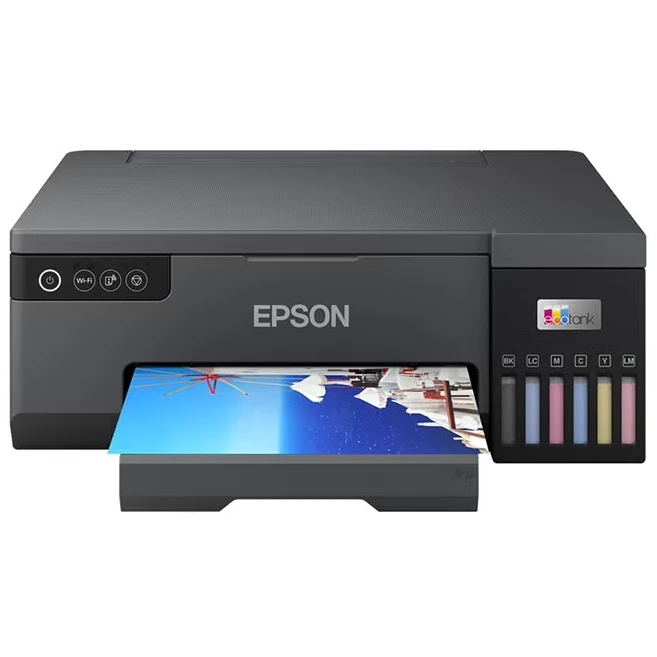
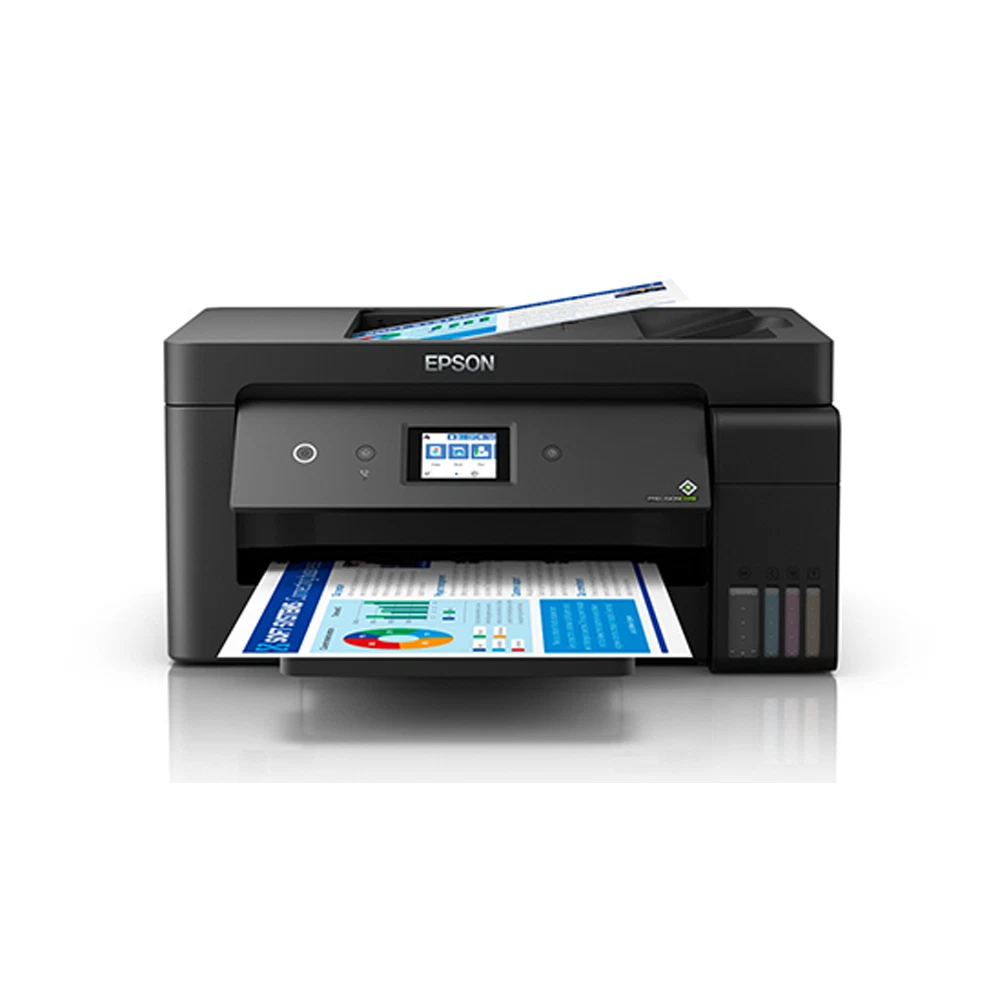
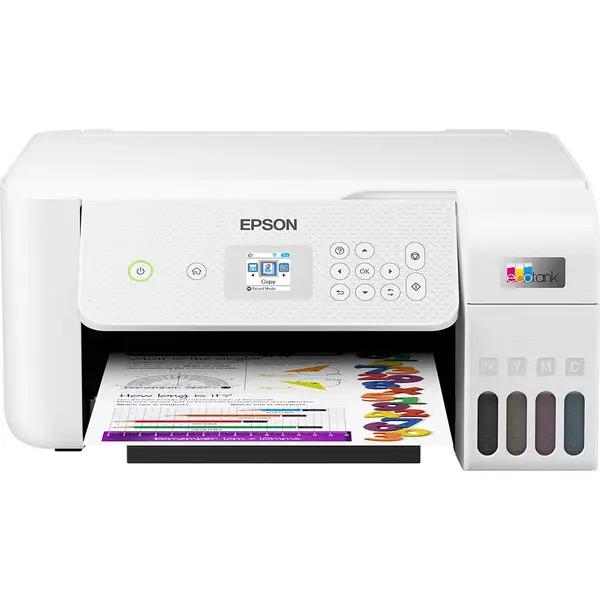

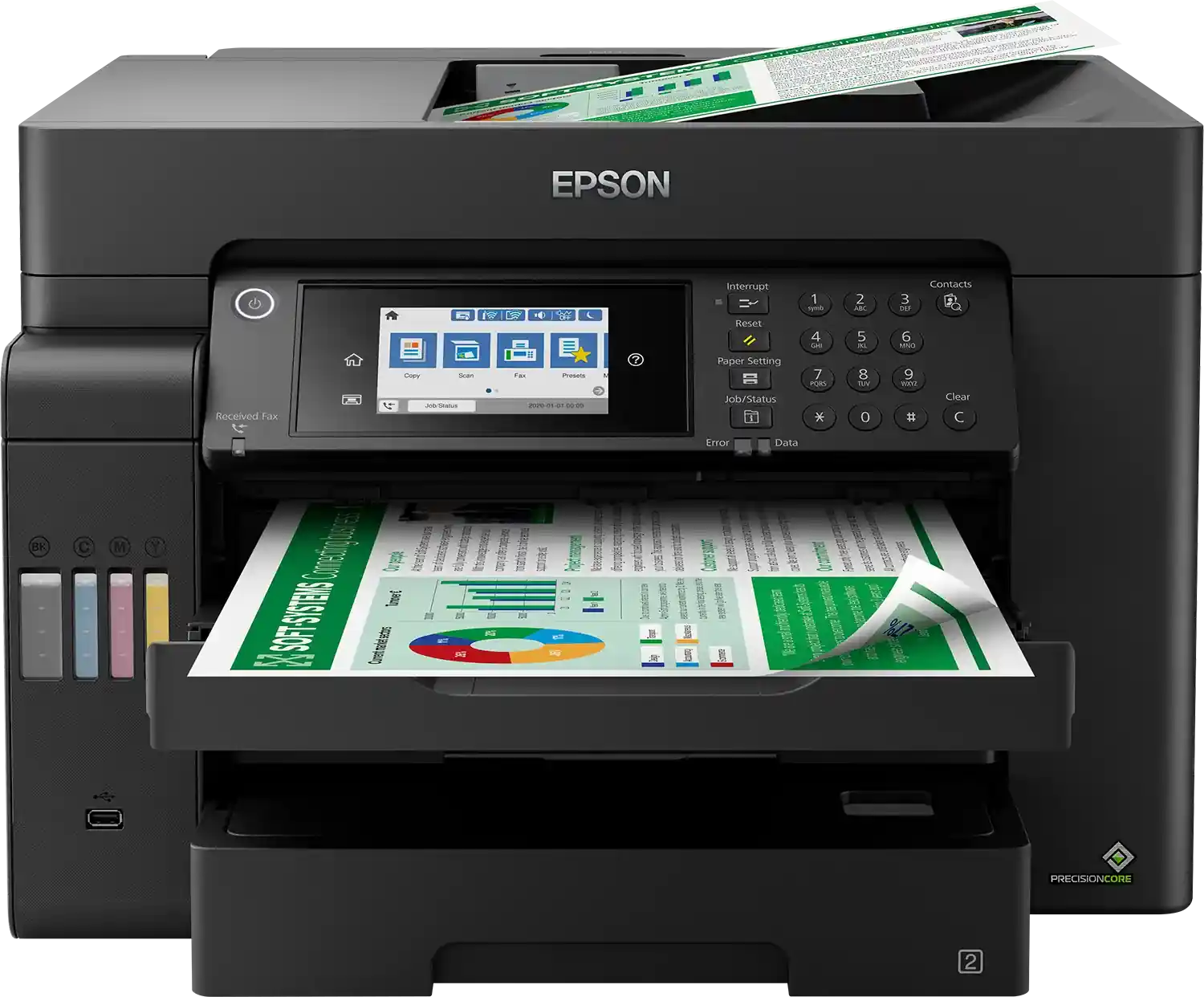


Features
- Printer Functions
- Print, Scan, Copy
Printing
- Print Colors
- 4
- Ink System
- Black, Cyan, Magenta, Yellow
- Maximum Print Resolution
- 5760 × 1440 dpi
- Duplex Printing
- Manual
- Paper size
- A4
- Print Margins
- Single sheets: 3 minimum on all sides; envelopes: left 3, top 5, bottom 5, right 21 mm
Ink
- Ink Technology
- Dye Ink
- Standard Black Ink Bottle
- Epson T6641 Black, C13T66414A
- Standard Colour Ink Bottles
- Epson T6642 Cyan C13T66424A, T6643 Magenta C13T66434A, T6644 Yellow C13T66444A
- Replacement Black Ink Bottle Yield
- 4500 pages
Performance
- Print Speed Black
- 27 ppm
- Maximum Print Speed Color
- 15 ppm
- ISO Print Speed Black
- 6 ppm
- ISO Print Speed Color
- 3 ppm
- 10×15 cm Photo Print Speed
- 69 sec
Print Head
- Black Nozzles
- 180
- Nozzles Per Color
- 59
- Minimum Droplet Size
- 3 pl
Scanning
- Scanner Type
- CIS
- Optical Scan Resolution
- 600 x 1200 dpi
- Maximum Scan Area
- 21.6 x 29.7 cm
- Scan Output Formats
- BMP, JPEG, TIFF, PDF
- Scanner Sensor Type
- CIS
- Scanner Colour Bit Depth
- 8: input : 16 - output bit
- Colour Scanning
- Yes
- Monochrome Scanning
- Yes
- Hardware Scan Resolution
- 600 x 1200 dpi
Paper Handling
- Paper Input Capacity
- 50 sheets
- Paper Output Capacity
- 30 sheets
- Paper Trays
- 1 tray
- Supported Paper Weight
- 64-90 g/m²
- Rear Paper Feed
- Yes
- Photo Paper Capacity
- 10 sheets
Dimensions
- Width
- 472 mm
- Depth
- 300 mm
- Height
- 145 mm
Physical
- Weight
- 4.4 kg
Power
- Supply Voltage
- 100-240 V
- Frequency
- 50-60 Hz
- Ready Mode Power
- 3.5 W
- Sleep Mode Power
- 1.5 W
- Power Off Consumption
- 0.3 W
- Standalone Copying Power Consumption
- 13 W
- Copying Power Consumption
- 13 W
Connectivity
- Interfaces
- USB
- Supported OS
- Windows 7, Windows Vista, Windows XP Professional x64 Edition, Windows XP SP3; Mac OS X 10.5.8, 10.6.x, 10.7.x, 10.8.x
Printer
- Printer Language
- Host-based printer driver
- Product SKU
- C11CC59201
Environment
- Operating Temperature
- 10-35 °C
- Operating Humidity
- 20-80 RH, non-condensing %
- Storage Temperature
- -20–40 °C
- Storage Humidity
- 5-85 RH, non-condensing %
Noise
- Printing Sound Pressure
- 37 dB(A)
Quick comparison with available alternatives
| Attribute | Reference model | Epson EcoTank L8050 Printer | Epson EcoTank L14150 Printer |
|---|---|---|---|
| Supported OS | Windows 7, Windows Vista, Windows XP Professional x64 Edition, Windows XP SP3; Mac OS X 10.5.8, 10.6.x, 10.7.x, 10.8.x | Windows , Mac OS | Windows , Mac OS |
| Weight | 4.4 | 6 | 9.7 |
| Printer Functions | Print, Scan, Copy | Print, Scan, Copy, Fax | |
| Print Colors | 4 | 6 | 4 |
| Ink System | Black, Cyan, Magenta, Yellow | Black, Cyan, Magenta, Yellow , Light Cyan , Light Magenta | Black, Cyan, Magenta, Yellow |
| Ink Technology | Dye Ink | Dye Ink | Pigment Black + Dye Colour |
| Maximum Print Resolution | 5760 × 1440 | 5760 × 1440 | 4800 x 1200 |
| Print Speed Black | 27 | 22 | 38 |
Compare with available products


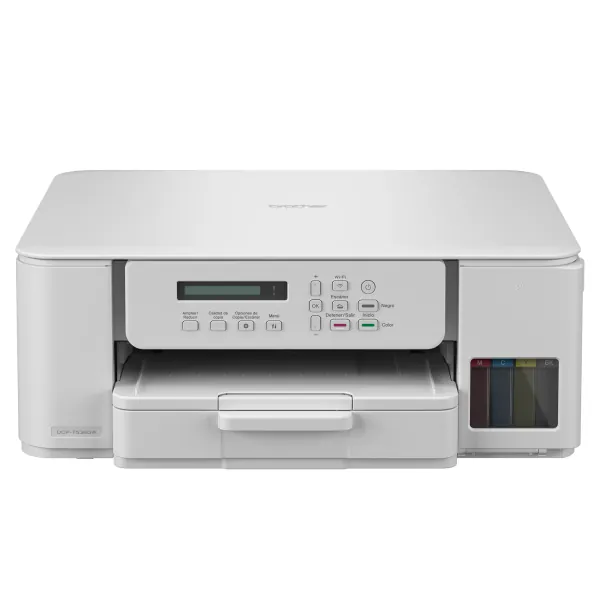

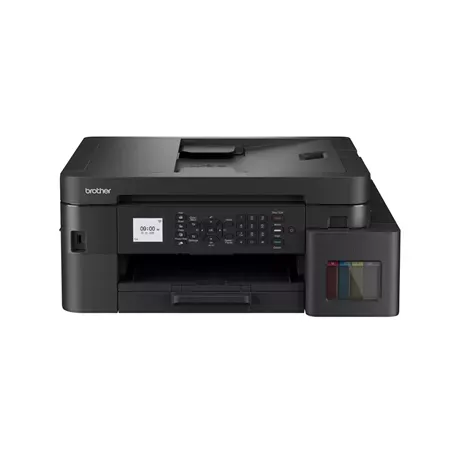
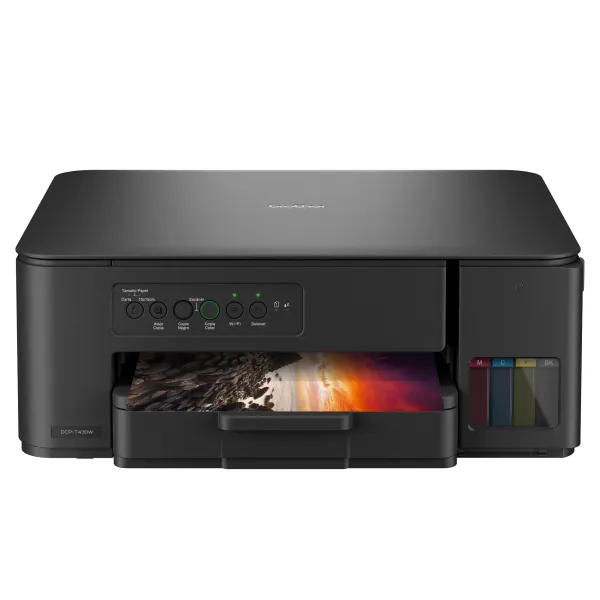
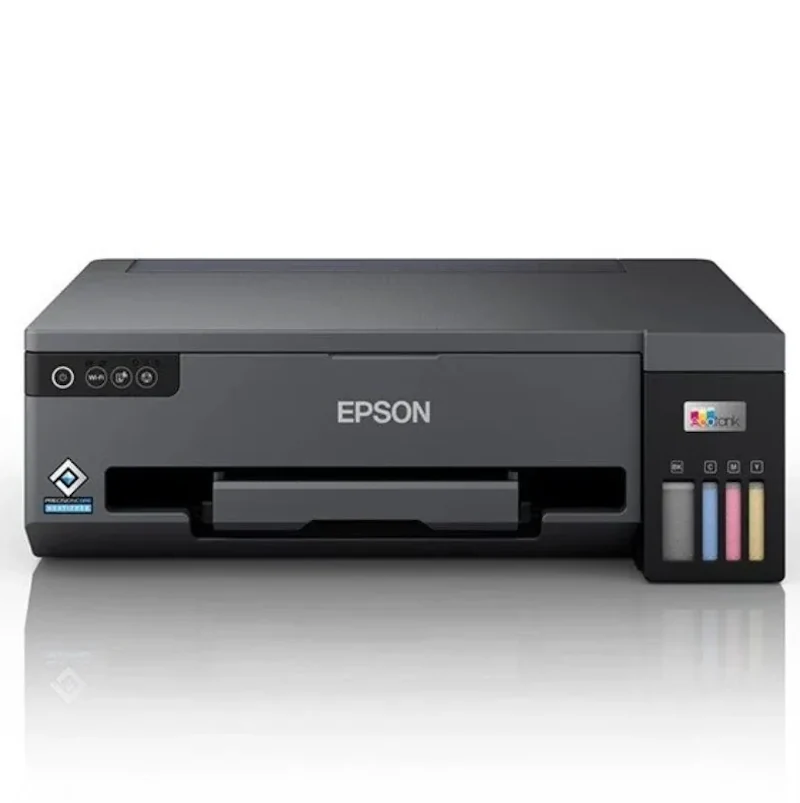


Frequently asked questions about Epson L210 printer
What are the main specifications and features of the Epson EcoTank L210 Printer?
The Epson EcoTank L210 Printer is a colour ink-tank multifunction model that supports printing, copying, and scanning. It uses four ink colours: black, cyan, magenta, and yellow. The flatbed scanner provides a 600 × 1200 dpi optical resolution, while the rear paper feed holds approximately 50 sheets. Computer connectivity is provided through a Hi-Speed USB interface.
Is the Epson EcoTank L210 Printer suitable for home or office use?
Based on the available specifications, it suits users who need colour printing, copying, and scanning in one device. It supports A4 and several smaller paper formats, envelopes, and a rear input capacity of about 50 sheets. Since connectivity is limited to USB, it is more appropriate for setups using a direct computer connection. Network or wireless features are not mentioned.
Is this Epson EcoTank L210 Printer page for purchasing or for research and comparison?
This is a reference and research page created to present the Epson EcoTank L210 Printer specifications and functions for evaluation and comparison. It is not a current sales offer, and the product is currently unavailable. No return date is stated in the available data. No specific alternatives were provided, so you can review currently available products in the same category.
Where can I find a similar alternative to L210?
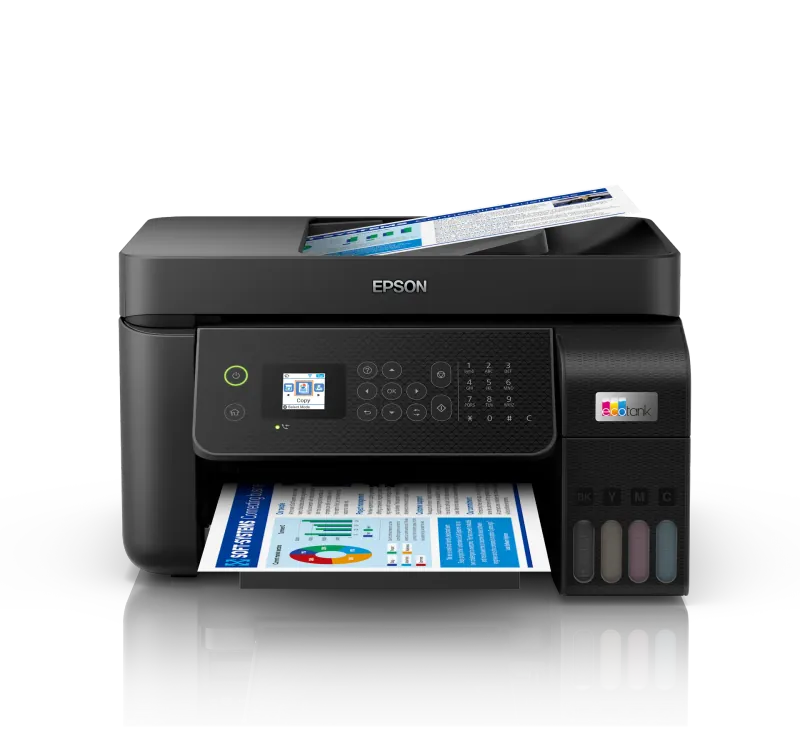
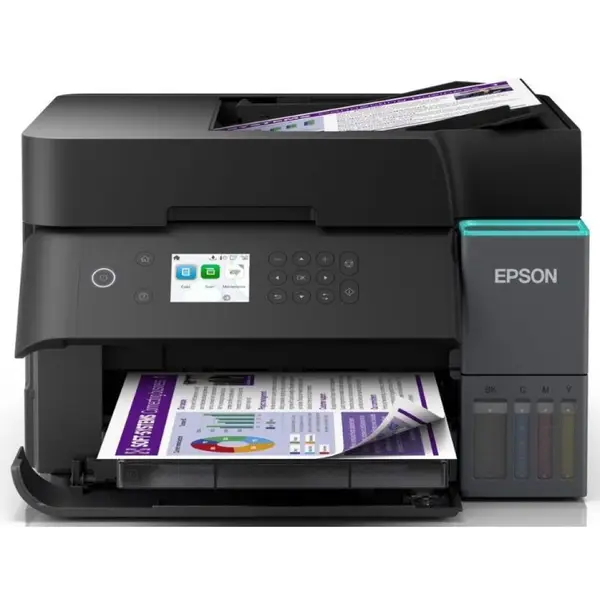
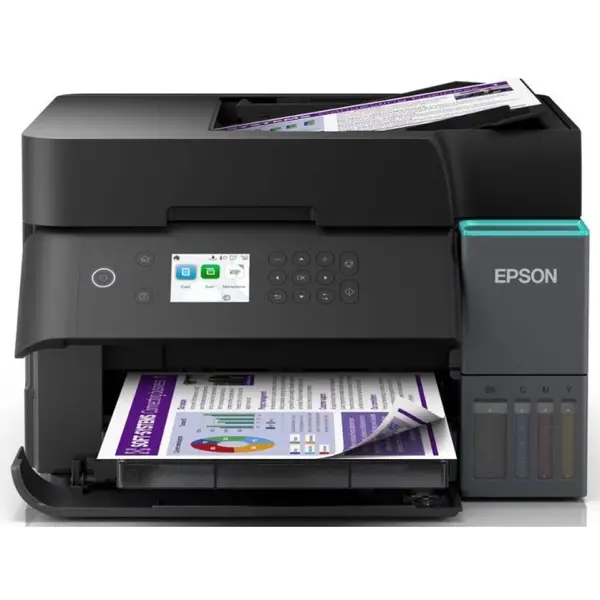
You can review currently available alternatives to L210: Epson EcoTank L8050 Printer · Epson EcoTank L14150 Printer.
Or browse Epson products in Printer EcoTank.
For help choosing, contact us on WhatsApp.
Are alternatives to L210 available in Syria?
Yes — suitable alternatives to L210 are available at EvoLink in Damascus, with shipping to all Syrian governorates.
Address: Syria, Damascus, Halbouni, Musalam Barudi street, Building 1020, 1st floor.
Contact: +963 96 44 007 44 or via WhatsApp.