

HP LaserJet Pro MFP M139FWN 3 in 1 Printer
An HP monochrome laser multifunction printer, model MFP M139FWN, designed to combine multiple document-handling tasks in one device for everyday use.
Features
- Printer Functions
- Print, Scan, Copy, Fax
- Display
- 2-line LCD
- Control Panel
- 2-line LCD; 30 buttons including power, cancel, start, navigation, ID copy, contrast, scale, wireless, numeric and telephone controls, address book, redial, on-hook and fax/copy/scan modes; LED indicators for power, status, wireless and mode
Printer Specifications
- تقنية الطباعة
- Monochrome Laser
Printing
- Print Colour
- Black and white
- Maximum Print Resolution
- 1200 × 1200dpi
- Duplex Printing
- Manual
- Paper size
- A4
- Print Margins
- 5mm
Performance
- ISO Black Print Speed A4
- 20ppm
- ISO Black Print Speed Letter
- 21ppm
- First Page Out Time Black A4
- 8.3sec
- Recommended Monthly Volume
- 100–2000pages
- Maximum Monthly Duty Cycle
- 10000pages
- First Page Out from Sleep
- 18sec
Software
- Printer Smart Software Features
- Manual duplex and booklet printing, N-up printing, skip blank pages, poster printing, watermarks
- Included Software
- Common Installer, V3 Print Driver with Lite SM, TWAIN/WIA Driver, HP MFP Scan, OCR program, HP LJ Network PC-FAX
Supplies
- Replacement Toner Cartridge
- W1112A HP 110A
- Replacement Toner Yield
- 1500pages
- Starter Toner Yield
- 1500pages
- Standard-Yield Toner
- W1112A HP 110A , 1500 pages
Connectivity
- Standard Connectivity
- 1 fax port; 1 Hi-Speed USB 2.0 device port; Wi-Fi 802.11b/g/n; Ethernet 10/100 Base-TX
- Wireless Connectivity
- Yes
- Wireless Frequency Band
- 2.4GHz
- Wireless Standards
- IEEE 802.11b/g/n
- Wi-Fi Direct
- Yes
- Mobile Printing Services
- Apple AirPrint, Mopria certified, HP app, Wi-Fi Direct Printing
- Network Printing
- Yes
- Wireless Printing
- Yes
- Ethernet Connectivity
- Yes
- Network Ready
- Yes
Compatibility
- Compatible Operating Systems
- Windows 11, Windows 10, macOS 12 Monterey, macOS 13 Ventura, macOS 14 Sonoma, Linux
- Windows Server Support
- Windows Server 2008 R2 64-bit, 2012 64-bit, 2012 R2 64-bit and 2016 64-bit with print driver only
- Mac Compatible
- Yes
Copy
- Black Copy Speed A4
- 20cpm
- Black Copy Speed Letter
- 21cpm
- Copy Resolution
- 600 × 600dpi
- Maximum Copies
- 99copies
- Copy Scaling
- 25–400%
- Copy Features
- Copies, original size, reduce/enlarge, darkness, original type, collation, 2-up, 4-up, ID copy, adjust background, auto-fit copy
Scanning
- Scan File Formats
- PDF, JPG, TIFF, PNG, BMP
- Scan Input Modes
- Front-panel copy, HP MFP Scan software, user application via TWAIN or WIA
- Scan Technology
- CIS
- Scanner Type
- Flatbed with ADF
- Scan Speed A4
- Up to 20 ipm black-and-white; up to 7 ipm colour
- Scanner Colour Bit Depth
- 32bit
- Colour Scanning
- Yes
- Optical Scan Resolution
- Up to 600 × 600 dpidpi
- Maximum Scan Document Size
- Flatbed: up to 216 × 297 mm; ADF: 145 × 145 mm minimum and 216 × 356 mm maximum
- TWAIN Version
- TWAIN 1.9
- Digital Sending Features
- Scan to WSD, WSD Scan, PC Scan
Dimensions
- Width
- 406mm
- Depth
- 359.6mm
- Height
- 308.7mm
Physical
- Weight
- 8.58kg
Power
- Printing Power Consumption
- 300W
- Ready Mode Power
- 38W
- Sleep Mode Power
- 1.9W
- Manual-Off Power Consumption
- 0.2W
- Power Supply Type
- 220–240 V AC, 50/60 Hz
- Input Voltage
- 220–240 VAC, 50/60 Hz
Product Information
- Product Number
- A0NU1A#AB0
Paper Handling
- Automatic Document Feeder Capacity
- 40sheets
- Paper Input Capacity
- 150sheets
- Paper Output Capacity
- 100sheets
- Supported Media Sizes
- A4, A5, A5 LEF, B5 JIS, Oficio, DL envelope, C5 envelope; ADF: A4, A5, B5, Executive, Letter; custom: 76 × 127 to 216 × 356 mm
- Envelope Capacity
- 10envelopes
- Supported Envelope Types
- DL, C5
- Standard Tray Media Weight
- 60–163 g/m²g/m²
- Maximum Paper Input Capacity
- 150sheets
Noise
- Acoustic Power Active Printing
- 6.5B(A)
Fax
- Faxing
- Yes
- Fax Memory Capacity
- Up to 400 pagespages
- Fax Speed Dial Locations
- 200locations
- PC Fax Functions
- PC fax
- Colour Fax Capability
- إرسال الفاكس الملون فقط؛ إرسال واستقبال الفاكس بالأبيض والأسود
- Fax Resolution
- Standard: 203 × 98 dpi; Fine: up to 203 × 196 dpi; Superfine: up to 300 × 300 dpidpi
- Fax Smart Software Features
- Permanent fax memory backup, colour faxing, automatic fax reduction, automatic redialing, delayed sending, fax forwarding, PC fax, secure receive
Printer
- Printer Language
- SPL
- CPU Speed
- 600MHz
- Standard Memory
- 128MB
- Maximum Memory
- 128MB
Media Handling
- Supported Media Types
- Plain, thick, thin, cotton, colour, preprinted, recycled, labels, cardstock, bond, archive, envelope
Environment
- Operating Temperature
- 10–30°C
- Operating Humidity
- 20–70%
- Storage Temperature
- -20–40°C
- Storage Humidity
- 35–85%
Security
- Security Management
- Password-protected embedded web server; enable or disable network ports; SNMPv1 community password change; SNMPv2 and SNMPv3; IPsec; MAC, IPv4 and IPv6 filtering
Package Contents
- USB Cable Included
- Yes
Dimensions and Weight
- Product Dimensions
- 406 × 359.6 × 308.7mm

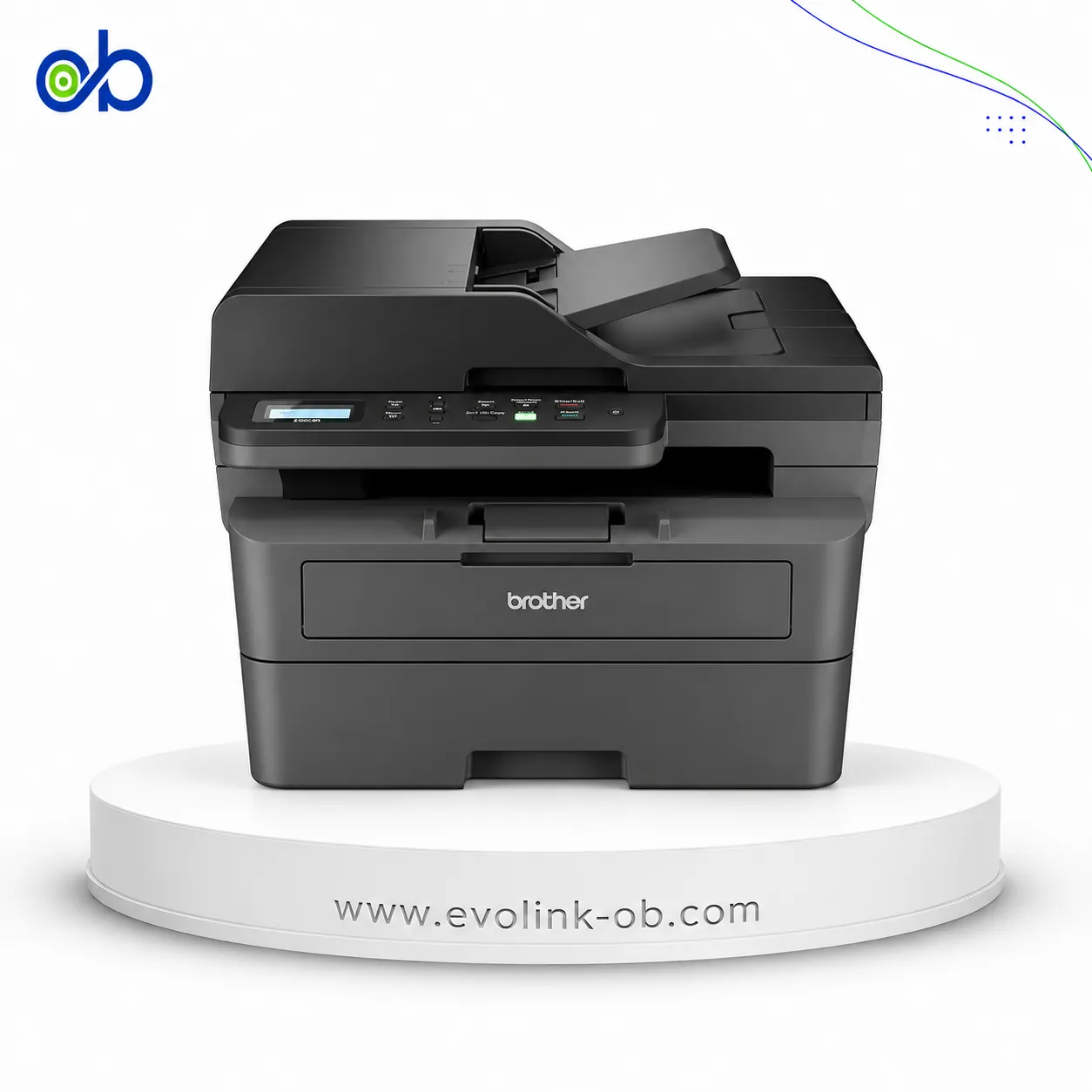


Compare with other products

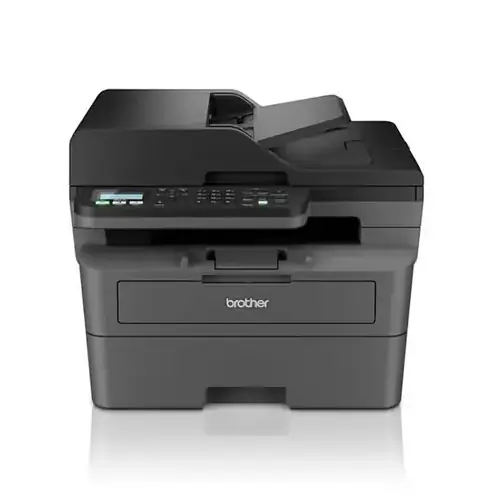
Compare LaserJet Pro MFP M139FWN 3 in 1 Printer with MFC-L2805DW Monochrome Laser 4 in 1 Printer
View comparison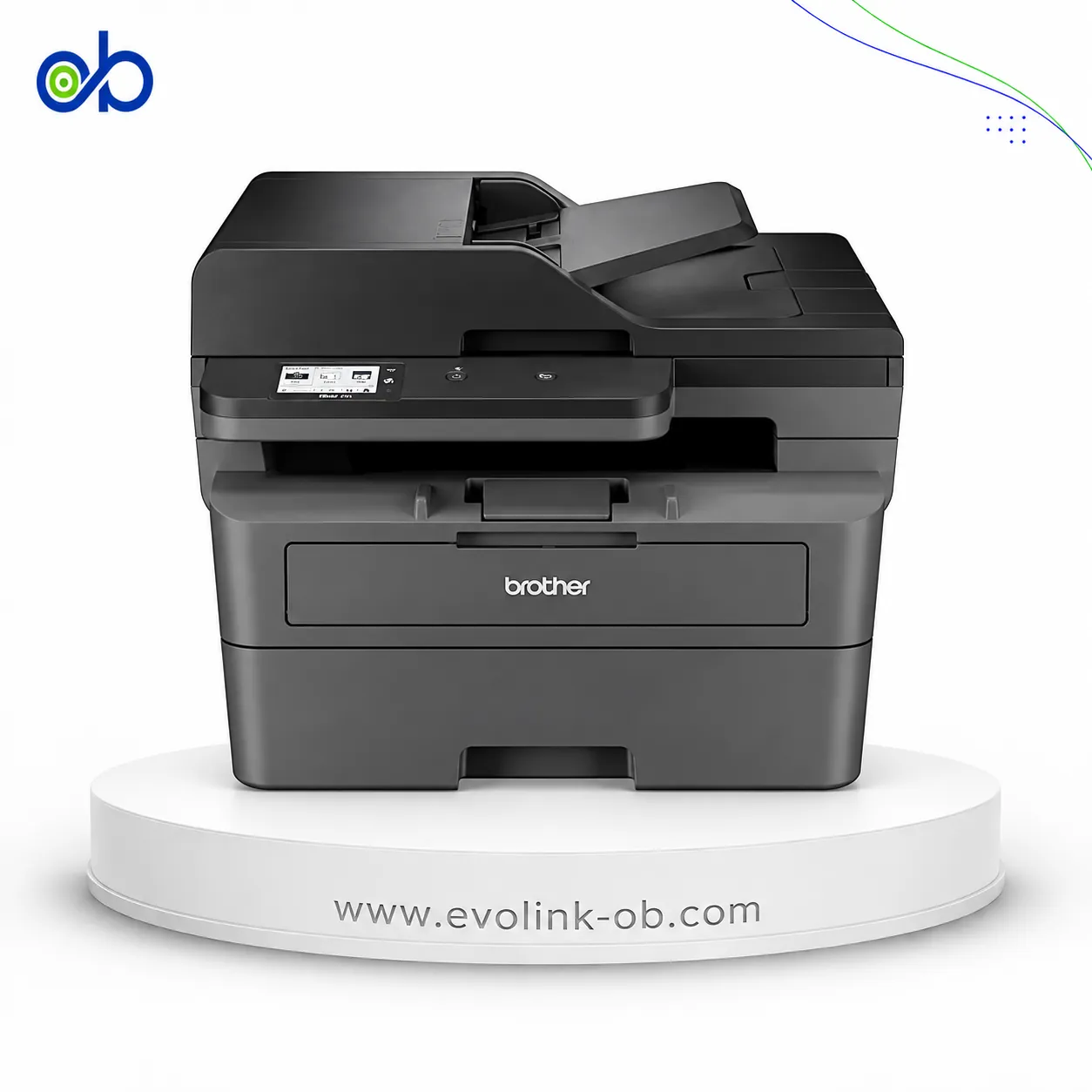
Compare LaserJet Pro MFP M139FWN 3 in 1 Printer with MFC-L2885DW Monochrome Laser 4 in 1 Printer
View comparison
Compare Printer LaserJet Black MFP 1136W/Scan+Copier with LaserJet Pro MFP M139FWN 3 in 1 Printer
View comparisonCompare LaserJet Pro MFP M139FWN 3 in 1 Printer with DCP-L2640DW Monochrome Laser 3 in 1 Printer
View comparison
Compare LaserJet Pro MFP M139FWN 3 in 1 Printer with MF237WN Black & White Laser 3 in 1 Printer
View comparison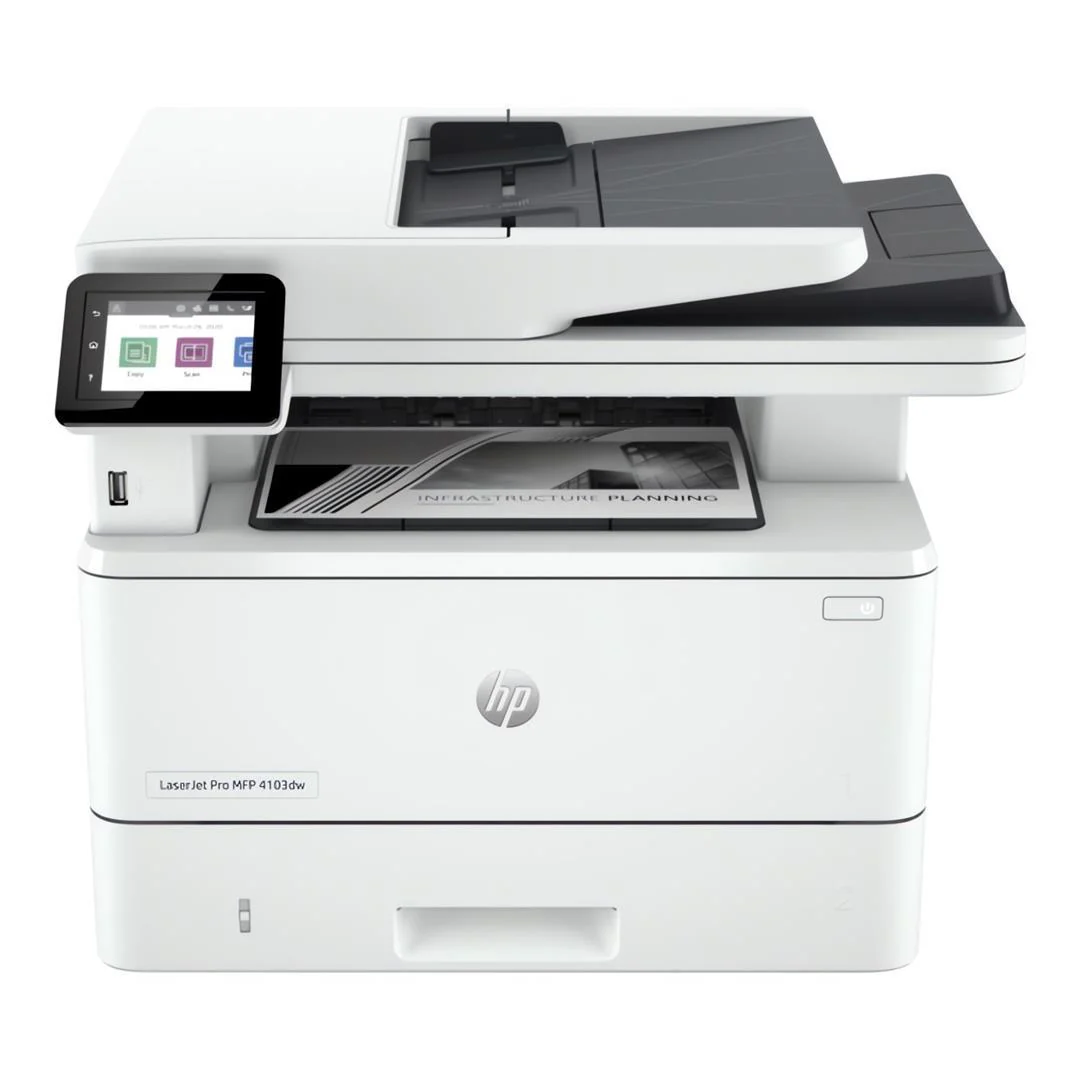
Compare LaserJet Pro MFP 4103dw Printer with LaserJet Pro MFP M139FWN 3 in 1 Printer
View comparison
Compare LaserJet Pro MFP M139FWN 3 in 1 Printer with P3300DW Black & White Laser Printer
View comparisonCompare LaserJet Pro MFP M139FWN 3 in 1 Printer with M6609NW Monochrome Laser 3 in 1 Printer
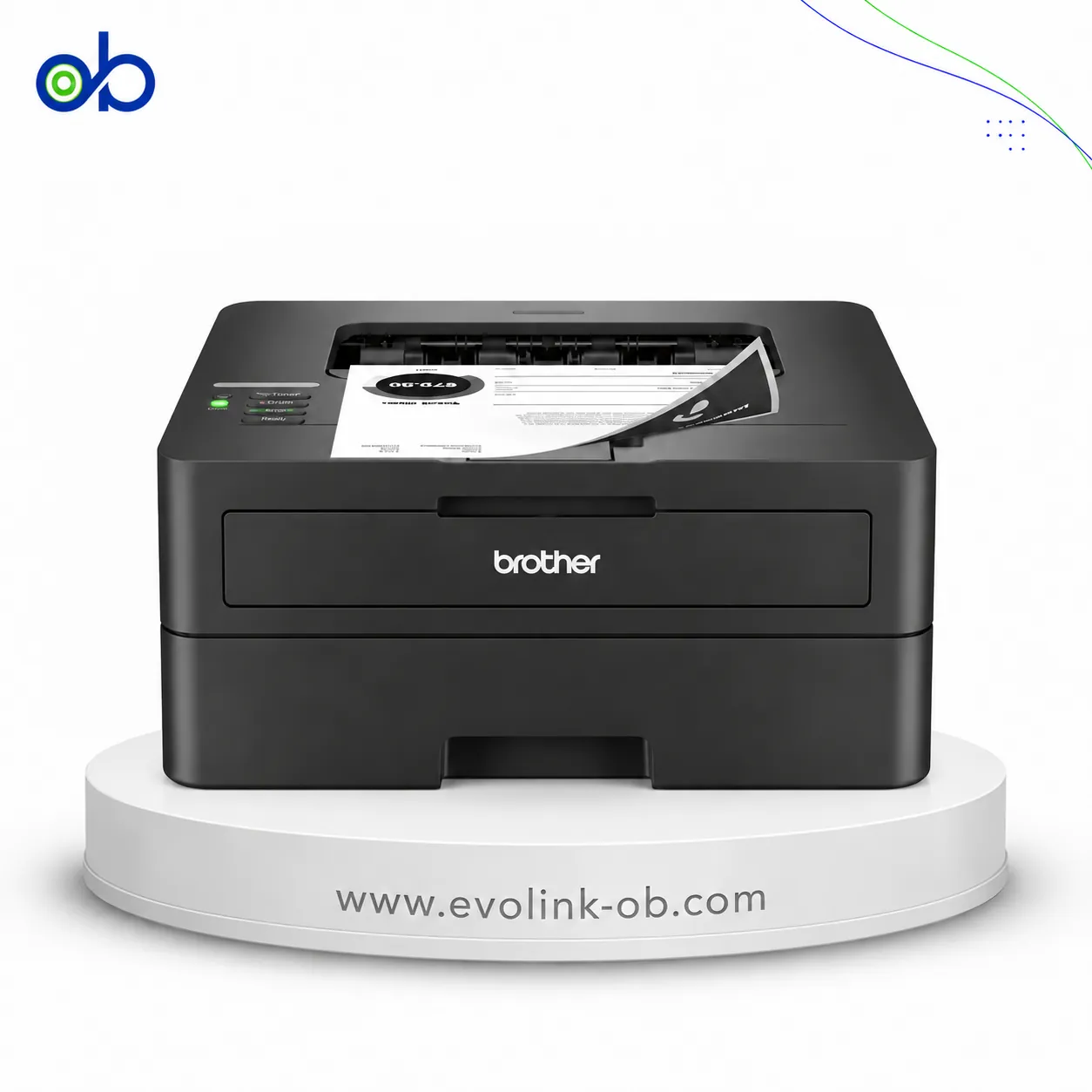
View comparisonCompare LaserJet Pro MFP M139FWN 3 in 1 Printer with HL-L2461DW Monochrome Laser Printer
View comparisonCompare LaserJet Pro MFP M139FWN 3 in 1 Printer with DCP-L2600D Monochrome Laser 3 in 1 Printer
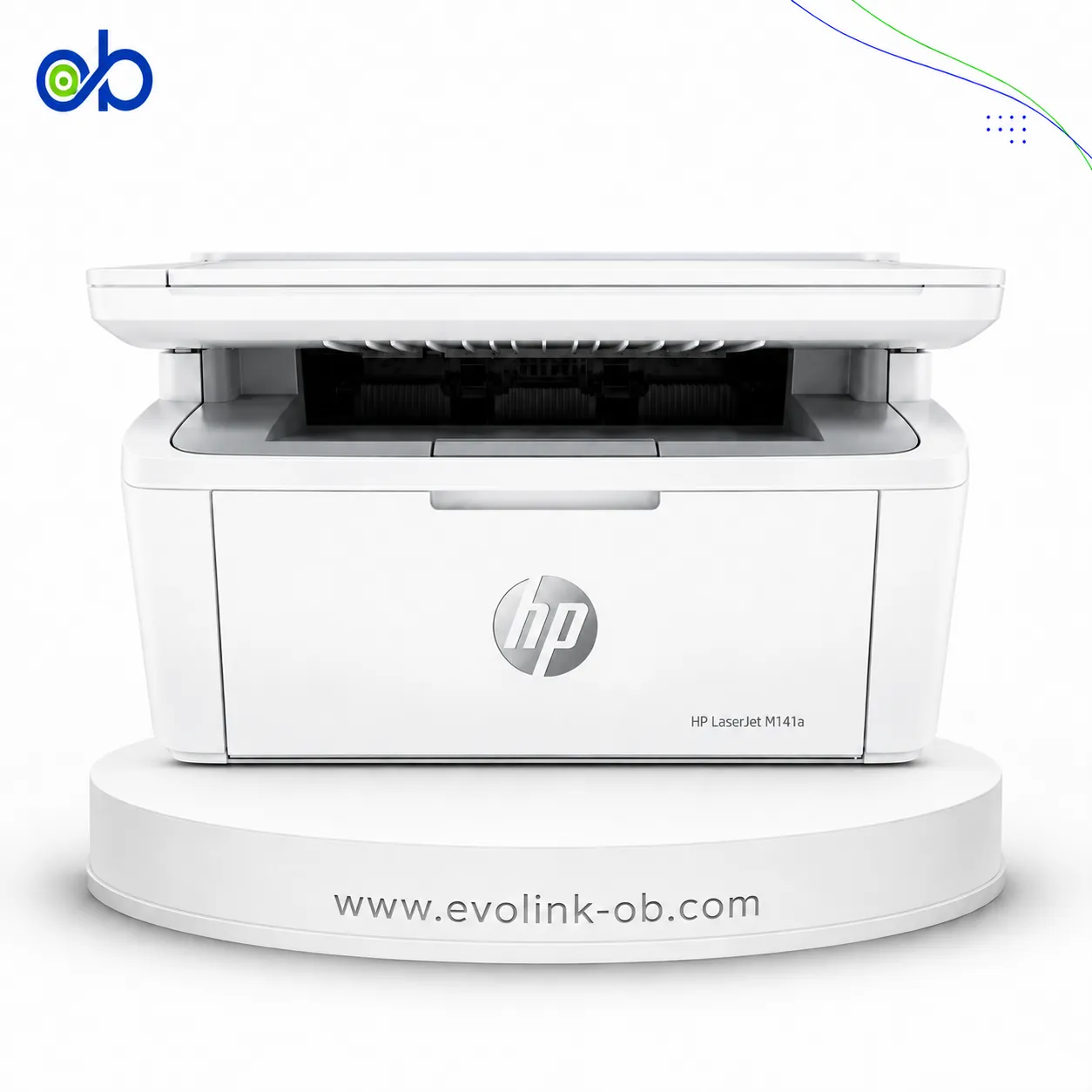
View comparisonCompare LaserJet MFP M141A 3 in 1 Printer with LaserJet Pro MFP M139FWN 3 in 1 Printer
View comparison
Compare LaserJet M111w Black & White Printer with LaserJet Pro MFP M139FWN 3 in 1 Printer
View comparison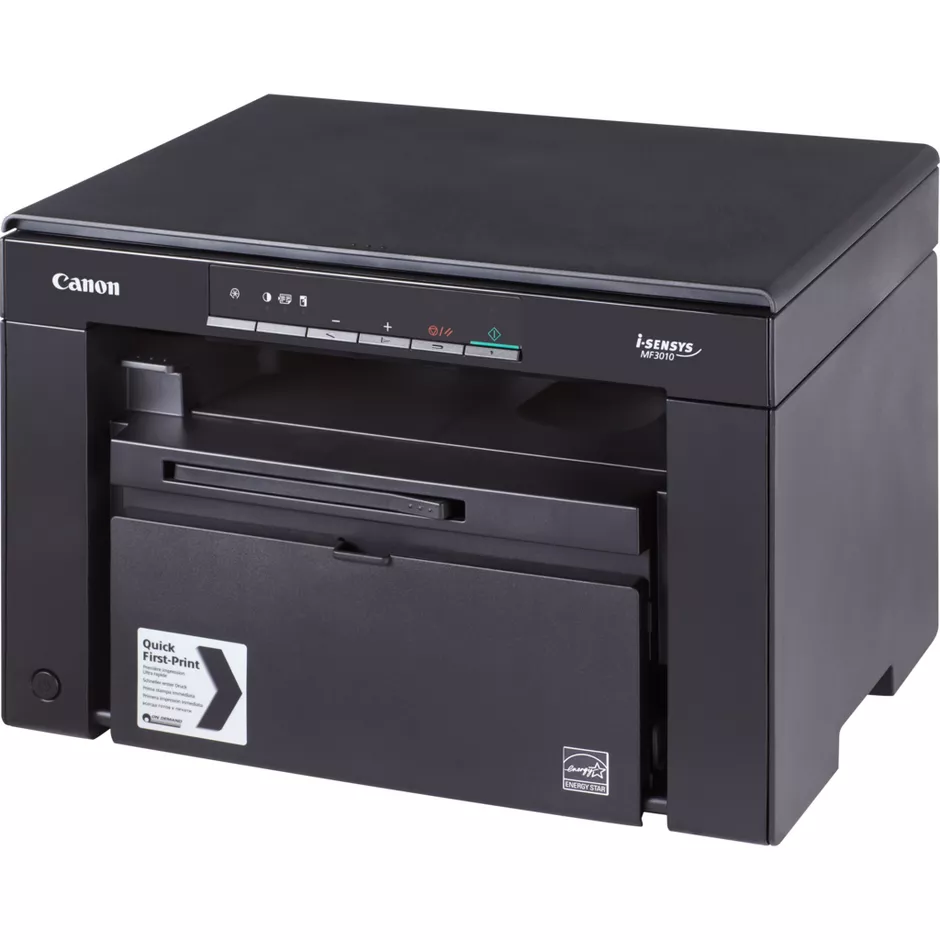
Compare LaserJet Pro MFP M139FWN 3 in 1 Printer with MF3010 Black & White Laser Printer
View comparison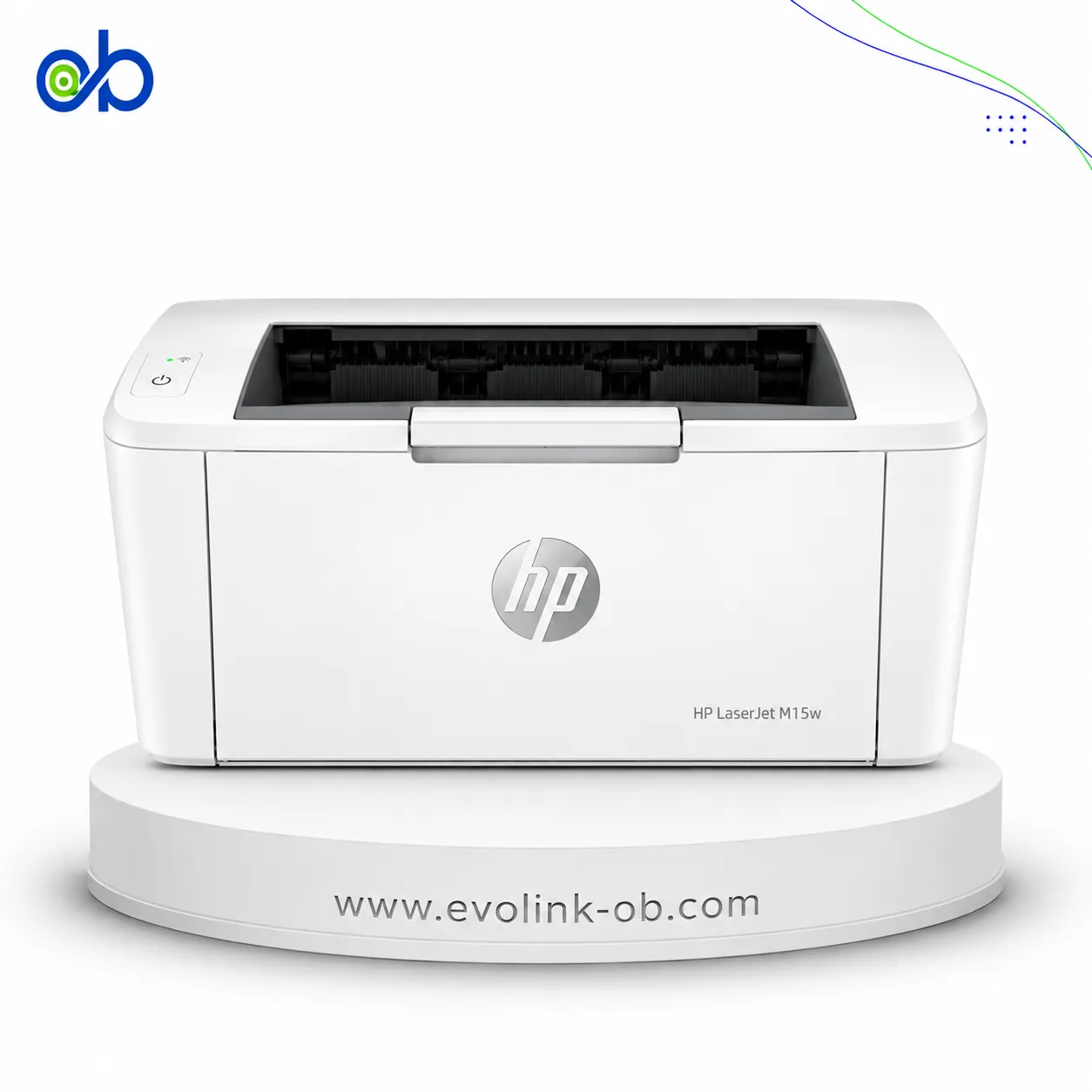
Compare LaserJet M15w Black & White Printer with LaserJet Pro MFP M139FWN 3 in 1 Printer
View comparison

Frequently asked questions about HP LaserJet Pro MFP M139FWN 3 in 1 Printer
Which functions does the HP MFP M139FWN provide?
It combines printing, copying, scanning, and faxing in one device. It also supports colour scanning while printing in black, allowing users to handle common document tasks without relying on several separate machines.
What level of monthly use can this printer support?
It can suit users printing around 100 to 2,000 pages per month, based on its recommended monthly volume. The 40-sheet automatic document feeder also helps process multi-page documents more conveniently.
How do its print speed and resolution affect everyday use?
The printer delivers ISO black print speeds of up to 20 ppm on A4 paper and a resolution of up to 1200 × 1200 dpi. This supports steady document output while preserving clear text and visible detail.
What connectivity and operating system options does the M139FWN support?
Connectivity includes USB 2.0, Ethernet, Wi-Fi 802.11b/g/n, and Wi-Fi Direct. It also supports Apple AirPrint, Mopria, and the HP app, with compatibility listed for Windows 10, Windows 11, macOS 12–14, and Linux.
Is the HP MFP M139FWN available for purchase and delivery in Syria?
Yes, the printer is available in Syria and can be shipped or delivered to Syrian governorates, including Damascus and Aleppo. This makes it possible to order the device for home or office document tasks across the country.