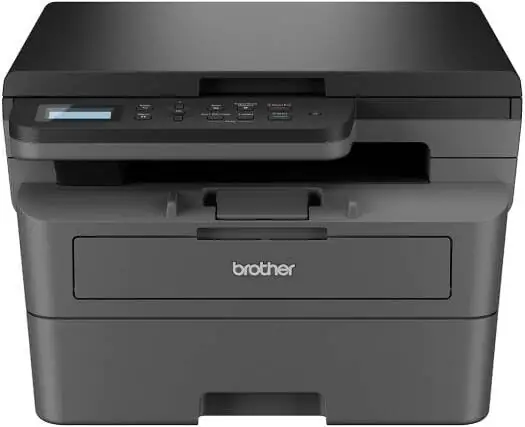
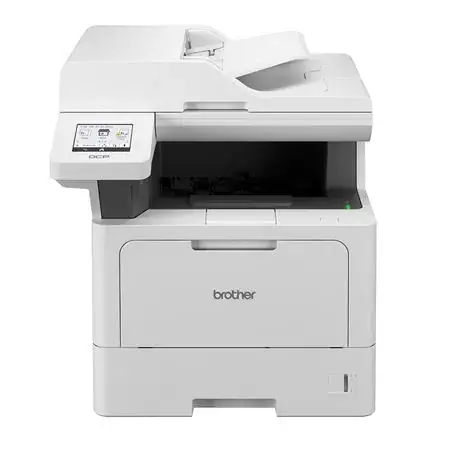
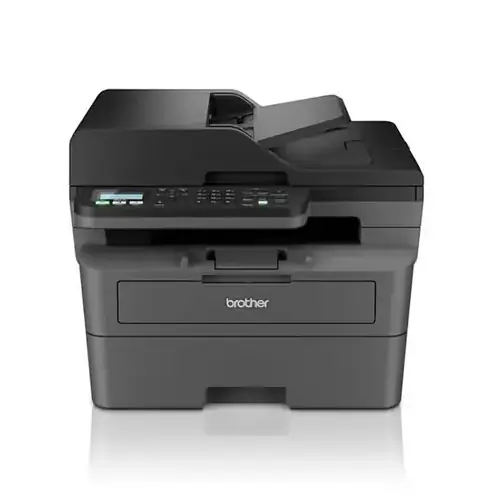
LaserJet Pro MFP M139FWN 3 in 1 Printer
An HP monochrome laser multifunction printer, model MFP M139FWN, designed to combine multiple document-handlin…
$205.00
in stock
A full comparison of HP LaserJet Pro MFP M139FWN 3 in 1 Printer and Brother MFC-L2885DW Monochrome Laser 4 in 1 Printer on price, Automatic Document Feeder Capacity, Duplex Printing, Display, ISO Black Print Speed A4, and technical specs.
An HP monochrome laser multifunction printer, model MFP M139FWN, designed to combine multiple document-handlin…
$205.00
in stock
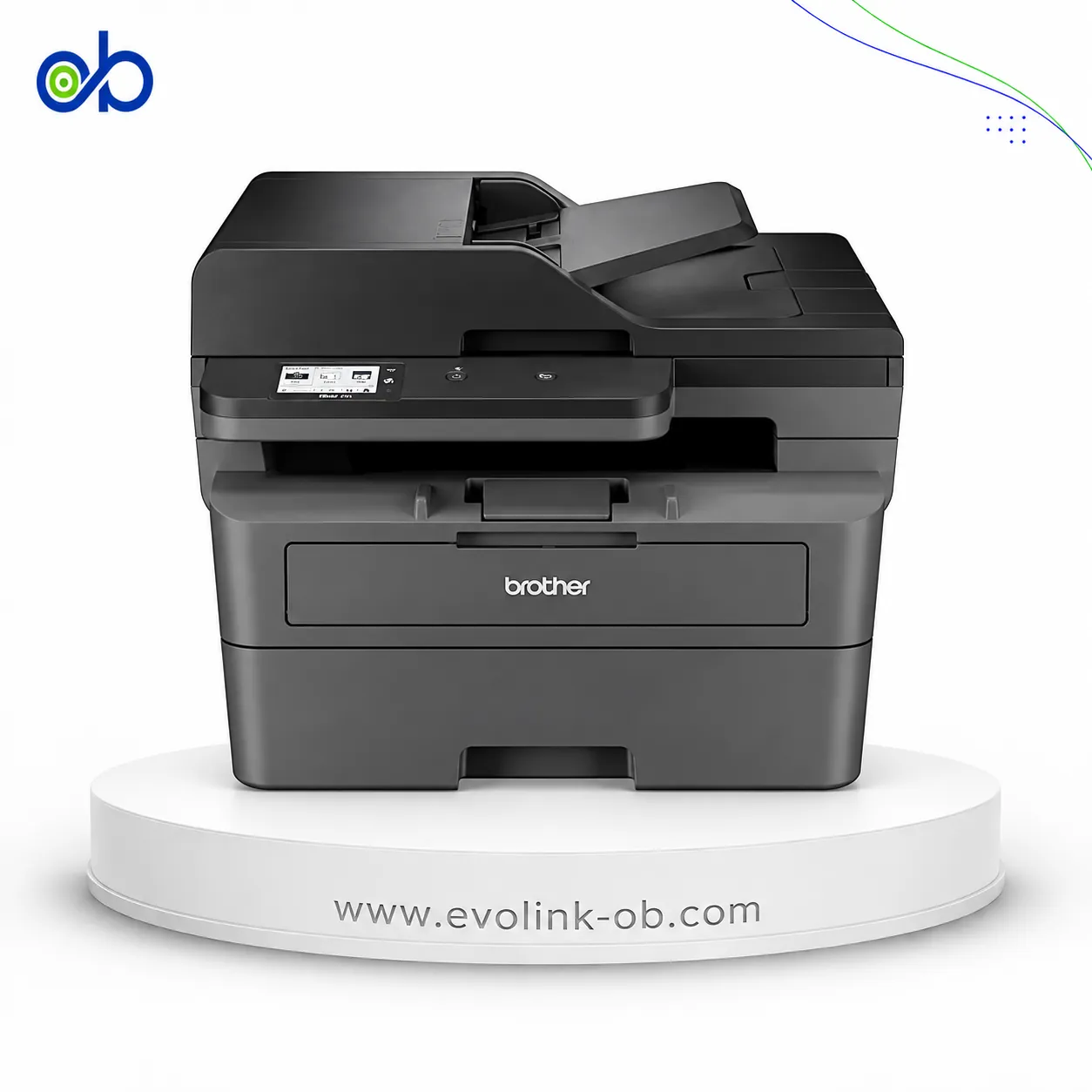
A monochrome laser multifunction printer for printing, copying, scanning and faxing, with speeds up to 34 ppm…
$280.00
Out of stock
| Specification | LaserJet Pro MFP M139FWN 3 in 1 Printer | MFC-L2885DW Monochrome Laser 4 in 1 Printer |
|---|---|---|
| Price | $205.00 | $280.00 |
| Features | ||
| Printer Functions | Print, Scan, Copy, Fax | Print, Scan, Copy, Fax |
| Technical Features | — | Network Security |
| Display | 2-line LCD | 2.7-inch TFT colour LCD |
| Control Panel | 2-line LCD; 30 buttons including power, cancel, start, navigation, ID copy, contrast, scale, wireless, numeric and telephone controls, address book, redial, on-hook and fax/copy/scan modes; LED indicators for power, status, wireless and mode | — |
| Printer Specifications | ||
| تقنية الطباعة | Monochrome Laser | Monochrome Laser |
| Printing | ||
| Print Colour | Black and white | Black and white |
| Maximum Print Resolution | 1200 × 1200 dpi | 1200 × 1200 dpi |
| Duplex Printing | Manual | Automatic |
| Maximum Print Size | — | Up to A4 and Letter in |
| Paper size | A4 | A4 |
| Print Margins | 5 mm | — |
| Performance | ||
| ISO Black Print Speed A4 | 20 ppm | 34 ppm |
| ISO Black Print Speed Letter | 21 ppm | 36 ppm |
| First Page Out Time Black A4 | 8.3 sec | 8.5 sec |
| Recommended Monthly Volume | 100–2000 pages | — |
| Maximum Monthly Duty Cycle | 10000 pages | — |
| First Page Out from Sleep | 18 sec | — |
| Software | ||
| Printer Smart Software Features | Manual duplex and booklet printing, N-up printing, skip blank pages, poster printing, watermarks | — |
| Included Software | Common Installer, V3 Print Driver with Lite SM, TWAIN/WIA Driver, HP MFP Scan, OCR program, HP LJ Network PC-FAX | — |
| Printer Management Utility | — | BRAdmin Light; BRAdmin Professional 4 |
| Supplies | ||
| Replacement Toner Cartridge | W1112A HP 110A | TN2500, TN2500XL, TN2500XXL |
| Replacement Toner Yield | 1500 pages | TN2500: 1200 pages; TN2500XL: 3000 pages; TN2500XXL: 5000 pages |
| Starter Toner Yield | 1500 pages | — |
| Cartridge System | — | Separate toner and drum system |
| Standard-Yield Toner | W1112A HP 110A , 1500 pages | TN2500 |
| High-Yield Toner | — | TN2500XL |
| Super High-Yield Toner | — | TN2500XXL |
| Drum Unit | — | DR2500 |
| Drum Yield | — | 15000 pages |
| Connectivity | ||
| Standard Connectivity | 1 fax port; 1 Hi-Speed USB 2.0 device port; Wi-Fi 802.11b/g/n; Ethernet 10/100 Base-TX | Hi-Speed USB 2.0, Ethernet 10Base-T/100Base-TX, Wireless LAN IEEE 802.11b/g/n, IEEE 802.11g/n (Wi-Fi Direct), NFC |
| Wireless Connectivity | Yes | Yes |
| Wireless Frequency Band | 2.4 GHz | 2.4 GHz |
| Wireless Standards | IEEE 802.11b/g/n | IEEE 802.11b/g/n (Infrastructure), IEEE 802.11g/n (Wi-Fi Direct) |
| Wi-Fi Direct | Yes | Yes |
| Mobile Printing Services | Apple AirPrint, Mopria certified, HP app, Wi-Fi Direct Printing | Brother Mobile Connect, Apple AirPrint, Mopria |
| USB Functions | — | Printing, scanning and PC faxing via Hi-Speed USB 2.0 |
| Near-Field Connectivity | — | Yes; Card Reader/NFC Shortcut |
| Network Printing | Yes | — |
| Wireless Printing | Yes | Yes |
| Ethernet Connectivity | Yes | Yes |
| Network Ready | Yes | — |
| Compatibility | ||
| Compatible Operating Systems | Windows 11, Windows 10, macOS 12 Monterey, macOS 13 Ventura, macOS 14 Sonoma, Linux | Windows 10, Windows 11; Windows Server 2012, Windows Server 2012 R2, Windows Server 2016, Windows Server 2019 and Windows Server 2022 via network connection only; Linux: CUPS and LPD/LPRng for x86/x64 environments |
| Windows Server Support | Windows Server 2008 R2 64-bit, 2012 64-bit, 2012 R2 64-bit and 2016 64-bit with print driver only | Windows Server 2008 R2 64-bit, 2012 64-bit, 2012 R2 64-bit and 2016 64-bit with print driver only |
| Mac Compatible | Yes | — |
| Copy | ||
| Black Copy Speed A4 | 20 cpm | 34 cpm |
| Black Copy Speed Letter | 21 cpm | 36 cpm |
| Copy Resolution | 600 × 600 dpi | 600 × 600 dpi |
| Maximum Copies | 99 copies | 99 copies |
| Copy Scaling | 25–400 % | 25–400 % |
| Copy Features | Copies, original size, reduce/enlarge, darkness, original type, collation, 2-up, 4-up, ID copy, adjust background, auto-fit copy | Multi Copy, Sort/Stack, N-in-1 |
| Scanning | ||
| Scan File Formats | PDF, JPG, TIFF, PNG, BMP | JPG, BMP, PNG, TIFF, PDF |
| Scan Input Modes | Front-panel copy, HP MFP Scan software, user application via TWAIN or WIA | SharePoint for Windows only, E-mail, E-mail Server, Image, OCR, File, FTP, FTPS, HTTPS |
| Scan Technology | CIS | CIS |
| Scanner Type | Flatbed with ADF | Flatbed with ADF |
| Scan Speed A4 | Up to 20 ipm black-and-white; up to 7 ipm colour | 22.5 ipm monochrome; 7.5 ipm colour |
| Scanner Colour Bit Depth | 32 bit | — |
| Colour Scanning | Yes | Yes |
| Optical Scan Resolution | Up to 600 × 600 dpi | Up to 1200 × 1200 dpi |
| Maximum Scan Document Size | Flatbed: up to 216 × 297 mm; ADF: 145 × 145 mm minimum and 216 × 356 mm maximum | — |
| TWAIN Version | TWAIN 1.9 | — |
| Digital Sending Features | Scan to WSD, WSD Scan, PC Scan | — |
| Dimensions | ||
| Width | 406 mm | 410 mm |
| Depth | 359.6 mm | 399 mm |
| Height | 308.7 mm | 319 mm |
| Physical | ||
| Weight | 8.58 kg | 11.8 kg |
| Power | ||
| Printing Power Consumption | 300 W | 470 W |
| Ready Mode Power | 38 W | 43 W |
| Sleep Mode Power | 1.9 W | 4.1 W |
| Manual-Off Power Consumption | 0.2 W | — |
| Power Supply Type | 220–240 V AC, 50/60 Hz | 220–240 V AC, 50/60 Hz |
| Quiet Mode Printing Power Consumption | — | 270 W |
| Input Voltage | 220–240 VAC, 50/60 Hz | — |
| Product Information | ||
| Product Number | A0NU1A#AB0 | — |
| Paper Handling | ||
| Automatic Document Feeder Capacity | 40 sheets | 50 sheets |
| Paper Input Capacity | 150 sheets | 250 sheets |
| Paper Output Capacity | 100 sheets | 120 sheets |
| Supported Paper Weight | — | 60–163 g/m² (16–43 lb) lb bond |
| Supported Media Sizes | A4, A5, A5 LEF, B5 JIS, Oficio, DL envelope, C5 envelope; ADF: A4, A5, B5, Executive, Letter; custom: 76 × 127 to 216 × 356 mm | A4, Letter, B5 (JIS), B5 (ISO), A5, A5 Long Edge, B6 (JIS), A6, Executive, Legal, A4 Short, Folio, Mexico Legal, India Legal |
| Envelope Capacity | 10 envelopes | — |
| Supported Envelope Types | DL, C5 | — |
| Manual Feed Slot Capacity | — | 1 sheet |
| Standard Tray Media Weight | 60–163 g/m² | 60–163 g/m² |
| Maximum Paper Input Capacity | 150 sheets | — |
| Paper Trays | — | 1 tray |
| Noise | ||
| Acoustic Power Active Printing | 6.5 B(A) | — |
| Printing Sound Pressure | — | 49 dB(A) |
| Quiet Mode Printing Sound Pressure | — | 44 dB(A) |
| Fax | ||
| Faxing | Yes | Yes |
| Fax Modem Speed | — | 33600 bps |
| Fax Transmission Speed | — | Approximately 2.5 seconds per page sec/page |
| Fax Memory Capacity | Up to 400 pages | Up to 500 pages |
| Fax Speed Dial Locations | 200 locations | 200 locations |
| Fax Group Dial Groups | — | 20 groups |
| Fax Broadcasting Locations | — | 250 locations |
| PC Fax Functions | PC fax | Receiving on Windows only; sending on Windows and Linux using the LPR/CUPS PC-FAX Send Driver |
| Colour Fax Capability | إرسال الفاكس الملون فقط؛ إرسال واستقبال الفاكس بالأبيض والأسود | — |
| Fax Resolution | Standard: 203 × 98 dpi; Fine: up to 203 × 196 dpi; Superfine: up to 300 × 300 dpi | — |
| Fax Smart Software Features | Permanent fax memory backup, colour faxing, automatic fax reduction, automatic redialing, delayed sending, fax forwarding, PC fax, secure receive | — |
| Printer | ||
| Printer Language | SPL | PCL6, BR-Script3, PDF Version 1.7 |
| Shared Print Memory | — | 256 MB |
| CPU Speed | 600 MHz | 600 MHz |
| Standard Memory | 128 MB | — |
| Maximum Memory | 128 MB | — |
| Printer Memory | — | 256 MB |
| Media Handling | ||
| Supported Media Types | Plain, thick, thin, cotton, colour, preprinted, recycled, labels, cardstock, bond, archive, envelope | — |
| Environment | ||
| Operating Temperature | 10–30 °C | — |
| Operating Humidity | 20–70 % | — |
| Storage Temperature | -20–40 °C | — |
| Storage Humidity | 35–85 % | — |
| Security | ||
| Security Management | Password-protected embedded web server; enable or disable network ports; SNMPv1 community password change; SNMPv2 and SNMPv3; IPsec; MAC, IPv4 and IPv6 filtering | — |
| Package Contents | ||
| USB Cable Included | Yes | — |
| Dimensions and Weight | ||
| Product Dimensions | 406 × 359.6 × 308.7 mm | 410 × 399 × 319 mm |
HP LaserJet Pro MFP M139FWN 3 in 1 Printer vs Brother MFC-L2885DW Monochrome Laser 4 in 1 Printer — choose by the use case in the table (role/paper, document features, connectivity, speed).
When to pick which:
Pick HP LaserJet Pro MFP M139FWN 3 in 1 Printer if you need: the simpler footprint shown in the table.
Pick Brother MFC-L2885DW Monochrome Laser 4 in 1 Printer if you need: automatic duplex, network / wireless printing (including 5 GHz when present), higher ISO print/copy speed.
Key differences:
Based on the specs table, Brother MFC-L2885DW Monochrome Laser 4 in 1 Printer fits most office needs better thanks to: Duplex Printing: Manual vs Automatic; Wireless Standards: IEEE 802.11b/g/n vs IEEE 802.11b/g/n (Infrastructure), IEEE 802.11g/n (Wi-Fi Direct); Automatic Document Feeder Capacity: 40 vs 50.
Maximum dpi and ink bottle series numbers alone do not settle the buy.
Ethernet Connectivity: 1, Paper Size: A4, Printer Functions: Print, Scan, Copy, Fax, Scanner Type: Flatbed, Tkny Altbaaa: Monochrome Laser
Pick HP LaserJet Pro MFP M139FWN 3 in 1 Printer if you need: the simpler footprint shown in the table.
Based on current prices, LaserJet Pro MFP M139FWN 3 in 1 Printer is the cheaper option. It costs 205 USD versus 280 USD for MFC-L2885DW Monochrome Laser 4 in 1 Printer. The price difference is 75 USD, about 26.8% less. Prices are live and subject to change.
Pick Brother MFC-L2885DW Monochrome Laser 4 in 1 Printer if you need: automatic duplex, network / wireless printing (including 5 GHz when present), higher ISO print/copy speed.
Pc Fax Functions: PC fax vs Receiving on Windows only; sending on Windows and Linux using the LPR/CUPS PC-FAX Send Driver
Not by themselves. Dpi alone does not prove higher quality, and bottle series is a consumables difference. Decide by role, duplex/ADF, speed, connectivity, and price.
LaserJet Pro MFP M139FWN 3 in 1 Printer is currently in stock at EvoLink in Damascus, with shipping to all Syrian governorates. MFC-L2885DW Monochrome Laser 4 in 1 Printer is currently out of stock; you can inquire about availability.
Address: Syria, Damascus, Halbouni, Musalam Barudi street, Building 1020, 1st floor.
Contact: +963 96 44 007 44 or via WhatsApp.