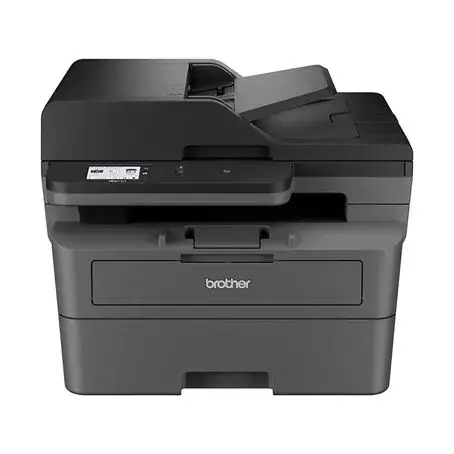
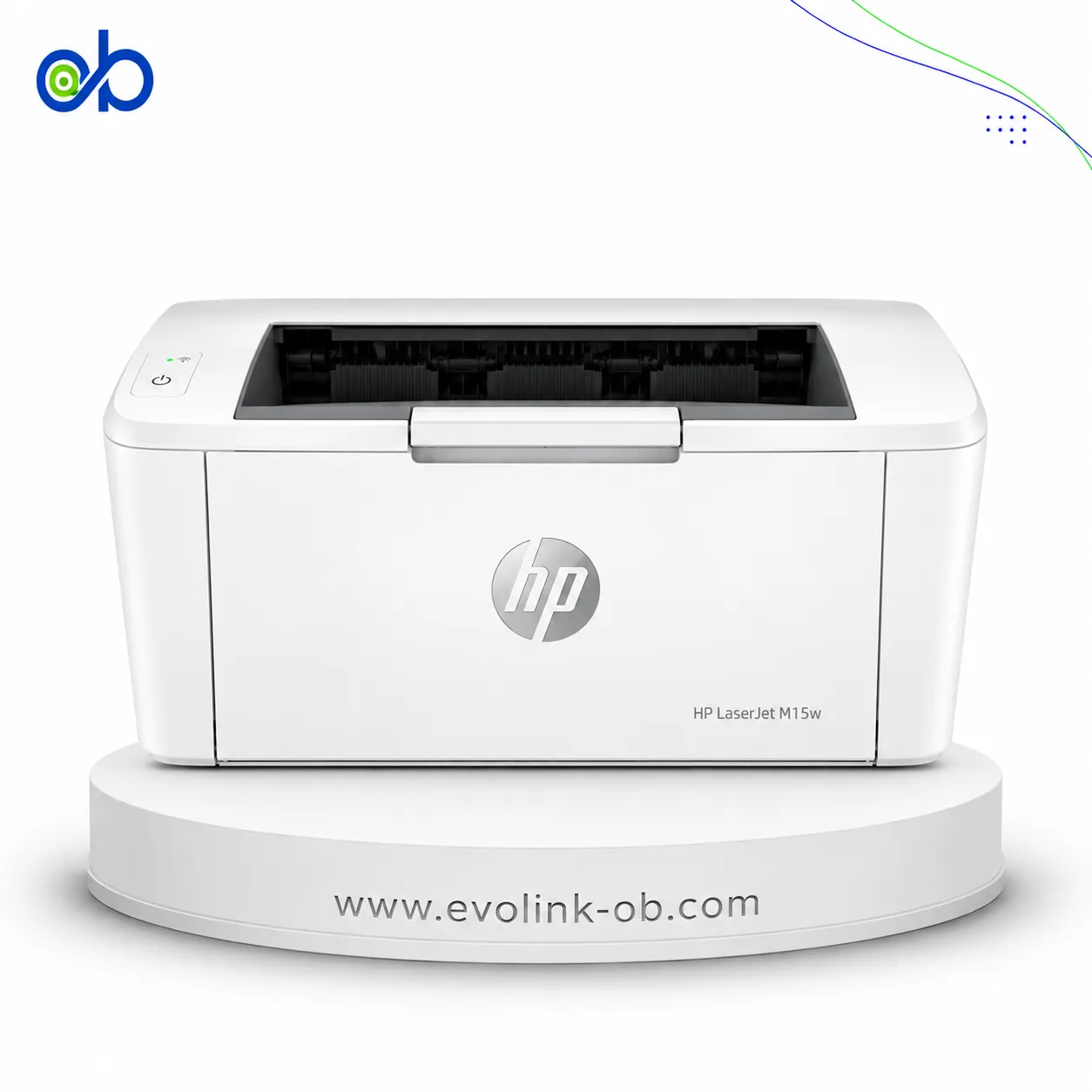
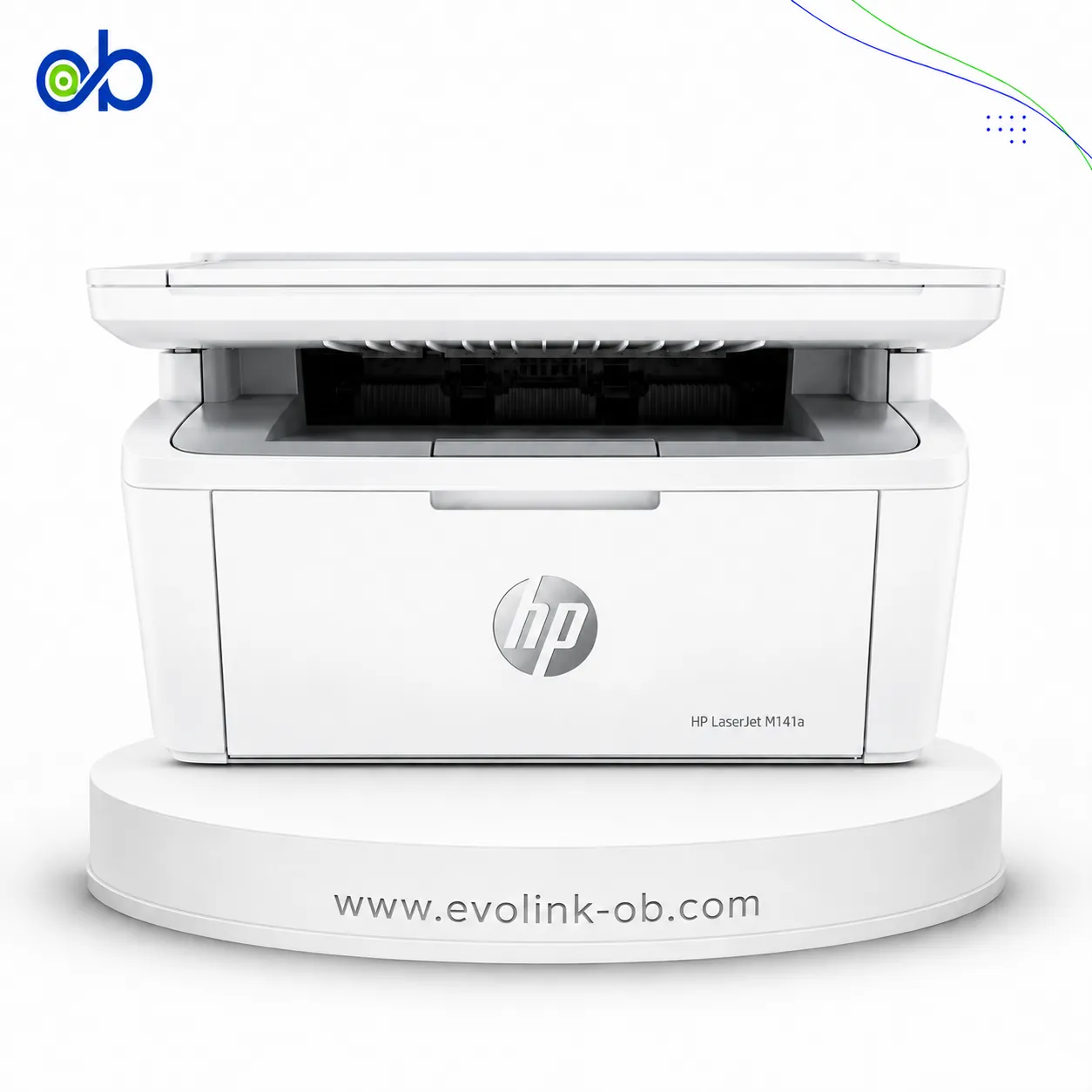
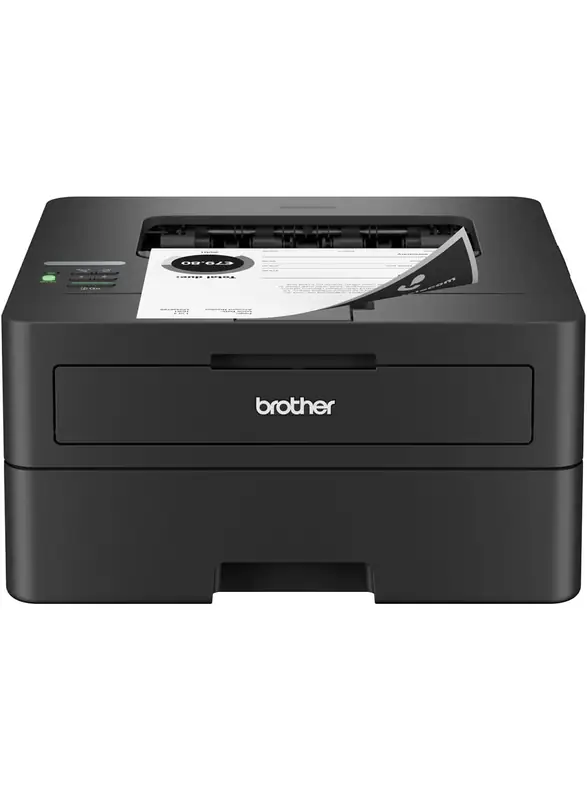
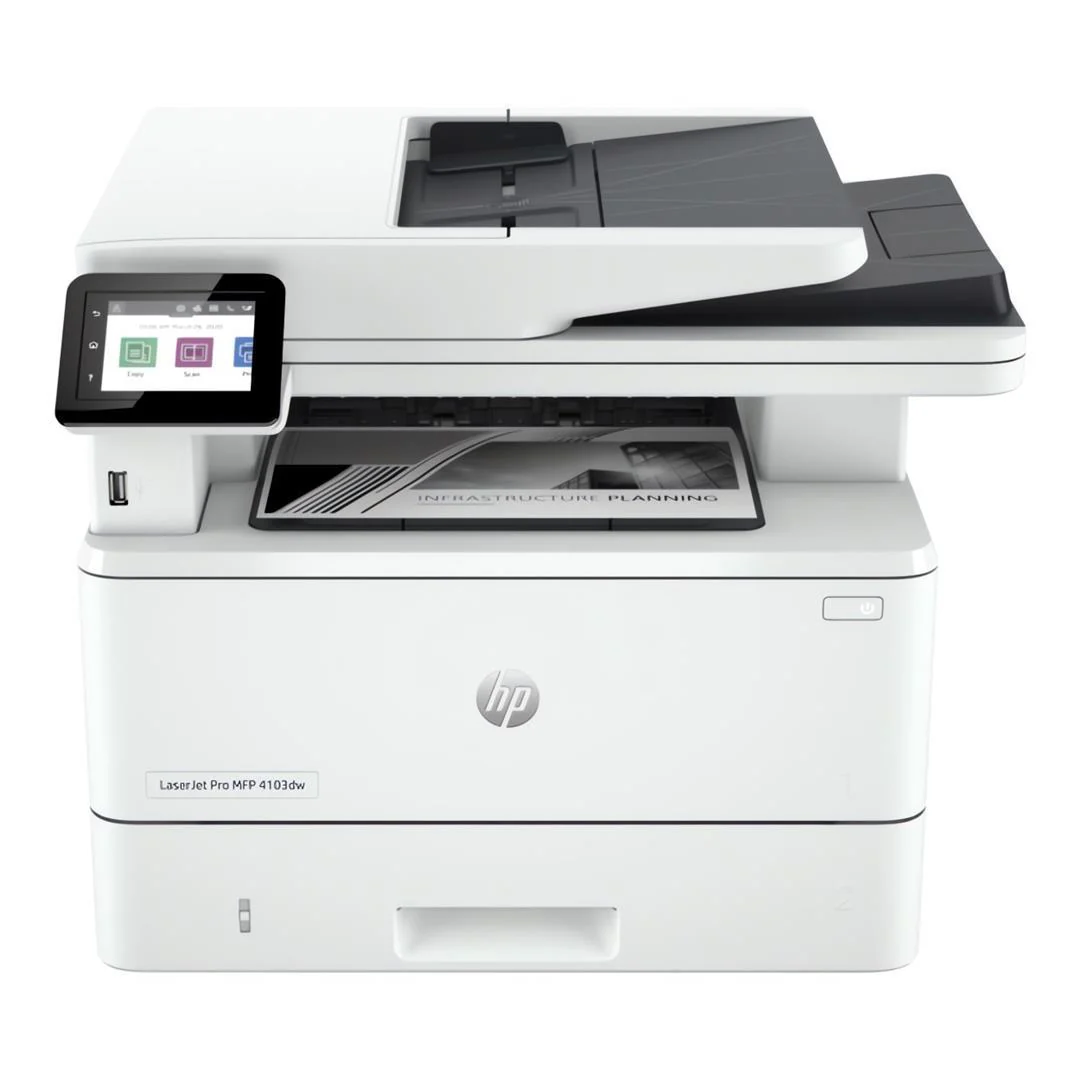
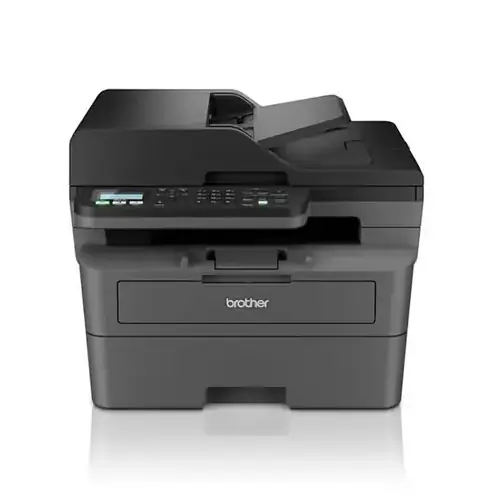
| Price |
$190.00
|
$115.00
|
|
Features
|
| Printer Functions |
Print, Copy, Scan, Fax
|
Print
|
| Technical Features |
—
|
Automatic duplex printing, network printing, wireless printing, NFC printing, office document direct printing and silent printing mode
|
| Display |
2-line LCD
|
2-line LCD
|
| Control Panel |
2-line LCD; 30 buttons including power, cancel, start, navigation, ID copy, contrast, scale, wireless, numeric and telephone controls, address book, redial, on-hook and fax/copy/scan modes; LED indicators for power, status, wireless and mode
|
—
|
|
Printer Specifications
|
| تقنية الطباعة |
Monochrome Laser
|
Monochrome Laser
|
|
Printing
|
| Print Colour |
Black and white
|
Black and white
|
| Maximum Print Resolution |
1200 × 1200 dpi
|
1200 × 1200 dpi
|
| Duplex Printing |
Manual
|
Automatic
|
| Paper size |
A4
|
A4
|
| Direct Print Formats |
—
|
Word, PowerPoint, Excel, PDF, TXT
|
| Print Margins |
5 mm
|
—
|
|
Performance
|
| ISO Black Print Speed A4 |
20 ppm
|
33 ppm
|
| ISO Black Print Speed Letter |
19 ppm
|
35 ppm
|
| First Page Out Time Black A4 |
8.3 sec
|
8.2 sec
|
| Recommended Monthly Volume |
2000 pages
|
—
|
| Maximum Monthly Duty Cycle |
10000 pages
|
60000 pages
|
| First Page Out from Sleep |
18 sec
|
—
|
|
Software
|
| Printer Smart Software Features |
Manual duplex and booklet printing, N-up printing, skip blank pages, poster printing, watermarks
|
—
|
| Included Software |
Common Installer, V3 Print Driver with Lite SM, TWAIN/WIA Driver, HP MFP Scan, OCR program, HP LJ Network PC-FAX
|
—
|
| Printer Management Utility |
—
|
—
|
|
Power
|
| Printing Power Consumption |
300 W
|
525 W
|
| Ready Mode Power |
38 W
|
50 W
|
| Sleep Mode Power |
1.9 W
|
—
|
| Manual-Off Power Consumption |
0.2 W
|
—
|
| Power Supply Type |
220–240 V AC, 50/60 Hz
|
220–240 V AC, 50/60 Hz
|
| Input Voltage |
110–127 VAC, 50/60 Hz
|
110 V model: AC 100–127 V (±10%), 50/60 Hz (±2 Hz), 9 A; 220 V model: AC 220–240 V (-15%, +10%), 50/60 Hz (±2 Hz), 4.5 A
|
|
Supplies
|
| Replacement Toner Cartridge |
W1112A HP 110A
|
TL-410, TL-410H, TL-410X
|
| Replacement Toner Yield |
1500 pages
|
TL-410: 1500 pages; TL-410H: 3000 pages; TL-410X: 6000 pages pages
|
| Starter Toner Yield |
1500 pages
|
1500 pages
|
| Cartridge System |
—
|
Separate toner cartridge and drum unit
|
| Standard-Yield Toner |
W1112A HP 110A , 1500 pages
|
TL-410, 1500 pages
|
| High-Yield Toner |
—
|
TL-410H, 3000 pages
|
| Drum Unit |
—
|
DL-410
|
| Drum Yield |
—
|
12000 pages
|
| Extra High-Yield Toner |
—
|
TL-410X, 6000
|
| Starter Drum Unit |
—
|
DL-410
|
| Starter Drum Yield |
—
|
12000 pages
|
|
Connectivity
|
| Standard Connectivity |
1 fax port; 1 Hi-Speed USB 2.0 device port; Wi-Fi 802.11b/g/n; Ethernet 10/100 Base-TX
|
USB , LAN , WIFI
|
| Wireless Connectivity |
Yes
|
Yes
|
| Wireless Frequency Band |
2.4 GHz
|
2.4 GHz
|
| Wireless Standards |
IEEE 802.11b/g/n
|
IEEE 802.11b/g/n
|
| Wi-Fi Direct |
Yes
|
Yes
|
| Mobile Printing Services |
Apple AirPrint, Mopria certified, HP app, Wi-Fi Direct Printing
|
Wi-Fi Direct; NFC
|
| Near-Field Connectivity |
—
|
NFC printing
|
| Network Printing |
Yes
|
Yes
|
| Wireless Printing |
Yes
|
Yes
|
| Ethernet Connectivity |
Yes
|
Yes
|
|
Compatibility
|
| Compatible Operating Systems |
Windows 11, Windows 10, macOS 12 Monterey, macOS 13 Ventura, macOS 14 Sonoma, Linux
|
Windows Server 2003/2008/2012, Windows XP, Windows Vista, Windows 7, Windows 8, Windows 8.1, Windows 10, macOS 10.7–10.13, Linux Ubuntu 12.04/14.04, iOS 7.0 and above, Android 4.4 and above
|
| Windows Server Support |
Windows Server 2008 R2 64-bit, 2012 64-bit, 2012 R2 64-bit and 2016 64-bit with print driver only
|
Windows Server 2008 R2 64-bit, 2012 64-bit, 2012 R2 64-bit and 2016 64-bit with print driver only
|
| Mac Compatible |
Yes
|
—
|
|
Copy
|
| Black Copy Speed A4 |
20 cpm
|
—
|
| Black Copy Speed Letter |
21 cpm
|
—
|
| Copy Resolution |
600 × 600 dpi
|
—
|
| Maximum Copies |
99 copies
|
—
|
| Copy Scaling |
25–400 %
|
—
|
| Copy Features |
Copies, original size, reduce/enlarge, darkness, original type, collation, 2-up, 4-up, ID copy, adjust background, auto-fit copy
|
—
|
|
Scanning
|
| Scan File Formats |
PDF, JPG, TIFF, PNG, BMP
|
—
|
| Scan Input Modes |
Front-panel copy, HP MFP Scan software, user application via TWAIN or WIA
|
—
|
| Scan Technology |
CIS
|
—
|
| Scanner Type |
Flatbed
|
—
|
| Scan Speed A4 |
Up to 20 ipm black-and-white; up to 7 ipm colour
|
—
|
| Scanner Colour Bit Depth |
32
|
—
|
| Colour Scanning |
Yes
|
—
|
| Optical Scan Resolution |
Up to 600 × 600 dpi dpi
|
—
|
| Maximum Scan Document Size |
Flatbed: up to 216 × 297 mm; ADF: 145 × 145 mm minimum and 216 × 356 mm maximum
|
—
|
| TWAIN Version |
TWAIN 1.9
|
—
|
| Digital Sending Features |
Scan to WSD, WSD Scan, PC Scan
|
—
|
|
Dimensions
|
| Width |
406 mm
|
354 mm
|
| Depth |
359.6 mm
|
334 mm
|
| Height |
308.7 mm
|
232 mm
|
|
Physical
|
| Weight |
8.58 kg
|
6.8 kg
|
|
Product Information
|
| Product Number |
A0NU1A#AB0
|
P3300DW
|
|
Paper Handling
|
| Automatic Document Feeder Capacity |
40 sheets
|
—
|
| Paper Input Capacity |
150 sheets
|
250 sheets
|
| Paper Output Capacity |
100 sheets
|
150 sheets
|
| Supported Media Sizes |
A4, A5, A5 LEF, B5 JIS, Oficio, DL envelope, C5 envelope; ADF: A4, A5, B5, Executive, Letter; custom: 76 × 127 to 216 × 356 mm
|
A4, A5, JIS B5, ISO B5, A6, Letter, Legal, Executive, Folio, Oficio, Statement, Japanese Postcard, ZL, Big 16K, Big 32K, 16K, 32K, B6, Yougata 4, Postcard, Younaga 3, Nagagata 3, Yougata 2
|
| Envelope Capacity |
10 envelopes
|
—
|
| Supported Envelope Types |
DL, C5
|
—
|
| Standard Tray Media Weight |
60–163 g/m² g/m²
|
60–105 g/m²
|
| Maximum Paper Input Capacity |
150 sheets
|
—
|
| Manual Feed Media Weight |
—
|
60–200 g/m²
|
| Paper Trays |
—
|
1 tray
|
|
Noise
|
| Acoustic Power Active Printing |
6.5 B(A)
|
—
|
| Standby Sound Pressure |
—
|
≤30 dB(A)
|
|
Fax
|
| Faxing |
Yes
|
—
|
| Fax Memory Capacity |
Up to 400 pages pages
|
—
|
| Fax Speed Dial Locations |
200 locations
|
—
|
| PC Fax Functions |
PC fax
|
—
|
| Colour Fax Capability |
إرسال الفاكس الملون فقط؛ إرسال واستقبال الفاكس بالأبيض والأسود
|
—
|
| Fax Resolution |
Standard: 203 × 98 dpi; Fine: up to 203 × 196 dpi; Superfine: up to 300 × 300 dpi dpi
|
—
|
| Fax Smart Software Features |
Permanent fax memory backup, colour faxing, automatic fax reduction, automatic redialing, delayed sending, fax forwarding, PC fax, secure receive
|
—
|
|
Printer
|
| Printer Language |
SPL
|
PCL5e, PCL6, PS3, PDF
|
| Shared Print Memory |
—
|
256 MB
|
| CPU Speed |
600 MHz
|
350 MHz
|
| Standard Memory |
128 MB
|
—
|
| Maximum Memory |
128 MB
|
—
|
|
Media Handling
|
| Supported Media Types |
Plain, thick, thin, cotton, colour, preprinted, recycled, labels, cardstock, bond, archive, envelope
|
Plain paper, thick paper, transparency, cardstock and labels
|
|
Environment
|
| Operating Temperature |
10–30 °C
|
10–32 °C
|
| Operating Humidity |
20–70 %
|
20–80 %
|
| Storage Temperature |
-20–40 °C
|
—
|
| Storage Humidity |
35–85 %
|
—
|
|
Package Contents
|
| Package Contents |
—
|
Printer, 1500-page toner cartridge, 12000-page drum unit, USB interface cable, power cord, CD-ROM and quick setup guide
|
| USB Cable Included |
Yes
|
—
|
|
Security
|
| Security Management |
Password-protected embedded web server; enable or disable network ports; SNMPv1 community password change; SNMPv2 and SNMPv3; IPsec; MAC, IPv4 and IPv6 filtering
|
—
|
|
Dimensions and Weight
|
| Product Dimensions |
—
|
354 × 334 × 232 mm in
|