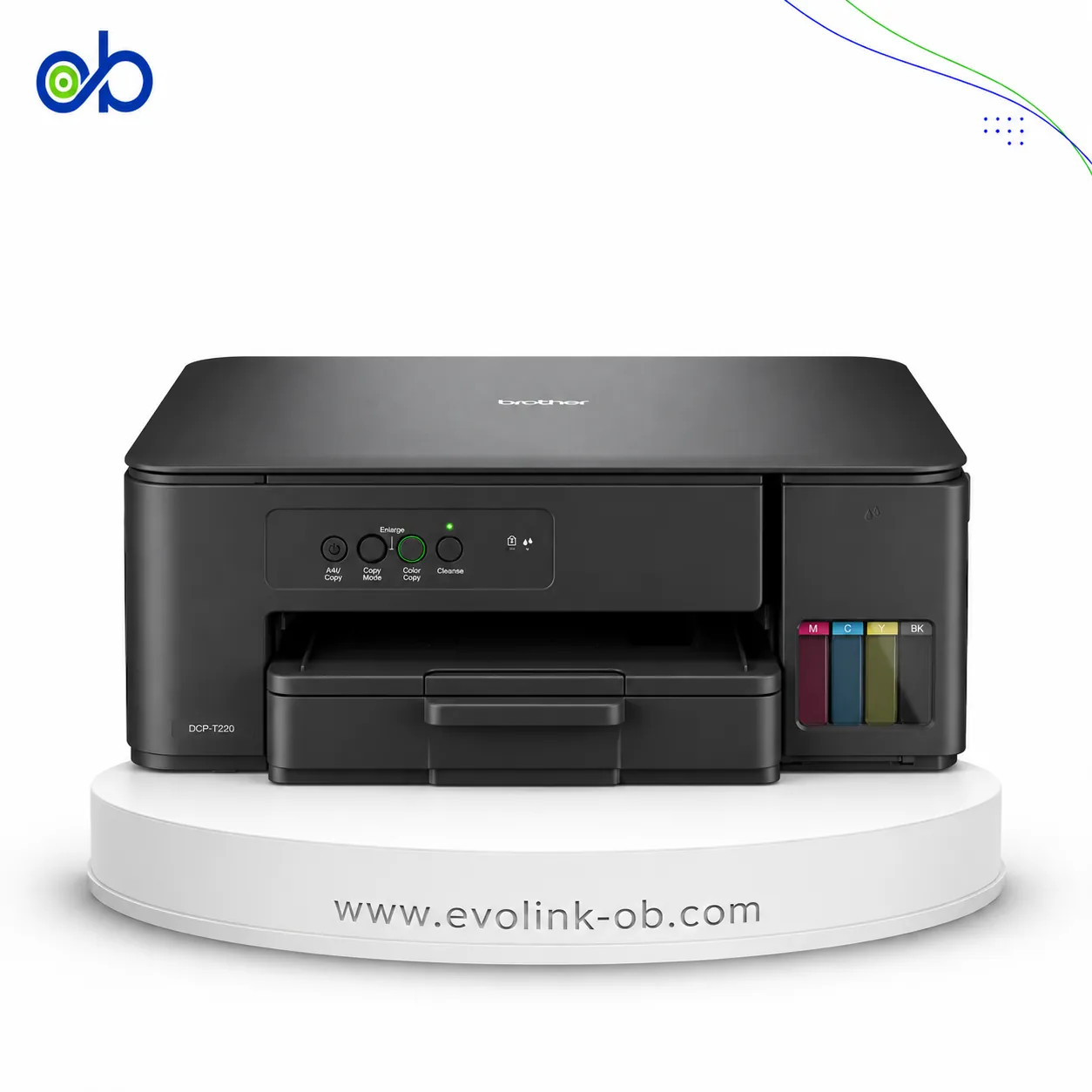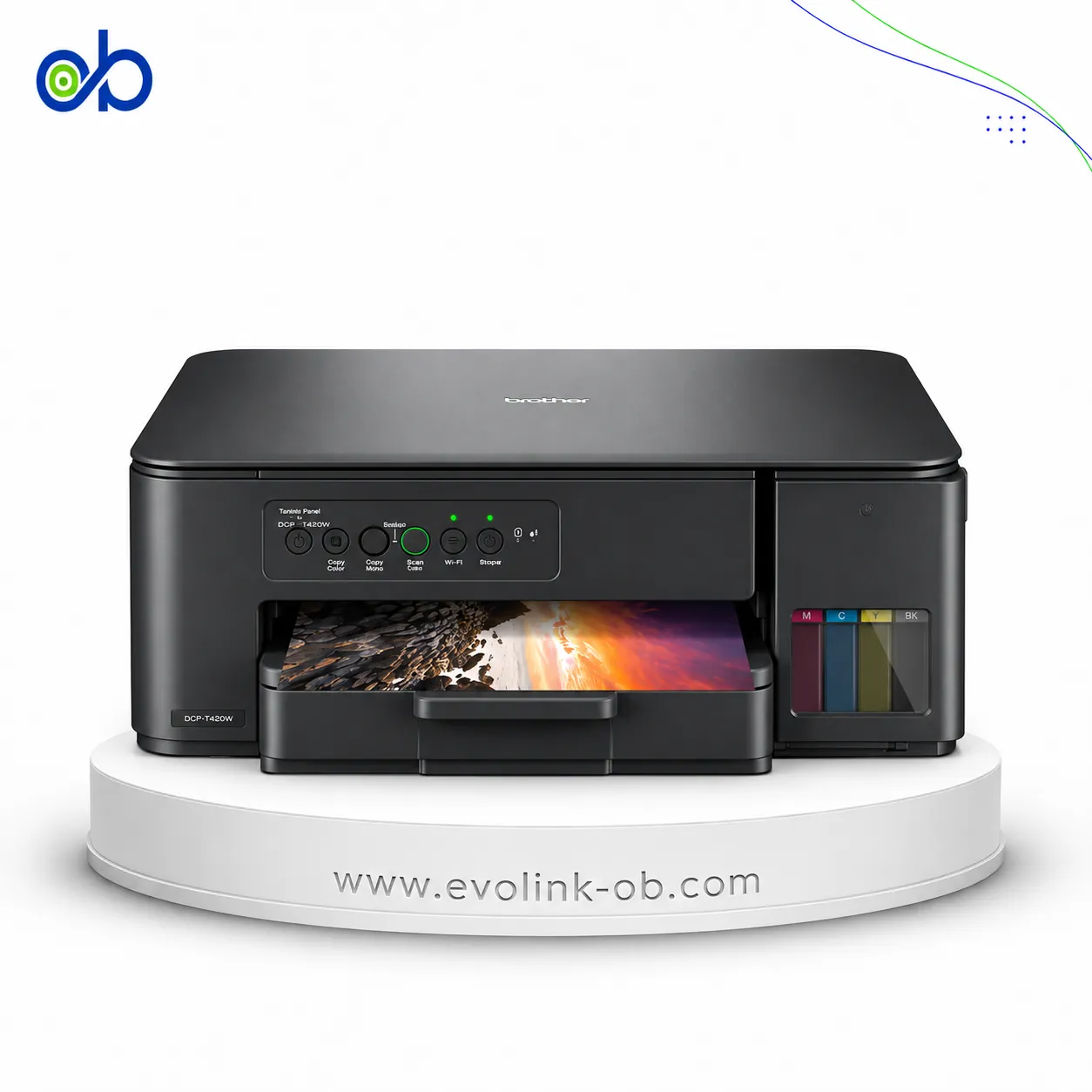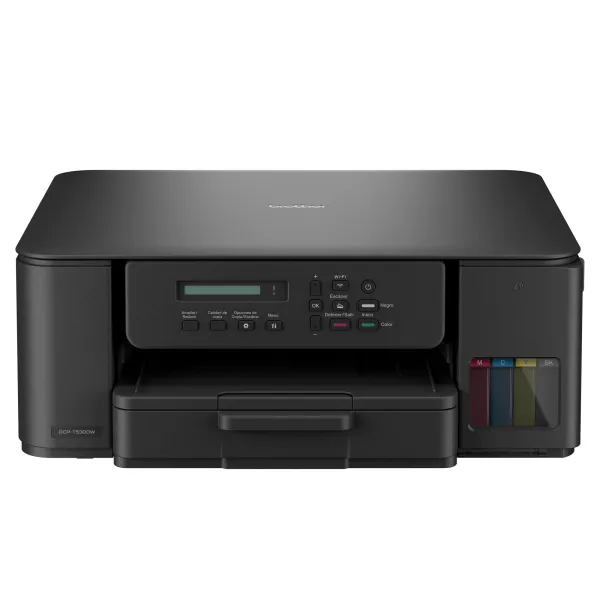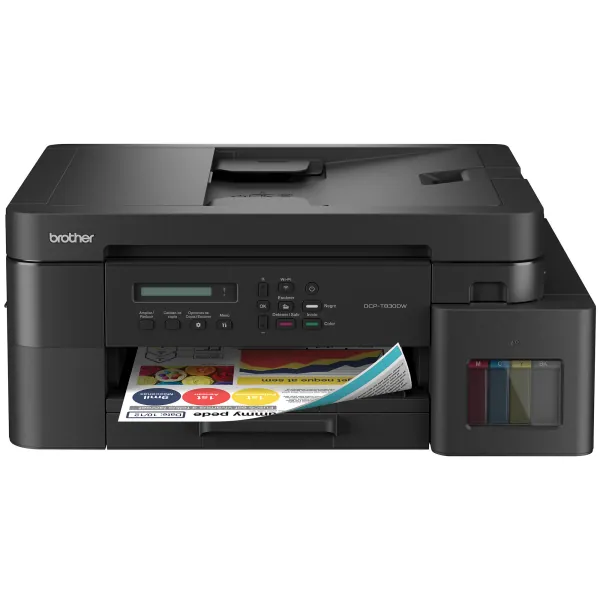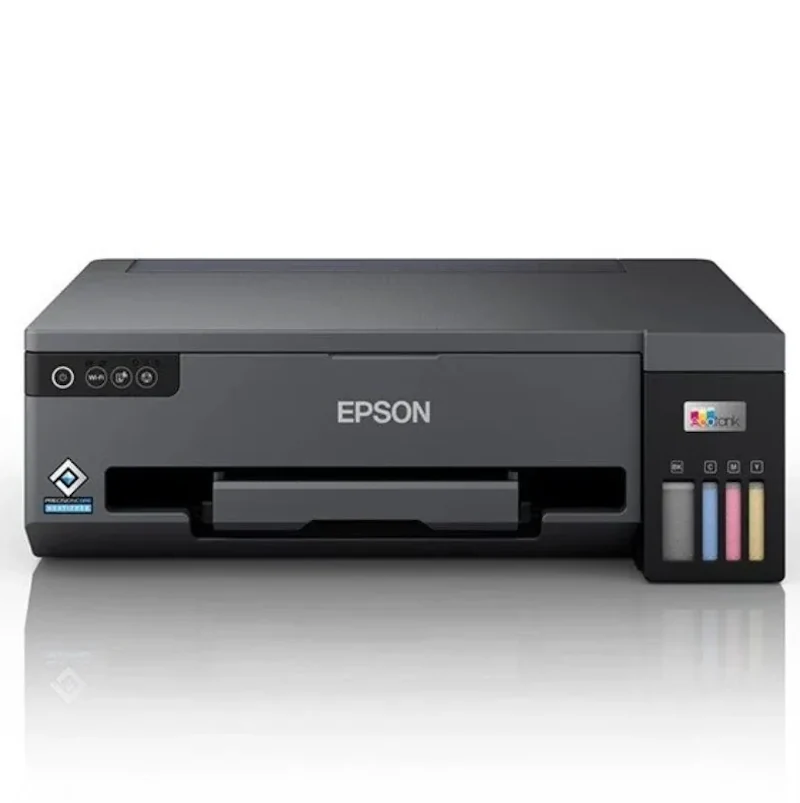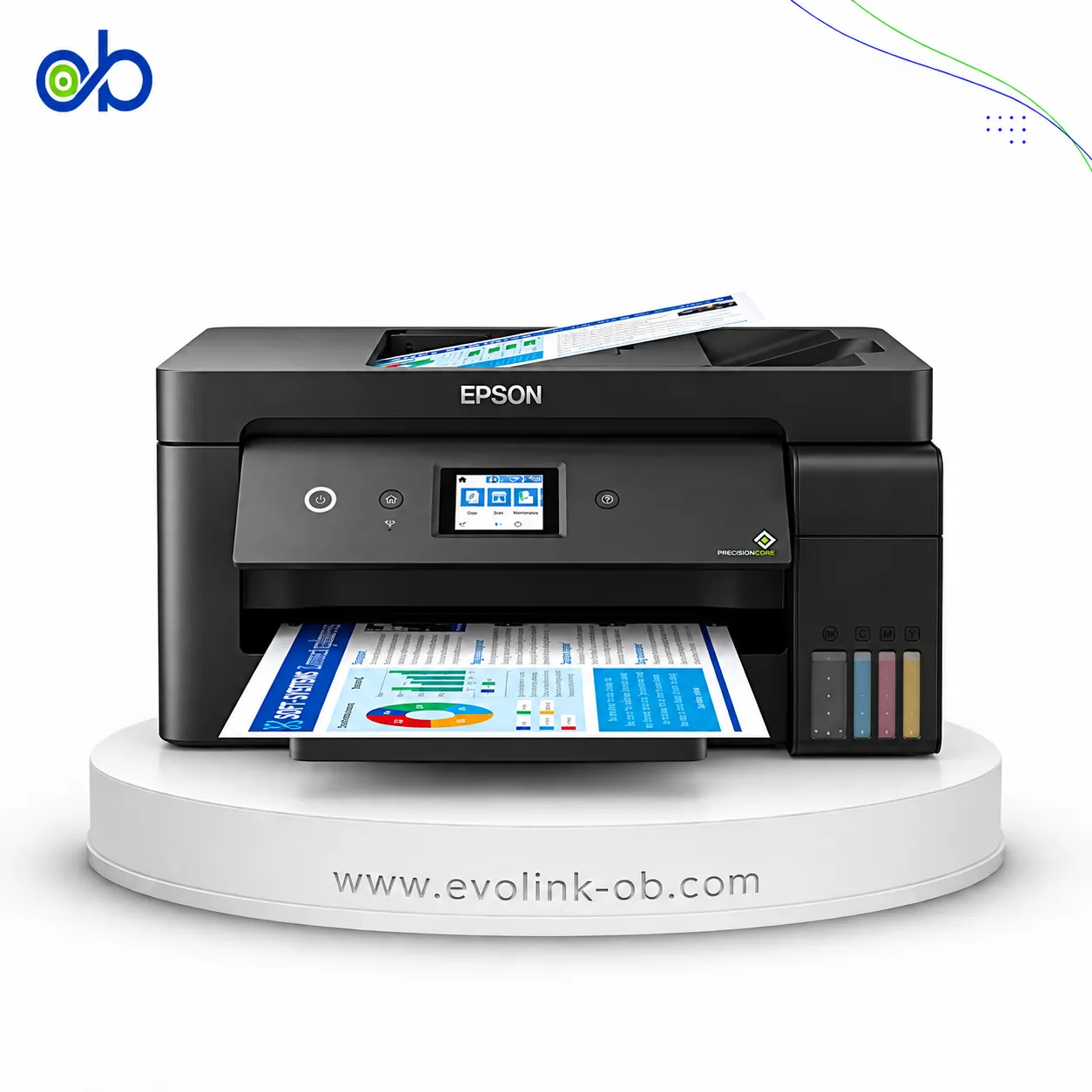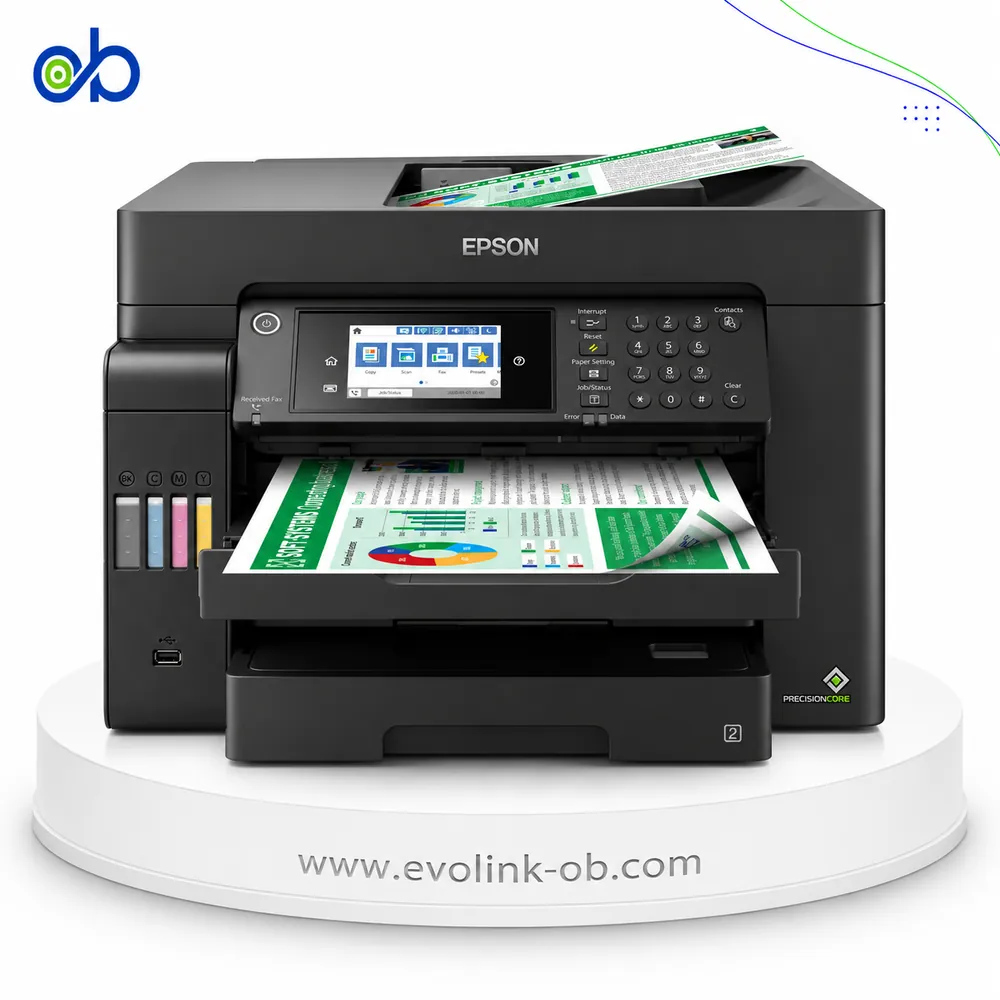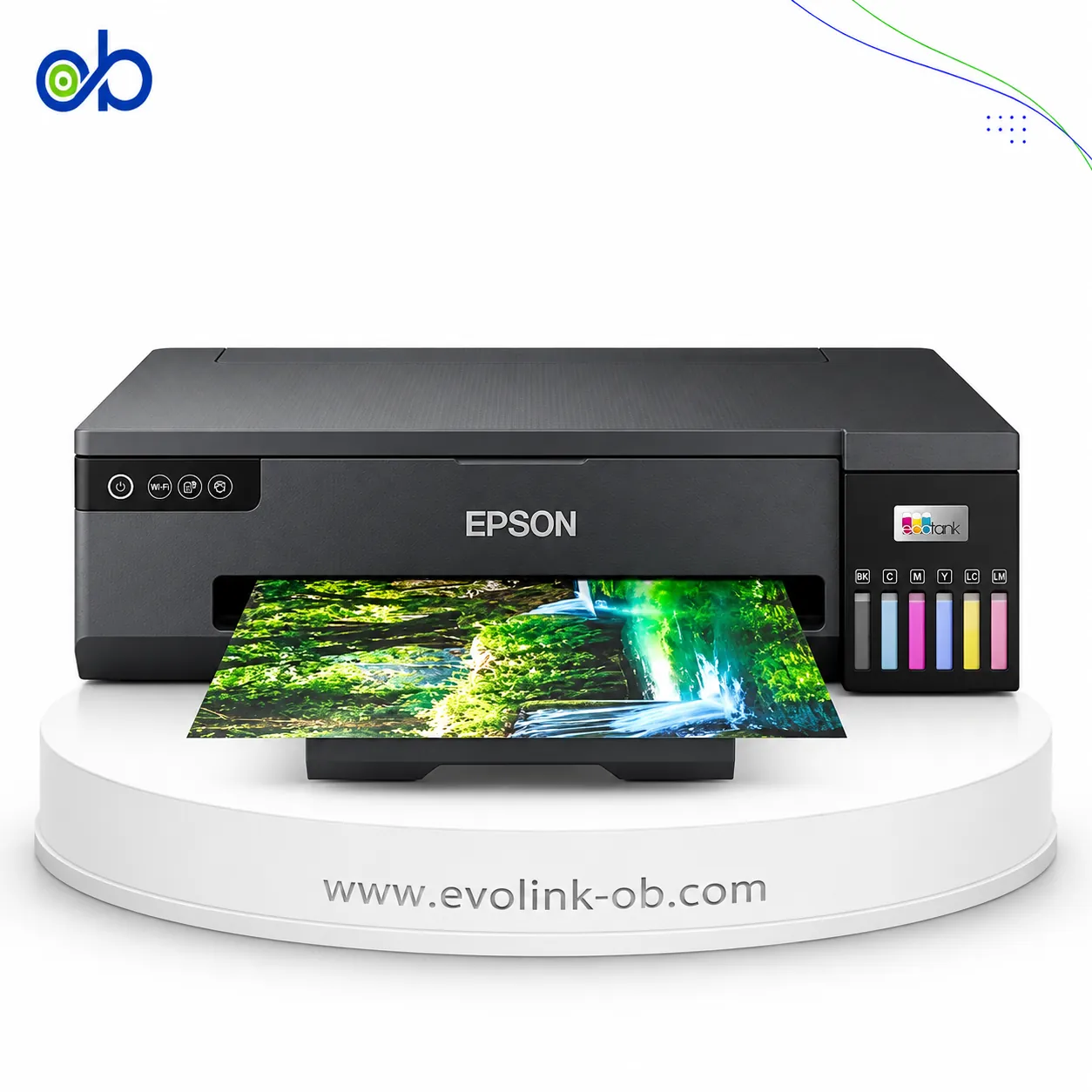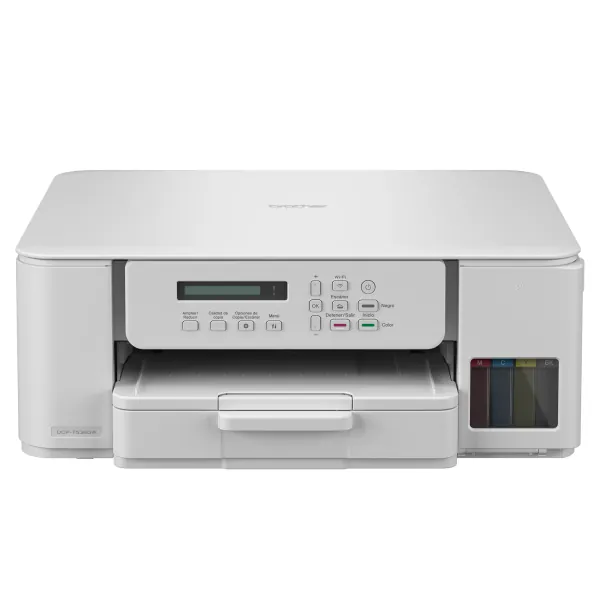
DCP-T536DW Ink Tank Printer
An A4 color ink tank multifunction printer for printing, copying and scanning, with ISO speeds up to 16 ppm bl…
$140.00
in stock
A full comparison of Brother printers on price, Printer Functions, Automatic Document Feeder Capacity, Duplex Printing, Ethernet Connectivity, and technical specs.
An A4 color ink tank multifunction printer for printing, copying and scanning, with ISO speeds up to 16 ppm bl…
$140.00
in stock
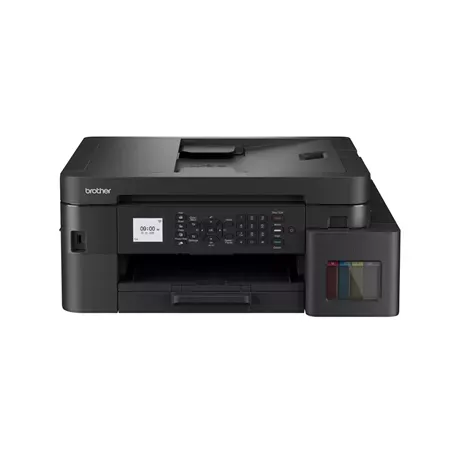
An A4 color ink tank multifunction printer for printing, copying, scanning and faxing, with ISO speeds up to 1…
$265.00
Out of stock
| Specification | DCP-T536DW Ink Tank Printer | MFC-T930W Ink Tank Printer |
|---|---|---|
| Price | $140.00 | $265.00 |
| Features | ||
| Printer Functions | Print, Scan, Copy | Print, Scan, Copy, Fax |
| LCD Display | 1-line LCD, 16 characters | 1.8" colour LCD |
| Control Panel | 1-line LCD and buttons | 1.8" colour LCD and buttons |
| Quiet Mode | Yes | — |
| Printer Specifications | ||
| تقنية الطباعة | Piezoelectric print head | Piezoelectric print head |
| Printing | ||
| Print Colors | 4 | 4 |
| Ink System | Black, Cyan, Magenta, Yellow | Black, Cyan, Magenta, Yellow |
| Maximum Print Resolution | Up to 1200 × 6000 (Windows); 1200 × 3600 (Mac) dpi | Up to 1200 x 6000 dpi |
| Duplex Printing | Automatic (A4/Letter/Executive/A5/B5/B6, plain/recycled) | Automatic |
| Borderless Printing | Up to A4 | Up to A4 |
| Paper size | A4, Letter, Legal, Folio, Executive, A5, A6, Photo, Index card, envelopes | A4, Letter, Legal, Folio, Executive, A5, A6, Photo, Index card, envelopes |
| USB Direct Print | — | Yes |
| Ink | ||
| Ink Technology | Dye ink | Dye Ink |
| Included Black Ink Yield | 7500 pages | 15000 pages |
| Included Color Ink Yield | 5000 pages | 5000 pages |
| Standard Black Ink Bottle | BTD100BK, approx. 7500 pages | BTD100BK |
| Standard Colour Ink Bottles | BTD100C/M/Y (5000 pages) | BTD100C/M/Y, approx. 5,000 pages |
| Replacement Black Ink Bottle Yield | 7500 pages | 7500 pages |
| Performance | ||
| Print Speed Black | 27 (وضع سريع، ليس ISO) ppm | 30 ppm |
| Maximum Print Speed Color | 11 (وضع سريع، ليس ISO) ppm | 26 ppm |
| ISO Print Speed Black | 16 ipm | 17 ipm |
| ISO Print Speed Color | 9 ppm | 16.5 ppm |
| First Page Out Time (Black) | 6.2 sec | 6 sec |
| First Page Out Time (Color) | 9.6 sec | 6.5 sec |
| Print Head | ||
| Black Nozzles | 210 | — |
| Nozzles Per Color | 70 | — |
| Copy | ||
| ISO Copy Speed Black | 11 ppm | 13 ppm |
| ISO Copy Speed Color | 3.5 ppm | 10.5 ppm |
| Copy Resolution | Up to 1200 × 1800 dpi | Up to 1200 x 2400 dpi |
| Maximum Copies | 99 copies | 99 copies |
| Copy Zoom | 25-400 % | 25-400 % |
| Maximum Copy Size | A4/Letter | A4/Letter |
| N-in-1 Copy | 2-in-1, 2-in-1 ID, 4-in-1 | 2-in-1, 2-in-1 ID, 4-in-1 |
| First Copy Out Time Monochrome | 13 sec | 10.5 sec |
| First Copy Out Time Colour | 28.5 sec | 21 sec |
| Scanning | ||
| Scanner Type | CIS flatbed — no ADF | Flatbed with ADF |
| Optical Scan Resolution | 1200 × 2400 dpi | 1200 × 2400 (glass); 1200 × 600 (ADF) dpi |
| Maximum Scan Area | Glass 21.39×29.5 — no ADF cm | 21.39 × 29.5 cm |
| Scan Output Formats | BMP, JPEG, TIFF, PDF | BMP, JPEG, TIFF, PDF |
| Flatbed Scan Speed | Black: 3.35; Colour: 4.38 sec | — |
| Scan-to Features | Image, OCR, Email, File | Image, OCR, Email, File, USB memory |
| Scanner Sensor Type | CIS | CIS |
| Scanner Colour Bit Depth | 30-bit input, 24-bit output bit | 30 : input : 16 - output bit |
| Scanner Grayscale Bit Depth | 10-bit input, 8-bit output bit | 10-bit input, 8 output bit |
| ADF Monochrome Scan Speed | — | 17 ipm |
| ADF Colour Scan Speed | — | 7 ipm |
| Colour Scanning | Yes | Yes |
| Monochrome Scanning | Yes | Yes |
| Maximum Scan Resolution | 19200 × 19200 (interpolated) dpi | — |
| Hardware Scan Resolution | 1200 × 2400 dpi | — |
| Connectivity | ||
| Wireless Connectivity | Yes | Yes |
| Wi-Fi Direct | Yes | Yes |
| Mobile Printing Services | Brother Mobile Connect, Apple AirPrint, Mopria | Brother Mobile Connect, Apple AirPrint, Mopria |
| Interfaces | Hi-Speed USB 2.0, Wi-Fi, Wi-Fi Direct | Hi-Speed USB 2.0, Ethernet, Wi-Fi, Wi-Fi Direct |
| Network Protocols | IPv4, IPv6 | IPv4, IPv6 |
| WLAN Security | WEP 64/128-bit, WPA/WPA2-PSK, WPA3-SAE | WEP 64/128-bit, WPA/WPA2-PSK, WPA3-SAE |
| Ethernet Connectivity | — | Yes |
| Supported OS | Windows 10/11/Server 2016/2019/2022, macOS 12–15, Linux, Chrome OS | Windows 10/11/Server 2016/2019/2022, macOS 12–15, Linux, Chrome OS |
| Email Print | Yes | Yes |
| Brother WebConnect Support | — | Yes |
| Brother Cloud Apps | — | Yes |
| Network Management Tools | BRAdmin Light, Embedded Web Server (EWS) | — |
| Wireless Frequency Bands | 2.4 GHz | 2.4 GHz |
| Wireless Standards | IEEE 802.11b/g/n (Infrastructure), IEEE 802.11g/n (Wi-Fi Direct) | IEEE 802.11b/g/n (Infrastructure), IEEE 802.11g/n (Wi-Fi Direct) |
| Wireless Setup | WPS | WPS |
| Compatibility | ||
| Chromebook Native Print | Yes | Yes |
| Paper Handling | ||
| Paper Input Capacity | 150 sheets | 230 sheets |
| Paper Output Capacity | 50 sheets | 50 sheets |
| Paper Trays | 1 tray | 2 tray |
| Supported Paper Weight | 64–220 (tray); 64–300 (manual feed) g/m² | 64–220 g/m² |
| Automatic Document Feeder Capacity | 0 sheets | 20 sheets |
| Manual Feed Slot Capacity | 1 sheet | — |
| Standard Tray Media Types | Plain, Inkjet, Glossy, Recycled | Plain, Inkjet, Glossy, Recycled |
| Manual Feed Slot Media Types | Plain, Inkjet, Glossy, Recycled | — |
| ADF Supported Paper Weight | — | 64–90 g/m² |
| Standard Paper Tray Capacity | 150 sheets | 150 sheets |
| Multipurpose Tray Capacity | — | 80 sheets |
| ADF Paper Size Range | — | 139.7–215.9 wide; 148–355.6 long mm |
| Dimensions | ||
| Width | 390 mm | 435 mm |
| Depth | 343 mm | 418 mm |
| Height | 148.5 mm | 180 mm |
| Physical | ||
| Weight | 7.2 kg | 9.4 kg |
| Printer Colour | White | — |
| Power | ||
| Supply Voltage | 220–240 V | 220–240 V |
| Frequency | 50-60 Hz | 50-60 Hz |
| Ready Mode Power | 2.5 W | 3.5 W |
| Sleep Mode Power | 0.6 W | 0.9 W |
| Power Off Consumption | 0.15 W | 0.1 W |
| Fax | ||
| Fax Transmission Speed | — | 14.4 kbps |
| Fax Memory | — | Up to 170 pages |
| Fax Speed Dials | — | 40 speed dials; up to 6 groups |
| Fax Type | — | Walk-up monochrome fax |
| Fax Error Correction Mode | — | ITU-T Group 3 with ECM |
| Fax Features | — | PC Fax sending/receiving, speed dial, group dial, out-of-paper reception |
| Printer | ||
| Printer Category | — | Office multifunction ink tank printer |
| Printer Memory | 128 MB | 128 MB |
| Product SKU | DCP-T536DW | — |
| Software | ||
| Desktop Printing and Scanning Software | Brother iPrint&Scan | Brother iPrint&Scan |
| Environment | ||
| Operating Temperature | 10–35 °C | 10–35 °C |
| Operating Humidity | 20–80 % | 20–80 % |
| Noise | ||
| Printing Sound Pressure | 56 dB(A) | 57 dB(A) |
Buy the Brother DCP-T536DW for home or light daily use if you want the lower purchase price and a lighter USB/Wi-Fi printer. Buy the Brother MFC-T930W if you need an office machine for multi-page documents, fax, wired Ethernet, or a larger paper tray.
The roughly $125 gap ($140 vs $265 per the latest EvoLink update; prices can change with availability) pays for a 20-sheet ADF, fax, Ethernet, 230- vs 150-sheet input, faster ISO color speed (16.5 vs 9 ipm), and a higher bundled black ink yield (15000 vs 7500). Automatic two-sided printing is on both models, so it is not a tie-breaker.
Choose it when everyday print/scan/copy on USB or Wi-Fi is enough and you do not need ADF, fax, or a wired LAN port. Black ISO speeds are close (16 vs 17 ipm); the real split is office workflow, not a single-page printout.
Choose it for multi-page stacks or a small office that needs ADF, fax, Ethernet, a clearer display, and more paper capacity. The comparison table lists 2.4 GHz Wi-Fi on both sides; do not treat 5 GHz as a buying reason. The extra network feature here is Ethernet on the MFC-T930W, while the DCP-T536DW is shown with USB, Wi-Fi, and Wi-Fi Direct.
Duplex Printing: Automatic, Included Color Ink Yield: 5000, Ink System: Black, Cyan, Magenta, Yellow, Ink Technology: Dye Ink, Paper Size: A4
Buy the DCP-T536DW for home or lighter daily use at the lower price. Buy the MFC-T930W for an office that needs a 20-sheet ADF, fax, Ethernet, or a larger paper tray.
Based on current prices, DCP-T536DW Ink Tank Printer is the cheaper option. It costs 140 USD versus 265 USD for MFC-T930W Ink Tank Printer. The price difference is 125 USD, about 47.2% less. Prices are live and subject to change.
Yes if you handle multi-page documents or need fax, wired Ethernet, 230-sheet capacity, and faster color prints. For occasional home pages, the DCP-T536DW is enough and saves the difference. Prices follow the latest EvoLink update and can change with availability.
The MFC-T930W, because it has a 20-sheet automatic document feeder. The DCP-T536DW has no ADF, so pages are scanned one by one on the glass.
Yes. Automatic two-sided printing is on both the DCP-T536DW and the MFC-T930W, so it is not a deciding feature by itself.
The table shows USB, Wi-Fi, and Wi-Fi Direct at 2.4 GHz on both sides. The MFC-T930W adds Ethernet for a wired office LAN. Do not treat 5 GHz as a reason to buy.
Current store status may show them unavailable in Damascus right now; ask for restock timing and Syria-wide shipping. Displayed prices follow the latest EvoLink update and can change with availability.
DCP-T536DW Ink Tank Printer is currently in stock at EvoLink in Damascus, with shipping to all Syrian governorates. MFC-T930W Ink Tank Printer is currently out of stock; you can inquire about availability.
Address: Syria, Damascus, Halbouni, Musalam Barudi street, Building 1020, 1st floor.
Contact: +963 96 44 007 44 or via WhatsApp.