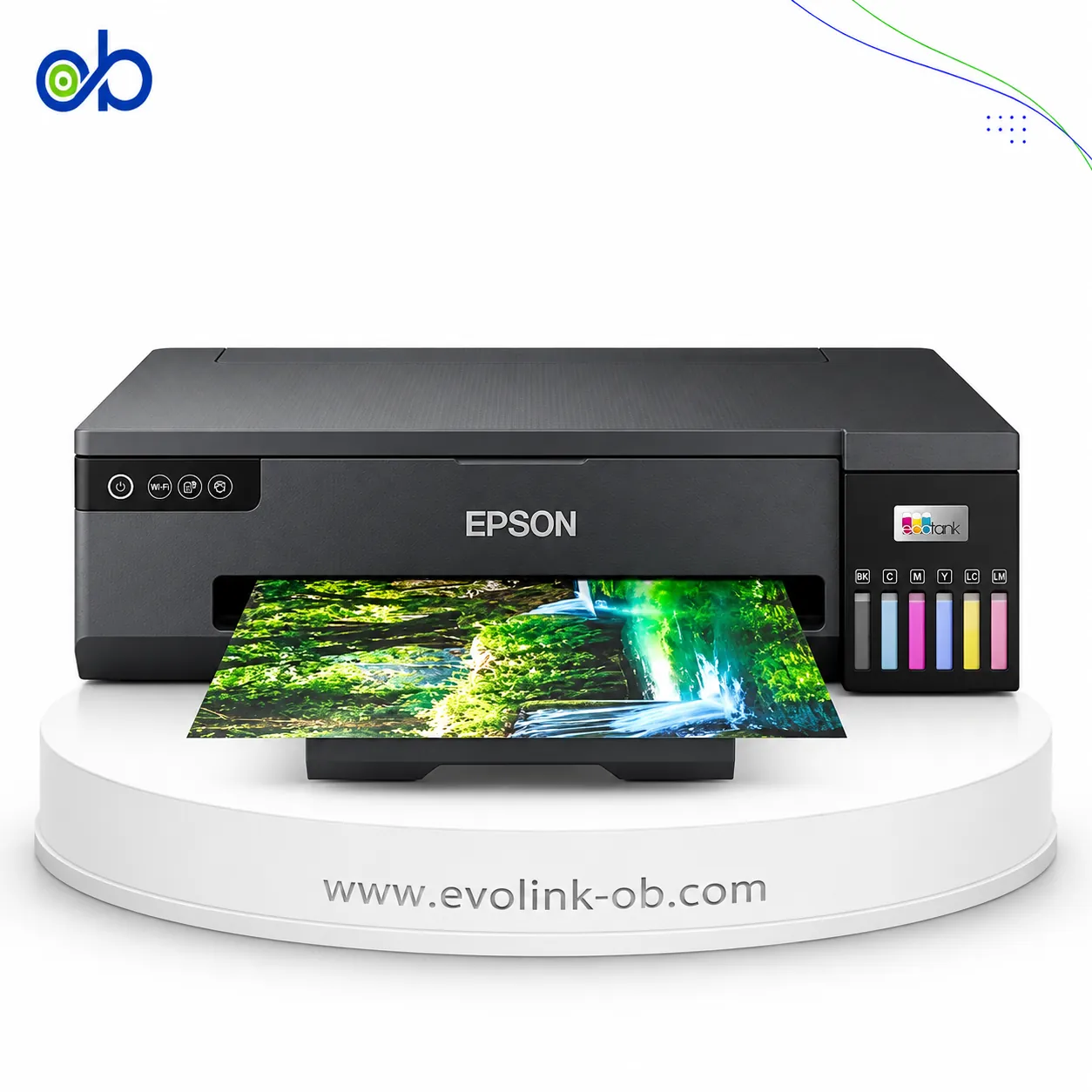
PIXMA G3416 All-in-One Ink Tank Printer
A 3-in-1 colour ink tank printer for printing, copying and scanning, with Wi-Fi and mobile printing support, u…
$135.00
in stock
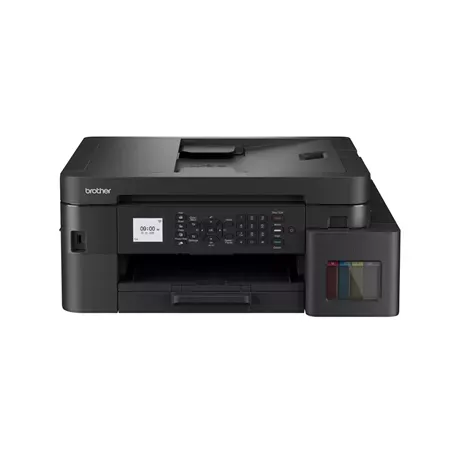
A full comparison of Canon PIXMA G3416 All-in-One Ink Tank Printer and Brother DCP-T536DW Ink Tank Printer on price, Paper size, Duplex Printing, ISO Print Speed Black, ISO Print Speed Color, and technical specs.
A 3-in-1 colour ink tank printer for printing, copying and scanning, with Wi-Fi and mobile printing support, u…
$135.00
in stock
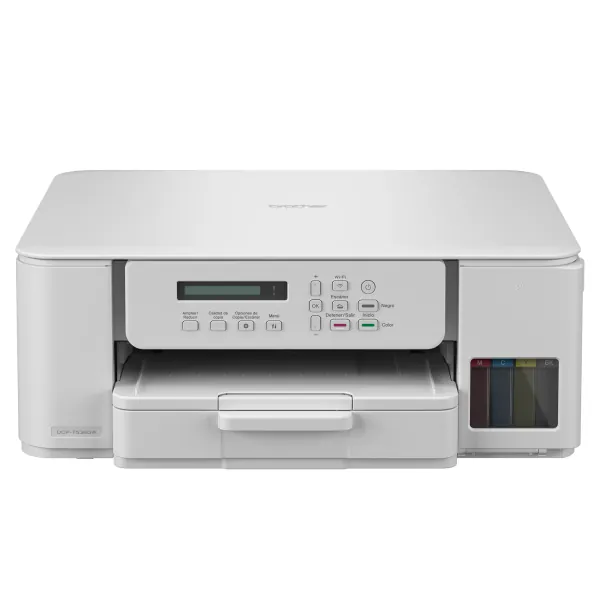
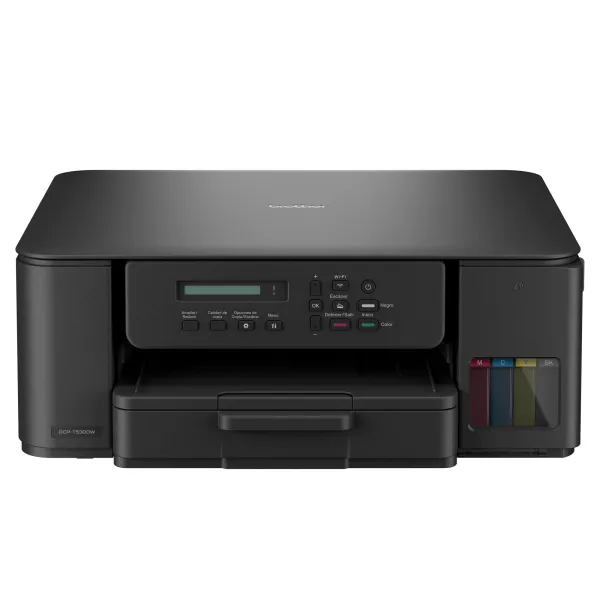
An A4 color ink tank multifunction printer for printing, copying and scanning, with ISO speeds up to 16 ppm bl…
$140.00
in stock
| Specification | PIXMA G3416 All-in-One Ink Tank Printer | DCP-T536DW Ink Tank Printer |
|---|---|---|
| Price | $135.00 | $140.00 |
| Features | ||
| Printer Functions | Print, Scan, Copy | Print, Scan, Copy |
| LCD Display | LCD (1.2 inch segment mono) | 1-line LCD, 16 characters |
| Control Panel | 1.2-inch mono segment LCD | 1-line LCD and buttons |
| Quiet Mode | — | Yes |
| Printer Specifications | ||
| تقنية الطباعة | Canon FINE | Piezoelectric print head |
| Printing | ||
| Print Colors | 4 | 4 |
| Ink System | Black, Cyan, Magenta, Yellow | Black, Cyan, Magenta, Yellow |
| Maximum Print Resolution | 4800 x 1200 dpi | Up to 1200 × 6000 (Windows); 1200 × 3600 (Mac) dpi |
| Duplex Printing | Manual | Automatic (A4/Letter/Executive/A5/B5/B6, plain/recycled) |
| Borderless Printing | Up to A4 | Up to A4 |
| Paper size | A4, A5, B5, Letter, Legal, 10x15, 13x18, 20x25, envelopes DL/COM10 | A4, Letter, Legal, Folio, Executive, A5, A6, Photo, Index card, envelopes |
| Ink | ||
| Ink Technology | Pigment Black + Dye Colour | Dye ink |
| Included Black Ink Yield | — | 7500 pages |
| Included Color Ink Yield | — | 5000 pages |
| Standard Black Ink Bottle | GI-490 PGBK | BTD100BK, approx. 7500 pages |
| Standard Colour Ink Bottles | GI-490 C, GI-490 M, GI-490 Y | BTD100C/M/Y (5000 pages) |
| Replacement Black Ink Bottle Yield | 6000 pages (replacement bottle) | 7500 pages (replacement bottle) |
| Performance | ||
| Print Speed Black | 8.8 ppm | 27 (وضع سريع، ليس ISO) ppm |
| Maximum Print Speed Color | 5 ppm | 11 (وضع سريع، ليس ISO) ppm |
| ISO Print Speed Black | 8.8 ppm | 16 ppm |
| ISO Print Speed Color | 5 ppm | 9 ppm |
| 10×15 cm Photo Print Speed | 60 sec | — |
| First Page Out Time (Black) | — | 6.2 sec |
| First Page Out Time (Color) | — | 9.6 sec |
| Print Head | ||
| Black Nozzles | — | 210 |
| Nozzles Per Color | — | 70 |
| Copy | ||
| ISO Copy Speed Black | 3.5 ipm | 11 ipm |
| ISO Copy Speed Color | 3.5 ipm | 3.5 ipm |
| Copy Resolution | — | Up to 1200 × 1800 dpi |
| Maximum Copies | 20 copies | 99 copies |
| Copy Zoom | Fit to page % | 25-400 % |
| Maximum Copy Size | — | A4/Letter |
| N-in-1 Copy | — | 2-in-1, 2-in-1 ID, 4-in-1 |
| First Copy Out Time Monochrome | — | 13 sec |
| First Copy Out Time Colour | — | 28.5 sec |
| Copy Features | Document copying (plain paper) | — |
| Scanning | ||
| Scanner Type | CIS flatbed | CIS flatbed — no ADF |
| Optical Scan Resolution | 600 x 1200 dpi | 1200 × 2400 dpi |
| Maximum Scan Area | 21.6 × 29.7 cm | Glass 21.39×29.5 — no ADF cm |
| Scan Output Formats | — | BMP, JPEG, TIFF, PDF |
| Flatbed Scan Speed | 19 sec/A4 page | Black: 3.35; Colour: 4.38 sec/A4 page |
| Scan-to Features | — | Image, OCR, Email, File |
| Scanner Sensor Type | CIS | CIS |
| Scanner Colour Bit Depth | 48-bit input / 24-bit output bit | 30-bit input, 24-bit output bit |
| Scanner Grayscale Bit Depth | 16-bit input / 8-bit output bit | 10-bit input, 8-bit output bit |
| Colour Scanning | Yes | Yes |
| Monochrome Scanning | Yes | Yes |
| Maximum Scan Resolution | 600 × 1200 dpi | 19200 × 19200 (interpolated) dpi |
| Hardware Scan Resolution | 600 × 1200 dpi | 1200 × 2400 dpi |
| Connectivity | ||
| Wireless Connectivity | Yes | Yes |
| Wi-Fi Direct | — | Yes |
| Mobile Printing Services | PIXMA Cloud Link; Canon PRINT Inkjet/SELPHY; Mopria; Access Point Mode | Brother Mobile Connect, Apple AirPrint, Mopria |
| Interfaces | Hi-Speed USB (B Port); Wi-Fi: IEEE802.11 b/g/n | Hi-Speed USB 2.0, Wi-Fi, Wi-Fi Direct |
| Network Protocols | IEEE 802.11b/g/n | IPv4, IPv6 |
| WLAN Security | WPA-PSK, WPA2-PSK, WEP, Administration password | WEP 64/128-bit, WPA/WPA2-PSK, WPA3-SAE |
| Supported OS | Windows 10, Windows 8.1, Windows 7 SP1 | Windows 10/11/Server 2016/2019/2022, macOS 12–15, Linux, Chrome OS |
| Email Print | — | Yes |
| Network Management Tools | — | BRAdmin Light, Embedded Web Server (EWS) |
| Wireless Frequency Bands | 2.4 GHz | 2.4 GHz |
| Wireless Standards | IEEE 802.11b/g/n | IEEE 802.11b/g/n (Infrastructure), IEEE 802.11g/n (Wi-Fi Direct) |
| Wireless Setup | — | WPS |
| Compatibility | ||
| Chromebook Native Print | — | Yes |
| Paper Handling | ||
| Paper Input Capacity | 100 sheets | 150 sheets |
| Paper Output Capacity | — | 50 sheets |
| Paper Trays | — | 1 tray |
| Supported Paper Weight | Plain paper: 64 - 105; Canon photo paper: up to 275 g/m² | 64–220 (tray); 64–300 (manual feed) g/m² |
| Automatic Document Feeder Capacity | — | 0 sheets |
| Rear Paper Feed | Yes | — |
| Manual Feed Slot Capacity | — | 1 sheet |
| Standard Tray Media Types | Plain, high-resolution, glossy/semi-gloss/matte photo paper, envelopes | Plain, Inkjet, Glossy, Recycled |
| Manual Feed Slot Media Types | — | Plain, Inkjet, Glossy, Recycled |
| Standard Paper Tray Capacity | — | 150 sheets |
| Dimensions | ||
| Width | 445 mm | 390 mm |
| Depth | 330 mm | 343 mm |
| Height | 163 mm | 148.5 mm |
| Physical | ||
| Weight | 6.3 kg | 7.2 kg |
| Printer Colour | Black | White |
| Power | ||
| Supply Voltage | 100–240 V | 220–240 V |
| Frequency | 50-60 Hz | 50-60 Hz |
| Ready Mode Power | 1.2 W | 2.5 W |
| Sleep Mode Power | 1.2 W | 0.6 W |
| Power Off Consumption | 0.2 W | 0.15 W |
| Copying Power Consumption | 11 W | — |
| Printer | ||
| Printer Memory | — | 128 MB |
| Product SKU | — | DCP-T536DW |
| Software | ||
| Desktop Printing and Scanning Software | Canon PRINT | Brother iPrint&Scan |
| Environment | ||
| Operating Temperature | 5–35 °C | 10–35 °C |
| Operating Humidity | 10–90 % RH | 20–80 % RH |
| Noise | ||
| Printing Sound Pressure | 53.5 dB(A) | 56 dB(A) |
Canon PIXMA G3416 All-in-One Ink Tank Printer vs Brother DCP-T536DW Ink Tank Printer — choose by the use case in the table (role/paper, document features, connectivity, speed).
When to pick which:
Pick Canon PIXMA G3416 All-in-One Ink Tank Printer if you need: higher ink yield, a control display.
Pick Brother DCP-T536DW Ink Tank Printer if you need: automatic duplex, network / wireless printing (including 5 GHz when present), higher ink yield.
Key differences:
Based on the specs table, Brother DCP-T536DW Ink Tank Printer fits most office needs better thanks to: Duplex Printing: Manual vs Automatic; Wireless Standards: IEEE 802.11b/g/n vs IEEE 802.11b/g/n (Infrastructure), IEEE 802.11g/n (Wi-Fi Direct); Included Black Ink Yield: 6000 vs 7500.
Maximum dpi and ink bottle series numbers alone do not settle the buy.
Ink System: Black, Cyan, Magenta, Yellow, Paper Size: ِA4, Print Colors: 4, Printer Functions: Print, Scan, Copy, Scanner Sensor Type: CIS
Pick Canon PIXMA G3416 All-in-One Ink Tank Printer if you need: higher ink yield, a control display.
Based on current prices, PIXMA G3416 All-in-One Ink Tank Printer is the cheaper option. It costs 135 USD versus 140 USD for DCP-T536DW Ink Tank Printer. The price difference is 5 USD, about 3.6% less. Prices are live and subject to change.
Pick Brother DCP-T536DW Ink Tank Printer if you need: automatic duplex, network / wireless printing (including 5 GHz when present), higher ink yield.
Interfaces: Hi-Speed USB (B Port); Wi-Fi: IEEE802.11 b/g/n vs Hi-Speed USB 2.0, Wi-Fi, Wi-Fi Direct
Not by themselves. Dpi alone does not prove higher quality, and bottle series is a consumables difference. Decide by role, duplex/ADF, speed, connectivity, and price.
Yes — PIXMA G3416 All-in-One Ink Tank Printer and DCP-T536DW Ink Tank Printer are available at EvoLink in Damascus, with shipping to all Syrian governorates.
Address: Syria, Damascus, Halbouni, Musalam Barudi street, Building 1020, 1st floor.
Contact: +963 96 44 007 44 or via WhatsApp.