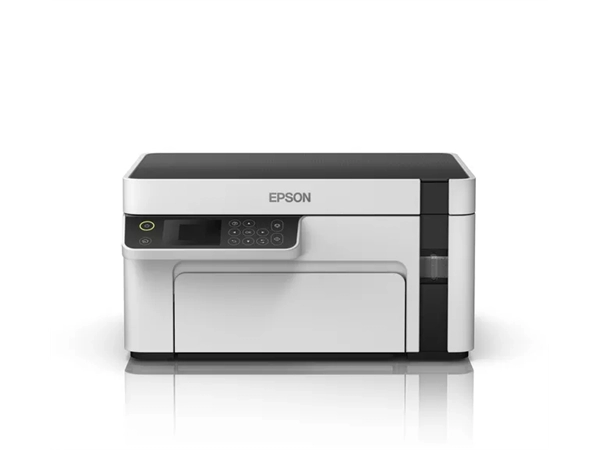
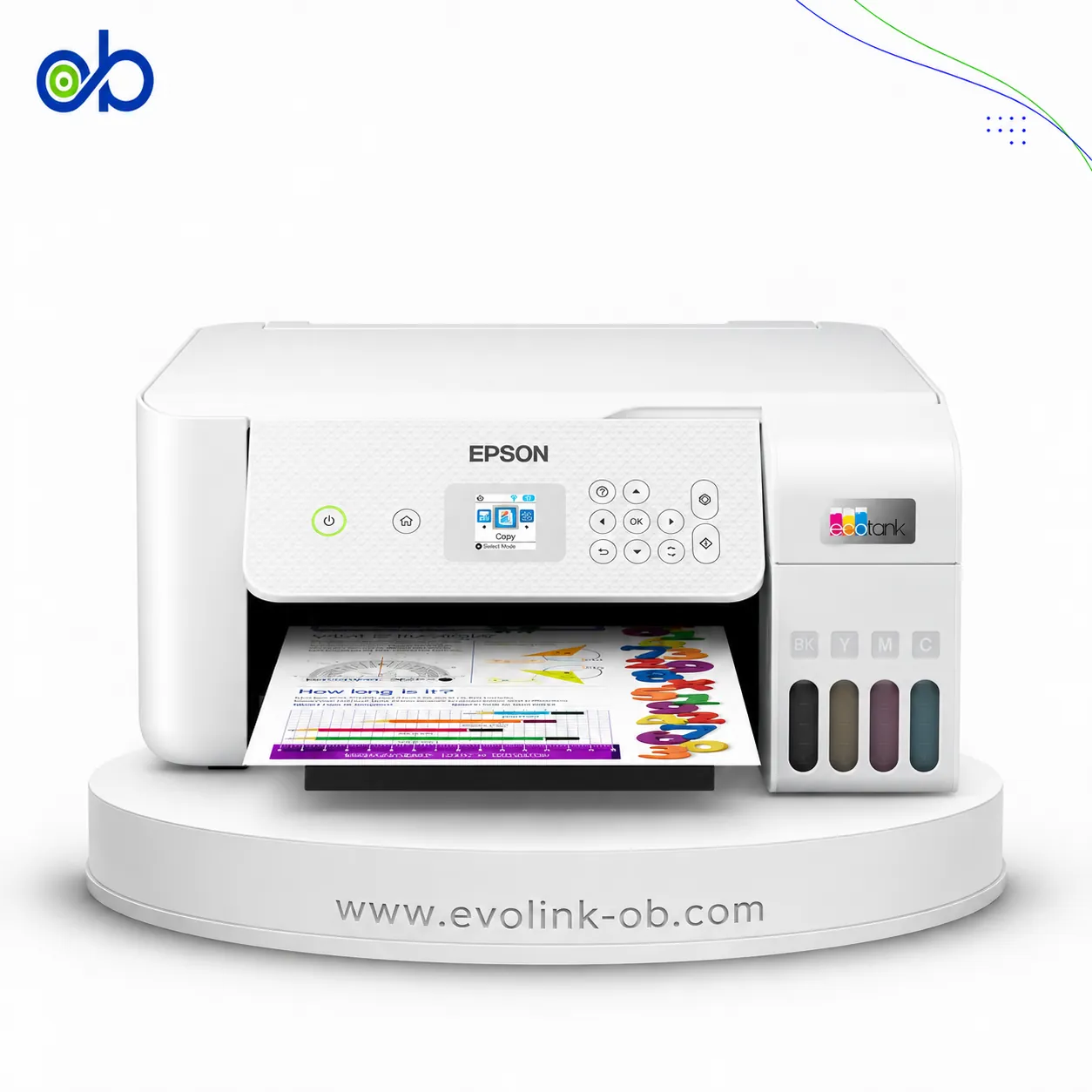
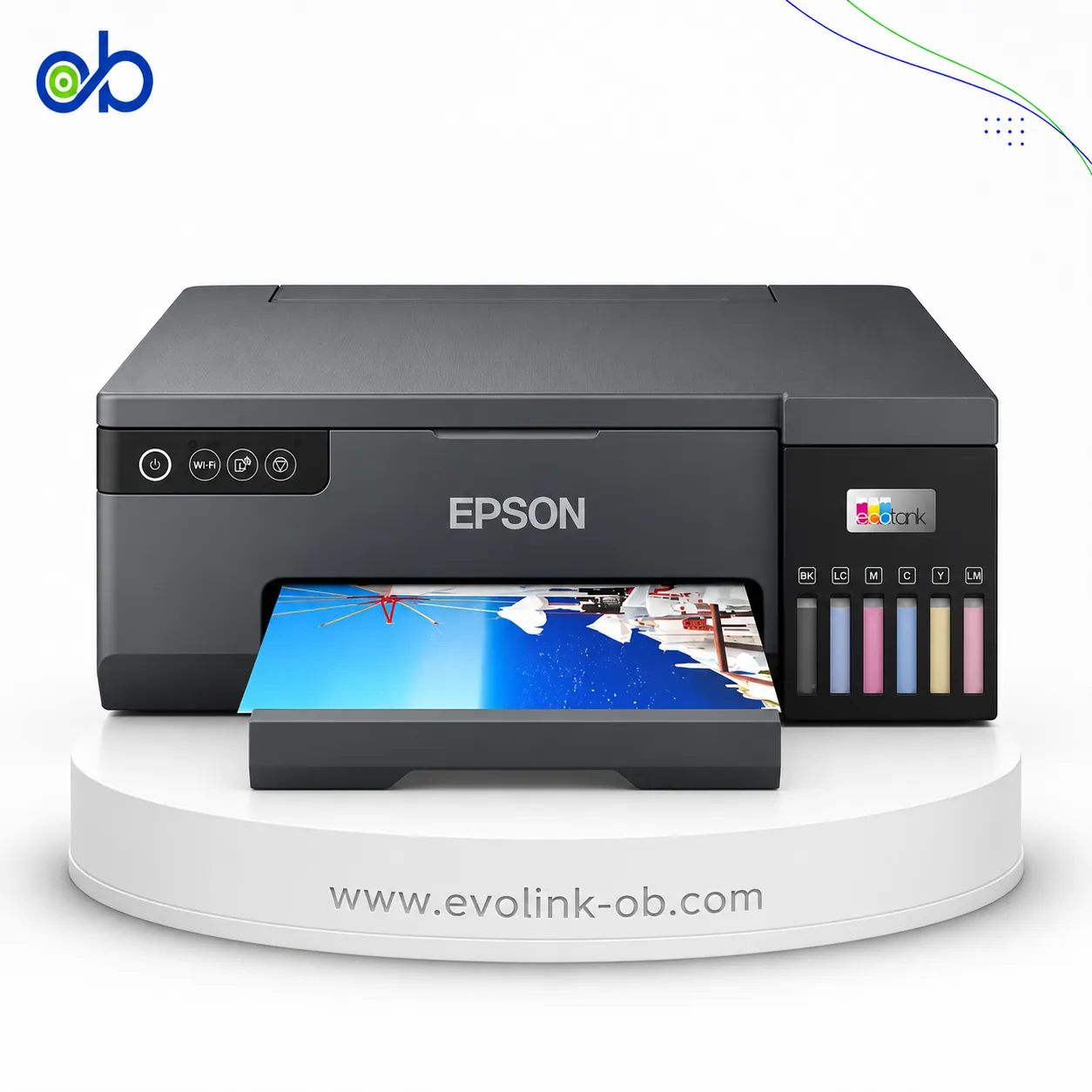
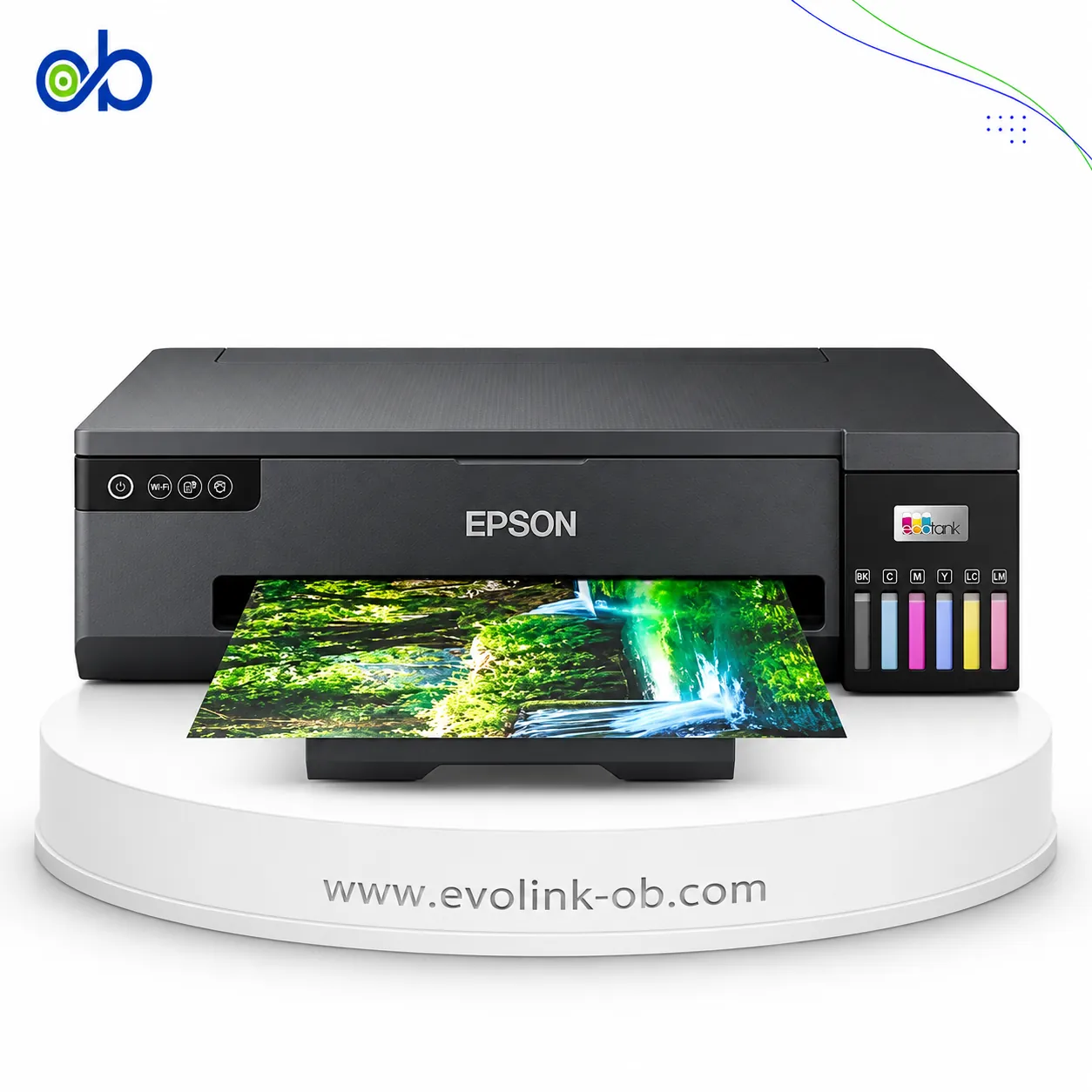
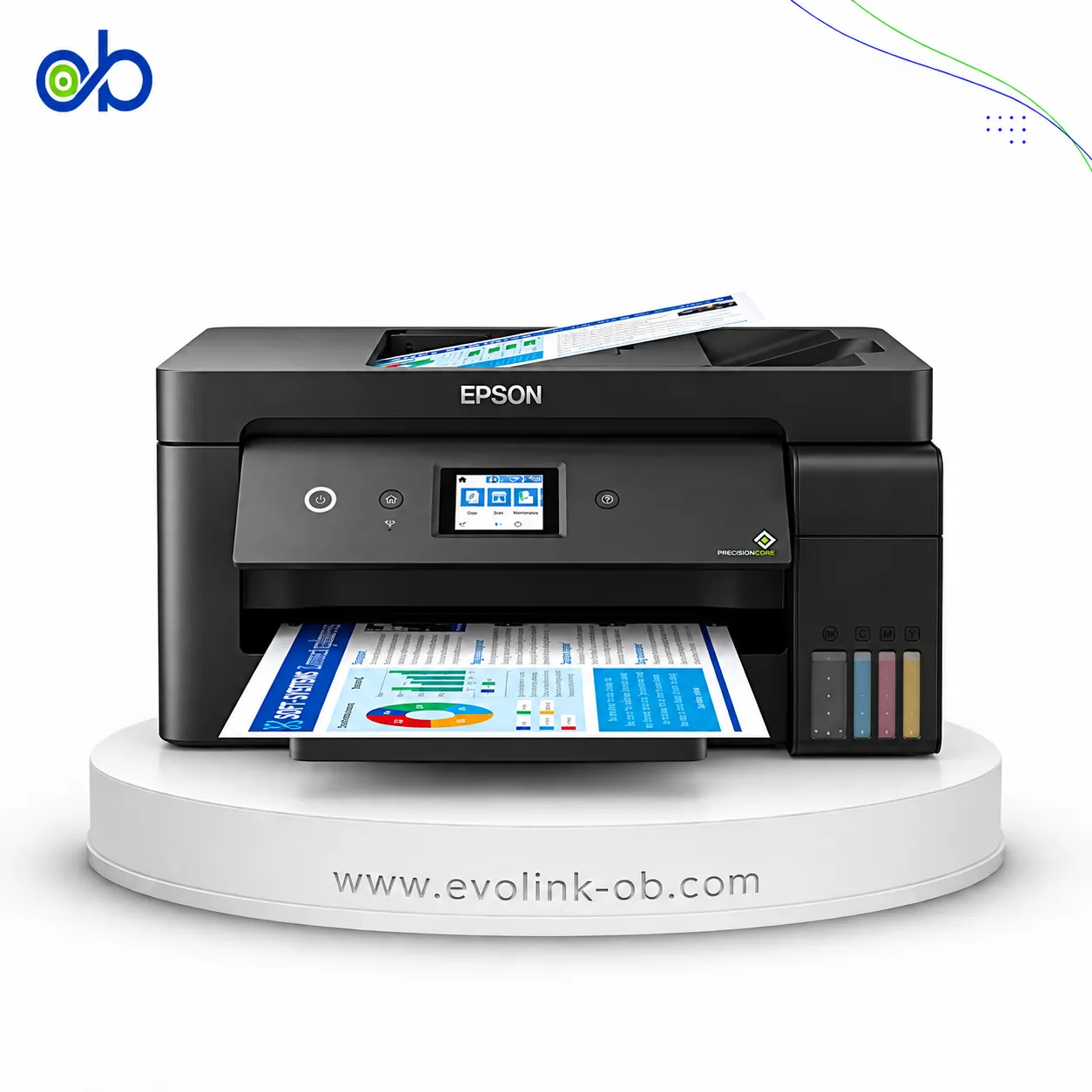
| Price |
Not for sale
|
Not for sale
|
|
Features
|
| Printer Functions |
Print, Scan, Copy
|
Print, Scan, Copy
|
| LCD Display |
6.1 cm color LCD
|
1.44-inch / 3.7 cm color LCD
|
| Control Panel |
6.1 cm color LCD control panel
|
1.44-inch colour LCD control panel
|
|
Printer Specifications
|
| تقنية الطباعة |
Epson PrecisionCore
|
Epson Micro Piezo
|
|
Printing
|
| Print Colors |
4
|
1
|
| Ink System |
Black, Cyan, Magenta, Yellow
|
Black
|
| Maximum Print Resolution |
4800 x 1200 dpi
|
1440 x 720 dpi
|
| Duplex Printing |
Automatic
|
Manual
|
| Borderless Printing |
Up to A4
|
—
|
| Paper size |
Legal
|
—
|
| Print Margins |
0 top, left, right and bottom through custom printer-driver settings; otherwise 3 mm
|
3 mm top, bottom, left and right on plain paper mm
|
|
Ink
|
| Ink Technology |
Pigment Black + Dye Colour
|
Pigment Black + Dye Colour
|
| Included Black Ink Yield |
14000 pages
|
—
|
| Included Color Ink Yield |
11200 pages
|
—
|
| Standard Black Ink Bottle |
Epson 101 Black, C13T03V14A
|
Epson 006S Black
|
| Standard Colour Ink Bottles |
Epson 101 Cyan C13T03V24A, Epson 101 Magenta C13T03V34A, Epson 101 Yellow C13T03V44A
|
—
|
| Replacement Black Ink Bottle Yield |
7500 pages
|
6000 pages
|
|
Performance
|
| Print Speed Black |
33 ppm
|
32 ppm
|
| Maximum Print Speed Color |
20 ppm
|
—
|
| ISO Print Speed Black |
15 ppm
|
15 ppm
|
| ISO Print Speed Color |
8 ppm
|
—
|
| 10×15 cm Photo Print Speed |
69 sec
|
—
|
| First Page Out Time (Black) |
9 sec
|
8 sec
|
| ISO Duplex Print Speed Black |
6.5 ppm
|
—
|
| ISO Duplex Print Speed Color |
4.5 ppm
|
—
|
| Recommended Monthly Volume |
800 pages
|
—
|
| Maximum Monthly Duty Cycle |
5000 pages
|
—
|
|
Print Head
|
| Black Nozzles |
400
|
—
|
| Nozzles Per Color |
128
|
—
|
| Minimum Droplet Size |
3.3 pl
|
3 pl
|
|
Copy
|
| ISO Copy Speed Black |
11 ppm
|
13 ppm
|
| ISO Copy Speed Color |
5.5 ppm
|
—
|
| Copy Resolution |
600 x 1200 dpi
|
—
|
| Maximum Copies |
99 copies
|
—
|
| Copy Zoom |
25-400 %
|
—
|
| N-in-1 Copy |
2-up
|
—
|
| Copy Features |
1-to-2-sided copying, density adjustment, Auto Fit Page, quality selection, shadow removal, punch-hole removal, ID card copy and borderless copy
|
—
|
|
Scanning
|
| Scanner Type |
Flatbed color image scanner
|
—
|
| Optical Scan Resolution |
1200 dpi
|
—
|
| Maximum Scan Area |
21.6 x 29.7 cm
|
—
|
| Scan Output Formats |
BMP, JPEG, TIFF, PDF
|
—
|
| Scanner Sensor Type |
CIS
|
—
|
| Scanner Colour Bit Depth |
48: input : 24- output bit
|
—
|
| Scanner Grayscale Bit Depth |
16- input, 8- output bit
|
—
|
| Scanner Black and White Bit Depth |
16- input, 1- output bit
|
—
|
| Colour Scanning |
Yes
|
—
|
| Monochrome Scanning |
Yes
|
—
|
| Advanced Scan Features |
Auto Cropping, Maximum Area, density adjustment from -4 to +4, shadow removal and punch-hole removal
|
—
|
| Scanner Compatibility |
Epson Scan 2, AirPrint Scan, WSD scanning
|
—
|
| Hardware Scan Resolution |
1200 x 2400 dpi
|
—
|
|
Connectivity
|
| Wireless Connectivity |
Yes
|
—
|
| Wi-Fi Direct |
Yes
|
—
|
| Mobile Printing Services |
Apple AirPrint, Epson Email Print, Epson iPrint, Google Cloud Print, Mopria Print Service, Remote Print Driver, Scan to Cloud
|
—
|
| Interfaces |
USB 2.0, Ethernet, Wi-Fi IEEE 802.11b/g/n, Wi-Fi Direct
|
Hi-Speed USB, Ethernet
|
| Network Protocols |
IPP, LPD, PORT9100, TCP/IPv4, TCP/IPv6, WSD
|
—
|
| WLAN Security |
WEP 64/128-bit, WPA/WPA2 Personal, WPA2-PSK (AES)
|
—
|
| Ethernet Connectivity |
Yes
|
Yes
|
| Supported OS |
Windows 10, Windows 8.1, Windows 8, Windows 7, Windows Vista SP2 or later, Windows XP SP3 or later, Windows XP Professional x64 SP2 or later, Windows Server 2016, Windows Server 2012 R2, Windows Server 2012, Windows Server 2008 R2, Windows Server 2008, Windows Server 2003 R2, Windows Server 2003 SP2 or later; macOS Sierra, OS X El Capitan, Yosemite, Mavericks, Mountain Lion, Mac OS X 10.7.x, Mac OS X 10.6.8
|
Windows XP SP3, Windows XP Professional x64 SP2, Windows Vista, Windows 7, Windows 8, Windows 8.1, Windows 10; Mac OS X 10.6.8, 10.7.x, 10.8.x, 10.9.x, 10.10.x, 10.11.x, 10.12.x, 10.13.x
|
| Email Print |
Yes
|
—
|
| Network Management Tools |
APIPA, BOOTP, DDNS, DHCP, HTTP, LLTD, mDNS, PING, SLP, SNMP, WSD
|
—
|
| Wireless Frequency Bands |
2.4 GHz
|
—
|
| Wireless Standards |
IEEE 802.11b/g/n
|
—
|
| Wireless Setup |
Control-panel wireless setup and Wi-Fi Protected Setup (WPS)
|
—
|
|
Compatibility
|
| Chromebook Native Print |
Yes
|
—
|
|
Paper Handling
|
| Paper Input Capacity |
150 sheets
|
150 sheets
|
| Paper Output Capacity |
30 sheets
|
30 sheets
|
| Paper Trays |
1 tray
|
1 tray
|
| Supported Paper Weight |
64-250 g/m²
|
—
|
| Photo Paper Capacity |
20 sheets
|
—
|
| Standard Tray Media Types |
A4 plain paper, Epson Premium Glossy Photo Paper, envelopes, postcards
|
—
|
| Premium Glossy Photo Paper Output Capacity |
20 sheets
|
—
|
| Maximum Custom Paper Length |
1200 mm
|
1200 mm
|
| Standard Paper Tray Capacity |
150 sheets
|
150 sheets
|
|
Dimensions
|
| Width |
375 mm
|
—
|
| Depth |
347 mm
|
—
|
| Height |
187 mm
|
—
|
|
Physical
|
| Weight |
5.8 kg
|
—
|
| Printer Colour |
—
|
White and black
|
|
Power
|
| Supply Voltage |
220-240 V
|
220–240 V
|
| Frequency |
50-60 Hz
|
50-60 Hz
|
| Ready Mode Power |
5.3 W
|
4.3 W
|
| Sleep Mode Power |
0.7 W
|
0.7 W
|
| Power Off Consumption |
0.3 W
|
0.3 W
|
| Standalone Copying Power Consumption |
12 W
|
15 W
|
| ENERGY STAR Support |
Yes
|
—
|
| Copying Power Consumption |
12 W
|
—
|
|
Maintenance
|
| Replaceable Maintenance Box |
Yes
|
—
|
|
Printer
|
| Printer Category |
Home and office desktop all-in-one ink tank printer
|
A4 monochrome multifunction ink tank printer
|
| Printer Language |
ESC/P-R
|
ESC/P-R
|
|
Environment
|
| Operating Temperature |
10-35 °C
|
—
|
| Operating Humidity |
20-80 RH, without condensation %
|
—
|
| Storage Temperature |
-20–40 °C
|
—
|
| Storage Humidity |
5-85 RH, without condensation %
|
—
|
|
Noise
|
| Printing Sound Pressure |
53 dB(A)
|
—
|