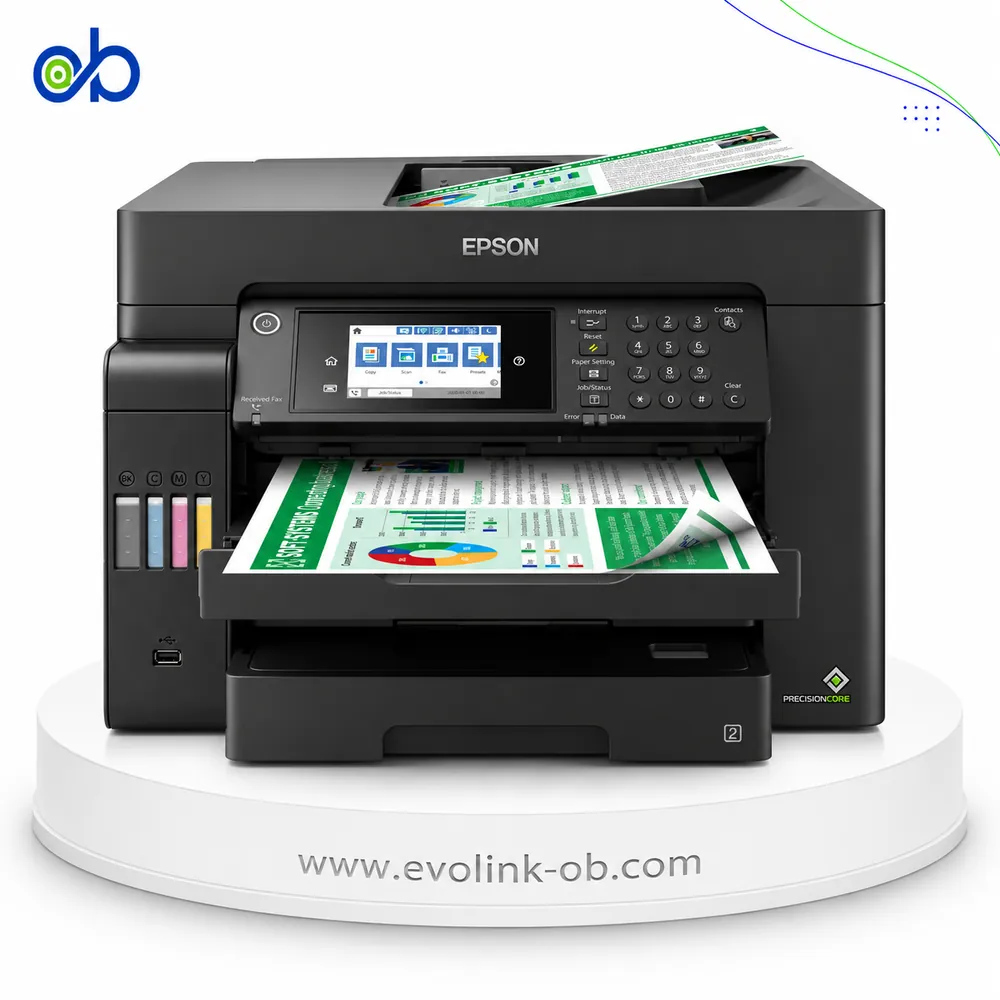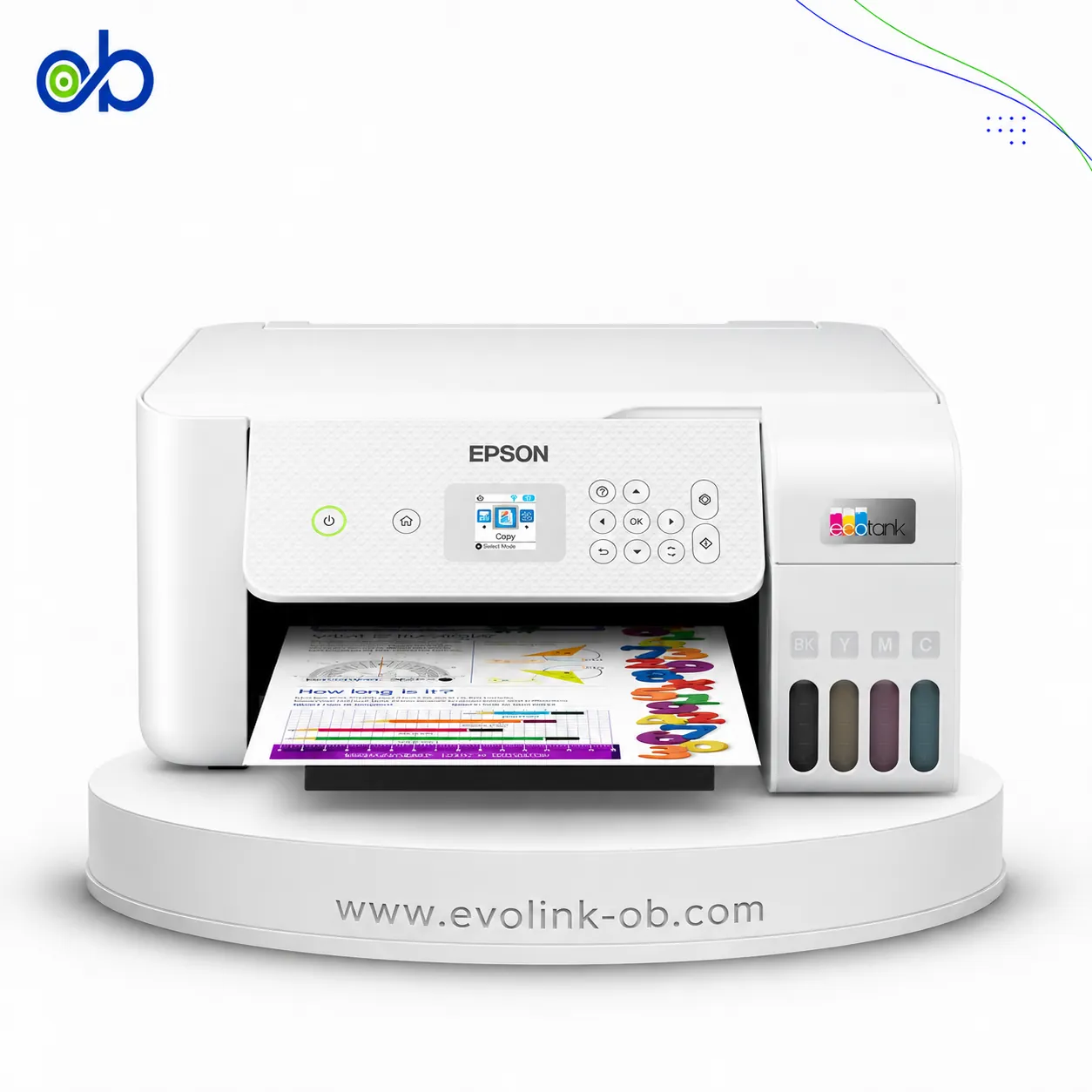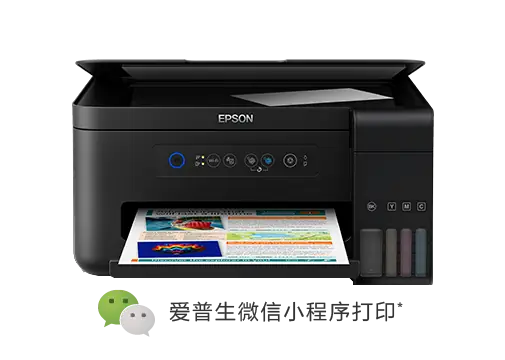
EcoTank L4153 Printer
A colour multifunction ink-tank printer for printing, copying and scanning, with Wi-Fi and Wi-Fi Direct, ISO s…
Not for sale
A full side-by-side comparison of reference models EcoTank L4153 Printer and EcoTank M15140 Printer within the same category.
A colour multifunction ink-tank printer for printing, copying and scanning, with Wi-Fi and Wi-Fi Direct, ISO s…
Not for sale
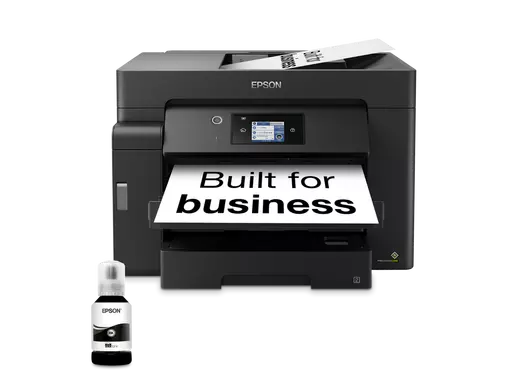
An Epson tank printer identified by the EcoTank M15140 model, intended for users researching this specific dev…
Not for sale
| Specification | EcoTank L4153 Printer | EcoTank M15140 Printer |
|---|---|---|
| Price | Not for sale | Not for sale |
| Features | ||
| Printer Functions | Print, Scan, Copy | Print, Scan, Copy |
| LCD Display | — | 6.8 cm (2.7-inch) colour LCD touchscreen |
| Printer Specifications | ||
| تقنية الطباعة | Epson Micro Piezo | Epson PrecisionCore |
| Printing | ||
| Print Colors | 4 | 1 |
| Ink System | Black, Cyan, Magenta, Yellow | Black |
| Maximum Print Resolution | 5760 × 1440 dpi | 4800 × 2400 dpi |
| Duplex Printing | Manual | Automatic |
| Borderless Printing | Up to 10 x 15 | — |
| Paper size | Legal | A3+, A3 |
| USB Direct Print | — | Yes |
| Print Margins | 0 top, bottom, left and right using custom settings, except on plain paper mm | 3 mm top, left, right and bottom via custom printer-driver settings mm |
| Ink | ||
| Ink Technology | Pigment Black + Dye Colour | Pigment ink |
| Standard Black Ink Bottle | Epson 002 Black | — |
| Standard Colour Ink Bottles | Epson 002 Cyan, Epson 002 Magenta, Epson 002 Yellow | — |
| Replacement Black Ink Bottle Yield | 7500 pages | 7500 pages |
| Performance | ||
| Print Speed Black | 33 ppm | 32 ppm |
| Maximum Print Speed Color | 15 ppm | — |
| ISO Print Speed Black | 10.5 ppm | 25 ppm |
| ISO Print Speed Color | 5 ppm | — |
| 10×15 cm Photo Print Speed | 69 sec | — |
| First Page Out Time (Black) | — | 5.5 sec |
| ISO Duplex Print Speed Black | — | 16 ppm |
| Print Head | ||
| Black Nozzles | 180 | 800 |
| Nozzles Per Color | 59 | — |
| Minimum Droplet Size | 3 pl | 3.8 pl |
| Copy | ||
| ISO Copy Speed Black | 7.7 ipm | 23 ipm |
| Copy Resolution | 360 x 360 dpi | 600 × 600 dpi |
| Maximum Copies | 20 copies | 999 copies |
| Copy Zoom | Actual size % | 25-400 % |
| Maximum Copy Size | A4, Letter | A3 / Ledger |
| Copy Features | — | Automatic two-sided copying through the ADF on A4/A3 plain paper |
| Scanning | ||
| Scanner Type | Flatbed color image scanner | Flatbed colour image scanner |
| Optical Scan Resolution | 1200 dpi | 1200 × 2400 dpi |
| Maximum Scan Area | 21.6 x 29.7 cm | — |
| Duplex Scanning | — | Yes |
| Scan Output Formats | BMP, JPEG, TIFF, PDF | BMP, JPEG, TIFF, PDF, PNG |
| Scan-to Features | Scan to computer using Epson ScanSmart | — |
| Scanner Sensor Type | CIS | CIS |
| Scanner Colour Bit Depth | 48: input : 24- output bit | 48: input : 24- output bit |
| Scanner Grayscale Bit Depth | 16- input/8- output bit | 16-bit input, 8-bit output bit |
| Scanner Black and White Bit Depth | 16- input/1- output bit | 16-bit input, 1-bit output bit |
| ADF Monochrome Scan Speed | — | 26 ipm |
| ADF Colour Scan Speed | — | 9 ipm |
| Colour Scanning | Yes | Yes |
| Monochrome Scanning | Yes | Yes |
| Scanner Compatibility | TWAIN, WIA, ICA | — |
| Maximum Scan Resolution | 9600 dpi | — |
| Hardware Scan Resolution | 1200 x 2400 dpi | — |
| Connectivity | ||
| Wireless Connectivity | Yes | Yes |
| Wi-Fi Direct | Yes | Yes |
| Mobile Printing Services | Google Cloud Print, Mopria, Epson Email Print, Epson iPrint Mobile App, Remote Print Driver | Epson iPrint, Epson Email Print, Remote Print Driver, Scan to Cloud, Apple AirPrint, Mopria Print Service, Mopria Scan |
| Interfaces | Hi-Speed USB 2.0, Wi-Fi IEEE 802.11b/g/n, Wi-Fi Direct | High-speed USB compatible with USB 2.0, Ethernet, Wireless LAN IEEE 802.11a/b/g/n, Wi-Fi Direct |
| Network Protocols | IPP, LPD, Port 9100, TCP/IPv4, TCP/IPv6, WSD | TCP/IPv4, TCP/IPv6 |
| WLAN Security | — | WEP 64-bit, WEP 128-bit, WPA-PSK (TKIP) |
| Ethernet Connectivity | — | Yes |
| Supported OS | Windows XP SP3, Windows XP Professional x64 Edition SP2, Windows Vista, Windows 7, Windows 8, Windows 8.1, Windows 10 (32-bit and 64-bit); Windows Server 2003, 2003 x64 Edition, 2003 R2, 2003 R2 x64 Edition, 2008, 2008 R2, 2012, 2012 R2, 2016; Mac OS X 10.6.8 through 10.12.x | Windows XP, Windows Vista, Windows 7, Windows 8, Windows 8.1, Windows 10; Mac OS X 10.6.8 or later |
| Email Print | Yes | — |
| Network Management Tools | APIPA, DDNS, DHCP, HTTP, LLTD, mDNS, PING, SLP, SNMP, WSD | SNMP, HTTP, DHCP, BOOTP, APIPA, PING, DDNS, mDNS, SNTP, SLP, WSD, LLTD |
| Wireless Frequency Bands | 2.4 GHz | — |
| Wireless Standards | IEEE 802.11b/g/n (Wi-Fi 4) | — |
| Wireless Setup | Infrastructure mode, Wi-Fi Direct (Simple AP) | — |
| Paper Handling | ||
| Paper Input Capacity | 100 sheets | 550 sheets |
| Paper Output Capacity | 30 sheets | 125 sheets |
| Paper Trays | 1 tray | 3 tray |
| Supported Paper Weight | Plain paper: 64-90; envelopes: 75-90 g/m² | 64–255 g/m² |
| Automatic Document Feeder Capacity | — | 50 sheets |
| Rear Paper Feed | Yes | Yes |
| Photo Paper Capacity | 20 sheets | — |
| Standard Tray Media Types | Plain paper, Epson Premium Glossy Photo Paper, envelopes, postcards | — |
| ADF Supported Paper Weight | — | 64–95 g/m² |
| Premium Glossy Photo Paper Output Capacity | 20 sheets | — |
| Dimensions | ||
| Width | 375 mm | 515 mm |
| Depth | 347 mm | 500 mm |
| Height | 187 mm | 350 mm |
| Physical | ||
| Weight | 5 kg | 20.2 kg |
| Printer Colour | — | Black |
| Power | ||
| Supply Voltage | 220-240 V | 220–240 V |
| Frequency | 50-60 Hz | 50-60 Hz |
| Ready Mode Power | 3.9 W | — |
| Sleep Mode Power | 0.7 W | 0.8 W |
| Power Off Consumption | 0.3 W | 0.2 W |
| Standalone Copying Power Consumption | 12 W | — |
| ENERGY STAR Support | Yes | — |
| Copying Power Consumption | 12 W | — |
| Printer | ||
| Printer Category | A4 color wireless multifunction ink tank printer | Home Office, Office Desktop |
| Printer Language | ESC/P-R | ESC/P-R, ESC/P Raster |
| Software | ||
| Desktop Printing and Scanning Software | Epson ScanSmart | Epson ScanSmart |
| Environment | ||
| Operating Temperature | 10-35 °C | — |
| Operating Humidity | 20-80 % | — |
| Storage Temperature | -20-40 °C | — |
| Storage Humidity | 5-85 % | — |
| Noise | ||
| Printing Sound Pressure | 51 dB(A) | 52 dB(A) |
| Package Contents | ||
| Package Contents | — | Main unit, power cable, Quick Start Guide, warranty document |
Overall, Epson EcoTank M15140 Printer leads on the measurable paired differences. The choice still depends on use if a specific trait of Epson EcoTank L4153 Printer is what you need.
Both models share specifications such as برنامج الطباعة والمسح المكتبي, تردد التشغيل, المسح الضوئي بالأبيض والأسود.
The main differences: عدد فوهات الأسود: 800 vs 180; دقة النسخ: 600 × 600 dpi vs 360 × 360 dpi; العمق: 347 مم vs 500 مم; المسح الضوئي على الوجهين: Yes vs No; الطباعة عبر البريد الإلكتروني: Yes vs No. Some specifications appear on one side only; that is missing data, not a win.
Epson EcoTank L4153 Printer may suit users who need its confirmed advantages, while Epson EcoTank M15140 Printer benefits those who need its paired strengths. Both models are reference pages for comparison, not direct store listings here.

عدد فوهات الأسود: 800 vs 180; دقة النسخ: 600 × 600 dpi vs 360 × 360 dpi; العمق: 347 مم vs 500 مم; المسح الضوئي على الوجهين: Yes vs No
Epson EcoTank M15140 Printer is the better overall fit on the scored differences. Epson EcoTank L4153 Printer remains suitable if a specific trait it has is what you need.
Shared specifications include: برنامج الطباعة والمسح المكتبي, تردد التشغيل, المسح الضوئي بالأبيض والأسود.
عدد فوهات الأسود: 800 vs 180
Nearby alternatives currently available for EcoTank L4153 Printer: Epson EcoTank L15150 Printer ($825.00) · Epson EcoTank L5290 Printer ($240.00) · Epson EcoTank L3250 Printer ($145.00).
Nearby alternatives currently available for EcoTank M15140 Printer: Epson EcoTank L14150 Printer ($490.00) · Epson EcoTank L5290 Printer ($240.00) · Epson EcoTank L3250 Printer ($145.00).
Suitable alternatives to EcoTank L4153 Printer and EcoTank M15140 Printer are available at EvoLink in Damascus, with shipping to all Syrian governorates.
Address: Syria, Damascus, Halbouni, Musalam Barudi street, Building 1020, 1st floor.
Contact: +963 96 44 007 44 or via WhatsApp.