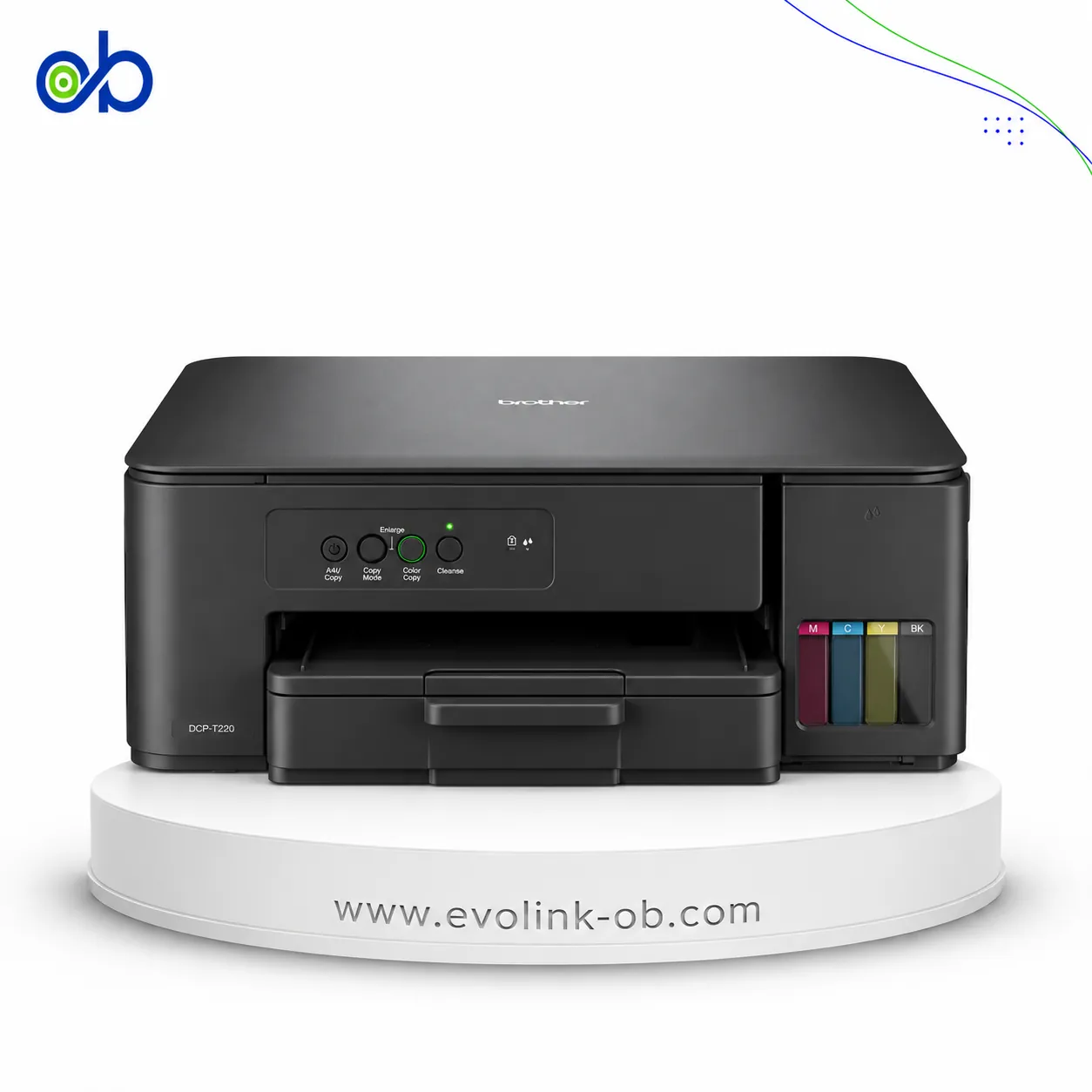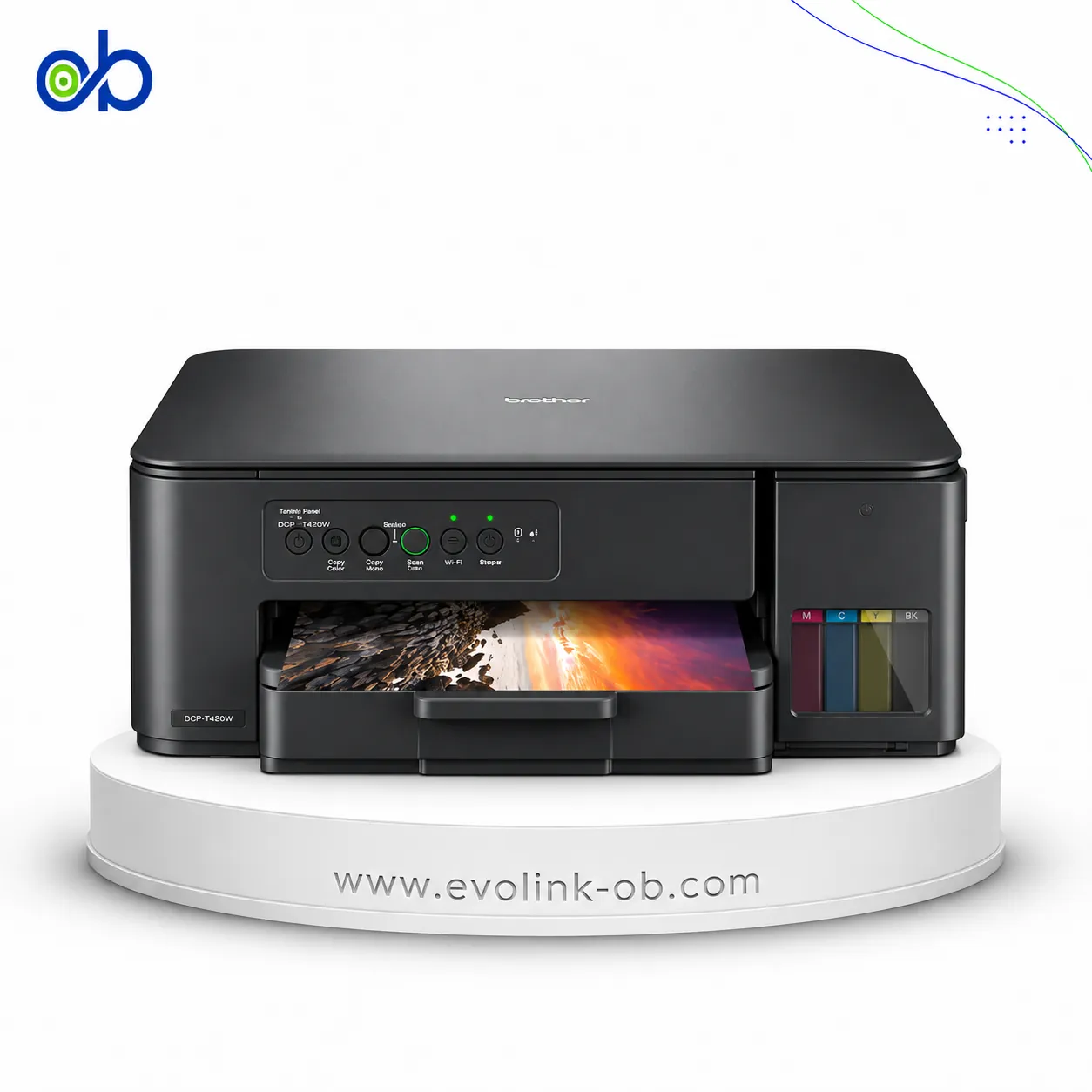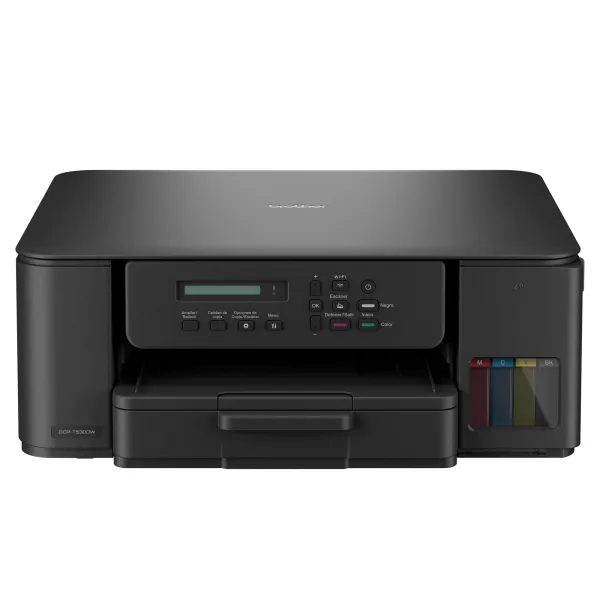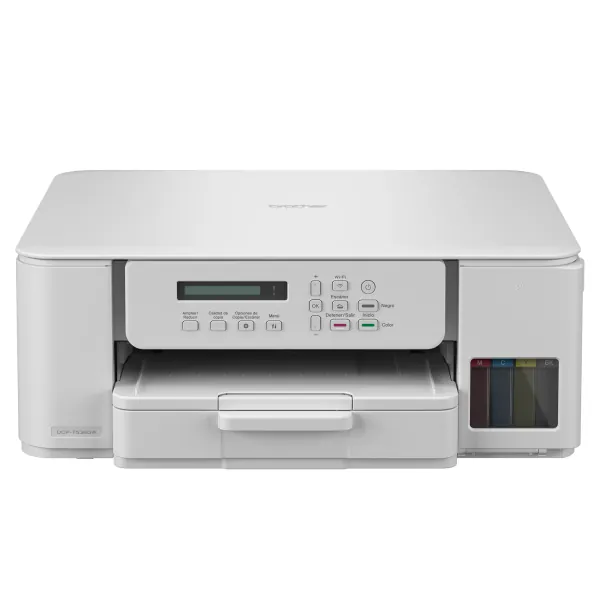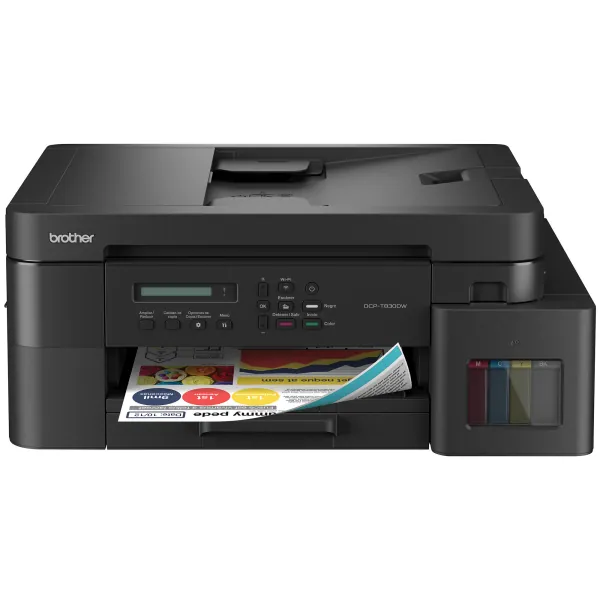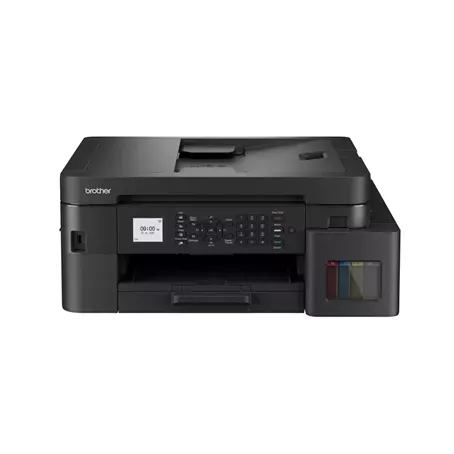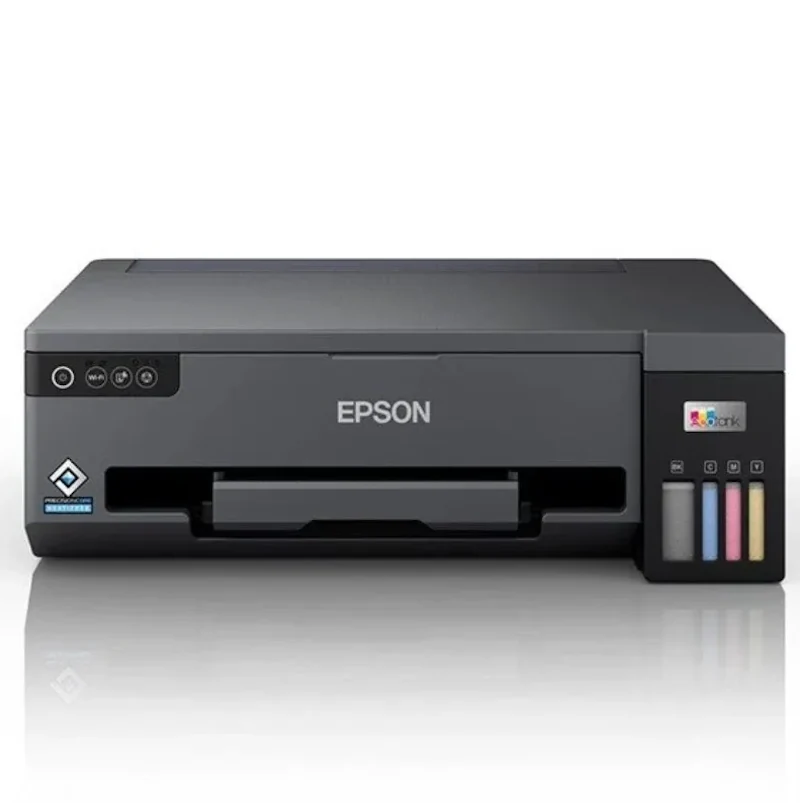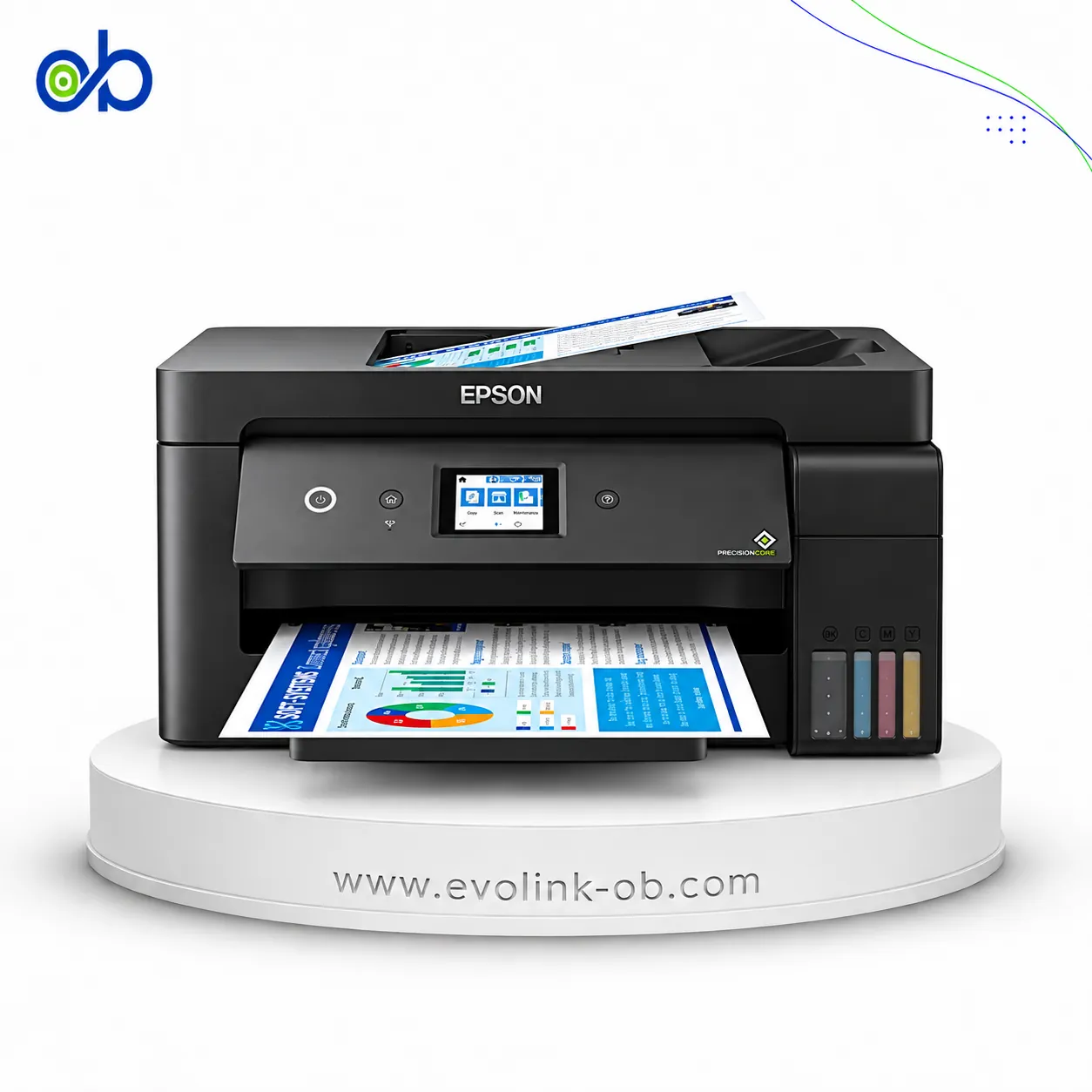

Epson EcoTank L3166 Printer
A color multifunction ink tank printer for printing, copying, and scanning, with Wi-Fi and Wi-Fi Direct connec…
Not for sale
A full side-by-side comparison of reference model EcoTank L3166 Printer and in-stock product EcoTank L6390 Printer on specs, price, and Syria availability.
A color multifunction ink tank printer for printing, copying, and scanning, with Wi-Fi and Wi-Fi Direct connec…
Not for sale
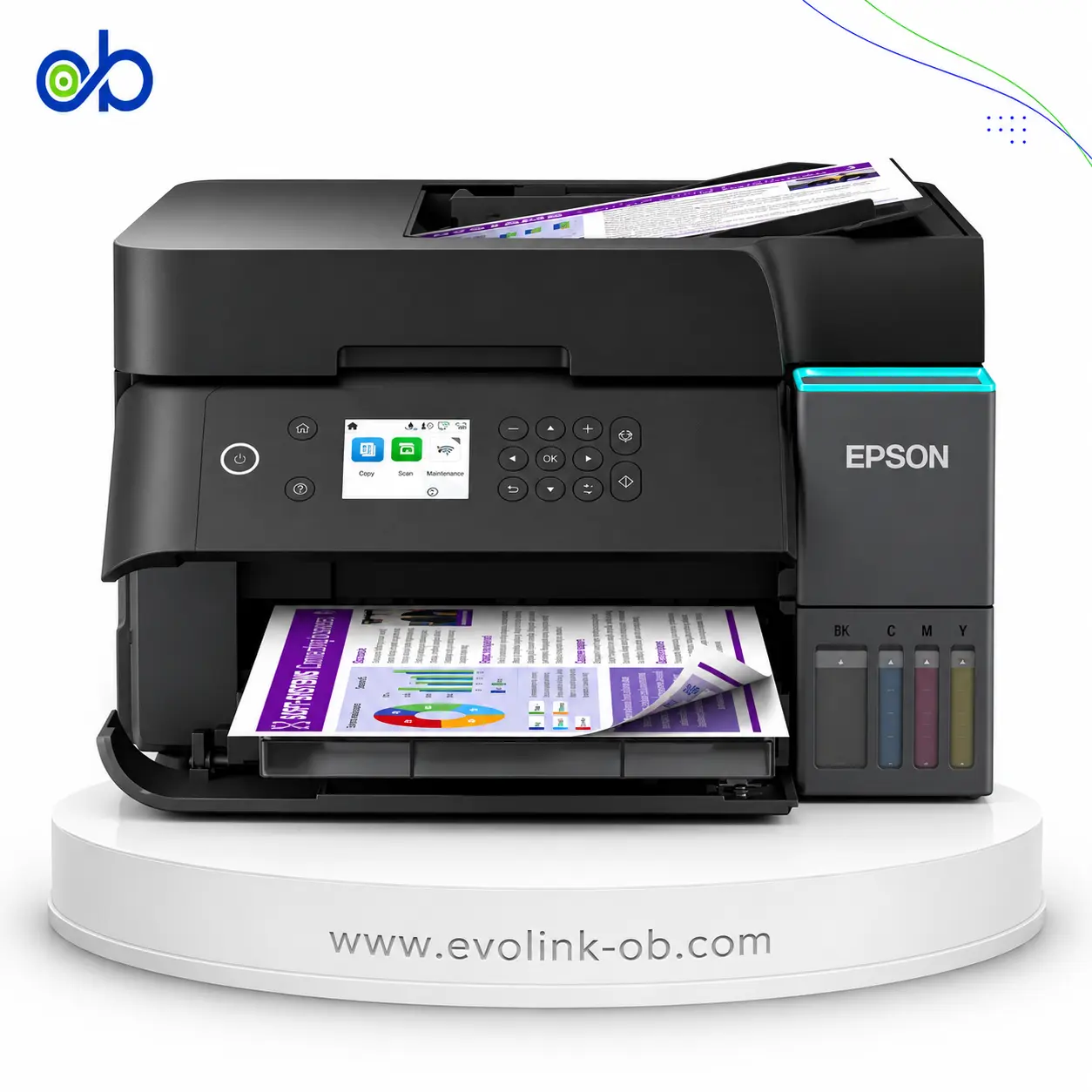
An A4 color ink tank multifunction printer for printing, copying, scanning and faxing, with ISO speeds up to 1…
$350.00
Out of stock
| Specification | Epson EcoTank L3166 Printer | Epson EcoTank L6390 Printer |
|---|---|---|
| Price | Not for sale | $350.00 |
| Features | ||
| Printer Functions | Print, Scan, Copy | Print, Scan, Copy, Fax |
| LCD Display | 1.44-inch / 3.7 cm color LCD | 2.4" Colour LCD Touch Screen |
| Control Panel | 1.44-inch color LCD control panel | 6.1 cm colour display |
| Quiet Mode | Yes | Yes |
| Printer Specifications | ||
| تقنية الطباعة | Epson Micro Piezo | Epson PrecisionCore |
| Printing | ||
| Print Colors | 4 | 4 |
| Ink System | Black, Cyan, Magenta, Yellow | Black, Cyan, Magenta, Yellow |
| Maximum Print Resolution | 5760 × 1440 dpi | 4800 x 1200 dpi |
| Duplex Printing | Manual | Automatic |
| Borderless Printing | Up to 10 x 15 | Up to A4 |
| Paper size | Legal | A4 |
| Print Margins | 0 for borderless sizes; minimum 3 with borders mm | — |
| Ink | ||
| Ink Technology | Dye Ink | Pigment Black + Dye Colour |
| Included Black Ink Yield | 4500 pages | — |
| Included Color Ink Yield | 7500 pages | — |
| Standard Black Ink Bottle | Epson 004 Black | — |
| Standard Colour Ink Bottles | Epson 004 Cyan, Epson 004 Magenta, Epson 004 Yellow | — |
| Replacement Black Ink Bottle Yield | 4500 pages | 8500 pages |
| Performance | ||
| Print Speed Black | 33 ppm | 35 ppm |
| Maximum Print Speed Color | 15 ppm | 23 ppm |
| ISO Print Speed Black | 10 ppm | 18 ppm |
| ISO Print Speed Color | 5 ppm | 9 ppm |
| 10×15 cm Photo Print Speed | 90 sec | 50 sec |
| First Page Out Time (Black) | — | 8.5 sec |
| First Page Out Time (Color) | — | 13.5 sec |
| ISO Duplex Print Speed Black | — | 7 ppm |
| ISO Duplex Print Speed Color | — | 5 ppm |
| Print Head | ||
| Black Nozzles | 180 | 400 |
| Nozzles Per Color | 59 | 128 |
| Minimum Droplet Size | 3 pl | 3.3 pl |
| Copy | ||
| ISO Copy Speed Black | 7.7 ipm | 11.5 ipm |
| ISO Copy Speed Color | — | 5.7 ppm |
| Copy Resolution | 600 x 600 (maximum input resolution) dpi | 600 × 600 dpi |
| Maximum Copies | 99 copies | 99 copies |
| Copy Zoom | 25-400 % | 25-400 % |
| Maximum Copy Size | Legal | — |
| Copy Features | 256 grayscale levels; 16.7 million colors | — |
| Scanning | ||
| Scanner Type | Flatbed color image scanner | Flatbed with ADF |
| Optical Scan Resolution | 1200 dpi | 1200 × 2400 dpi |
| Maximum Scan Area | 21.6 x 29.7 cm | 21.6 × 29.7 cm |
| Duplex Scanning | — | Yes |
| Flatbed Scan Speed | Black: 11; Colour: 28 sec | — |
| Scanner Sensor Type | CIS | CIS |
| Scanner Colour Bit Depth | 48: input : 24- output bit | — |
| Scanner Grayscale Bit Depth | 16- input/8- output bit | — |
| Scanner Black and White Bit Depth | 16- input/1- output bit | — |
| Colour Scanning | Yes | Yes |
| Monochrome Scanning | Yes | — |
| Scanner Compatibility | TWAIN, WIA, ICA | — |
| Maximum Scan Resolution | 9600 dpi | 1200 × 2400 dpi |
| Hardware Scan Resolution | 1200 x 2400 dpi | 1200 × 2400 dpi |
| Connectivity | ||
| Wireless Connectivity | Yes | Yes |
| Wi-Fi Direct | Yes | Yes |
| Mobile Printing Services | Epson iPrint Mobile App, Apple AirPrint, Email Print, Remote Print Driver, Google Cloud Print, Epson WeChat Mini Program Printing | Epson Connect (Epson Smart Panel, Epson Email Print, Remote Print Driver, Scan to Cloud), Apple AirPrint, Mopria Print Service, Chrome OS |
| Interfaces | Hi-Speed USB 2.0, Wi-Fi IEEE 802.11b/g/n, Wi-Fi Direct | USB، Ethernet،Wi-Fi، Wi-Fi Direct |
| Network Protocols | APIPA, BOOTP, DDNS, DHCP, HTTP, IPP, LLTD, LPD, mDNS, PING, PORT9100, SLP, SNMP, TCP/IPv4, TCP/IPv6, WSD | TCP/IPv4, TCP/IPv6 |
| WLAN Security | — | WEP 64/128-bit, WPA-PSK (TKIP), WPA2-PSK (AES), WPA3-SAE (AES) |
| Ethernet Connectivity | — | Yes |
| Supported OS | Windows XP Professional SP2 64-bit, Windows XP SP3 32-bit, Windows Vista, Windows 7, Windows 8, Windows 8.1, Windows 10 32/64-bit, Windows Server 2003 SP2, 2003 R2, 2008, 2008 R2, 2012, 2012 R2, 2016; Mac OS X 10.6.8-10.13.x | Windows , Mac OS |
| Email Print | Yes | Yes |
| Network Management Tools | APIPA, BOOTP, DDNS, DHCP, HTTP, LLTD, mDNS, PING, SLP, SNMP, WSD | — |
| Wireless Frequency Bands | — | 2.4 and 5 GHz |
| Wireless Standards | IEEE 802.11b/g/n | IEEE 802.11a/b/g/n/ac |
| Compatibility | ||
| Chromebook Native Print | Yes | Yes |
| Paper Handling | ||
| Paper Input Capacity | 100 sheets | 250 sheets |
| Paper Output Capacity | 30 sheets | 30 sheets |
| Paper Trays | 1 tray | 1 tray |
| Supported Paper Weight | Plain: 64-90; Premium Glossy: 102-300 g/m² | 64–300 g/m² |
| Automatic Document Feeder Capacity | — | 30 sheets |
| Rear Paper Feed | Yes | — |
| Photo Paper Capacity | 20 sheets | 20 sheets |
| Premium Glossy Photo Paper Output Capacity | 20 sheets | — |
| Standard Paper Tray Capacity | 100 sheets | 250 sheets |
| Dimensions | ||
| Width | 375 mm | 375 mm |
| Depth | 347 mm | 347 mm |
| Height | 179 mm | 240 mm |
| Physical | ||
| Weight | 4 kg | 7.3 kg |
| Printer Colour | — | Black |
| Power | ||
| Supply Voltage | 220-240 V | 220–240 V |
| Frequency | 50-60 Hz | 50-60 Hz |
| Ready Mode Power | 4.3 W | 7.4 W |
| Sleep Mode Power | 0.7 W | 0.7 W |
| Power Off Consumption | 0.3 W | 0.1 W |
| Printing Power Consumption | — | 15 W |
| Standalone Copying Power Consumption | 12 W | — |
| ENERGY STAR Support | Yes | — |
| Copying Power Consumption | 12 W | — |
| Maintenance | ||
| Replaceable Maintenance Box | — | Yes |
| Fax | ||
| Fax Transmission Speed | — | 33.6 kbps |
| Fax Memory | — | 100 pages |
| Fax Speed Dials | — | 100 |
| Fax Error Correction Mode | — | ITU-T Group 3 with ECM |
| Printer | ||
| Printer Category | A4 color wireless multifunction ink tank printer | — |
| Printer Language | ESC/P-R (Non-PC), ESC/P Raster | ESC/P-R |
| Product SKU | — | L6390 |
| Software | ||
| Desktop Printing and Scanning Software | — | Epson ScanSmart |
| Environment | ||
| Operating Temperature | 10-35 °C | — |
| Operating Humidity | 20-80 % | — |
| Storage Temperature | -20-40 °C | — |
| Storage Humidity | 5-85 % | — |
| Noise | ||
| Printing Sound Pressure | 51 dB(A) | — |
The Epson EcoTank L3166 and L6390 are colour ink-tank multifunction printers, but they serve different workloads. The L6390 offers ISO print speeds of up to 18 black and 9 colour pages per minute versus 10 black and 5 colour pages per minute for the L3166. It also provides automatic duplex printing, a 30-sheet ADF with two-sided scanning and copying, fax, Ethernet and a 250-sheet paper tray, compared with manual duplex and a 100-sheet input tray on the L3166.
Which should you buy? Choose the L6390 for frequent office document printing, multi-page scanning, two-sided document handling and fax workflows. Its faster ISO performance, automatic duplex, ADF and larger paper tray make it substantially more capable for office productivity. The L3166 remains a reasonable simpler and lighter alternative for home printing, copying and scanning at modest volumes, particularly if available in good condition for significantly less money.
The ink formulations also differ. The L3166 uses dye-based inks, while the L6390 uses pigment black with dye-based colour inks. The L3166's higher nominal maximum print resolution does not automatically imply superior output quality for every application. A reliable photo-speed winner cannot be determined from the published figures without fully matching print modes, border settings and media conditions.
Price and availability: The comparison displays the L6390 at USD 350 but marks it out of stock. The L3166 is not available for sale on the page. This is therefore a specification-based recommendation rather than confirmation of immediate purchase availability. Check inventory, warranty and replacement ink costs before ordering. For document-intensive office use, the L6390 offers clear functional advantages; light home workloads may not justify its additional features.
1. Document printing speed: The L3166 delivers approximately 10 ISO black and 5 colour images per minute, compared with 18 black and 9 colour images per minute for the L6390. This gives the L6390 a substantial advantage for frequent document printing. Draft-speed figures of 33/15 versus 35/23 ppm use a different measurement and should not be mixed with ISO results.
2. Duplex printing: The L3166 requires manual page turning, whereas the L6390 supports automatic double-sided printing on A4 plain paper. The L6390 is rated at approximately 7 black and 5 colour ISO images per minute in duplex mode.
3. Scanner and ADF: The L3166 provides flatbed scanning. The L6390 adds a 30-sheet A4 automatic document feeder with two-sided scanning and copying, making it better suited to multi-page documents, invoices and contracts.
4. Paper handling: The L3166 has a 100-sheet input capacity versus 250 sheets for the L6390. Both list a 30-sheet output capacity. Epson China lists Legal support for the L3166, and Epson Singapore lists Legal support for its L6390 regional SKU, while the European L6390 paper-format list differs. Confirm the locally supplied SKU before treating Legal support as a purchasing difference.
5. Connectivity: Both models support USB, Wi-Fi and Wi-Fi Direct. The L6390 also offers Ethernet and, according to Epson Europe, dual-band 2.4 and 5 GHz wireless connectivity.
6. Fax and control panel: The L6390 includes fax and a 6.1 cm colour touchscreen, compared with a 3.7 cm colour LCD on the L3166. The L3166's listed core functions are printing, copying and scanning.
7. Ink technology: The L3166 uses dye inks, while the L6390 combines pigment black with dye colour inks. Epson lists approximately 4,500 pages for the L3166 replacement black bottle and 8,500 pages for the L6390 replacement black bottle. Actual cost per page requires replacement bottle prices and comparable testing assumptions.
8. 10×15 cm photo printing: Epson China lists 27 seconds for the L3166 in economy bordered mode, 69 seconds in standard bordered mode and 90 seconds in standard borderless mode. Epson Singapore lists 50 seconds for the L6390 in default bordered mode and 76 seconds in default borderless mode. Although 69 and 50 seconds are both bordered measurements, the sources do not conclusively establish identical quality settings. The apparent 19-second difference should not be presented as a verified like-for-like advantage.
9. Size and weight: The L3166 measures approximately 375×347×179 mm and weighs 4 kg, compared with 375×347×240 mm and 7.3 kg for the L6390. The L3166 is lighter and shorter, while the L6390 offers more office-oriented functionality.
The L6390 is better suited to frequent office work thanks to faster ISO document printing, automatic duplex, a 30-sheet ADF, fax, Ethernet and a 250-sheet paper tray. The L3166 is a simpler choice where price and compact size matter more.
Yes. The L6390 supports automatic duplex printing on A4 plain paper and two-sided scanning and copying through its ADF. The L3166 uses manual duplex printing and flatbed scanning without an ADF.
The L6390 is rated at up to 18 ISO black and 9 colour images per minute, compared with 10 black and 5 colour for the L3166. It offers a clear advantage for frequent document workloads.
Epson China confirms Legal support for the L3166, and Epson Singapore lists it for the regional L6390 SKU C11CL40502. The European L6390 paper-format list differs, so confirm the exact locally supplied SKU.
A definitive winner cannot be established without identical testing conditions. Epson lists 69 seconds in standard bordered mode and 90 seconds in standard borderless mode for the L3166. Epson Singapore lists 50 seconds in default bordered mode and 76 seconds in default borderless mode for the L6390. Fully matching quality settings have not been established.
Yes. The L6390 supports Ethernet, USB, Wi-Fi and Wi-Fi Direct. The L3166's official interface specifications list USB, Wi-Fi and Wi-Fi Direct without Ethernet.
Do not assume their inks are interchangeable. The L3166 uses dye inks, while the L6390 uses pigment black and dye colour inks. Their bottle codes and stated yields differ; use the supplies specified for the exact model and region.