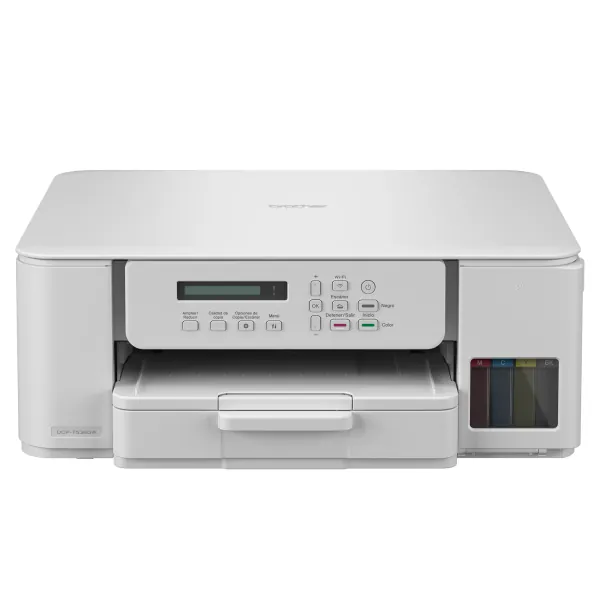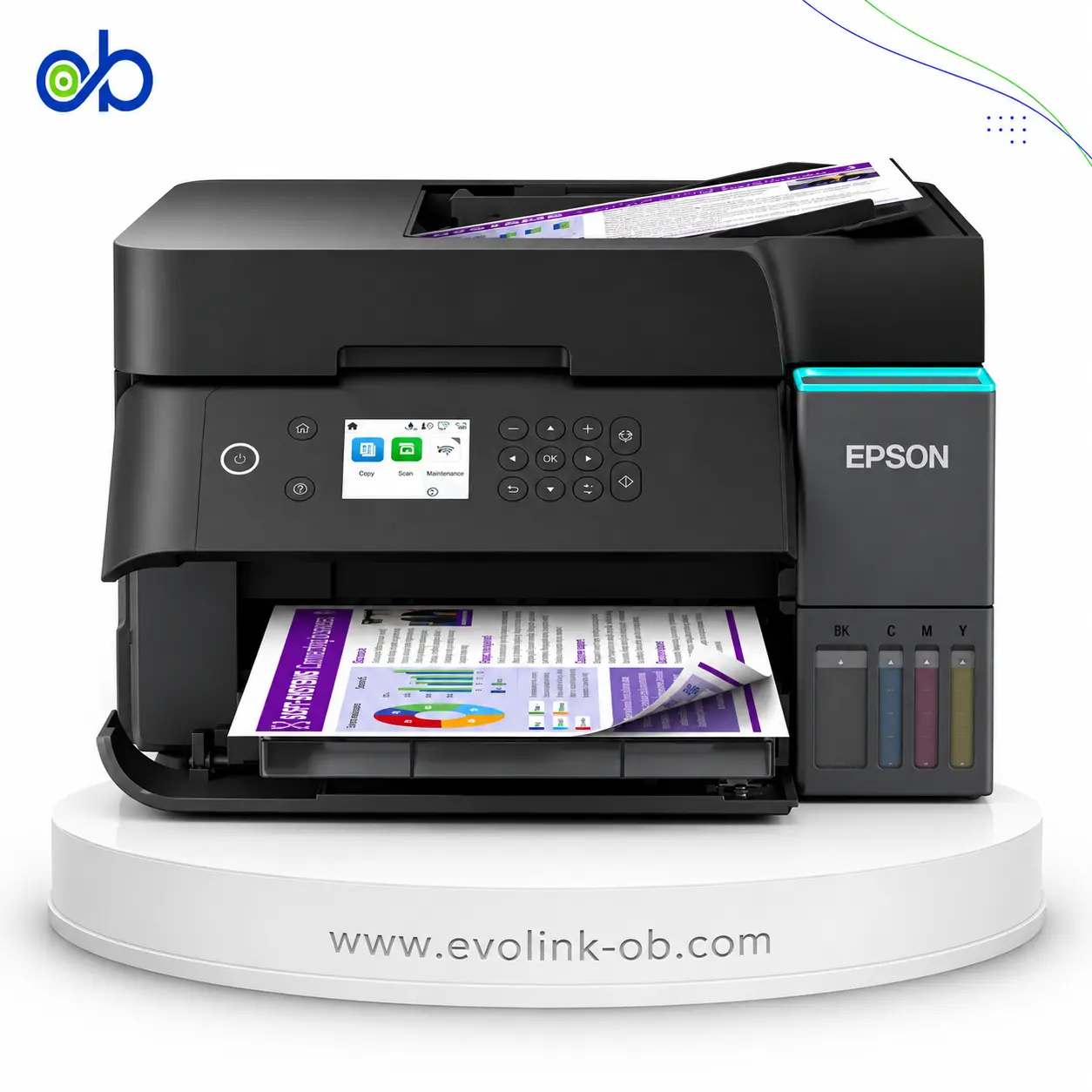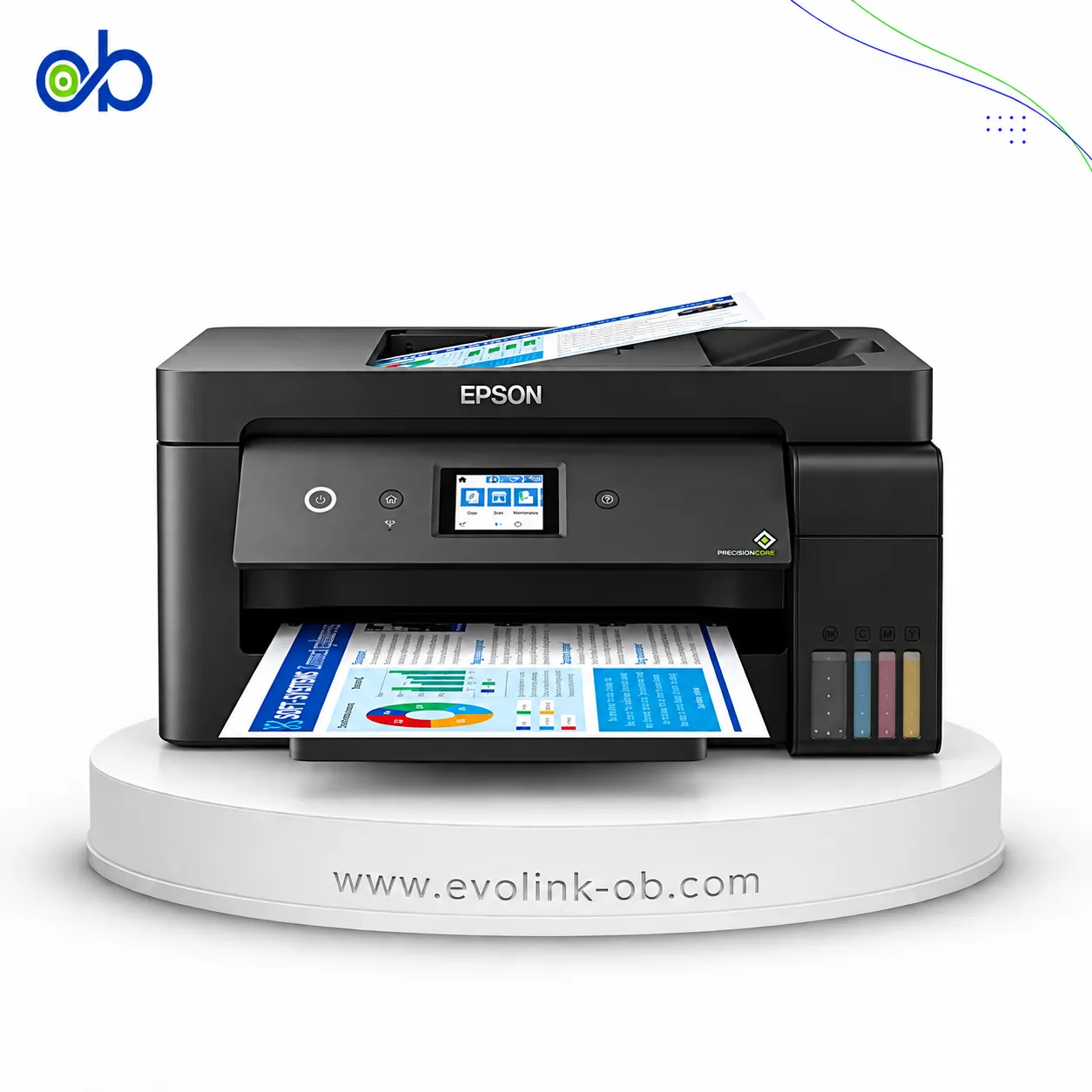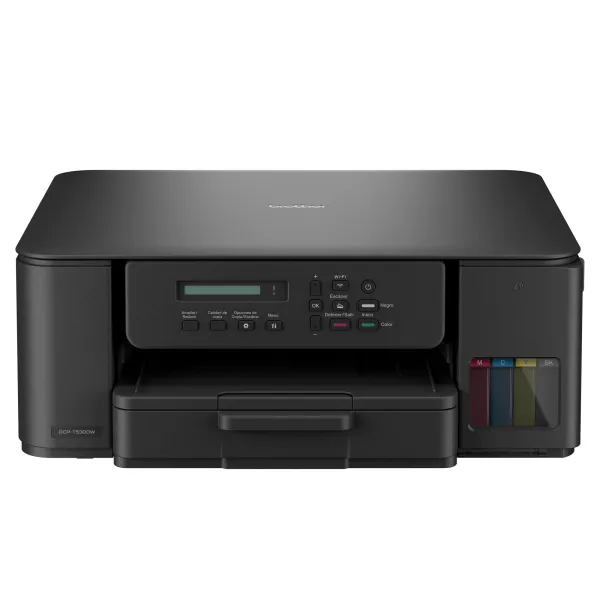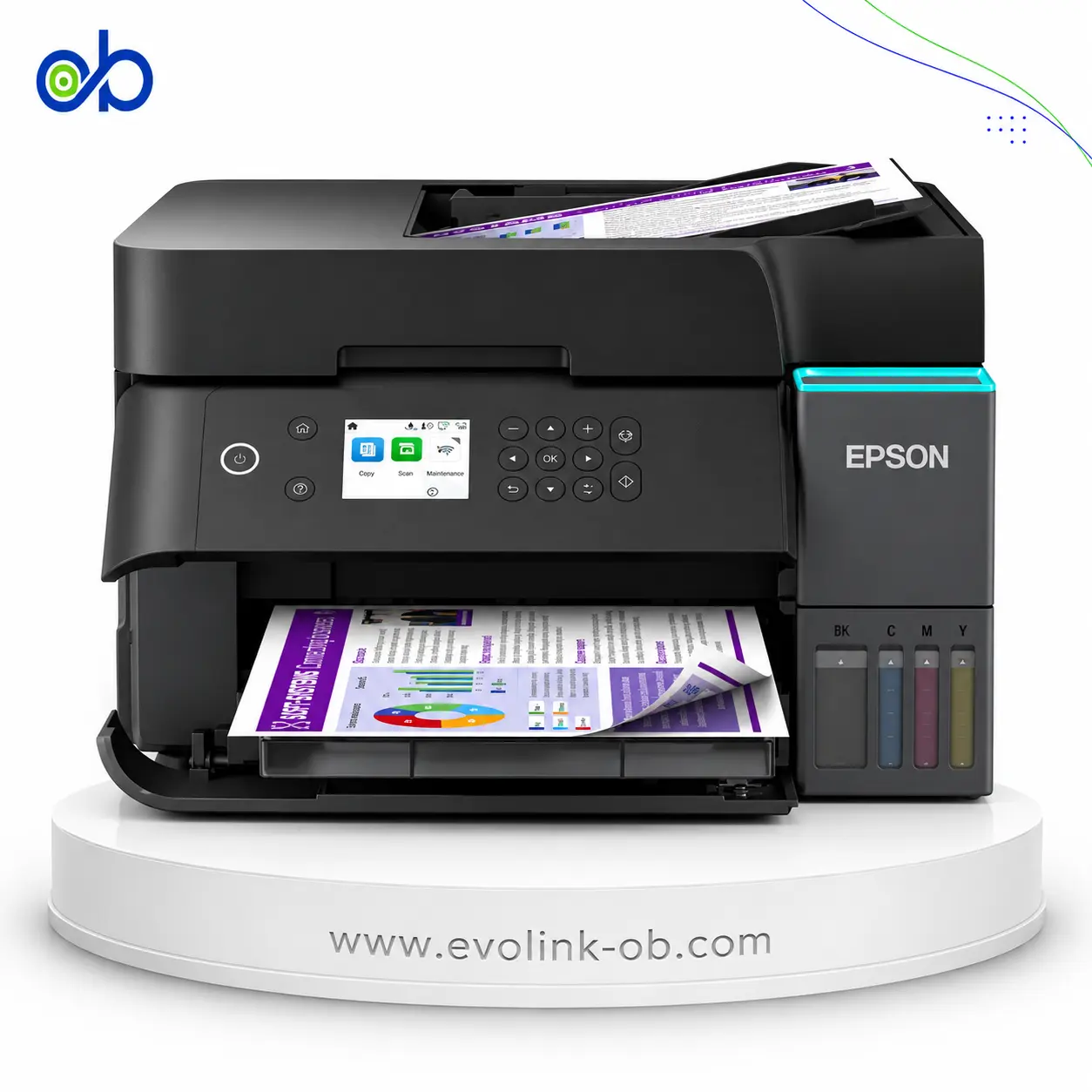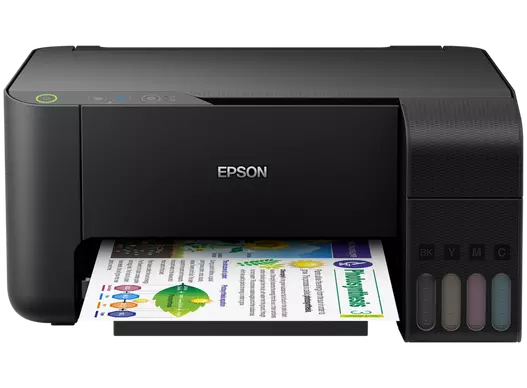
Epson EcoTank L3110 Printer
An Epson ink tank printer from the EcoTank range, the L3110 is intended for users considering this printer cat…
Not for sale
A full side-by-side comparison of reference model EcoTank L3110 Printer and in-stock product MAXIFY GX6140 4in1 Printer on specs, price, and Syria availability.
An Epson ink tank printer from the EcoTank range, the L3110 is intended for users considering this printer cat…
Not for sale
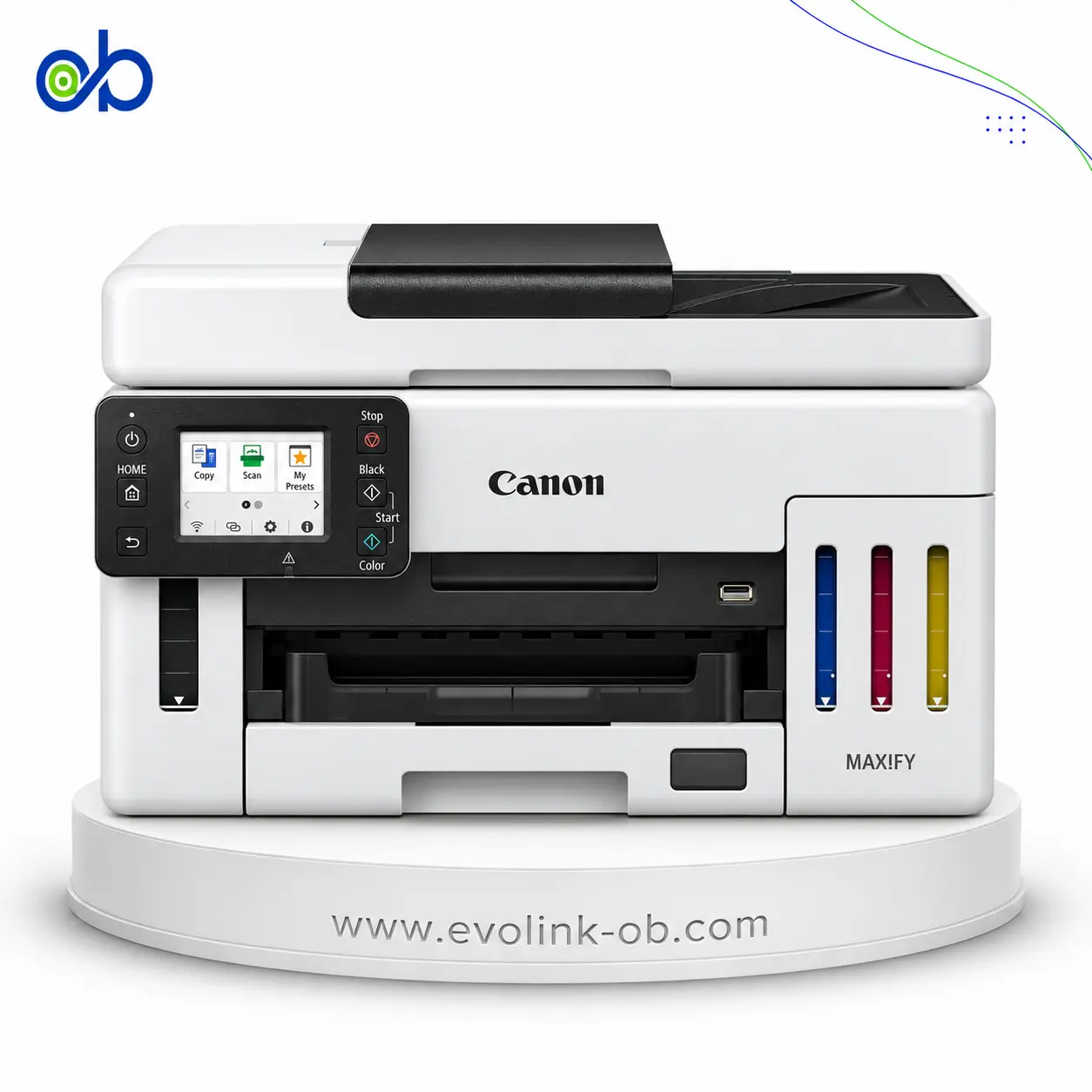
A multifunction color ink tank printer for printing, copying, and scanning, featuring print speeds up to 24 pp…
$450.00
Out of stock
| Specification | Epson EcoTank L3110 Printer | Canon MAXIFY GX6140 4in1 Printer |
|---|---|---|
| Price | Not for sale | $450.00 |
| Features | ||
| Printer Functions | Print, Scan, Copy | Print, Scan, Copy |
| LCD Display | No display | 6.9 cm tiltable colour touchscreen |
| Control Panel | Power button, black-and-white copy button, colour copy button, stop button, and ink/paper status light | Tiltable colour touchscreen; Black, Colour, Stop, Home controls |
| Quiet Mode | — | Yes |
| Printer Specifications | ||
| تقنية الطباعة | Epson Micro Piezo print head | Refillable ink tank inkjet |
| Printing | ||
| Print Colors | 4 | 4 |
| Ink System | Black, Cyan, Magenta, Yellow | CMYK |
| Maximum Print Resolution | 5760 × 1440 dpi | 600 × 1200 dpi |
| Duplex Printing | Manual | Automatic (A4, Letter) |
| Borderless Printing | Up to 10 x 15 cm | — |
| Paper size | A4 | A4 |
| Print Margins | 3 mm | 5 (top, bottom, left, right) mm |
| Ink | ||
| Ink Technology | Dye Ink | Pigment ink (BK, C, M, Y) |
| Included Black Ink Yield | 8100 pages | — |
| Included Color Ink Yield | 6500 pages | — |
| Standard Black Ink Bottle | — | GI-46 BK |
| Standard Colour Ink Bottles | — | GI-46 C, GI-46 M, GI-46 Y |
| Replacement Black Ink Bottle Yield | 4500 pages | 6000 pages |
| Performance | ||
| Print Speed Black | 33 ppm | — |
| Maximum Print Speed Color | 15 ppm | — |
| ISO Print Speed Black | 10 ipm | 24 ipm |
| ISO Print Speed Color | 5 ipm | 15.5 ipm |
| 10×15 cm Photo Print Speed | 69 sec | — |
| First Page Out Time (Black) | — | 5.5 sec |
| First Page Out Time (Color) | — | 7 sec |
| Maximum Monthly Duty Cycle | — | 45000 pages |
| Print Head | ||
| Black Nozzles | 180 | — |
| Nozzles Per Color | 59 | — |
| Minimum Droplet Size | 3 pl | — |
| Copy | ||
| ISO Copy Speed Black | 7 ipm | 22.2 ipm |
| ISO Copy Speed Color | — | 12.2 ipm |
| Maximum Copies | — | 99 copies |
| Copy Zoom | — | 25–400 % |
| N-in-1 Copy | — | 2-on-1, 4-on-1 |
| First Copy Out Time Colour | — | 12 sec |
| Copy Features | — | Duplex, manual ADF duplex, collate, ID card, frame erase, 2-on-1, 4-on-1 |
| Scanning | ||
| Scanner Type | Flatbed color image scanner | CIS colour flatbed + ADF |
| Optical Scan Resolution | 600 × 1200 dpi | 1200 × 1200 dpi |
| Maximum Scan Area | 21.6 x 29.7 cm | 21.6 × 35.6 cm |
| Scan Output Formats | BMP, JPEG, TIFF, PDF | PDF, Compact PDF, JPEG, TIFF |
| Scan-to Features | — | Email, network folder, USB flash drive, computer |
| Scanner Sensor Type | CIS | CIS |
| Scanner Colour Bit Depth | 48: input : 24- output bit | 8 per RGB channel bit |
| Scanner Grayscale Bit Depth | 16-bit internal, 8-bit external bit | 8 bit |
| Scanner Black and White Bit Depth | 16-bit internal, 1-bit external bit | — |
| ADF Monochrome Scan Speed | — | 22.2 ipm |
| ADF Colour Scan Speed | — | 16.9 ipm |
| Colour Scanning | Yes | Yes |
| Monochrome Scanning | Yes | Yes |
| Advanced Scan Features | — | Scan to email, shared folder, USB flash drive |
| Scanner Compatibility | — | TWAIN 1.9, WIA |
| Connectivity | ||
| Mobile Printing Services | — | Canon PRINT, Apple AirPrint, Mopria, Canon Print Service, Cloud Link |
| Interfaces | Hi-Speed USB 2.0 | Hi-Speed USB-B, USB flash drive, Wi-Fi, Ethernet (10/100BASE-T) |
| Network Protocols | — | SNMP, HTTP, TCP/IP (IPv4/IPv6) |
| WLAN Security | — | WPA-PSK, WPA2-PSK, WPA3-SAE, WPA-EAP, WPA2-EAP, WPA3-EAP (AES) |
| Supported OS | Windows 10, Windows 8.1, Windows 8, Windows 7, Windows Vista, Windows XP SP3, Windows XP Professional x64 Edition, Windows Server 2016, Windows Server 2012 R2, Windows Server 2012, Windows Server 2008 R2, Windows Server 2008, Windows Server 2003 R2, Windows Server 2003; Mac OS X 10.6.8 or later | Windows 7 SP1, 8.1, 10, 11; Server 2008 R2 SP1, 2012 R2, 2016, 2019, 2022, 2025; macOS 11.7.6–15; iOS, iPadOS, Android, Chrome OS |
| Wireless Standards | — | IEEE 802.11a/b/g/n/ac |
| Wireless Setup | — | WPS (push button/PIN), Easy Wireless Connect |
| Paper Handling | ||
| Paper Input Capacity | 100 sheets | 350 sheets |
| Paper Output Capacity | 30 sheets | 75 sheets |
| Paper Trays | 1 tray | 2 tray |
| Supported Paper Weight | 64–90 g/m² for plain paper; 75–90 g/m² for envelopes g/m² | 64–105 (plain); up to 265 (Canon PP-201) g/m² |
| Automatic Document Feeder Capacity | — | 50 sheets |
| Rear Paper Feed | Yes | — |
| Photo Paper Capacity | 20 sheets | — |
| Standard Tray Media Types | Plain paper, Epson photo paper, and envelopes | Plain paper, Canon Red Label Superior, Canon Oce Office Colour Paper |
| ADF Supported Paper Weight | — | 60–95 g/m² |
| Maximum Custom Paper Length | — | 1200 mm |
| Standard Paper Tray Capacity | — | 250 sheets |
| ADF Paper Size Range | — | 148×148–216×356 mm |
| Dimensions | ||
| Width | 375 mm | 399 mm |
| Depth | 347 mm | 410 mm |
| Height | 179 mm | 254 mm |
| Physical | ||
| Weight | 3.9 kg | 11.6 kg |
| Printer Colour | Black | White |
| Dimensions | 375 x 347 x 179 mm (Width x Depth x Height) | — |
| Power | ||
| Supply Voltage | 100–240 V | 100–240 V |
| Frequency | 50-60 Hz | 50/60 Hz |
| Ready Mode Power | 3.9 W | — |
| Sleep Mode Power | 0.4 W | — |
| Power Off Consumption | 0.2 W | 0.05 W |
| Standalone Copying Power Consumption | 12 W | — |
| Copying Power Consumption | — | 20 W |
| Printer | ||
| Printer Category | Home, Home Office | A4 colour multifunction ink tank (3-in-1) |
| Printer Language | ESC/P-R | — |
| Product SKU | C11CG87301 | 6882C009 |
| Software | ||
| Desktop Printing and Scanning Software | Epson Printer Driver, Epson Scan 2 | Printer Driver, IJ Printer Assistant Tool, Canon Scan Utility |
| Fax | ||
| Fax Type | — | No fax |
| Environment | ||
| Operating Temperature | 10–35 °C | 5–35 °C |
| Operating Humidity | 20–80 RH, non-condensing % | 10–90 % |
| Storage Temperature | -20–40 °C | 0–40 °C |
| Storage Humidity | 5–85 RH, non-condensing % | 5–95 % |
| Noise | ||
| Printing Sound Pressure | 52 dB(A) | 49 dB(A) |
| Package Contents | ||
| Package Contents | Printer, initial ink bottles, power cord, setup guide, and software/documentation | GX6140 printer, GI-46 BK/C/M/Y ink bottles, print heads, power cord, setup CD-ROM, manuals |
Epson EcoTank L3110 Printer vs Canon MAXIFY GX6140 4in1 Printer — choose by the use case in the table (role/paper, document features, connectivity, speed).
research reference (not for sale) vs store product.
When to pick which:
Pick Epson EcoTank L3110 Printer if you need: the simpler footprint shown in the table.
Pick Canon MAXIFY GX6140 4in1 Printer if you need: network / wireless printing (including 5 GHz when present), automatic duplex, higher ISO print/copy speed.
Key differences:
Based on the specs table, Canon MAXIFY GX6140 4in1 Printer fits most office needs better thanks to: Interfaces: Hi-Speed USB 2.0 vs Hi-Speed USB-B, USB flash drive, Wi-Fi, Ethernet (10/100BASE-T); Printer Category: Home, Home Office vs A4 colour multifunction ink tank (3-in-1); Duplex Printing: Manual vs Automatic (A4, Letter).
Maximum dpi and ink bottle series numbers alone do not settle the buy.
Ink System: Black, Cyan, Magenta, Yellow, Paper Size: A4, Print Colors: 4, Printer Functions: Print, Scan, Copy, Scanner Sensor Type: CIS
Pick Epson EcoTank L3110 Printer if you need: the simpler footprint shown in the table.
Pick Canon MAXIFY GX6140 4in1 Printer if you need: network / wireless printing (including 5 GHz when present), automatic duplex, higher ISO print/copy speed.
Interfaces: Hi-Speed USB 2.0 vs Hi-Speed USB-B, USB flash drive, Wi-Fi, Ethernet (10/100BASE-T)
Not by themselves. Dpi alone does not prove higher quality, and bottle series is a consumables difference. Decide by role, duplex/ADF, speed, connectivity, and price.