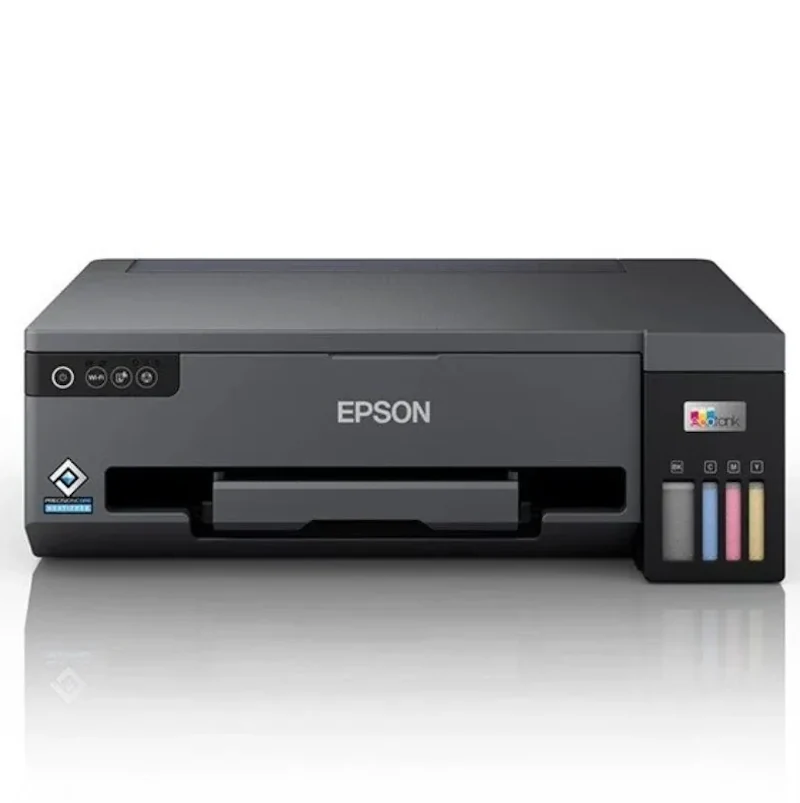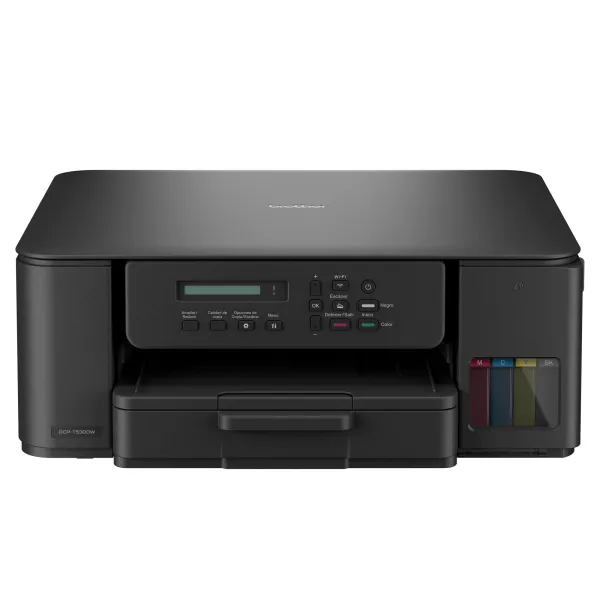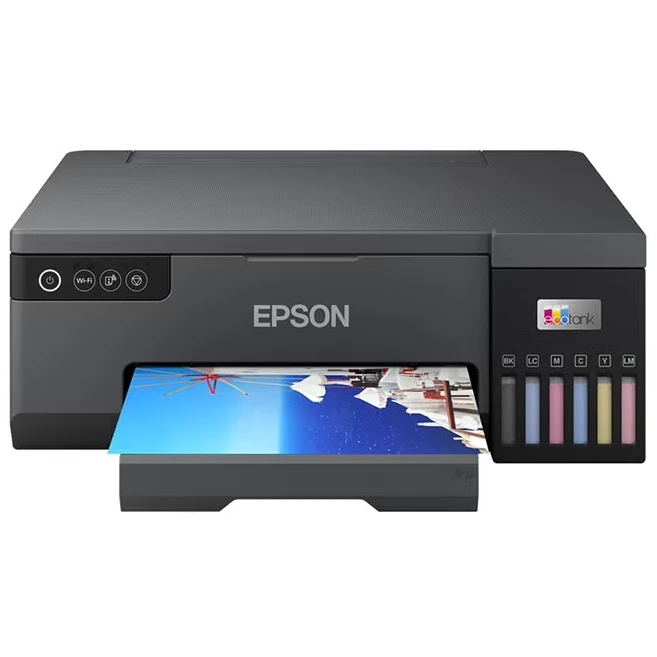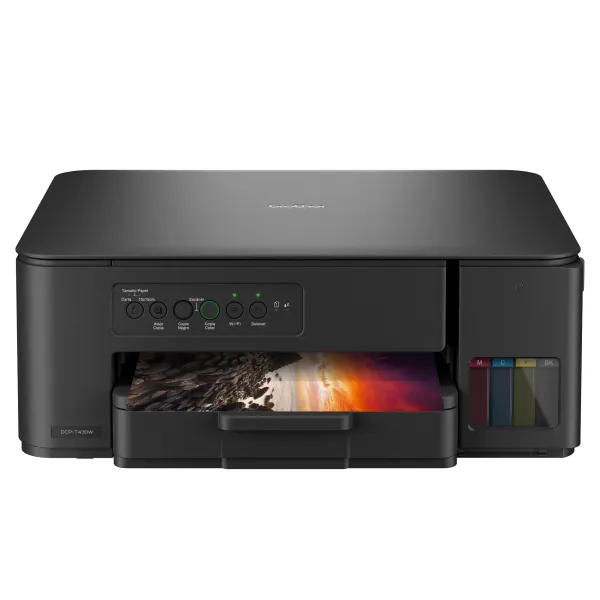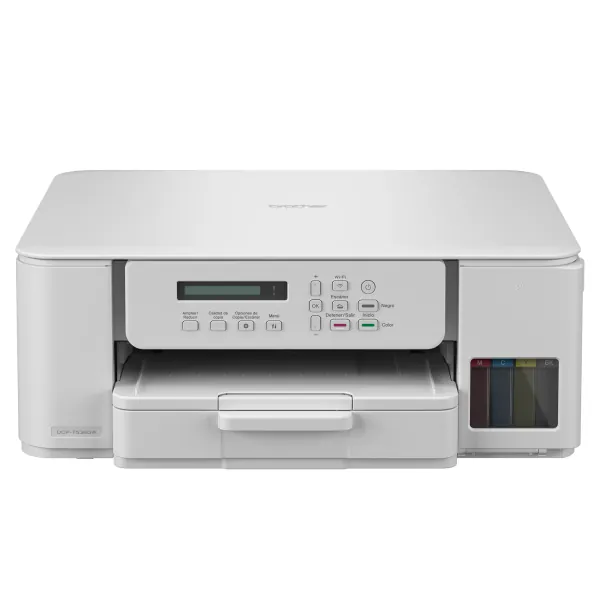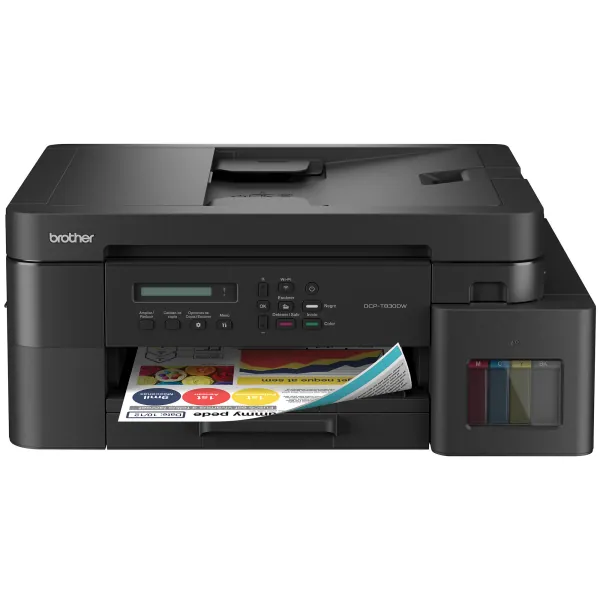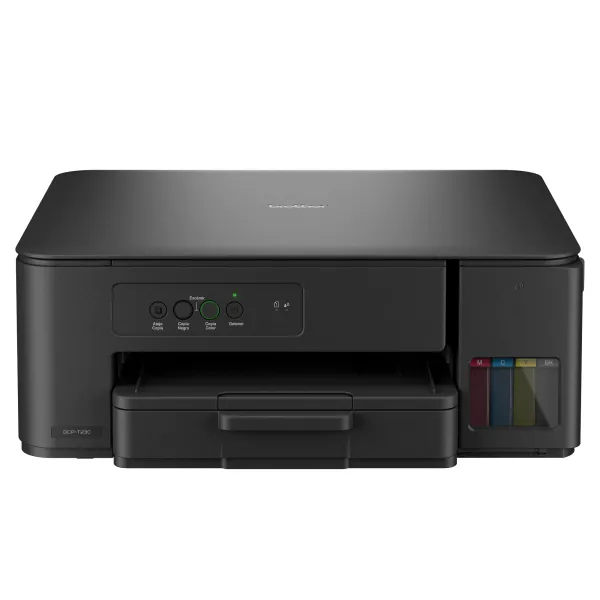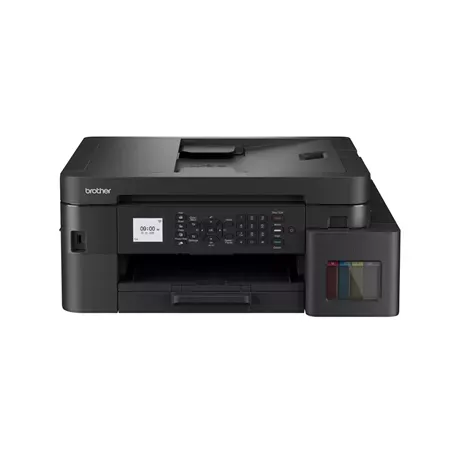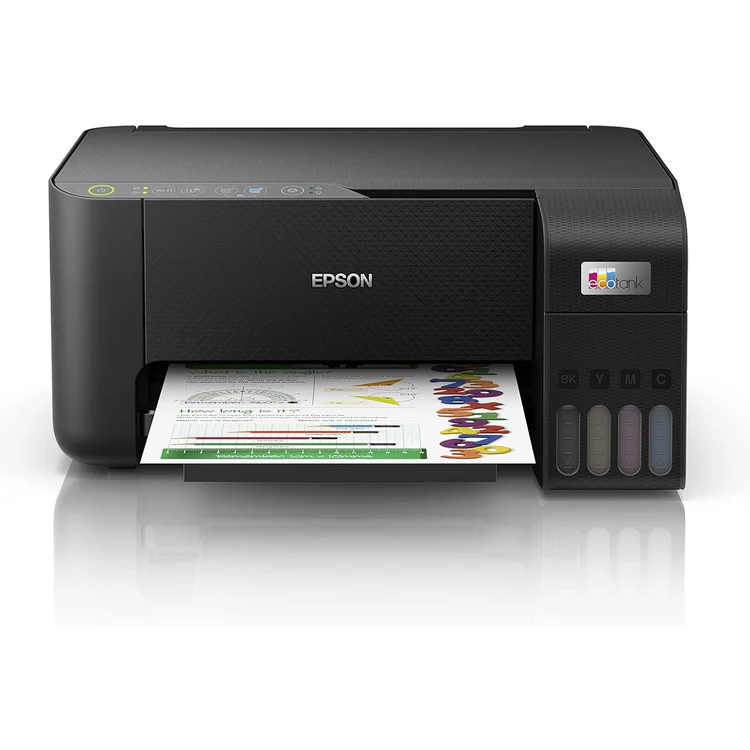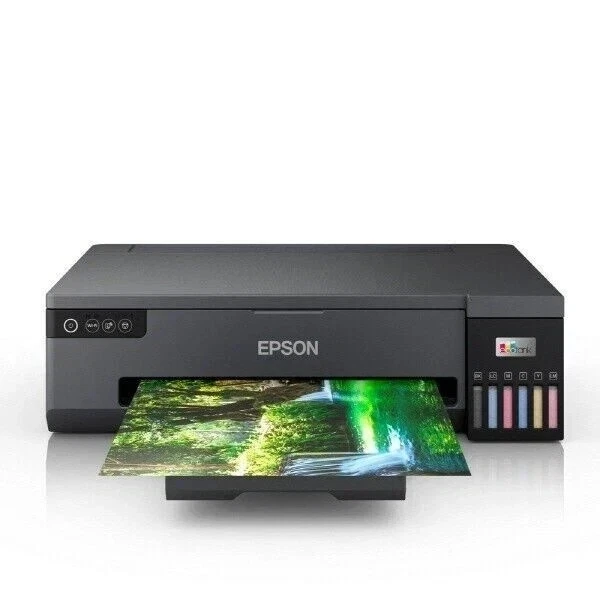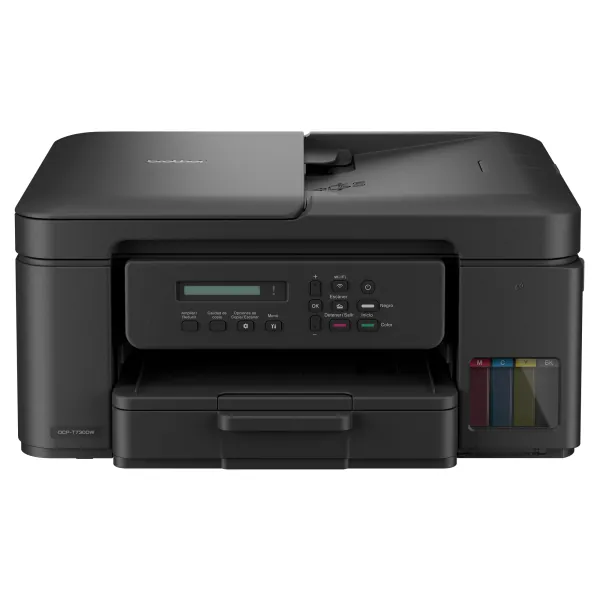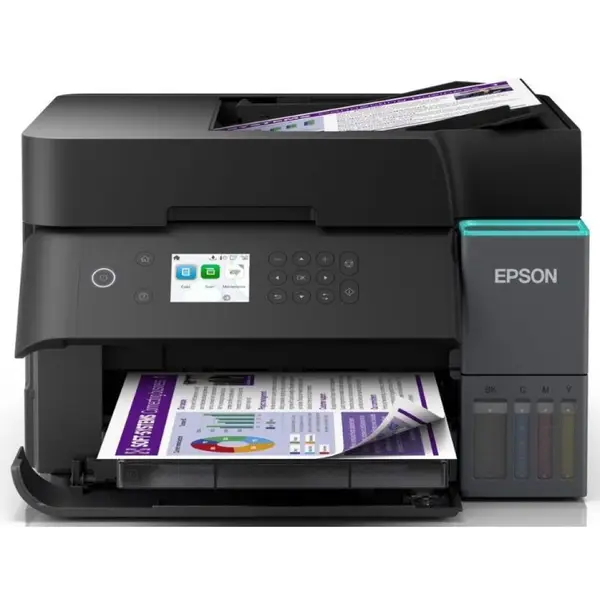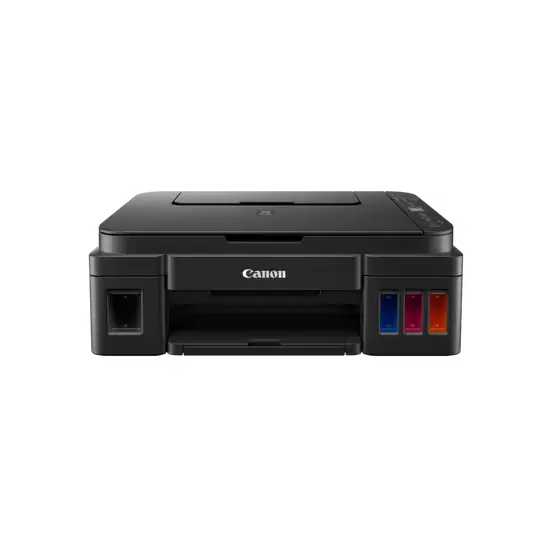
PIXMA G3410 All-in-One Ink Tank Printer
An A4 color ink tank all-in-one printer for printing, copying and scanning, with up to 4800 × 1200 dpi resolut…
$125.00
in stock
A full comparison of Canon PIXMA G3410 All-in-One Ink Tank Printer and Epson EcoTank L5290 Printer on price, Printer Functions, LCD Display, Print Method, تقنية الطباعة, and technical specs.
An A4 color ink tank all-in-one printer for printing, copying and scanning, with up to 4800 × 1200 dpi resolut…
$125.00
in stock
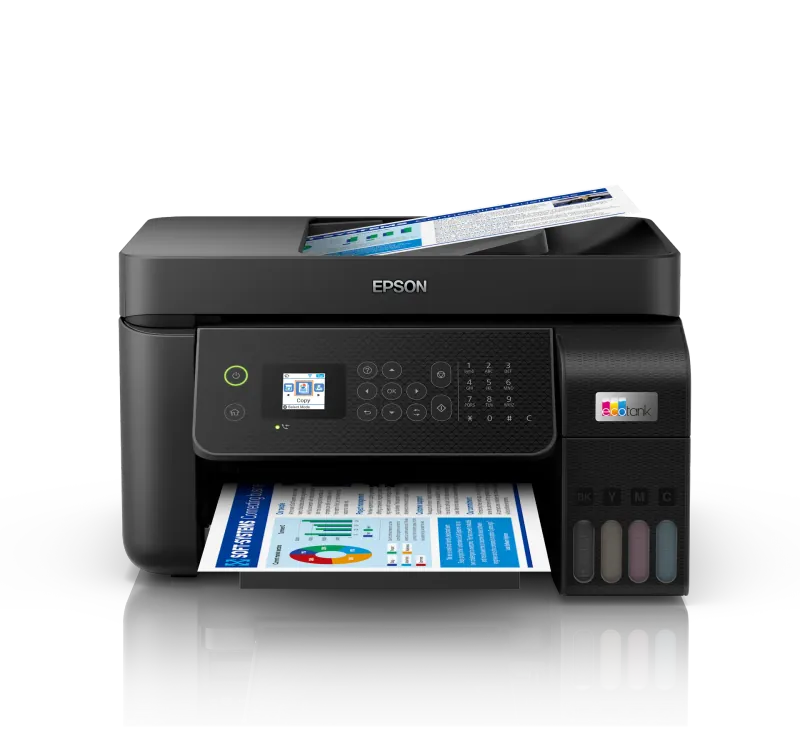
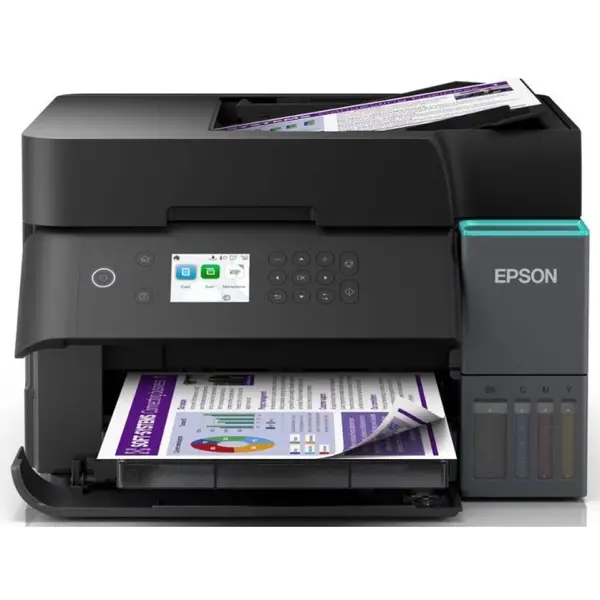
An A4 color ink tank multifunction printer for printing, copying, scanning and faxing, with ISO speeds up to 1…
$240.00
in stock
| Specification | PIXMA G3410 All-in-One Ink Tank Printer | EcoTank L5290 Printer |
|---|---|---|
| Price | $125.00 | $240.00 |
| Features | ||
| Printer Functions | Print, Copy, Scan, Wi-Fi, Cloud Link | Print, Scan, Copy, Fax |
| LCD Display | 1.2-inch monochrome segment LCD | 3.7 cm colour LCD screen |
| Printer Specifications | ||
| Print Method | 2 FINE Print Heads (Black and Colour); Refillable ink tank printer | Epson Micro Piezo™ print head |
| تقنية الطباعة | Refillable Ink Tank Inkjet | Epson Micro Piezo™ inkjet technology |
| Printing | ||
| Print Colors | 4 | 4 |
| Ink System | Hybrid ink system | CMYK |
| Maximum Print Resolution | 4800 × 1200 dpi | 5760 × 1440 dpi |
| Duplex Printing | — | Manual |
| Borderless Printing | Yes (A4, Letter, 20×25 cm, 13×18 cm, 13×13 cm, 10×15 cm) | Up to 10 × 15 cm |
| Paper size | A4 | A4 |
| USB Direct Print | — | Yes |
| Ink | ||
| Ink Technology | Pigment black ink and dye-based colour inks | Dye Ink |
| Included Black Ink Yield | 6000 pages | 8100 pages |
| Included Color Ink Yield | 7000 pages | 6500 pages |
| Performance | ||
| Print Speed Black | 8.8 ppm | 33 ppm |
| Maximum Print Speed Color | 5 ppm | 15 ppm |
| ISO Print Speed Black | 8.8 ppm | 10 ppm |
| ISO Print Speed Color | 5 ppm | 5 ppm |
| 10×15 cm Photo Print Speed | 60 sec | 27 sec |
| Print Head | ||
| Black Nozzles | — | 180 |
| Nozzles Per Color | — | 59 |
| Minimum Droplet Size | 2 pl | 3 pl |
| Copy | ||
| ISO Copy Speed Black | 3.5 ppm | 7.7 ppm |
| ISO Copy Speed Color | — | 3.8 ppm |
| Copy Resolution | — | 600 × 600 dpi |
| Maximum Copies | 20 copies | 99 copies |
| Copy Zoom | Fit to page | 25–400% |
| Maximum Copy Size | — | Legal |
| Scanning | ||
| Scanner Type | CIS flatbed photo and document scanner | Flatbed with ADF |
| Optical Scan Resolution | 600 × 1200 dpi | 1200 × 2400 dpi |
| Maximum Scan Area | 21.6 × 29.7 cm | 21.6 × 29.7 cm |
| Scan Output Formats | Colour: 48-bit input / 24-bit output; Greyscale: 16-bit input / 8-bit output | BMP, JPEG, PICT, TIFF, multi-TIFF, PDF, PNG |
| Flatbed Scan Speed | — | Monochrome: 12 sec; Colour: 29 sec at 200 dpi sec |
| Scanner Sensor Type | — | CIS |
| Scanner Colour Bit Depth | — | 48-bit input, 24-bit output bit |
| Scanner Grayscale Bit Depth | — | 16-bit input, 8-bit output bit |
| Scanner Black and White Bit Depth | — | 16-bit input, 1-bit output bit |
| ADF Monochrome Scan Speed | — | 4.5 ipm |
| ADF Colour Scan Speed | — | 4.5 ipm |
| Connectivity | ||
| Wireless Connectivity | Yes | Yes |
| Wi-Fi Direct | — | Yes |
| Mobile Printing Services | Canon PRINT Inkjet/SELPHY, PIXMA Cloud Link, Mopria (Android), Access Point Mode | Epson Connect (iPrint, Email Print, Remote Print Driver), Apple AirPrint, Mopria Print Service |
| Interfaces | Hi-Speed USB (Type-B), Wi-Fi IEEE 802.11b/g/n | USB, Ethernet, Wi-Fi, Wi-Fi Direct |
| Network Protocols | IEEE 802.11b/g/n | IPv4, IPv6 |
| WLAN Security | WEP, WPA-PSK, WPA2-PSK, Administration Password | — |
| Ethernet Connectivity | — | Yes |
| Supported OS | Chrome OS; Windows 10, Windows 8.1, Windows 7 SP1; iOS; Android; Windows 10 Mobile | Windows , Mac OS |
| Email Print | — | Yes |
| Network Management Tools | — | SNMP, HTTP, DHCP, BOOTP, APIPA, PING, DDNS, mDNS, SLP, WSD, LLTD |
| Paper Handling | ||
| Paper Input Capacity | 100 sheets | 100 sheets |
| Paper Output Capacity | — | 30 sheets |
| Paper Trays | 1 | 1 |
| Supported Paper Weight | 64-275 g/m² | 64–300 g/m² |
| Automatic Document Feeder Capacity | — | 30 sheets |
| Rear Paper Feed | Yes | — |
| Photo Paper Capacity | — | 20 sheets |
| ADF Supported Paper Weight | — | 64–95 g/m² |
| ADF Legal Paper Capacity | — | 10 sheets |
| Premium Glossy Photo Paper Output Capacity | — | 20 sheets |
| Maximum Custom Paper Length | — | 1200 mm |
| Dimensions | ||
| Width | 445 mm | 375 mm |
| Depth | 330 mm | 347 mm |
| Height | 163 mm | 237 mm |
| Physical | ||
| Weight | 6.3 kg | 5 kg |
| Power | ||
| Supply Voltage | 100–240 V | AC 100–240 V |
| Frequency | 50/60 Hz | 50–60 Hz |
| Ready Mode Power | 1.2 W | 4.5 W |
| Sleep Mode Power | 1.2 W | 0.7 W |
| Power Off Consumption | 0.2 W | 0.2 W |
| Printing Power Consumption | 11 W | 12 W |
| Fax | ||
| Fax Transmission Speed | — | Up to 33.6 kbps, approximately 3 seconds per page kbps |
| Fax Memory | — | Up to 100 pages (ITU-T No. 1 chart) pages |
| Fax Speed Dials | — | Up to 100 names and numbers |
| Fax Type | — | Walk-up black-and-white and colour fax |
| Fax Error Correction Mode | — | CCITU/ITU Group 3 fax with Error Correction Mode |
| Fax Resolution | — | Up to 200 × 200 dpi |
| Fax Features | — | PC Fax, Auto Redial, Address Book, Delay Send, Broadcast Fax, Polling Reception |
| Printer | ||
| Printer Category | Ink Tank All-in-One Printer | Home, Office Desktop |
| Printer Language | — | ESC/P-R |
| Software | ||
| Desktop Printing and Scanning Software | — | Epson ScanSmart |
This page compares Canon PIXMA G3410 All-in-One Ink Tank Printer and Epson EcoTank L5290 Printer using the price and specifications currently listed on EvoLink. They are alike on Print Colors (4) and Paper size (A4) and ISO Print Speed Color (5 ppm). They diverge on price, where PIXMA G3410 All-in-One Ink Tank Printer is the lower-cost option, Printer Functions (PIXMA G3410 All-in-One Ink Tank Printer: Print, Copy, Scan, Wi-Fi, Cloud Link, EcoTank L5290 Printer: Print, Scan, Copy, Fax), LCD Display (PIXMA G3410 All-in-One Ink Tank Printer: 1.2-inch monochrome segment LCD, EcoTank L5290 Printer: 3.7 cm colour LCD screen). If budget leads, start with PIXMA G3410 All-in-One Ink Tank Printer; if you need the stronger differing capabilities, EcoTank L5290 Printer may fit better.
The main practical differences are: Price: PIXMA G3410 All-in-One Ink Tank Printer ($125.00) vs EcoTank L5290 Printer ($240.00); Printer Functions: PIXMA G3410 All-in-One Ink Tank Printer (Print, Copy, Scan, Wi-Fi, Cloud Link) vs EcoTank L5290 Printer (Print, Scan, Copy, Fax); LCD Display: PIXMA G3410 All-in-One Ink Tank Printer (1.2-inch monochrome segment LCD) vs EcoTank L5290 Printer (3.7 cm colour LCD screen); Print Method: PIXMA G3410 All-in-One Ink Tank Printer (2 FINE Print Heads (Black and Colour); Refillable ink tank printer) vs EcoTank L5290 Printer (Epson Micro Piezo™ print head). Review the specification table above before buying.
Based on current EvoLink pricing, PIXMA G3410 All-in-One Ink Tank Printer is the lower-cost option. PIXMA G3410 All-in-One Ink Tank Printer is $125.00 and EcoTank L5290 Printer is $240.00.
Choose PIXMA G3410 All-in-One Ink Tank Printer if: Best when you want stronger value for money while covering baseline needs, especially if budget is the main constraint. Choose EcoTank L5290 Printer if: Best when you need the higher-priced capabilities highlighted in the differences, even if the cost is slightly higher.
Yes, they share Print Colors (4), Paper size (A4), ISO Print Speed Color (5 ppm). These common points make comparison easier within the same use category.
Yes. You can compare and buy PIXMA G3410 All-in-One Ink Tank Printer and EcoTank L5290 Printer through EvoLink in Syria. PIXMA G3410 All-in-One Ink Tank Printer is currently in stock at $125.00, and EcoTank L5290 Printer is currently in stock at $240.00. Orders are handled from our store in Damascus – Al-Halbouni. Delivery availability, fees, and timing are confirmed based on governorate, order weight, and stock before dispatch.