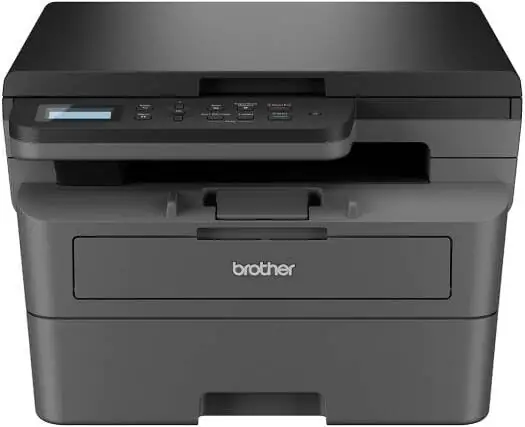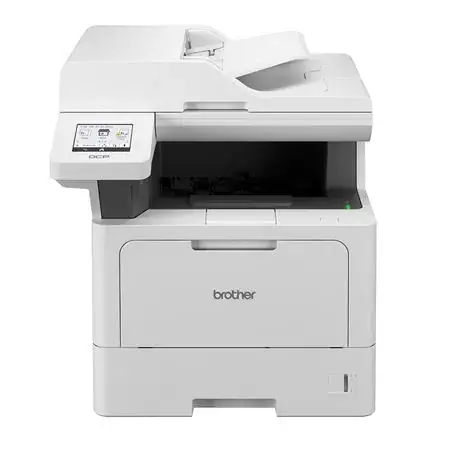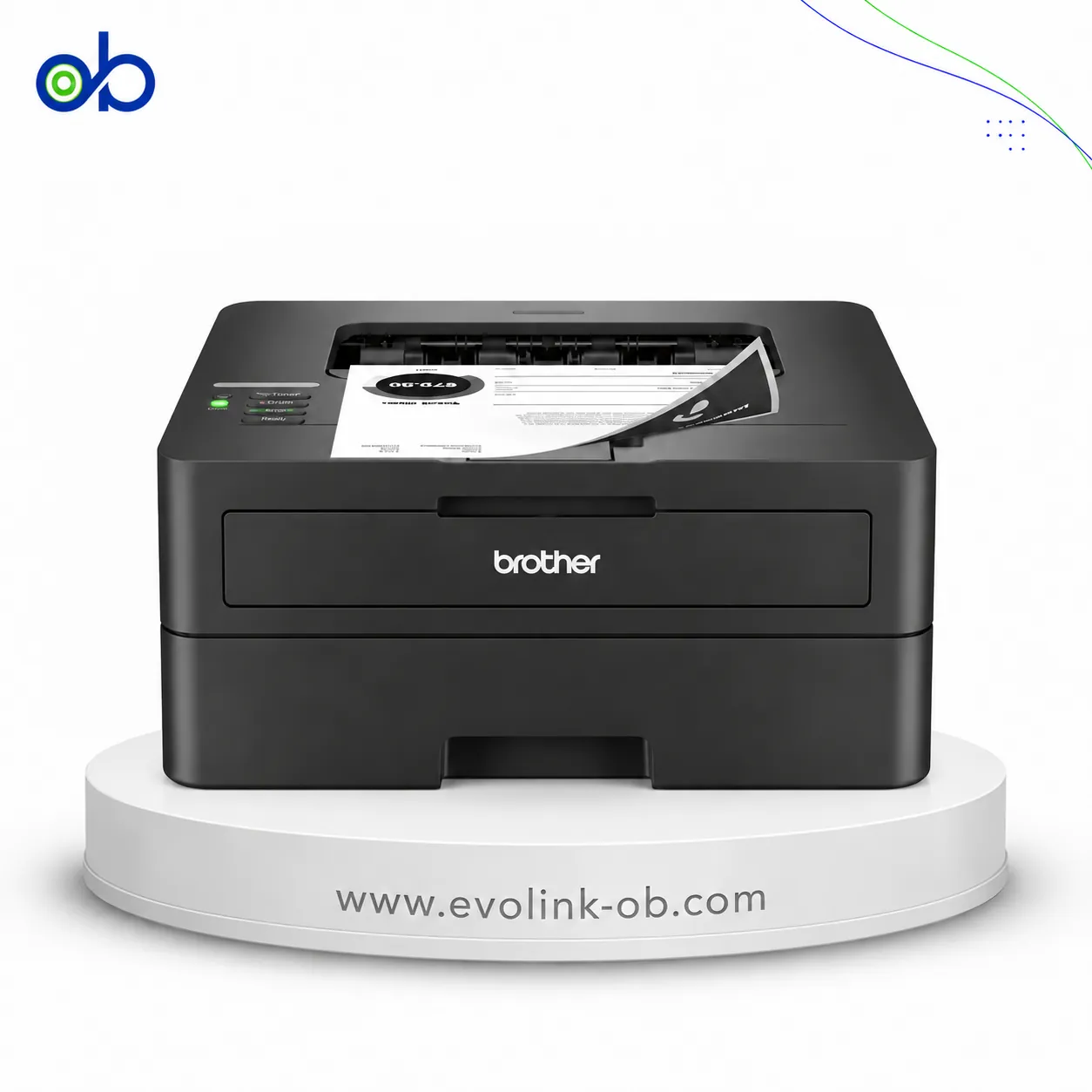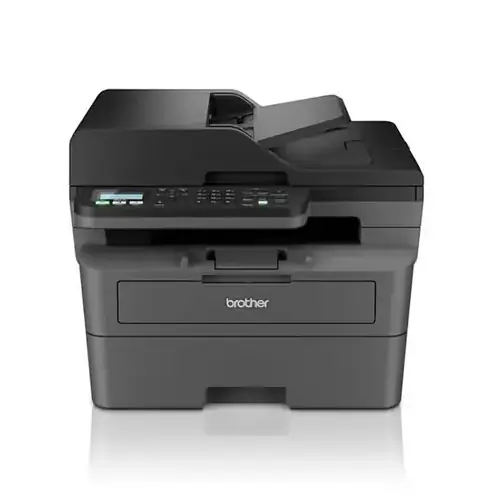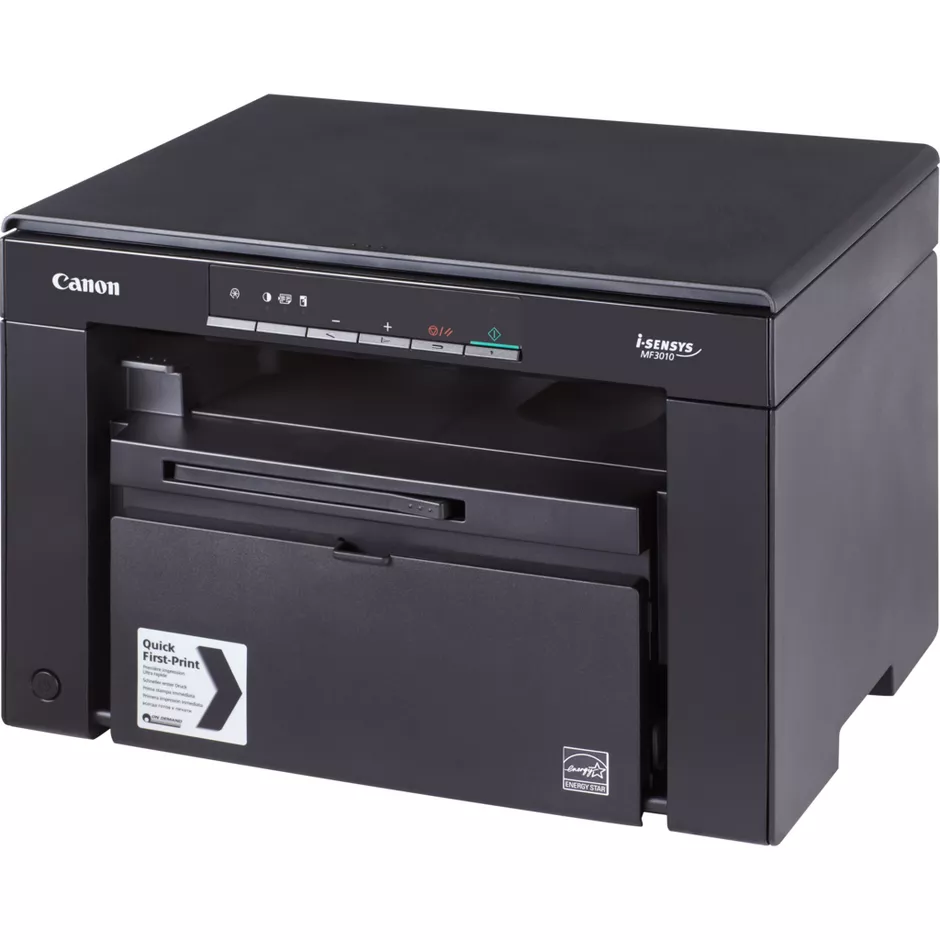
MF3010 Black & White Laser Printer
Canon MF3010 printer, monochrome laser, print, copy, scan, USB 2.0, 18 ppm, 1200 × 600 dpi, Canon Cartridge 72…
$185.00
Out of stock
A full comparison of Canon printers on price, Printer Functions, Duplex Printing, Ethernet Connectivity, Technical Features, and technical specs.
Canon MF3010 printer, monochrome laser, print, copy, scan, USB 2.0, 18 ppm, 1200 × 600 dpi, Canon Cartridge 72…
$185.00
Out of stock

A monochrome laser multifunction printer for printing, copying, scanning, and faxing at up to 23 ppm, with Wi-…
$225.00
Out of stock
| Specification | MF3010 Black & White Laser Printer | MF237WN Black & White Laser 3 in 1 Printer |
|---|---|---|
| Price | $185.00 | $225.00 |
| Features | ||
| Printer Functions | Print, Scan, Copy | Print, Scan, Copy, Fax |
| Technical Features | Quick First Print, ID Card Copy, Toner Saver, Poster, Watermark and Page Composer | Scan to Cloud, scan to PC |
| Display | 1-digit LED | 6-line touchscreen |
| Printer Specifications | ||
| تقنية الطباعة | Monochrome Laser | Monochrome Laser |
| Printing | ||
| Print Colour | Black and white | Black and white |
| Maximum Print Resolution | 1200 × 600 dpi | 1200 × 1200 dpi |
| Duplex Printing | Manual | No |
| Print Modes | Poster, Watermark, Page Composer, Toner Saver | — |
| Maximum Print Size | 8.5 × 14 in | — |
| Paper size | A4 | A4 |
| Performance | ||
| ISO Black Print Speed A4 | 18 ppm | 23 ppm |
| ISO Black Print Speed Letter | 19 ppm | 23 ppm |
| First Page Out Time Black A4 | 7.8 sec | 6.0 sec |
| Warm-up Time | Approx. 10 sec | — |
| Recommended Monthly Volume | — | 2000 pages |
| Maximum Monthly Duty Cycle | — | 15000 pages |
| First Print Out Time Black | — | 6 sec |
| Supplies | ||
| Replacement Toner Cartridge | Canon Cartridge 725 | — |
| Replacement Toner Yield | 1600 pages | — |
| Starter Toner Yield | 700 pages | — |
| Cartridge System | Single Cartridge System | — |
| Print Cartridge Count | — | 1 cartridge |
| Connectivity | ||
| Standard Connectivity | USB | USB , LAN , WIFI |
| Wireless Connectivity | — | Yes |
| Wireless Frequency Band | — | 2.4 GHz |
| Wireless Standards | — | IEEE 802.11b/g/n |
| Mobile Printing Services | — | Apple AirPrint |
| USB Functions | Print, Scan | — |
| Network Printing | — | Yes |
| Wireless Printing | — | Yes |
| Ethernet Connectivity | — | Yes |
| Software | ||
| Included Software | Presto! PageManager, MF Toolbox | Drivers & Utilities, Presto! PageManager |
| Compatibility | ||
| Compatible Operating Systems | Windows 11, Windows 10, Windows 8.1, Windows Server 2008–2022; macOS; Linux | Linux, Windows 7, Windows Vista, Windows 8, Windows 8.1, Windows 10, Android, iOS, Mac OS X 10.6 or later |
| Windows Server Support | Windows Server 2008 R2 64-bit, 2012 64-bit, 2012 R2 64-bit and 2016 64-bit with print driver only | Windows Server 2008 R2 64-bit, 2012 64-bit, 2012 R2 64-bit and 2016 64-bit with print driver only |
| Copy | ||
| Black Copy Speed A4 | 18 cpm | 23 cpm |
| Black Copy Speed Letter | 19 cpm | 23 cpm |
| Copy Resolution | 600 × 600 dpi | 600 × 600 dpi |
| Maximum Copies | 9 copies | 999 copies |
| Copy Scaling | 50–200 % | 25–400 % |
| Copy Halftones | 256 levels | 256 levels |
| First Copy Time | Approx. 12 sec | 9 sec |
| Maximum Copy Size | 8.27 × 11.69 (A4) / 8.5 × 11 (Letter) in | — |
| Copy Features | 2-on-1, ID Card Copy | Toner Save, 2-on-1, 4-on-1, ID Card Copy, Memory Sort |
| Scanning | ||
| Scan File Formats | JPG, BMP, PNG, TIFF, PDF | JPG, BMP, PNG, TIFF, PDF |
| Scan Input Modes | TWAIN, WIA | — |
| Scan Technology | CIS | CIS |
| Scanner Type | Flatbed | — |
| Scan Speed A4 | — | Up to 20 ipm monochrome and up to 15 ipm colour at 300 dpi |
| Scanner Colour Bit Depth | 24 bit | 24 bit |
| Colour Scanning | Yes | Yes |
| Optical Scan Resolution | Up to 600 × 600 dpi | 600 × 600 dpi |
| Maximum Scan Document Size | 216 × 297 mm | A4 (210 × 297 mm), Legal (216 × 356 mm) |
| Digital Sending Features | — | Scan to Cloud, scan to PC |
| Dimensions | ||
| Width | 372 mm | 390 mm |
| Depth | 276 mm | 371 mm |
| Height | 254 mm | 360 mm |
| Physical | ||
| Weight | 8.2 kg | 11.4 kg |
| Sustainability | ||
| ENERGY STAR Certified | Yes | Yes |
| Power | ||
| Printing Power Consumption | 450 W | — |
| Ready Mode Power | — | 5.1 W |
| Sleep Mode Power | 1.4 W | 1.2 W |
| Power Supply Type | 220–240 V AC, 50/60 Hz | 220–240 V AC, 50/60 Hz |
| Input Voltage | — | AC 230 V, 50/60 Hz |
| Operational Power Consumption | — | 1120 W |
| Product Information | ||
| Product Number | 5252B004 | 1418C105 |
| Paper Handling | ||
| Automatic Document Feeder Capacity | — | 35 sheets |
| Paper Input Capacity | 150 sheets | 250 sheets |
| Paper Output Capacity | 100 sheets | 100 sheets |
| Supported Paper Weight | 16–43 lb bond | — |
| Supported Media Sizes | A4, B5, A5, Executive, Letter, Legal, Statement, envelopes, custom sizes | Letter (216 × 279 mm), Legal (216 × 356 mm), Executive (184 × 267 mm), A4 (210 × 297 mm), A5 (148 × 210 mm), B5 (176 × 250 mm), Statement (139.7 × 215.9 mm), 76.2 × 127 mm, Oficio (216 × 343 mm), Foolscap (216 × 343 mm), 76.2 × 210 mm |
| Envelope Capacity | 10 envelopes | — |
| Supported Envelope Types | COM10, Monarch, DL, B5, C5 | International DL, Com-10, International C5, Monarch |
| Manual Feed Slot Capacity | — | 1 sheet |
| Minimum Custom Media Size | — | 76.2 × 127 mm |
| Maximum Custom Media Size | — | 216 × 356 mm |
| Paper Trays | 1 tray | — |
| ADF Media Weight | — | 50–105 g/m² |
| Cassette and Bypass Media Weight | — | 60–163 g/m² |
| Noise | ||
| Printing Sound Pressure | — | 51 dB(A) |
| Fax | ||
| Faxing | — | Yes |
| Fax Modem Speed | — | 33600 bps |
| Fax Memory Capacity | — | Up to 256 pages |
| Fax Speed Dial Locations | — | 104 locations |
| Fax Broadcasting Locations | — | 114 locations |
| PC Fax Functions | — | Send only |
| Fax Resolution | — | 200 × 400, 200 × 200, 200 × 100 dpi |
| Fax Smart Software Features | — | Error Correction Mode, telephone/fax switch, fax forwarding, Distinctive Ring Pattern Detection, automatic redialing, remote reception, Dual Access, fax memory backup, fax activity reports |
| Fax Type | — | Super G3, plain paper |
| Printer | ||
| Printer Language | UFRII-LT | UFRII LT |
| Shared Print Memory | 64 MB | 256 MB |
| Standard Memory | — | 256 MB |
| Media Handling | ||
| Supported Media Types | Plain, heavy, recycled, transparency, labels, envelopes | Envelopes, plain paper, cards, labels, recycled paper, bond paper, heavyweight paper |
| Environment | ||
| Operating Temperature | — | 10–30 °C |
| Operating Humidity | — | 20–80, % |
| Storage Temperature | — | -20–40 °C |
| Storage Humidity | — | 35–85 % |
| Security | ||
| Security Management | — | WEP, WPA-PSK, 802.1X, WPA2-PSK, TKIP, AES, IP filtering, MAC address filtering |
| Dimensions and Weight | ||
| Product Dimensions | 372 × 276 × 254 in | 390 × 371 × 360 in |
Canon MF3010 Black & White Laser Printer vs Canon MF237WN Black & White Laser 3 in 1 Printer — choose by the use case in the table (role/paper, document features, connectivity, speed).
When to pick which:
Pick Canon MF3010 Black & White Laser Printer if you need: the simpler footprint shown in the table.
Pick Canon MF237WN Black & White Laser 3 in 1 Printer if you need: fax or a fuller print/scan/copy set in the table, higher ISO print/copy speed.
Key differences:
Based on the specs table, Canon MF237WN Black & White Laser 3 in 1 Printer fits most office needs better thanks to: Printer Functions: Print, Scan, Copy vs Print, Scan, Copy, Fax; Iso Black Print Speed A4: 18 vs 23; Iso Black Print Speed Letter: 19 vs 23.
Maximum dpi and ink bottle series numbers alone do not settle the buy.
Paper Size: A4, Scanner Colour Bit Depth: 24, Tkny Altbaaa: Monochrome Laser
Pick Canon MF3010 Black & White Laser Printer if you need: the simpler footprint shown in the table.
Based on current prices, MF3010 Black & White Laser Printer is the cheaper option. It costs 185 USD versus 225 USD for MF237WN Black & White Laser 3 in 1 Printer. The price difference is 40 USD, about 17.8% less. Prices are live and subject to change.
Pick Canon MF237WN Black & White Laser 3 in 1 Printer if you need: fax or a fuller print/scan/copy set in the table, higher ISO print/copy speed.
Printer Functions: Print, Scan, Copy vs Print, Scan, Copy, Fax
Not by themselves. Dpi alone does not prove higher quality, and bottle series is a consumables difference. Decide by role, duplex/ADF, speed, connectivity, and price.
MF3010 Black & White Laser Printer and MF237WN Black & White Laser 3 in 1 Printer are currently out of stock at EvoLink in Damascus; you can inquire about restock and shipping to all Syrian governorates.
Address: Syria, Damascus, Halbouni, Musalam Barudi street, Building 1020, 1st floor.
Contact: +963 96 44 007 44 or via WhatsApp.