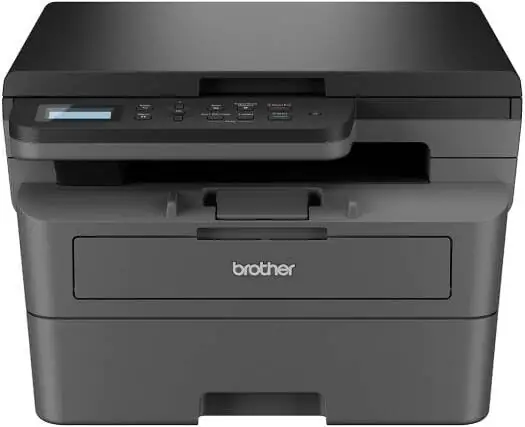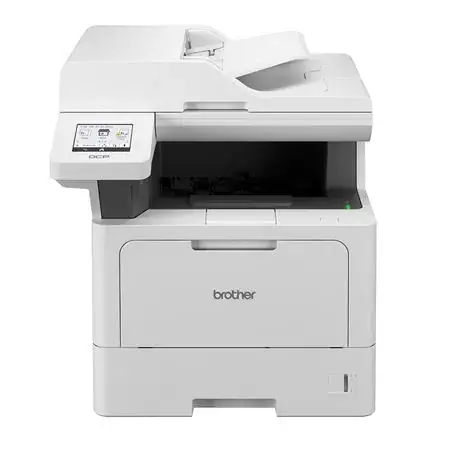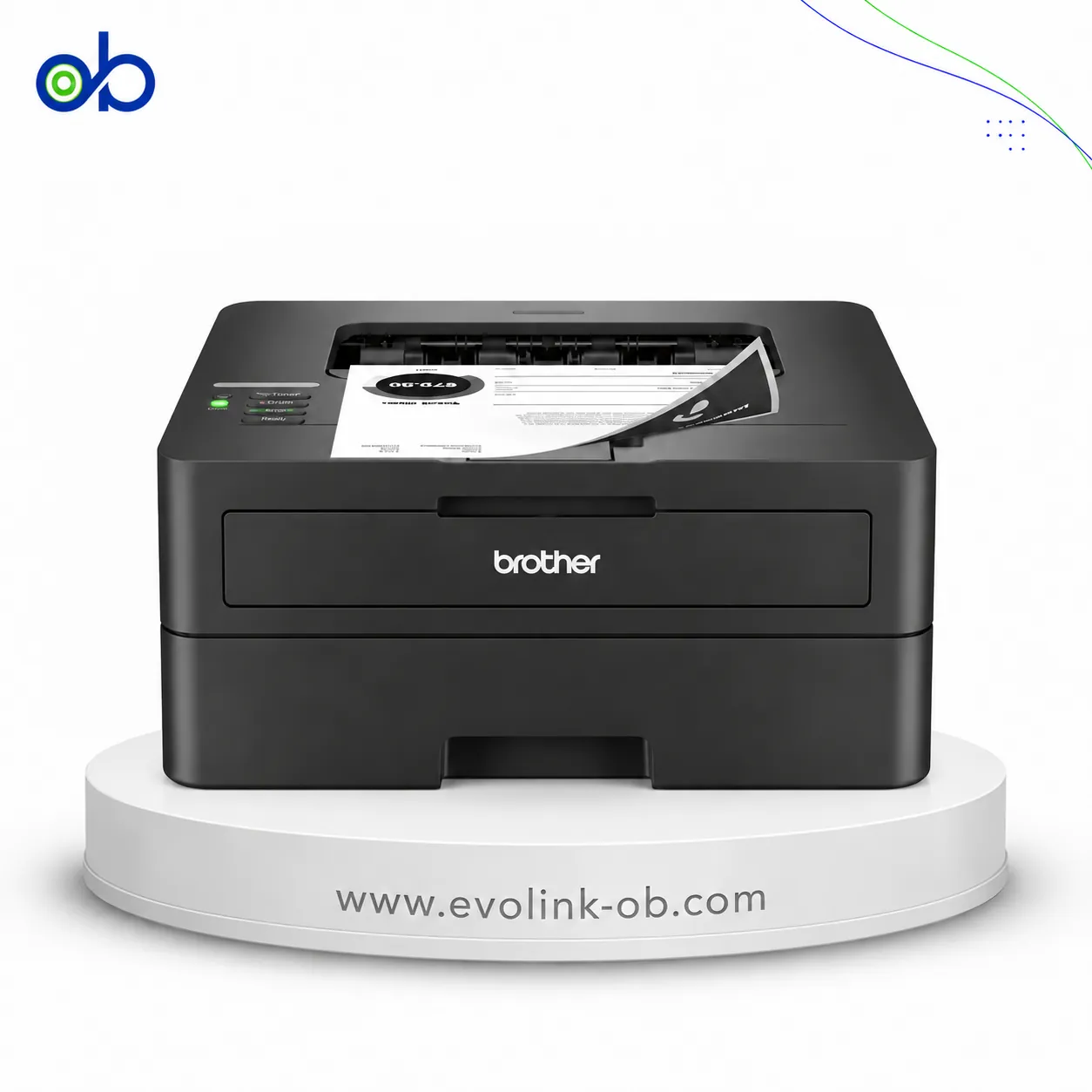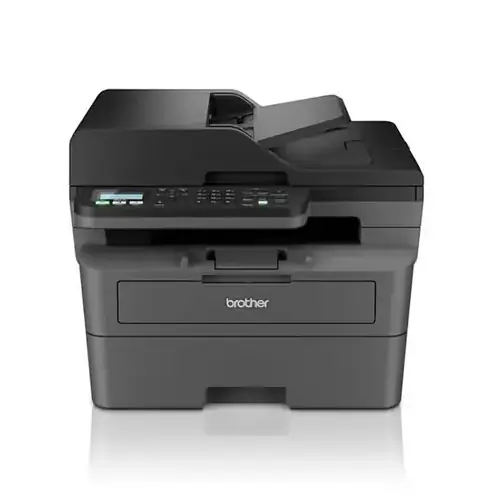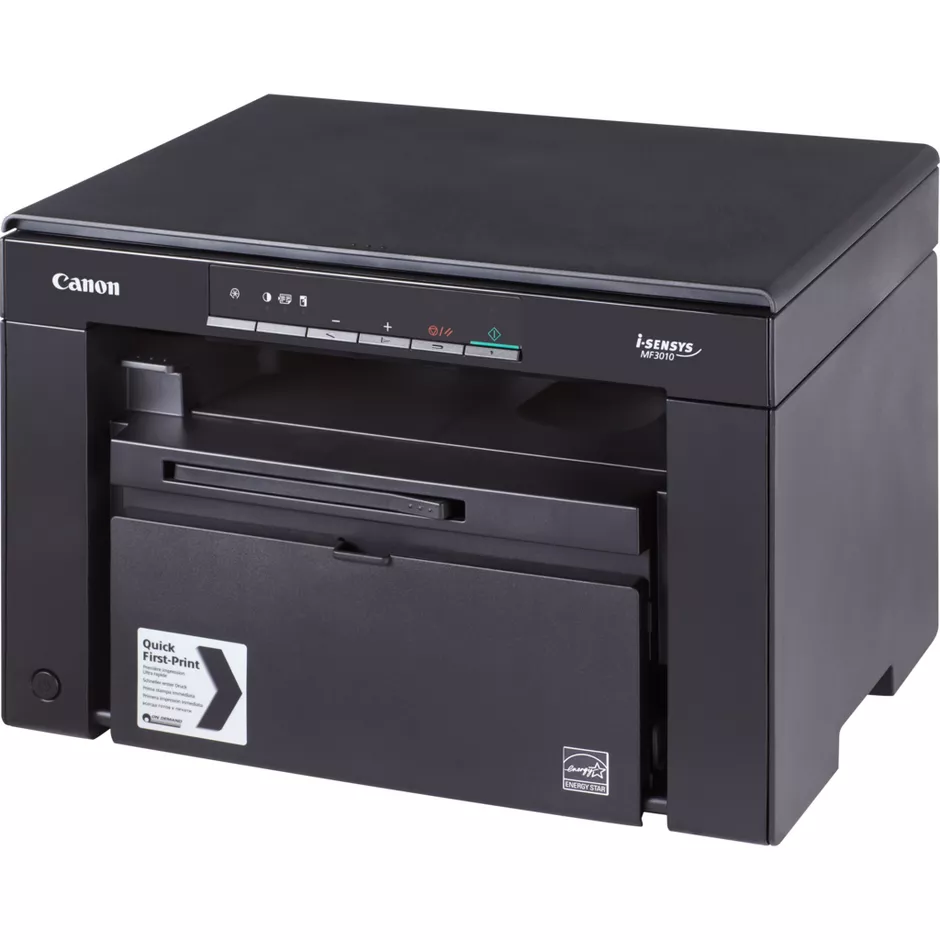
MF3010 Black & White Laser Printer
Canon MF3010 printer, monochrome laser, print, copy, scan, USB 2.0, 18 ppm, 1200 × 600 dpi, Canon Cartridge 72…
$185.00
Out of stock
A full comparison of Canon MF3010 Black & White Laser Printer and Brother MFC-L2885DW Monochrome Laser 4 in 1 Printer on price, Printer Functions, Duplex Printing, Ethernet Connectivity, Technical Features, and technical specs.
Canon MF3010 printer, monochrome laser, print, copy, scan, USB 2.0, 18 ppm, 1200 × 600 dpi, Canon Cartridge 72…
$185.00
Out of stock
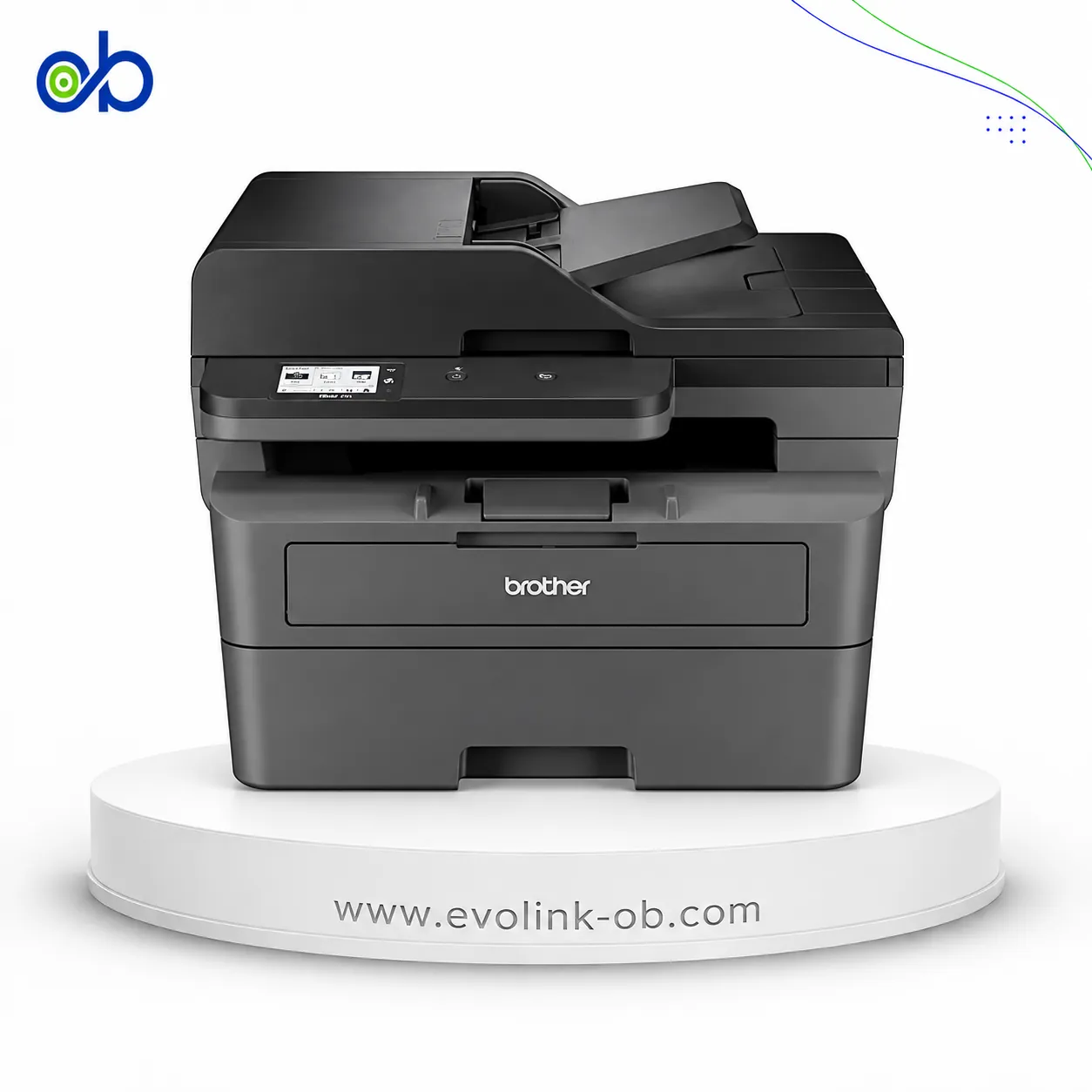
A monochrome laser multifunction printer for printing, copying, scanning and faxing, with speeds up to 34 ppm…
$280.00
Out of stock
| Specification | MF3010 Black & White Laser Printer | MFC-L2885DW Monochrome Laser 4 in 1 Printer |
|---|---|---|
| Price | $185.00 | $280.00 |
| Features | ||
| Printer Functions | Print, Scan, Copy | Print, Scan, Copy, Fax |
| Technical Features | Quick First Print, ID Card Copy, Toner Saver, Poster, Watermark and Page Composer | Network Security |
| Display | 1-digit LED | 2.7-inch TFT colour LCD |
| Printer Specifications | ||
| تقنية الطباعة | Monochrome Laser | Monochrome Laser |
| Printing | ||
| Print Colour | Black and white | Black and white |
| Maximum Print Resolution | 1200 × 600 dpi | 1200 × 1200 dpi |
| Duplex Printing | Manual | Automatic |
| Print Modes | Poster, Watermark, Page Composer, Toner Saver | — |
| Maximum Print Size | 8.5 × 14 in | Up to A4 and Letter in |
| Paper size | A4 | A4 |
| Performance | ||
| ISO Black Print Speed A4 | 18 ppm | 34 ppm |
| ISO Black Print Speed Letter | 19 ppm | 36 ppm |
| First Page Out Time Black A4 | 7.8 sec | 8.5 sec |
| Warm-up Time | Approx. 10 sec | — |
| Supplies | ||
| Replacement Toner Cartridge | Canon Cartridge 725 | TN2500, TN2500XL, TN2500XXL |
| Replacement Toner Yield | 1600 pages | TN2500: 1200 pages; TN2500XL: 3000 pages; TN2500XXL: 5000 pages |
| Starter Toner Yield | 700 pages | — |
| Cartridge System | Single Cartridge System | Separate toner and drum system |
| Standard-Yield Toner | — | TN2500 |
| High-Yield Toner | — | TN2500XL |
| Super High-Yield Toner | — | TN2500XXL |
| Drum Unit | — | DR2500 |
| Drum Yield | — | 15000 pages |
| Connectivity | ||
| Standard Connectivity | USB | Hi-Speed USB 2.0, Ethernet 10Base-T/100Base-TX, Wireless LAN IEEE 802.11b/g/n, IEEE 802.11g/n (Wi-Fi Direct), NFC |
| Wireless Connectivity | — | Yes |
| Wireless Frequency Band | — | 2.4 GHz |
| Wireless Standards | — | IEEE 802.11b/g/n (Infrastructure), IEEE 802.11g/n (Wi-Fi Direct) |
| Wi-Fi Direct | — | Yes |
| Mobile Printing Services | — | Brother Mobile Connect, Apple AirPrint, Mopria |
| USB Functions | Print, Scan | Printing, scanning and PC faxing via Hi-Speed USB 2.0 |
| Near-Field Connectivity | — | Yes; Card Reader/NFC Shortcut |
| Wireless Printing | — | Yes |
| Ethernet Connectivity | — | Yes |
| Software | ||
| Included Software | Presto! PageManager, MF Toolbox | — |
| Printer Management Utility | — | BRAdmin Light; BRAdmin Professional 4 |
| Compatibility | ||
| Compatible Operating Systems | Windows 11, Windows 10, Windows 8.1, Windows Server 2008–2022; macOS; Linux | Windows 10, Windows 11; Windows Server 2012, Windows Server 2012 R2, Windows Server 2016, Windows Server 2019 and Windows Server 2022 via network connection only; Linux: CUPS and LPD/LPRng for x86/x64 environments |
| Windows Server Support | Windows Server 2008 R2 64-bit, 2012 64-bit, 2012 R2 64-bit and 2016 64-bit with print driver only | Windows Server 2008 R2 64-bit, 2012 64-bit, 2012 R2 64-bit and 2016 64-bit with print driver only |
| Copy | ||
| Black Copy Speed A4 | 18 cpm | 34 cpm |
| Black Copy Speed Letter | 19 cpm | 36 cpm |
| Copy Resolution | 600 × 600 dpi | 600 × 600 dpi |
| Maximum Copies | 9 copies | 99 copies |
| Copy Scaling | 50–200 % | 25–400 % |
| Copy Halftones | 256 levels | — |
| First Copy Time | Approx. 12 sec | — |
| Maximum Copy Size | 8.27 × 11.69 (A4) / 8.5 × 11 (Letter) in | — |
| Copy Features | 2-on-1, ID Card Copy | Multi Copy, Sort/Stack, N-in-1 |
| Scanning | ||
| Scan File Formats | JPG, BMP, PNG, TIFF, PDF | JPG, BMP, PNG, TIFF, PDF |
| Scan Input Modes | TWAIN, WIA | SharePoint for Windows only, E-mail, E-mail Server, Image, OCR, File, FTP, FTPS, HTTPS |
| Scan Technology | CIS | CIS |
| Scanner Type | Flatbed | Flatbed with ADF |
| Scan Speed A4 | — | 22.5 ipm monochrome; 7.5 ipm colour |
| Scanner Colour Bit Depth | 24 bit | — |
| Colour Scanning | Yes | Yes |
| Optical Scan Resolution | Up to 600 × 600 dpi | Up to 1200 × 1200 dpi |
| Maximum Scan Document Size | 216 × 297 mm | — |
| Dimensions | ||
| Width | 372 mm | 410 mm |
| Depth | 276 mm | 399 mm |
| Height | 254 mm | 319 mm |
| Physical | ||
| Weight | 8.2 kg | 11.8 kg |
| Sustainability | ||
| ENERGY STAR Certified | Yes | — |
| Power | ||
| Printing Power Consumption | 450 W | 470 W |
| Ready Mode Power | — | 43 W |
| Sleep Mode Power | 1.4 W | 4.1 W |
| Power Supply Type | 220–240 V AC, 50/60 Hz | 220–240 V AC, 50/60 Hz |
| Quiet Mode Printing Power Consumption | — | 270 W |
| Product Information | ||
| Product Number | 5252B004 | — |
| Paper Handling | ||
| Automatic Document Feeder Capacity | — | 50 sheets |
| Paper Input Capacity | 150 sheets | 250 sheets |
| Paper Output Capacity | 100 sheets | 120 sheets |
| Supported Paper Weight | 16–43 lb bond | 60–163 g/m² (16–43 lb) lb bond |
| Supported Media Sizes | A4, B5, A5, Executive, Letter, Legal, Statement, envelopes, custom sizes | A4, Letter, B5 (JIS), B5 (ISO), A5, A5 Long Edge, B6 (JIS), A6, Executive, Legal, A4 Short, Folio, Mexico Legal, India Legal |
| Envelope Capacity | 10 envelopes | — |
| Supported Envelope Types | COM10, Monarch, DL, B5, C5 | — |
| Manual Feed Slot Capacity | — | 1 sheet |
| Standard Tray Media Weight | — | 60–163 g/m² |
| Paper Trays | 1 tray | 1 tray |
| Noise | ||
| Printing Sound Pressure | — | 49 dB(A) |
| Quiet Mode Printing Sound Pressure | — | 44 dB(A) |
| Fax | ||
| Faxing | — | Yes |
| Fax Modem Speed | — | 33600 bps |
| Fax Transmission Speed | — | Approximately 2.5 seconds per page sec/page |
| Fax Memory Capacity | — | Up to 500 pages |
| Fax Speed Dial Locations | — | 200 locations |
| Fax Group Dial Groups | — | 20 groups |
| Fax Broadcasting Locations | — | 250 locations |
| PC Fax Functions | — | Receiving on Windows only; sending on Windows and Linux using the LPR/CUPS PC-FAX Send Driver |
| Printer | ||
| Printer Language | UFRII-LT | PCL6, BR-Script3, PDF Version 1.7 |
| Shared Print Memory | 64 MB | 256 MB |
| CPU Speed | — | 600 MHz |
| Printer Memory | — | 256 MB |
| Media Handling | ||
| Supported Media Types | Plain, heavy, recycled, transparency, labels, envelopes | — |
| Dimensions and Weight | ||
| Product Dimensions | 372 × 276 × 254 in | 410 × 399 × 319 mm in |
Canon MF3010 Black & White Laser Printer vs Brother MFC-L2885DW Monochrome Laser 4 in 1 Printer — choose by the use case in the table (role/paper, document features, connectivity, speed).
When to pick which:
Pick Canon MF3010 Black & White Laser Printer if you need: the simpler footprint shown in the table.
Pick Brother MFC-L2885DW Monochrome Laser 4 in 1 Printer if you need: fax or a fuller print/scan/copy set in the table, automatic duplex, higher ISO print/copy speed.
Key differences:
Based on the specs table, Brother MFC-L2885DW Monochrome Laser 4 in 1 Printer fits most office needs better thanks to: Printer Functions: Print, Scan, Copy vs Print, Scan, Copy, Fax; Usb Functions: Print, Scan vs Printing, scanning and PC faxing via Hi-Speed USB 2.0; Duplex Printing: Manual vs Automatic.
Maximum dpi and ink bottle series numbers alone do not settle the buy.
Paper Size: A4, Scanner Type: Flatbed, Tkny Altbaaa: Monochrome Laser
Pick Canon MF3010 Black & White Laser Printer if you need: the simpler footprint shown in the table.
Based on current prices, MF3010 Black & White Laser Printer is the cheaper option. It costs 185 USD versus 280 USD for MFC-L2885DW Monochrome Laser 4 in 1 Printer. The price difference is 95 USD, about 33.9% less. Prices are live and subject to change.
Pick Brother MFC-L2885DW Monochrome Laser 4 in 1 Printer if you need: fax or a fuller print/scan/copy set in the table, automatic duplex, higher ISO print/copy speed.
Printer Functions: Print, Scan, Copy vs Print, Scan, Copy, Fax
Not by themselves. Dpi alone does not prove higher quality, and bottle series is a consumables difference. Decide by role, duplex/ADF, speed, connectivity, and price.
MF3010 Black & White Laser Printer and MFC-L2885DW Monochrome Laser 4 in 1 Printer are currently out of stock at EvoLink in Damascus; you can inquire about restock and shipping to all Syrian governorates.
Address: Syria, Damascus, Halbouni, Musalam Barudi street, Building 1020, 1st floor.
Contact: +963 96 44 007 44 or via WhatsApp.