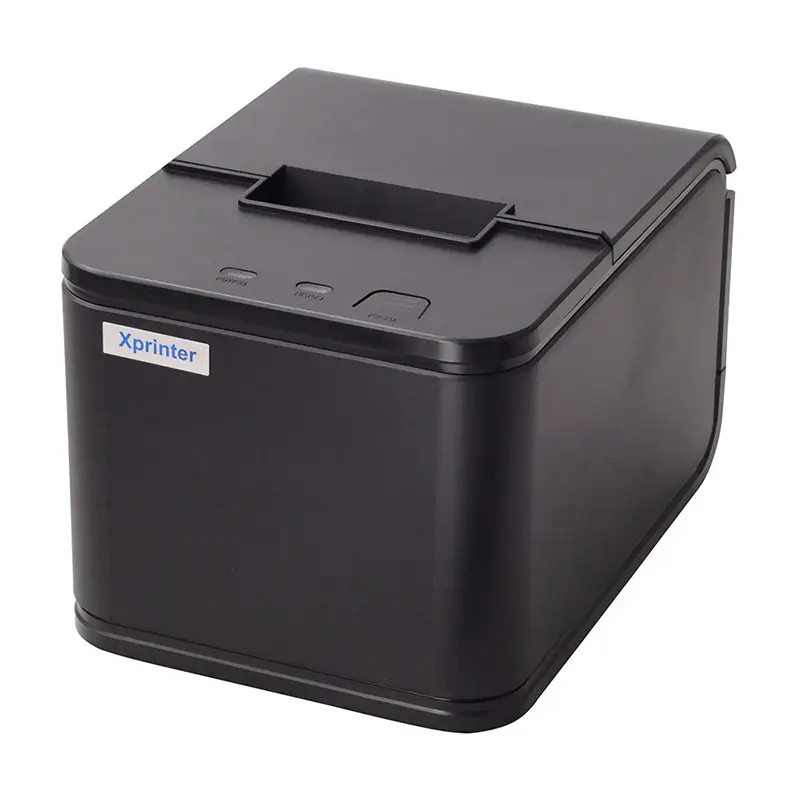
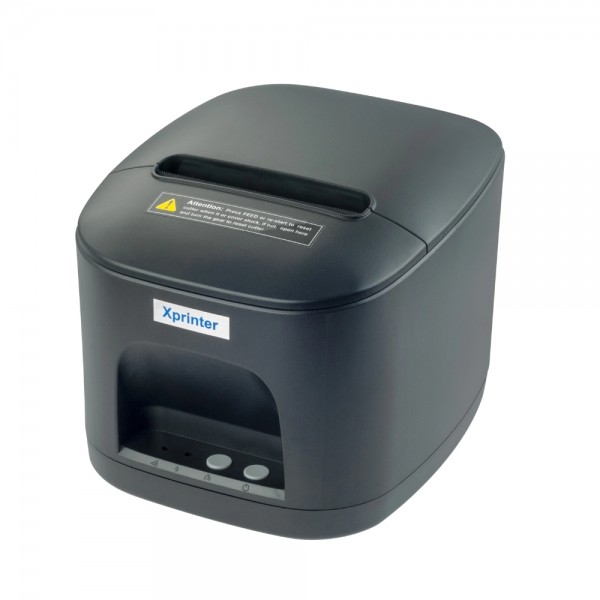
XP-C58IIQ 58mm Thermal POS Printer
A 58 mm thermal POS printer from Xprinter designed for receipt printing, offering a practical format for point…
Not for sale
A full side-by-side comparison of reference models XP-C58IIQ 58mm Thermal POS Printer and XP-A260H 80mm Kitchen POS Printer within the same category.
A 58 mm thermal POS printer from Xprinter designed for receipt printing, offering a practical format for point…
Not for sale

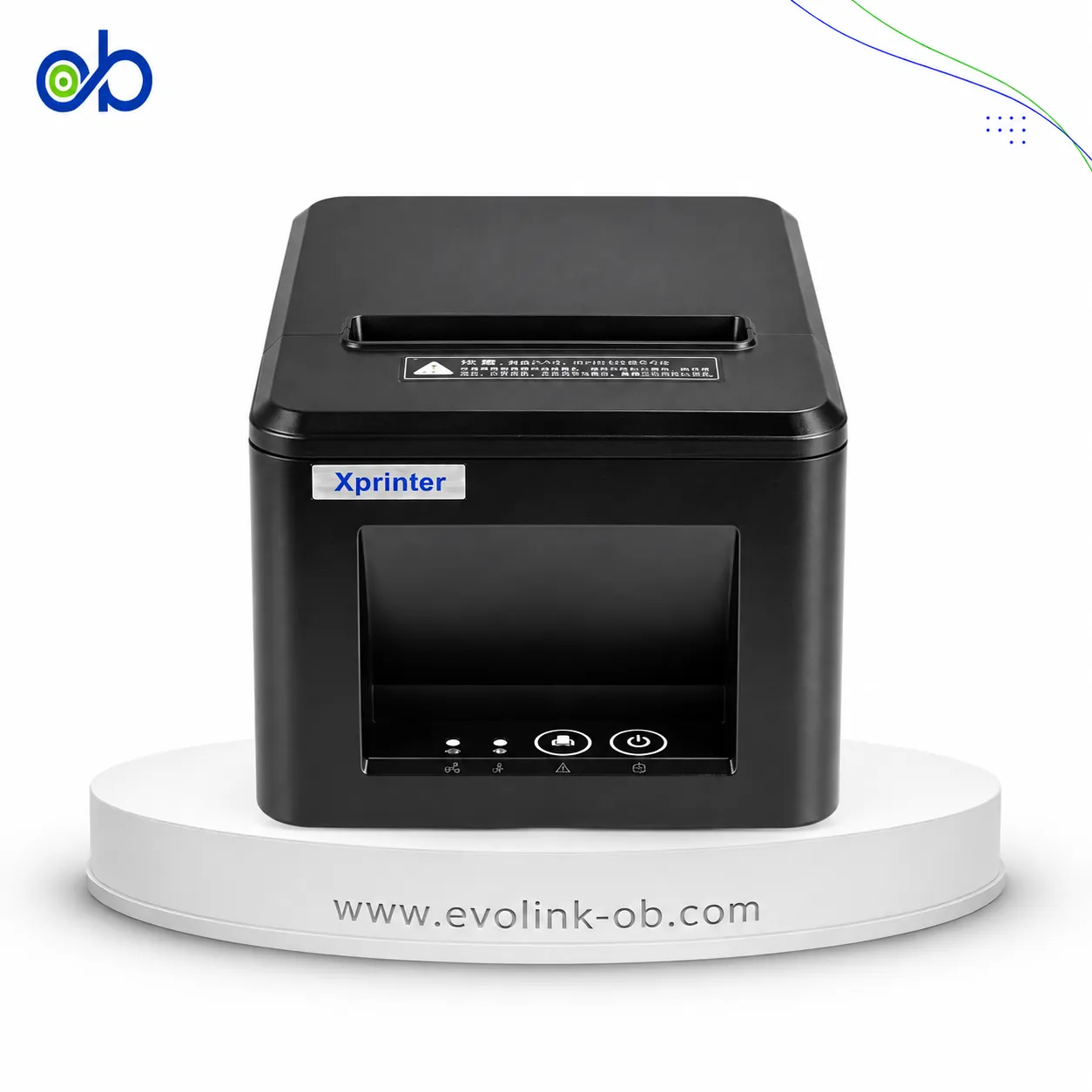
An 80mm thermal POS printer designed for kitchen environments, providing a practical format for printing kitch…
Not for sale
| Specification | XP-C58IIQ 58mm Thermal POS Printer | XP-A260H 80mm Kitchen POS Printer |
|---|---|---|
| Price | Not for sale | Not for sale |
| Printer Specifications | ||
| تقنية الطباعة | Direct Thermal | Direct Thermal |
| Print Method | — | Direct Thermal |
| Print Speed | — | 260 mm/s |
| Max Print Width | — | 72 mm |
| Media Handling | ||
| Media Width | 58 mm | 79.5 ± 0.5 mm |
| Maximum Paper Roll Diameter | 60 mm | 80 mm |
| Paper Thickness | 0.06–0.08 mm | — |
| Print Width | 48 mm | 72 mm |
| Printer Emulation | ESC/POS | — |
| سرعة الطباعة | 120 mm/s | 260 mm/s |
| Print Resolution | 203 dpi | 203 dpi |
| Input Buffer | — | 64 KB |
| Printing | ||
| Column Capacity | — | 576 dots/line |
| Line Spacing | — | 3.75 mm |
| Adjustable Line Spacing | — | Yes |
| Column Number | — | Font A: 42 or 48 columns; Font B: 56 or 64 columns; Simplified/Traditional Chinese: 21 or 24 columns |
| Memory | ||
| NV Flash Memory | — | 256 KB |
| Fonts | ||
| Font A Size | — | 1.5 × 3.0 mm (12 × 24 dots) |
| Font B Size | — | 1.1 × 2.1 mm (9 × 17 dots) |
| Chinese Font Size | — | 3.0 × 3.0 mm (24 × 24 dots) |
| Character Set | — | PC347 (Standard Europe), Katakana, PC850 (Multilingual), PC860 (Portuguese), PC863 (Canadian-French), PC865 (Nordic), West Europe, Greek, Hebrew, East Europe, Iran, WPC1252, PC866 (Cyrillic #2), PC852 (Latin 2), PC858, Iran II, Latvian, Arabic, PT151 (1251) |
| Barcode Support | ||
| Supported 1D Barcodes | — | UPC-A, UPC-E, JAN13 (EAN13), JAN8 (EAN8), CODE39, ITF, CODABAR, CODE93, CODE128 |
| Supported 2D Barcodes | — | QR Code, PDF417 |
| Power | ||
| Power Adapter Input | — | AC 110/220 V, 50–60 Hz |
| Power Adapter Output | — | DC 24 V, 2.5 A |
| Cash Drawer Output | — | DC 24 V, 1 A |
| Physical | ||
| Dimensions | — | 187.7 × 140 × 135 mm (D × W × H) mm |
| Weight | — | 1.1 kg |
| Body Material | — | ABS |
| Environment | ||
| Operating Temperature | — | 0–45 °C |
| Operating Humidity | — | 10–80 % |
| Storage Temperature | — | -10–60 °C |
| Storage Humidity | — | 10–80 % |
| Reliability | ||
| Auto Cutter | Built-in auto cutter | Partial-cut automatic cutter |
| Cutter Life | — | 1500000 cuts |
| Printhead Life | 50 km | 100 km |
| Connectivity | ||
| Interface | USB / USB + Bluetooth / USB + LAN | USB, Serial, LAN |
| SDK Support | Supported; iOS, Android and Windows SDK | Supported |
| Certifications | ||
| Certifications | — | CCC, CE, FCC, RoHS, KC, SAA, BIS, BSMI |
| Software | ||
| OPOS Support | — | Yes |
| Features | ||
| QR Code Printing | — | Yes |
| General | ||
| Model | XP-C58IIQ | XP-A260H |
| Warranty | ||
| Manufacturer Warranty | 12 months | 12 months |
Overall, Xprinter XP-A260H 80mm Kitchen POS Printer leads on the measurable paired differences. The choice still depends on use if a specific trait of Xprinter XP-C58IIQ 58mm Thermal POS Printer is what you need.
Both models share specifications such as تقنية الطباعة.
The main differences: عرض الطباعة: 72 مم vs 48 مم; الحد الأقصى لقطر لفة الورق: 80 مم vs 60 مم; عرض الوسائط: 79.5 ± 0.5 مم vs 57.5 ± 0.5 مم; دعم OPOS: Yes vs No; عمر رأس الطباعة: 100 km vs 50 كم. Some specifications appear on one side only; that is missing data, not a win.
Xprinter XP-C58IIQ 58mm Thermal POS Printer may suit users who need its confirmed advantages, while Xprinter XP-A260H 80mm Kitchen POS Printer benefits those who need its paired strengths. Both models are reference pages for comparison, not direct store listings here.
عرض الطباعة: 72 مم vs 48 مم; الحد الأقصى لقطر لفة الورق: 80 مم vs 60 مم; عرض الوسائط: 79.5 ± 0.5 مم vs 57.5 ± 0.5 مم; دعم OPOS: Yes vs No
Xprinter XP-A260H 80mm Kitchen POS Printer is the better overall fit on the scored differences. Xprinter XP-C58IIQ 58mm Thermal POS Printer remains suitable if a specific trait it has is what you need.
Shared specifications include: تقنية الطباعة.
عرض الطباعة: 72 مم vs 48 مم
Nearby alternatives currently available for XP-C58IIQ 58mm Thermal POS Printer: Xprinter XP-N160ii 80mm Thermal Receipt Printer – USB & Wifi ($80.00) · Thermal Printer Xprinter Q80B - 80mm ($35.00) · Xprinter XP-P810 - 80mm ($65.00).
Nearby alternatives currently available for XP-A260H 80mm Kitchen POS Printer: Thermal Printer Xprinter XP-T58H ($28.00) · Xprinter XP-N160ii 80mm Thermal Receipt Printer – USB & Wifi ($80.00) · Thermal Printer Xprinter XP-Q838L - 80mm ($45.00).
Suitable alternatives to XP-C58IIQ 58mm Thermal POS Printer and XP-A260H 80mm Kitchen POS Printer are available at EvoLink in Damascus, with shipping to all Syrian governorates.
Address: Syria, Damascus, Halbouni, Musalam Barudi street, Building 1020, 1st floor.
Contact: +963 96 44 007 44 or via WhatsApp.