M401dw Monochrome Laser Printer
A monochrome laser printer designed for efficient document printing, featuring wireless and network connectivi…
Not for sale
A full side-by-side comparison of reference models M401dw Monochrome Laser Printer and M425dn Multifunction Laser Printer within the same category.
A monochrome laser printer designed for efficient document printing, featuring wireless and network connectivi…
Not for sale

A monochrome multifunction laser printer for printing, copying, scanning, and faxing, featuring a color touchs…
Not for sale
| Specification | M401dw Monochrome Laser Printer | M425dn Multifunction Laser Printer |
|---|---|---|
| Price | Not for sale | Not for sale |
| Features | ||
| Printer Functions | Print, Copy, Scan, Fax | |
| Display | 3.5-inch (8.89 cm) touchscreen control panel, CGD (Color Graphic Display) | 3.5-inch (8.89 cm) color graphics LCD touchscreen |
| Control Panel | — | 3.5-inch (8.89 cm) color graphics LCD touchscreen; 6 buttons: Home, Help, Cancel, Left Arrow, Right Arrow, Back Arrow; walk-up USB |
| Printer Specifications | ||
| تقنية الطباعة | Monochrome Laser | Monochrome Laser |
| Printing | ||
| Print Colour | Black | Monochrome |
| Print Resolution Technology | HP FastRes 1200, HP ProRes 1200, 600 dpi | HP FastRes 1200, HP ProRes 1200, 600 dpi |
| Maximum Print Resolution | Up to 1200 x 1200 dpi | Up to 1200 x 1200 dpi |
| Duplex Printing | Automatic | Automatic |
| Direct Print Formats | — | PDF (v 1.7) |
| Performance | ||
| ISO Black Print Speed A4 | 33 ppm | 33 ppm |
| ISO Black Print Speed Letter | 35 ppm | 35 ppm |
| Recommended Monthly Volume | 750 to 3000 pages | 750 to 3000 pages |
| Maximum Monthly Duty Cycle | 50000 pages | 50000 pages |
| First Print Out Time Black | 8 sec | 8 sec |
| Software | ||
| Printer Smart Software Features | HP ePrint, Apple AirPrint, Wireless Direct Print, HP Auto-On/Auto-Off, HP Smart Install, Walk-up USB, 3.5-inch color touchscreen control panel, Gigabit networking, automatic two-sided printing, Business Applications | HP ePrint, HP Auto-On/Auto-Off, HP Smart Install, walk-up USB, 3.5-inch color touchscreen control panel, Gigabit networking, automatic two-sided printing, scan to email, scan to network folder, scan to Cloud |
| Included Software | Windows: HP Installer/Uninstaller, HP PCL 6 print driver, Status Alerts, HP Update, DXP; Mac: HP Installer/Uninstaller, HP Postscript driver, HP Setup Assistant, HP Utility, HP Alerts, HP Firmware Updater | Windows: HP Installer/Uninstaller, HP PCL 6 print driver, HP WIA Scan Driver, HP TWAIN Scan Driver, HP Scan, HP Fax Setup Wizard, HP Send Fax, HP Fax Print Driver, Readiris software; Mac: HP Installer/Uninstaller, HP PS driver, HP Scan, HP Setup Assistant, HP Fax Print Driver, HP Utility, Readiris software, scan-to-email/folder setup |
| Printer Management Utility | Windows: HP Device Toolbox, SNP Alerts, HP Web Jetadmin; Mac: HP Utility | — |
| Power | ||
| Energy Saving Technology | HP Auto-On/Auto-Off Technology | HP Auto-On/Auto-Off, Instant-on, Instant-on Copy |
| Printing Power Consumption | 570 W | 600 W |
| Ready Mode Power | 7.3 W | 10.5 W |
| Sleep Mode Power | 1.68 W | 9.5 W |
| Power Supply Type | Built-in power supply | Built-in power supply |
| Copying Power Consumption | — | 420 W |
| Input Voltage | 110 to 127 VAC (+/- 10%), 50/60 Hz (+/- 2 Hz); 220 to 240 VAC (+/- 10%), 50/60 Hz (+/- 2 Hz) | 110 to 127 VAC (+/-10%) or 220 to 240 VAC (+/-10%), 50/60 Hz (+/-2 Hz) |
| Supplies | ||
| Replacement Toner Cartridge | HP 80A Black LaserJet Toner Cartridge (CF280A); HP 80X Black LaserJet Toner Cartridge (CF280X) | — |
| Replacement Toner Yield | HP 80A: approximately 2,700 pages; HP 80X: approximately 6,900 pages | — |
| Starter Toner Yield | 2700 pages | 2700 pages |
| Standard-Yield Toner | — | HP 80A Black LaserJet Toner Cartridge (CF280A) |
| High-Yield Toner | — | HP 80X Black LaserJet Toner Cartridge (CF280X) |
| Print Cartridge Count | 1 cartridge | 1 cartridge |
| Connectivity | ||
| Standard Connectivity | 1 Hi-Speed USB 2.0; 1 Host USB; 1 Ethernet 10/100/1000 Gigabit network; 1 Walk-up USB; 1 Wireless 802.11b/g/n | 1 Hi-Speed USB 2.0, 1 Host USB, 1 Gigabit Ethernet 10/100/1000T, 1 Walk-up USB, 1 RJ-11 (Fax), 1 RJ-11 (Phone only) |
| Wireless Connectivity | Yes | — |
| Wireless Standards | 802.11b/g/n | — |
| Mobile Printing Services | HP ePrint, Apple AirPrint, Business Application, Wireless Direct Print | HP ePrint, Apple AirPrint, Mopria-certified, Business Applications |
| Supported Network Protocols | TCP/IP, IPv4, IPv6; TCP-IP port 9100 Direct Mode; LPD; Web Services Printing; IPP 2.0; Apple AirPrint; HP ePrint; FTP Print; SLP; Bonjour; Web Services Discovery; BootP; DHCP; AutoIP; Manual; TFTP Config; ARP-Ping; DHCPv6; SNMPv2/v3; HTTP/HTTPS; Telnet; FTP firmware download; Syslog; SNMPv3; SSL certificate management; Firewall; ACL; 802.1x; WPA1/2 Personal and Enterprise | TCP/IP, IPv4, IPv6; TCP/IP port 9100 Direct Mode, LPD, Web Services Printing, IPP 2.0, Apple AirPrint, HP ePrint, FTP Print; SLP, Bonjour, Web Services Discovery; BootP, DHCP, AutoIP, Manual, TFTP Config, ARP-Ping, DHCPv6; SNMPv2/v3, HTTP/HTTPS, Telnet, TFTP Config, FTP firmware download, Syslog; SNMPv3, SSL certificate management, Firewall, ACL, 802.1x |
| USB Functions | — | Print from a USB flash drive and save scans to a USB flash drive |
| Network Printing | Yes | — |
| Wireless Printing | Yes | — |
| Ethernet Connectivity | Yes | Yes |
| Compatibility | ||
| Compatible Operating Systems | Windows 10 (32-bit/64-bit), Windows 8 (32-bit/64-bit), Windows 7 (32-bit/64-bit), Windows Vista (32-bit/64-bit); Windows Server 2008 (32-bit/64-bit), Windows Server 2003 32-bit (SP3 or higher); Mac OS X v10.5, v10.6, v10.7; Linpus Linux 9.4, 9.5; Red Hat Enterprise Linux 5.0, 6.0; OpenSuSE 11.3, 11.4; Fedora 14, 15; Ubuntu 10.04, 10.10, 11.04; Debian 5.0, 6.0; HPUX11i | Windows 10, Windows 8, Windows 7 (32-bit/64-bit), Windows Vista (32-bit/64-bit), Windows XP 32-bit; Windows Server 2008 (32-bit/64-bit), Windows Server 2003 32-bit; Mac OS X 10.5, 10.6, 10.7; Linpus Linux 9.4, 9.5; Red Hat Enterprise Linux 5.0, 6.0; OpenSuSE 11.3, 11.4; Fedora 14, 15; Ubuntu 10.04, 10.10, 11.04; Debian 5.0, 6.0; HPUX11i |
| Windows Server Support | Windows Server 2008 (32-bit/64-bit); Windows Server 2003 32-bit (SP3 or higher) | Windows Server 2008 (32-bit and 64-bit); Windows Server 2003 32-bit (SP3 or higher), driver-only installation |
| Copy | ||
| Black Copy Speed A4 | — | 33 cpm |
| Black Copy Speed Letter | — | 35 cpm |
| Copy Resolution | — | Up to 600 x 600 dpi |
| Maximum Copies | — | 99 copies |
| Copy Scaling | — | 25 to 400 % |
| Copy Features | — | Contrast (lighter/darker), copy quality selection (text, mixed, picture, photograph, auto select), draft quality on/off, multipage on/off, reduce/enlarge 25 to 400%, copy collation, number of copies, one- or two-sided copying, tray selection, paper size, paper type, restore defaults |
| Scanning | ||
| Scan File Formats | — | PDF, searchable PDF, JPG, RTF, TXT, BMP, PNG, TIFF |
| Scan Input Modes | — | Front control panel Scan, Copy or Fax buttons; from PC: Solution Center Lite or Device Stage; TWAIN-compliant or WIA-compliant software |
| Scanner Type | — | Flatbed, ADF |
| Scanner Advanced Features | — | Scan to email, scan to network folder, scan to Cloud |
| Scan Speed A4 | — | Up to 20 ppm (black), up to 9 ppm (color) |
| Scan Speed Letter | — | Up to 20 ppm (black), up to 9 ppm (color) |
| Scanner Colour Bit Depth | — | 30 bit |
| Colour Scanning | — | Yes |
| Optical Scan Resolution | — | Up to 1200 dpi (color and mono, flatbed); up to 300 dpi (color and mono, ADF) dpi |
| Maximum Scan Document Size | — | ADF: 216 x 381 mm; flatbed: 216 x 297 mm |
| TWAIN Version | — | 1.9 |
| Dimensions | ||
| Width | 364.6 mm | 439.9 mm |
| Depth | 368 mm | 382.7 mm |
| Height | 271 mm | 423.5 mm |
| Maximum Dimensions | 364.6 x 633.4 x 383.6 mm | 439.9 x 633.4 x 660 mm |
| Physical | ||
| Weight | 11 kg | 15.1 kg |
| Warranty | ||
| Manufacturer Warranty | One-year warranty, return to HP Authorized Service Provider | One-year warranty, return to HP Authorized Service Provider |
| Sustainability | ||
| ENERGY STAR Certified | Yes | Yes |
| Ecolabels | ENERGY STAR qualified; EPEAT Silver | EPEAT Silver |
| Product Information | ||
| Product Number | CF285A | CF286A |
| Paper Handling | ||
| Automatic Document Feeder Capacity | — | 50 sheets |
| Paper Input Capacity | 300 sheets | — |
| Paper Output Capacity | 150 sheets | 150 sheets |
| Supported Paper Weight | Tray 1: 16 to 43; Tray 2 and optional Tray 3: 16 to 32 lb bond | Tray 1: 16 to 43; Tray 2 and optional Tray 3: 16 to 32 lb bond |
| Supported Media Sizes | A4; A5; A6; B5 (JIS); Letter; Legal; Executive; 8.5 x 13 in | A4, A5, A6, B5 (JIS), Letter, Legal, Executive, 8.5 x 13 in |
| Envelope Capacity | 10 envelopes | 10 envelopes |
| Standard Tray Media Weight | — | 60 to 120 g/m² |
| Multipurpose Tray Capacity | 50 sheets | 50 sheets |
| Maximum Paper Input Capacity | 800 sheets | 800 sheets |
| Automatic Duplex Media Weight | — | 60 to 120 g/m² |
| Paper Trays | 2 tray | 2 tray |
| Finished Output Handling | Sheetfed | Sheetfed |
| Custom Media Size Range | Multipurpose tray: 76 x 127 to 216 x 356; Tray 2 and optional 500-sheet tray: 105 x 148 to 216 x 356 mm | Tray 1: 76 x 127 to 216 x 356 mm; Tray 2 and optional Tray 3: 105 x 148 to 216 x 356 mm |
| ADF Media Weight | — | 60 to 90 g/m² |
| Noise | ||
| Acoustic Power Active Printing | — | 6.4 B(A) |
| Printing Sound Pressure | 51 dB(A) | 51 dB(A) |
| Acoustic Power Active Scanning | — | 6.5 B(A) |
| Fax | ||
| Faxing | — | Yes |
| Fax Modem Speed | — | 33600 bps |
| Fax Transmission Speed | — | 3 sec/page |
| Fax Memory Capacity | — | Up to 300 pages |
| Fax Speed Dial Locations | — | 120 locations |
| Fax Broadcasting Locations | — | 119 locations |
| Fax Resolution | — | Black best: up to 300 x 300; black standard: up to 203 x 98; black and white fine: 203 x 196; black and white superfine: 300 x 300; black photo grayscale: 300 x 300 dpi |
| Fax Smart Software Features | — | Automatic fax reduction, automatic redialing, delayed sending, distinctive ring detection, fax forwarding, fax telephone answering machine interface, fax polling, fax telephone mode, junk fax barrier, up to 120 speed-dial numbers (119 group dials), PC interface supported; remote retrieval not supported; telephone handset not supported |
| Printer | ||
| Printer Language | HP PCL 5e, HP PCL 6, HP Postscript Level 3 emulation, direct PDF (v 1.7) printing | HP PCL 5e, HP PCL 6, HP Postscript Level 3 emulation, direct PDF (v 1.7) printing |
| CPU Speed | 800 MHz | — |
| Standard Memory | 256 MB | 256 MB |
| Maximum Memory | 256 MB | 256 MB |
| Media Handling | ||
| Supported Media Types | Paper (plain, light, heavy, bond, color, letterhead, preprinted, prepunched, recycled, rough); envelopes; labels; transparencies; cardstock | Paper (plain, Green mode, light, heavy, bond, color, letterhead, preprinted, prepunched, recycled, rough), envelopes, labels, transparencies, cardstock |
| Environment | ||
| Operating Temperature | 32.5–15 °C | 32.5–15 °C |
| Operating Humidity | 10 to 80 % | 10 to 80 % |
| Storage Temperature | -20 to 40 °C | -20 to 40 °C |
| Storage Humidity | 10 to 90 % | 10 to 90 % |
| Recommended Operating Temperature | 17.5 to 25 °C | 17.5 to 25 °C |
| Recommended Operating Humidity | 30 to 70 % | 30 to 70 % |
| Packaging | ||
| Carton Dimensions | — | 597 x 497 x 490 mm |
| Package Contents | ||
| Package Contents | HP LaserJet Pro 400 M401dw printer; HP 80A Black LaserJet Toner Cartridge (~2,700 pages); installation guide; Getting Started guide; support flyer; warranty guide; printer documentation and software on CD-ROM; power cord; USB cable | HP LaserJet M425dn MFP, HP 80A Black LaserJet Toner Cartridge (~2700 pages), Getting Started Guide, support flyer, CDs containing device software and electronic User Guide, power cord(s), phone cord(s) |
| USB Cable Included | Yes | — |
| Security | ||
| Security Management | Password-protected network embedded Web server; enable/disable network protocols; SNMPv2 community password change; SNMPv3; 802.1x; SSL certificate management; Firewall; Access Control List; Wireless WPA/WPA2 Personal; WPA2 Enterprise; WEP | Password-protected embedded Web server, network protocol enable/disable, SNMPv2 community password change, SNMPv3, 802.1x, SSL certificate management, firewall, Access Control List |
| Safety | ||
| Safety Compliance | IEC 60950-1:2005; EN 60950-1:2006+A11; IEC 60825-1:2007; EN 60825-1:2007 (Class 1 Laser/LED Product); IEC 62479:2010; EN 62479:2010; GB4943-2001 | — |
Overall, the technical lean favors M425dn Multifunction Laser Printer on Printer Functions and Included Software. M401dw Monochrome Laser Printer remains the better pick if your priority is Display. They share تقنية الطباعة and Print Resolution Technology. Review the choice points above, then confirm availability before buying.
M401dw Monochrome Laser Printer and M425dn Multifunction Laser Printer share a close technical baseline, notably تقنية الطباعة, Print Resolution Technology, Maximum Print Resolution.
The main decisive differences: Printer Functions (M401dw Monochrome Laser Printer: Print, M425dn Multifunction Laser Printer: Print, Copy, Scan, Fax); Display (M401dw Monochrome Laser Printer: 3.5-inch (8.89 cm) touchscreen control panel, CGD (Color Graphic Display), M425dn Multifunction Laser Printer: 3.5-inch (8.89 cm) color graphics LCD touchscreen); Included Software (M401dw Monochrome Laser Printer: Windows: HP Installer/Uninstaller, HP PCL 6 print driver, Status Alerts, HP Update, DXP; Mac: HP Installer/Uninstaller, HP Postscript driver, HP Setup Assistant, HP Utility, HP Alerts, HP Firmware Updater, M425dn Multifunction Laser Printer: Windows: HP Installer/Uninstaller, HP PCL 6 print driver, HP WIA Scan Driver, HP TWAIN Scan Driver, HP Scan, HP Fax Setup Wizard, HP Send Fax, HP Fax Print Driver, Readiris software; Mac: HP Installer/Uninstaller, HP PS driver, HP Scan, HP Setup Assistant, HP Fax Print Driver, HP Utility, Readiris software, scan-to-email/folder setup); Energy Saving Technology (M401dw Monochrome Laser Printer: HP Auto-On/Auto-Off Technology, M425dn Multifunction Laser Printer: HP Auto-On/Auto-Off, Instant-on, Instant-on Copy); Printing Power Consumption (M401dw Monochrome Laser Printer: 570 W, M425dn Multifunction Laser Printer: 600 W).
In practice, M401dw Monochrome Laser Printer suits needs centered on Display, while M425dn Multifunction Laser Printer fits priorities around Printer Functions. Review the specs table above before deciding.
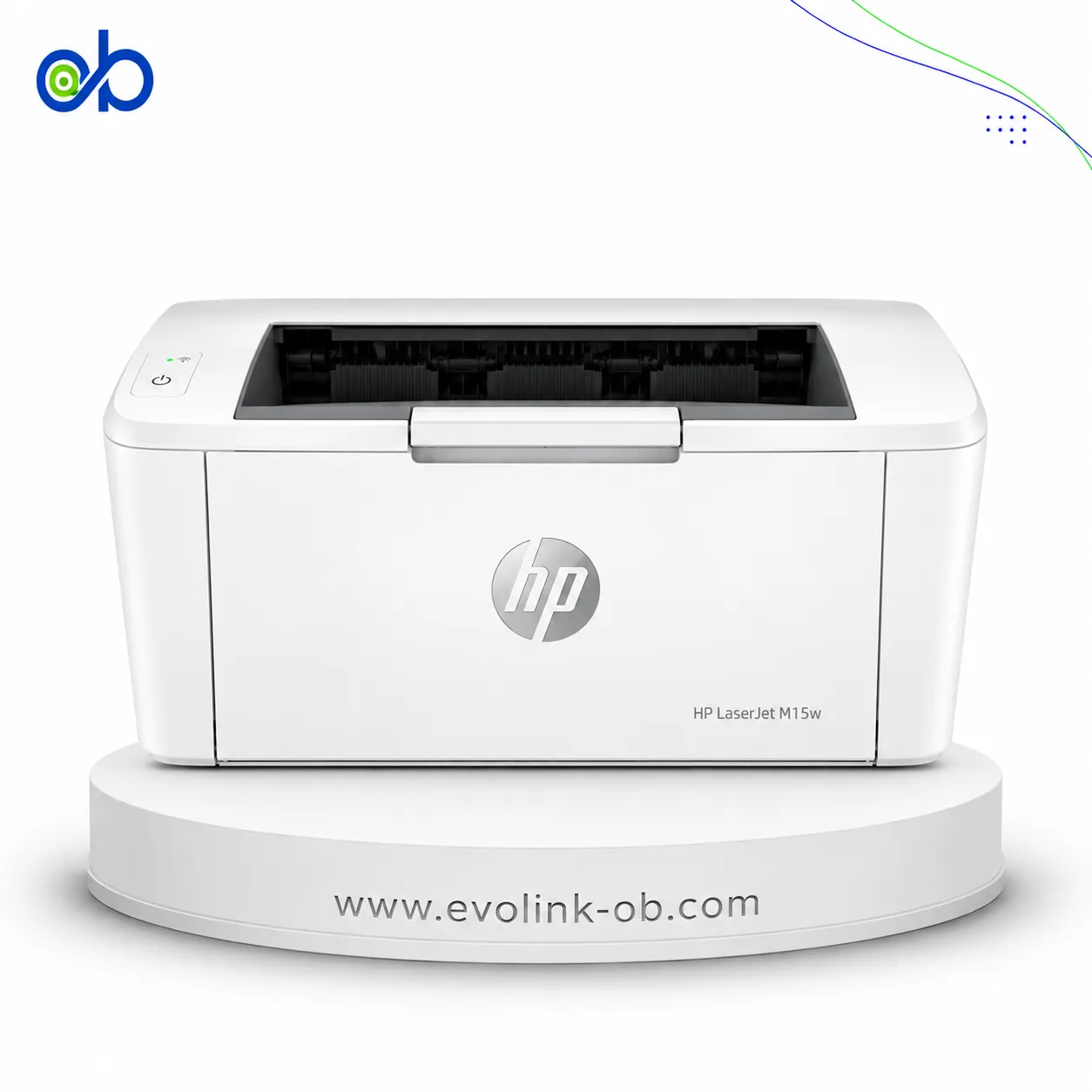
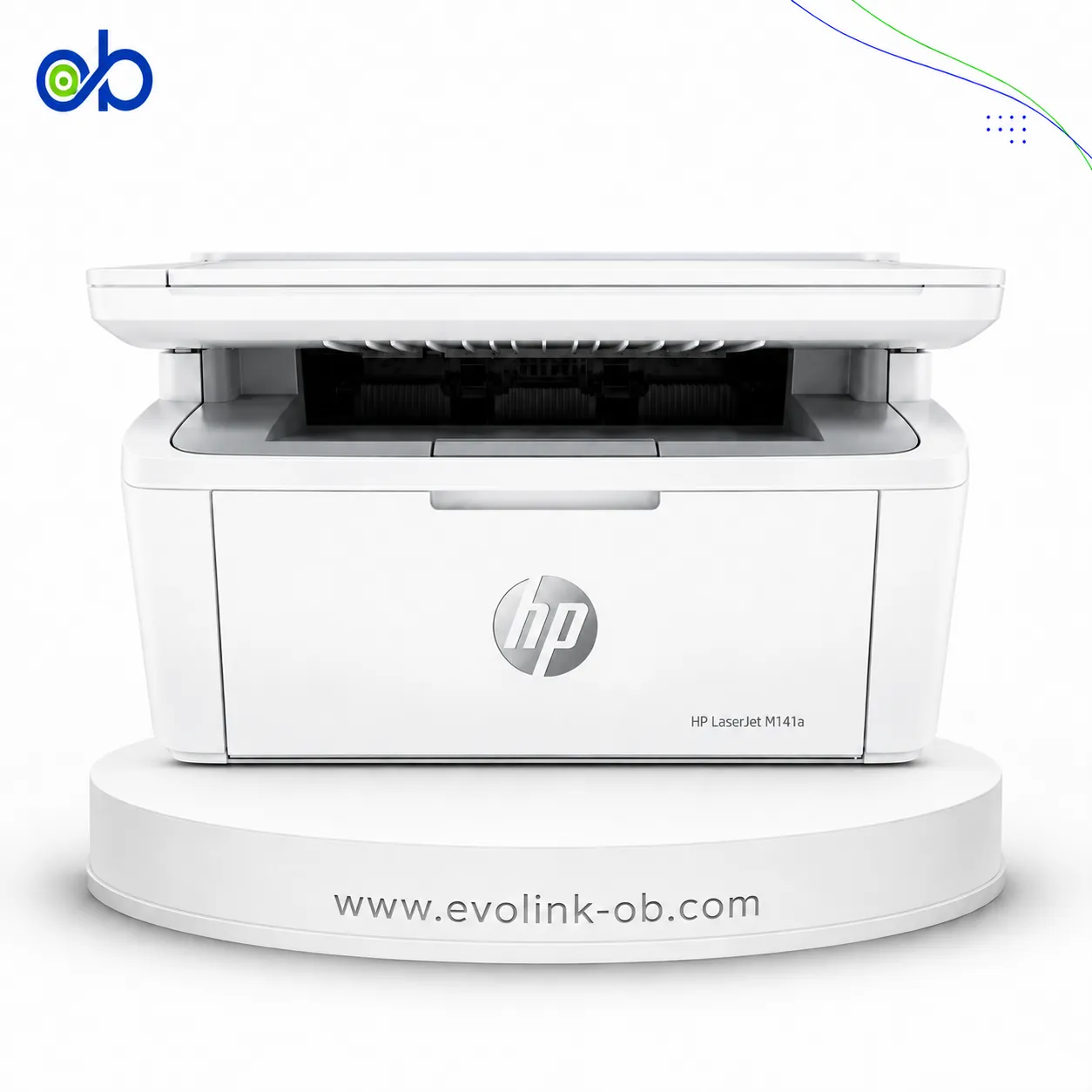
Nearby alternatives currently available for M401dw Monochrome Laser Printer and M425dn Multifunction Laser Printer: HP LaserJet M15w Black & White Printer ($112.00) · HP LaserJet MFP M141A 3 in 1 Printer ($135.00) · HP LaserJet MFP M141w Printer ($155.00).
Suitable alternatives to M401dw Monochrome Laser Printer and M425dn Multifunction Laser Printer are available at EvoLink in Damascus, with shipping to all Syrian governorates.
Address: Syria, Damascus, Halbouni, Musalam Barudi street, Building 1020, 1st floor.
Contact: +963 96 44 007 44 or via WhatsApp.