M3035 Multifunction Laser Printer
HP M3035 Multifunction Laser Printer combines printing, copying, scanning, and digital sending with 33 ppm A4…
Not for sale
A full side-by-side comparison of reference models M3035 Multifunction Laser Printer and 4345 Multifunction Laser Printer within the same category.
HP M3035 Multifunction Laser Printer combines printing, copying, scanning, and digital sending with 33 ppm A4…
Not for sale
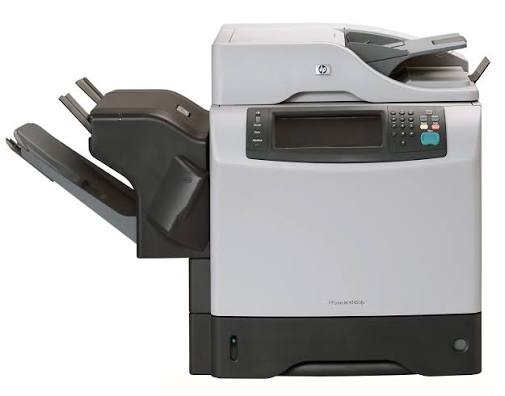
A monochrome multifunction laser printer combining print, copy, scan, and digital send capabilities, featuring…
Not for sale
| Specification | M3035 Multifunction Laser Printer | 4345 Multifunction Laser Printer |
|---|---|---|
| Price | Not for sale | Not for sale |
| Features | ||
| Printer Functions | Print, Copy, Scan | Print, Copy, Scan |
| Display | Touchscreen LCD (black-and-white graphics) | Graphic control-panel display |
| Control Panel | Touchscreen control panel with 13-key numeric keypad | Graphic display, keypad, and status lights |
| Printer Specifications | ||
| تقنية الطباعة | Monochrome Laser | Monochrome Laser |
| Print Speed | — | 43 ppm |
| Printing | ||
| Print Colour | — | Monochrome |
| Print Resolution Technology | FastRes 1200, ProRes 1200, REt | HP ProRes 1200 |
| Maximum Print Resolution | Up to 1200 x 1200 dpi | 1200 x 1200 dpi |
| Duplex Printing | Automatic | Optional |
| Paper size | — | A4 |
| Print Margins | — | 4.23 mm from each edge mm |
| Performance | ||
| ISO Black Print Speed A4 | 33 ppm | 43 ppm |
| ISO Black Print Speed Letter | — | 45 ppm |
| First Page Out Time Black A4 | — | Less than 10 sec |
| Recommended Monthly Volume | 2000-6000 pages | — |
| Maximum Monthly Duty Cycle | 75000 pages | 200000 pages |
| First Print Out Time Black | — | 10.00 sec |
| Power | ||
| Energy Saving Technology | — | Sleep mode |
| Printing Power Consumption | 600 W | 790 W |
| Ready Mode Power | 28.4 W | 44 W |
| Sleep Mode Power | 24 W | 15 W |
| Copying Power Consumption | 620 W | 800 W |
| Input Voltage | 110 to 127 VAC (±10%); 220 to 240 VAC (±10%) | 110 to 127 V (±10%) or 220 to 240 V (±10%), depending on model |
| Input Frequency | 60 Hz (±2 Hz) for 110 V models; 50 Hz (±2 Hz) for 220 V models Hz | 50/60 Hz (±2 Hz) Hz |
| Off Power Consumption | — | 0.25 W |
| Maximum Power Consumption | — | 1265 W |
| Supplies | ||
| Replacement Toner Cartridge | HP 51A Black Original LaserJet Toner Cartridge (Q7551A); HP 51X High Yield Black Original LaserJet Toner Cartridge (Q7551X) | HP Q5945A print cartridge |
| Replacement Toner Yield | Q7551A: approximately 6,500; Q7551X: 13,000 pages | Up to 18000 pages at 5% coverage pages |
| Print Cartridge Count | 1 cartridge | 1 cartridge |
| Connectivity | ||
| Standard Connectivity | Embedded HP Jetdirect Fast Ethernet print server, Foreign Interface Harness (FIH), USB Type-A accessory port, USB Type-B printing port, 1 open EIO slot | IEEE 1284B-compliant parallel, Foreign Interface Harness (FIH), RJ-45 LAN via embedded HP Jetdirect 10/100Base-T print server |
| Network Printing | — | Yes |
| Ethernet Connectivity | Yes | Yes |
| Optional Connectivity | HP Jetdirect 625n Gigabit Ethernet (J7960G); HP Jetdirect 635n IPv6/IPsec (J7961G); HP Jetdirect ew2400 Fast Ethernet/802.11g wireless (J7951G); HP 1284B parallel card (J7972G) | Optional HP Jetdirect EIO print server cards supporting USB, serial, LocalTalk, and Fast Ethernet 10/100TX; optional analog fax card |
| Network Ready | — | Yes |
| Compatibility | ||
| Compatible Operating Systems | Windows 7; Windows XP Home; Windows XP Professional; Windows XP Professional x64; Windows Server 2003; Windows 2000; Mac OS X 10.2.8, 10.3, 10.4, 10.5, 10.6; UNIX; Linux | Windows 98, Windows Me, Windows NT 4.0 (printer driver only), Windows 2000, Windows XP, Windows Server 2003, Mac OS 9.1 or later, Mac OS X 10.1 or later; UNIX/Linux model scripts and drivers available |
| Windows Server Support | — | Windows Server 2003 |
| Mac Compatible | — | Yes |
| Copy | ||
| Black Copy Speed A4 | 33 cpm | 43 cpm |
| Black Copy Speed Letter | 35 cpm | 45 cpm |
| Copy Resolution | 600 dpi | 600 x 600 dpi |
| Maximum Copies | 1000 copies | 999 copies |
| Copy Scaling | 25 to 400 % | 25% to 400% using scanner glass; 25% to 200% using ADF % |
| Copy Features | Duplex copy, contrast adjustment, combine originals, image adjustment, paper selection, content orientation, pages per sheet, booklet format, text/image optimization, job build, edge-to-edge | Text, graphics, and mixed text/graphics modes; job interrupt; multiple pages per sheet; two-sided copying with optional duplexing accessory |
| Scanning | ||
| Scan File Formats | PDF, JPG, TIFF, MTIFF | PDF, JPEG, TIFF, MTIFF |
| Scan Input Modes | Front-panel scan, copy, e-mail, ADF | Copy, E-mail, Fax, Secondary e-mail, Folder, Workflow |
| Scanner Type | Flatbed, ADF | Flatbed, ADF |
| Scan Speed Letter | Up to 32 ipm black-and-white; up to 12 ipm color | — |
| Scanner Colour Bit Depth | — | 24 bit |
| Colour Scanning | Yes | Yes |
| Optical Scan Resolution | Up to 600 dpi | 600 dpi |
| Maximum Scan Document Size | ADF: up to 216 x 356 mm; flatbed: 216 x 279 mm | — |
| Native Scan File Formats | — | PDF, JPEG, TIFF, MTIFF |
| Digital Sending Features | Send to e-mail, send to network folder, LDAP and SMTP authentication, LDAP addressing; PDF, JPG, TIFF, MTIFF | — |
| Hardware Scan Resolution | — | 600 dpi |
| Duplex ADF Scanning | Yes | Yes |
| Dimensions | ||
| Width | — | 762 mm |
| Depth | — | 483 mm |
| Height | — | 545 mm |
| Maximum Dimensions | — | 1422 x 876 x 889 mm (W x D x H, doors/trays open) mm |
| Physical | ||
| Weight | 27.6 kg | 44.1 kg |
| Warranty | ||
| Manufacturer Warranty | One-year on-site warranty | One-year, next-business-day onsite limited warranty |
| Sustainability | ||
| ENERGY STAR Certified | Yes | Yes |
| Blue Angel Compliant | Yes | — |
| Product Information | ||
| Product Number | — | Q3942A |
| Paper Handling | ||
| Automatic Document Feeder Capacity | 50 sheets | 50 sheets |
| Paper Input Capacity | 600 sheets | 600 sheets |
| Paper Output Capacity | 250 sheets | 500 sheets |
| Supported Media Sizes | Tray 1: Letter, Legal, Executive, A4, A5, B5 (JIS), Executive (JIS), envelopes; Tray 2/3: Letter, Legal, Executive, A4, A5, B5 (JIS), Executive (JIS) | — |
| Envelope Capacity | 10 envelopes | 10 envelopes |
| Supported Envelope Types | #10, Monarch, C5, DL, B5 | — |
| Standard Tray Media Weight | 60 to 120 g/m² | — |
| Multipurpose Tray Capacity | 100 sheets | 100 sheets |
| Maximum Paper Input Capacity | 1100 sheets | 2100 sheets |
| Automatic Duplex Media Weight | 60 to 120 g/m² | — |
| Paper Trays | 2 tray | 2 tray |
| Finished Output Handling | — | Standard 500-sheet output bin; optional stapler/stacker and 3-bin mailbox supported |
| Custom Media Size Range | Tray 1: 76 x 127 to 216 x 356 mm; Tray 2/3: 148 x 210 to 216 x 356 mm | — |
| ADF Media Weight | 60 to 105 g/m² | 60 to 120 g/m² |
| Standard Paper Input | — | 100-sheet multipurpose tray + 500-sheet Tray 2 |
| Noise | ||
| Acoustic Power Active Printing | 6.5 B(A) | 7 B(A) |
| Printing Sound Pressure | 51 dB(A) | 55 dB(A) |
| Fax | ||
| Faxing | — | Yes |
| Fax Type | — | Optional analog fax |
| Printer | ||
| Printer Language | — | HP PCL 6, HP PCL 5e, Printer Management Language, PDF, XHTML, HP PostScript 3 emulation |
| CPU Speed | 400 MHz | 533 MHz |
| Standard Memory | 256 MB | 256 MB |
| Maximum Memory | 512 MB | 512 MB |
| Internal Storage | 40 GB hard disk | 20 GB EIO hard disk (minimum) |
| Printer Memory | — | 256 MB |
| Media Handling | ||
| Supported Media Types | Plain, printed, letterhead, prepunched, bond, recycled, color, rough, transparencies, labels, envelopes, card stock | Paper (bond, color, letterhead, plain, preprinted, prepunched, recycled, rough), labels, envelopes, cardstock, transparencies |
| Supported Media Weight | — | Tray 1: 60 to 200; Tray 2 / optional input: 60 to 120 g/m² |
| Software | ||
| Printer Management Utility | HP Web Jetadmin | — |
| Environment | ||
| Operating Temperature | — | 32.5–15 °C |
| Operating Humidity | — | 10-80 % |
| Storage Temperature | — | 0-35 °C |
| Storage Humidity | 0 to 95 % | 10-90 % |
| Recommended Operating Temperature | 17.5 to 25.0 °C | 15 to 32.5 °C |
| Recommended Operating Humidity | 30 to 70 % | 20 to 80 % |
| Package Contents | ||
| Package Contents | Print cartridge, support flyer, power cord, control panel overlays, software/documentation CD, Getting Started Guide, wall poster | — |
| Security | ||
| Security Management | Private printing, HP Secure Storage Erase, LDAP/SMTP network authentication, 802.1X wired-network authentication, SNMPv3, HTTPS; Secure IPP and IPsec with supported HP Jetdirect option | Foreign Interface Harness (FIH), Secure Disk Erase, security lock, job retention, DSS authentication |
| Embedded Controller | ||
| Hard Disk | — | Yes |
| Dimensions and Weight | ||
| Product Dimensions | — | 762 x 483 x 545 mm |
| Operating Environment | ||
| Recommended Operating Humidity Range | — | 20 to 80 % RH |
| Ink System | ||
| Number of Print Cartridges | — | 1 cartridge |
| Print Resolution | — | 1200.00 dpi |
Overall, the technical lean favors 4345 Multifunction Laser Printer on Control Panel and ISO Black Print Speed A4. M3035 Multifunction Laser Printer remains the better pick if your priority is Print Resolution Technology. They share Printer Functions and تقنية الطباعة. Review the choice points above, then confirm availability before buying.
M3035 Multifunction Laser Printer and 4345 Multifunction Laser Printer share a close technical baseline, notably Printer Functions, تقنية الطباعة, Maximum Print Resolution.
The main decisive differences: Control Panel (M3035 Multifunction Laser Printer: Touchscreen control panel with 13-key numeric keypad, 4345 Multifunction Laser Printer: Graphic display, keypad, and status lights); Print Resolution Technology (M3035 Multifunction Laser Printer: FastRes 1200, ProRes 1200, REt, 4345 Multifunction Laser Printer: HP ProRes 1200); ISO Black Print Speed A4 (M3035 Multifunction Laser Printer: 33 ppm, 4345 Multifunction Laser Printer: 43 ppm); Maximum Monthly Duty Cycle (M3035 Multifunction Laser Printer: 75000 pages, 4345 Multifunction Laser Printer: 200000 pages); Printing Power Consumption (M3035 Multifunction Laser Printer: 600 W, 4345 Multifunction Laser Printer: 790 W).
In practice, M3035 Multifunction Laser Printer suits needs centered on Print Resolution Technology, while 4345 Multifunction Laser Printer fits priorities around Control Panel. Review the specs table above before deciding.
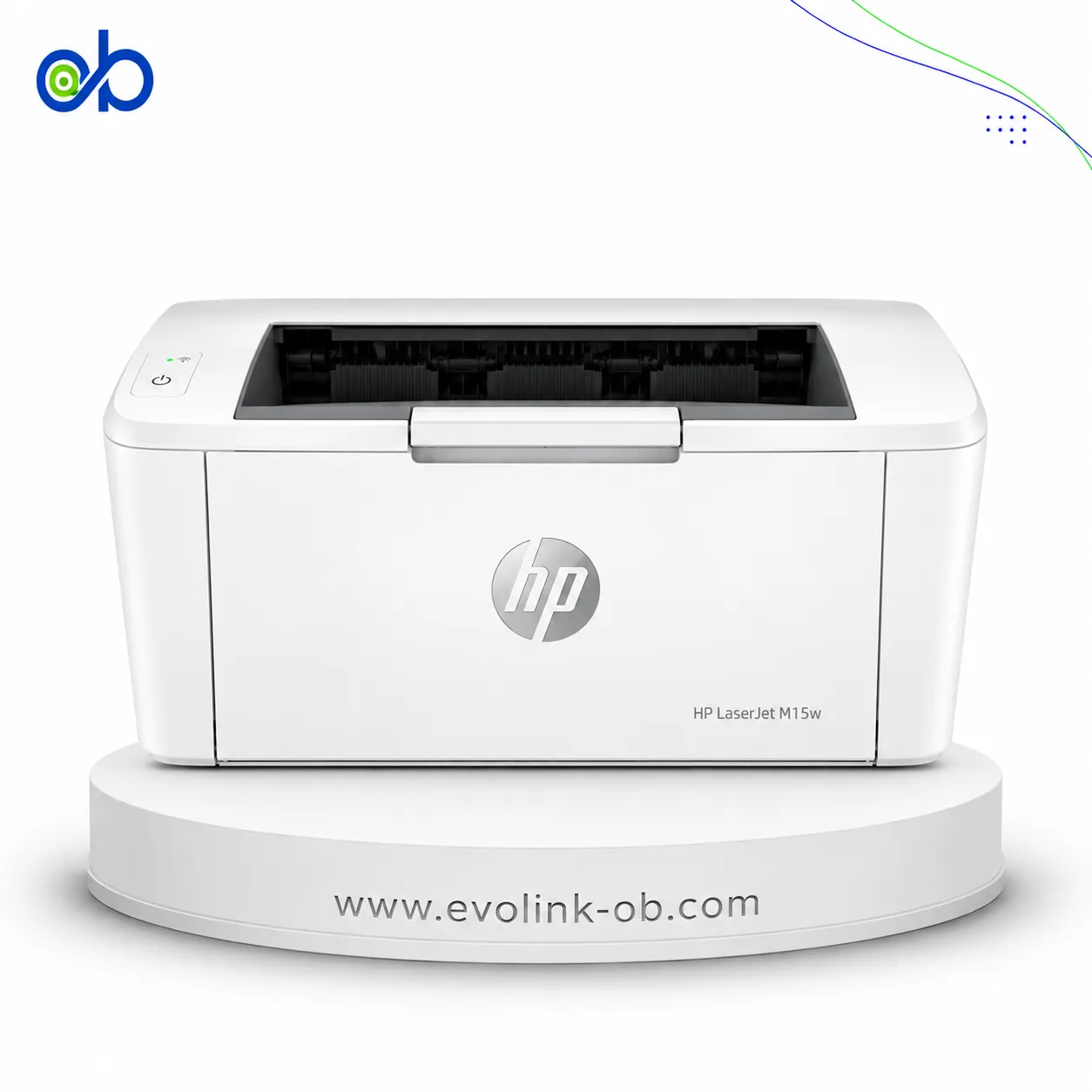
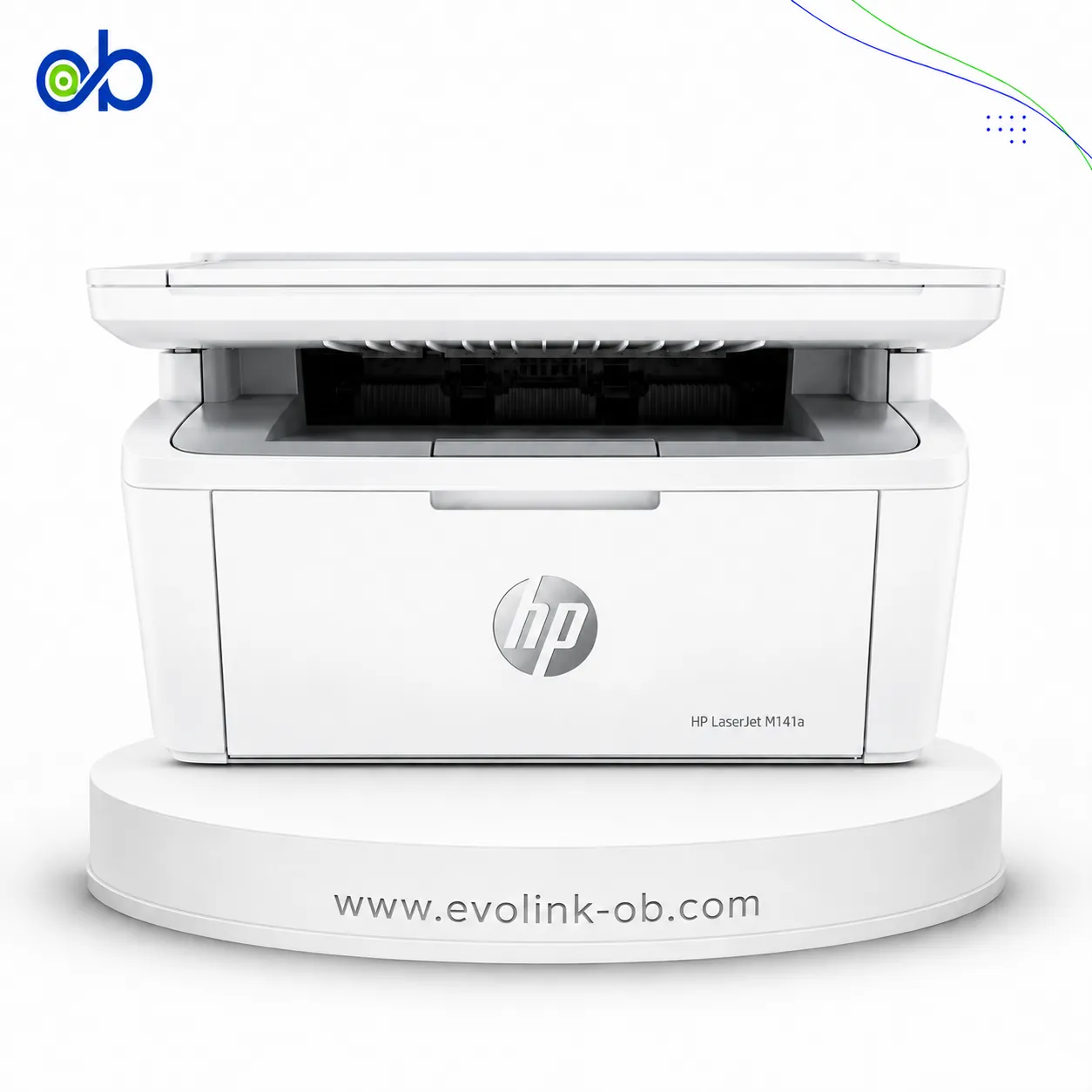
Nearby alternatives currently available for M3035 Multifunction Laser Printer: HP LaserJet M15w Black & White Printer ($112.00) · HP LaserJet MFP M141A 3 in 1 Printer ($135.00) · HP LaserJet MFP M141w Printer ($155.00).
Nearby alternatives currently available for 4345 Multifunction Laser Printer: HP LaserJet MFP M141A 3 in 1 Printer ($135.00) · HP LaserJet MFP M141w Printer ($155.00) · HP LaserJet M111A Black & White Printer ($100.00).
Suitable alternatives to M3035 Multifunction Laser Printer and 4345 Multifunction Laser Printer are available at EvoLink in Damascus, with shipping to all Syrian governorates.
Address: Syria, Damascus, Halbouni, Musalam Barudi street, Building 1020, 1st floor.
Contact: +963 96 44 007 44 or via WhatsApp.