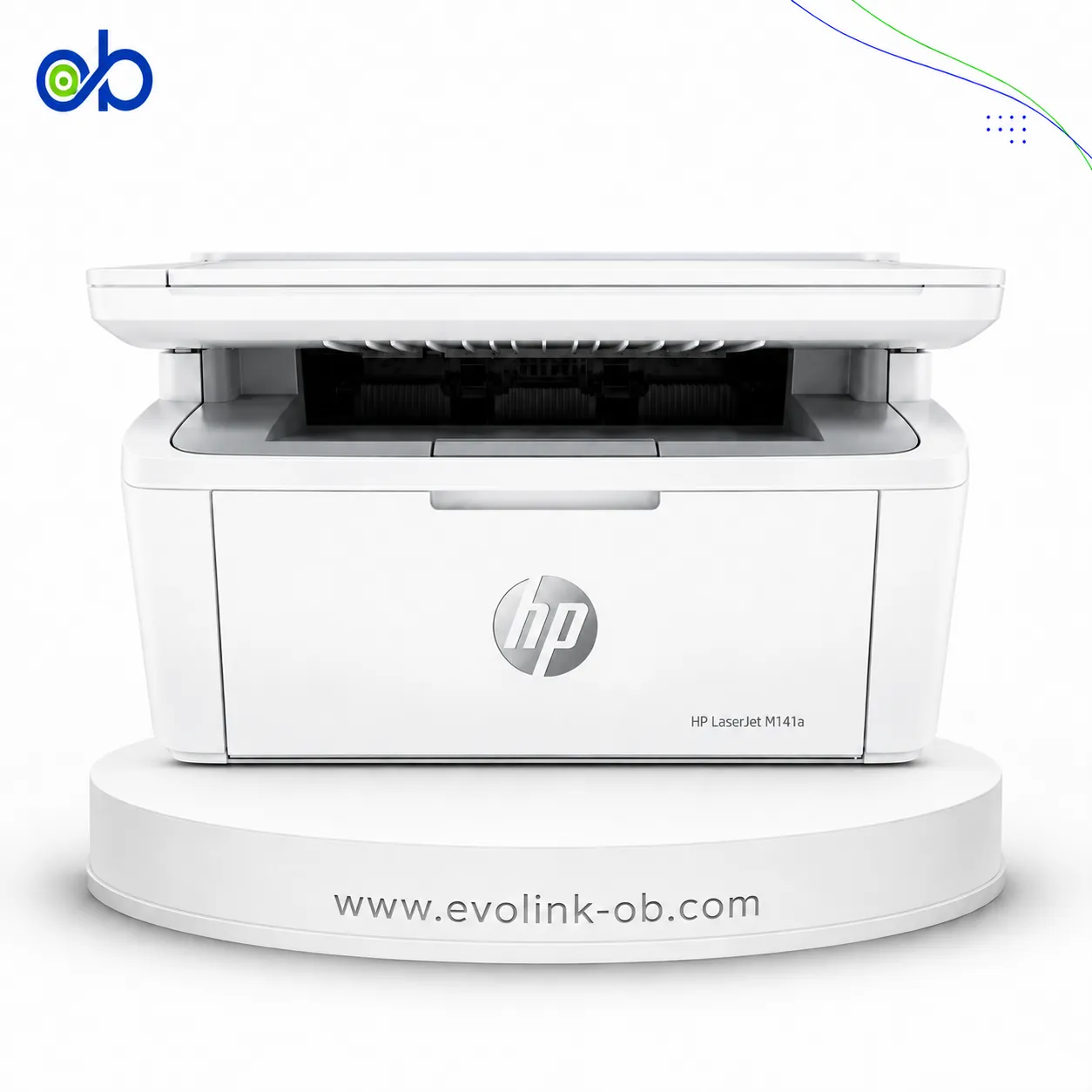
4200dtnsL Monochrome Laser Printer
A monochrome laser printer with up to 33 ppm print speed, large paper handling capacity up to 1100 sheets, aut…
Not for sale
A full side-by-side comparison of reference models 4200dtnsL Monochrome Laser Printer and 4250dtnsl Monochrome Laser Printer within the same category.
A monochrome laser printer with up to 33 ppm print speed, large paper handling capacity up to 1100 sheets, aut…
Not for sale

A monochrome laser printer featuring three paper trays with an 1100-sheet capacity, automatic duplex printing,…
Not for sale
| Specification | 4200dtnsL Monochrome Laser Printer | 4250dtnsl Monochrome Laser Printer |
|---|---|---|
| Price | Not for sale | Not for sale |
| Features | ||
| Printer Functions | ||
| Display | 4 x 20 graphical display with help features | — |
| Control Panel | Four-line graphical control panel with Help features; messages can be displayed in 20 languages | — |
| Printer Specifications | ||
| تقنية الطباعة | Monochrome Laser | Monochrome Laser |
| Print Speed | 33 ppm | 43 ppm |
| Printing | ||
| Print Colour | Monochrome | Monochrome |
| Print Resolution Technology | HP ProRes 1200 | HP ProRes 1200 |
| Maximum Print Resolution | 1200 x 1200 dpi | 1200 x 1200 dpi |
| Duplex Printing | Automatic | Automatic |
| Print Modes | Economode | — |
| Paper size | A4 | A4 |
| Performance | ||
| ISO Black Print Speed A4 | 33 ppm | 43 ppm |
| ISO Black Print Speed Letter | 35 ppm | 45 ppm |
| First Page Out Time Black A4 | Less than 8.5 sec | Less than 8 sec |
| Warm-up Time | No warm-up time sec | — |
| Maximum Monthly Duty Cycle | 150000 pages | 200000 pages |
| First Print Out Time Black | 9.00 sec | 8.00 sec |
| Software | ||
| Printer Smart Software Features | Proof and hold; private printing; quick copy | — |
| Included Software | HP PCL 6, HP PCL 5e, PS, PPDs, HP LaserJet Utility, Macintosh software, installation software | — |
| Printer Management Utility | HP Web Jetadmin, HP LaserJet Utility, HP Embedded Web Server | — |
| Power | ||
| Energy Saving Technology | Instant-on fuser technology; automatic return to PowerSave mode after print job | — |
| Printing Power Consumption | 580 W | 750 W |
| Ready Mode Power | 26 W | 23 W |
| Sleep Mode Power | 24.2 W | 13 W |
| Input Voltage | 110-127 V (±10%); 220-240 V (±10%) | 110-127 VAC (±10%) or 220-240 VAC (±10%) |
| Input Frequency | 50-60 (±2) Hz | 50/60 (±3) Hz |
| Off Power Consumption | 0.07 W | 0.3 W |
| Supplies | ||
| Replacement Toner Cartridge | Q1338A HP Smart Print Cartridge | Q5942A; Q5942X |
| Replacement Toner Yield | 12000 (5% coverage) pages | Q5942A: 10,000; Q5942X: 20,000 pages |
| Starter Toner Yield | 12000 pages | — |
| Cartridge System | All-in-one print cartridge containing toner, drum, and developer unit | — |
| Print Cartridge Count | 1 cartridge | 1 cartridge |
| Connectivity | ||
| Standard Connectivity | IEEE 1284-compliant parallel interface port; HP Jetdirect 10/100Base-TX print server card; 1 open EIO slot | IEEE 1284-compliant bidirectional ECP Type-B parallel port; USB 2.0; 2 EIO expansion slots; HP Jetlink; integrated HP Jetdirect 10/100Base-TX print server |
| Network Printing | Yes | Yes |
| Ethernet Connectivity | Yes | Yes |
| Optional Connectivity | HP Jetdirect 680n 802.11b wireless internal EIO print server; HP Jetdirect Connectivity Card for USB, Serial and LocalTalk; optional HP Jetdirect Ethernet and Token Ring internal print servers | Optional 802.11b wireless network card |
| Network Ready | Yes | Yes |
| Compatibility | ||
| Compatible Operating Systems | Microsoft Windows 98, Me, NT 4.0, 2000, XP, XP 64-bit; Apple Macintosh OS 8.6 to 9.x, 10.1, 10.2 and later; optional UNIX, Linux, IBM OS/2 support | — |
| Mac Compatible | Yes | Yes |
| Dimensions | ||
| Width | 412 mm | — |
| Depth | 520 mm | — |
| Height | 740 mm | — |
| Maximum Dimensions | 412 x 1045 x 740 mm | — |
| Physical | ||
| Weight | 34 kg | 49.4 kg |
| Warranty | ||
| Manufacturer Warranty | 1-year limited warranty, return-to-HP | One-year limited warranty |
| Sustainability | ||
| ENERGY STAR Certified | Yes | Yes |
| Product Information | ||
| Product Number | Q2447A | — |
| Noise | ||
| Acoustic Power Active Printing | 6.8 B(A) | 6.9 B(A) |
| Printing Sound Pressure | 54 dB(A) | 62 dB(A) |
| Printer | ||
| Printer Language | HP PCL 6, HP PCL 5e, HP PostScript 3 emulation, HP-GL/2, automatic language switching | HP PCL 6, PCL 5, HP PostScript 3 emulation |
| CPU Speed | 300 MHz | 460 MHz |
| Standard Memory | 64 MB | 80 MB |
| Maximum Memory | 416 MB | 512 MB |
| Printer Memory | 64 MB | 80 MB |
| Paper Handling | ||
| Paper Input Capacity | 1100 sheets | 1100 sheets |
| Paper Output Capacity | 750 sheets | 500 sheets |
| Supported Paper Weight | — | Tray 1: 16 to 53; 500-sheet trays: 16 to 32 lb bond |
| Supported Media Sizes | A4, A5, Letter, Executive, B5, Legal, custom sizes; Tray 1 supports media from 76 x 127 mm to Legal | Letter, A4, Legal, Executive, A5, 8.5 x 13, B5 (JIS), Executive (JIS), Double Postcard (JIS), 16K, custom sizes |
| Envelope Capacity | 75 envelopes | 75 envelopes |
| Supported Envelope Types | Commercial #10; DL; C5; B5; Monarch | Commercial #10, DL ISO, C5 ISO, B5 ISO, Monarch #7-3/4 |
| Multipurpose Tray Capacity | 100 sheets | — |
| Maximum Paper Input Capacity | 2600 sheets | 3100 sheets |
| Automatic Duplex Media Weight | 60-120 g/m² | 60 to 120 g/m² |
| Face-Up Output Capacity | 50 sheet | — |
| Minimum Custom Media Size | 76 x 127 mm | 76 x 127 mm |
| Maximum Custom Media Size | 216 x 356 mm | 216 x 356 mm |
| Paper Trays | 3 tray | 3 tray |
| Finished Output Handling | 500-sheet stapler/stacker | — |
| Standard Paper Input | 100-sheet Tray 1 + two 500-sheet trays | 100-sheet Tray 1 + two 500-sheet trays |
| Media Handling | ||
| Supported Media Types | Plain paper, letterhead, prepunched paper, bond paper, color paper, preprinted paper, recycled paper, transparencies, labels, envelopes, card stock, user-defined media | Paper, envelopes, labels, transparencies, recycled paper, custom-size media |
| Supported Media Weight | Tray 1: 60 to 200; other trays: 60 to 120 g/m² | — |
| Environment | ||
| Operating Temperature | 32.5–15 °C | 32.5–15 °C |
| Operating Humidity | 10-80 % | 10-80 % |
| Storage Temperature | 0-35 °C | 0-35 °C |
| Storage Humidity | 10-90 % | 10-90 % |
| Package Contents | ||
| Package Contents | HP LaserJet 4200dtnsL printer, right-angle power cord, control panel overlay, print cartridge, software and documentation on CD-ROM, getting started guide, HP Jetdirect 615n internal EIO print server, additional 500-sheet input paper tray, auto-duplex unit, 500-sheet stapler/stacker | — |
| Safety | ||
| Safety Compliance | CSA (Canada); UL (USA); NOM-1-NYCE (Mexico) | — |
| Dimensions and Weight | ||
| Product Dimensions | 380 x 450 x 420 mm | 498 x 452 x 418 mm |
| Ink System | ||
| Number of Print Cartridges | 1 cartridge | 1 cartridge |
| Print Resolution | 1200.00 dpi | 1200.00 dpi |
Overall, the technical lean favors 4250dtnsl Monochrome Laser Printer on Print Speed and ISO Black Print Speed A4. 4200dtnsL Monochrome Laser Printer remains the better pick if your priority is First Page Out Time Black A4. They share Printer Functions and تقنية الطباعة. Review the choice points above, then confirm availability before buying.
4200dtnsL Monochrome Laser Printer and 4250dtnsl Monochrome Laser Printer share a close technical baseline, notably Printer Functions, تقنية الطباعة, Print Colour.
The main decisive differences: Print Speed (4200dtnsL Monochrome Laser Printer: 33 ppm, 4250dtnsl Monochrome Laser Printer: 43 ppm); ISO Black Print Speed A4 (4200dtnsL Monochrome Laser Printer: 33 ppm, 4250dtnsl Monochrome Laser Printer: 43 ppm); ISO Black Print Speed Letter (4200dtnsL Monochrome Laser Printer: 35 ppm, 4250dtnsl Monochrome Laser Printer: 45 ppm); First Page Out Time Black A4 (4200dtnsL Monochrome Laser Printer: Less than 8.5 sec, 4250dtnsl Monochrome Laser Printer: Less than 8 sec); Maximum Monthly Duty Cycle (4200dtnsL Monochrome Laser Printer: 150000 pages, 4250dtnsl Monochrome Laser Printer: 200000 pages).
In practice, 4200dtnsL Monochrome Laser Printer suits needs centered on First Page Out Time Black A4, while 4250dtnsl Monochrome Laser Printer fits priorities around Print Speed. Review the specs table above before deciding.
Nearby alternatives currently available for 4200dtnsL Monochrome Laser Printer: HP LaserJet MFP M141w Printer ($155.00) · HP LaserJet M111A Black & White Printer ($100.00) · HP LaserJet MFP M141A 3 in 1 Printer ($135.00).
Nearby alternatives currently available for 4250dtnsl Monochrome Laser Printer: HP LaserJet MFP M141A 3 in 1 Printer ($135.00) · HP LaserJet MFP M141w Printer ($155.00) · HP LaserJet M111A Black & White Printer ($100.00).
Suitable alternatives to 4200dtnsL Monochrome Laser Printer and 4250dtnsl Monochrome Laser Printer are available at EvoLink in Damascus, with shipping to all Syrian governorates.
Address: Syria, Damascus, Halbouni, Musalam Barudi street, Building 1020, 1st floor.
Contact: +963 96 44 007 44 or via WhatsApp.