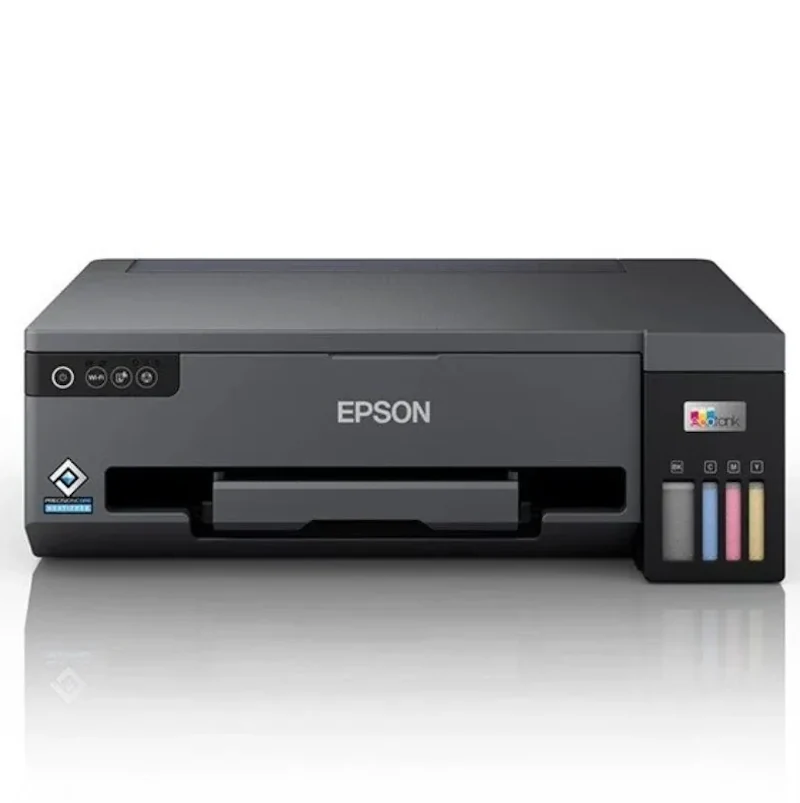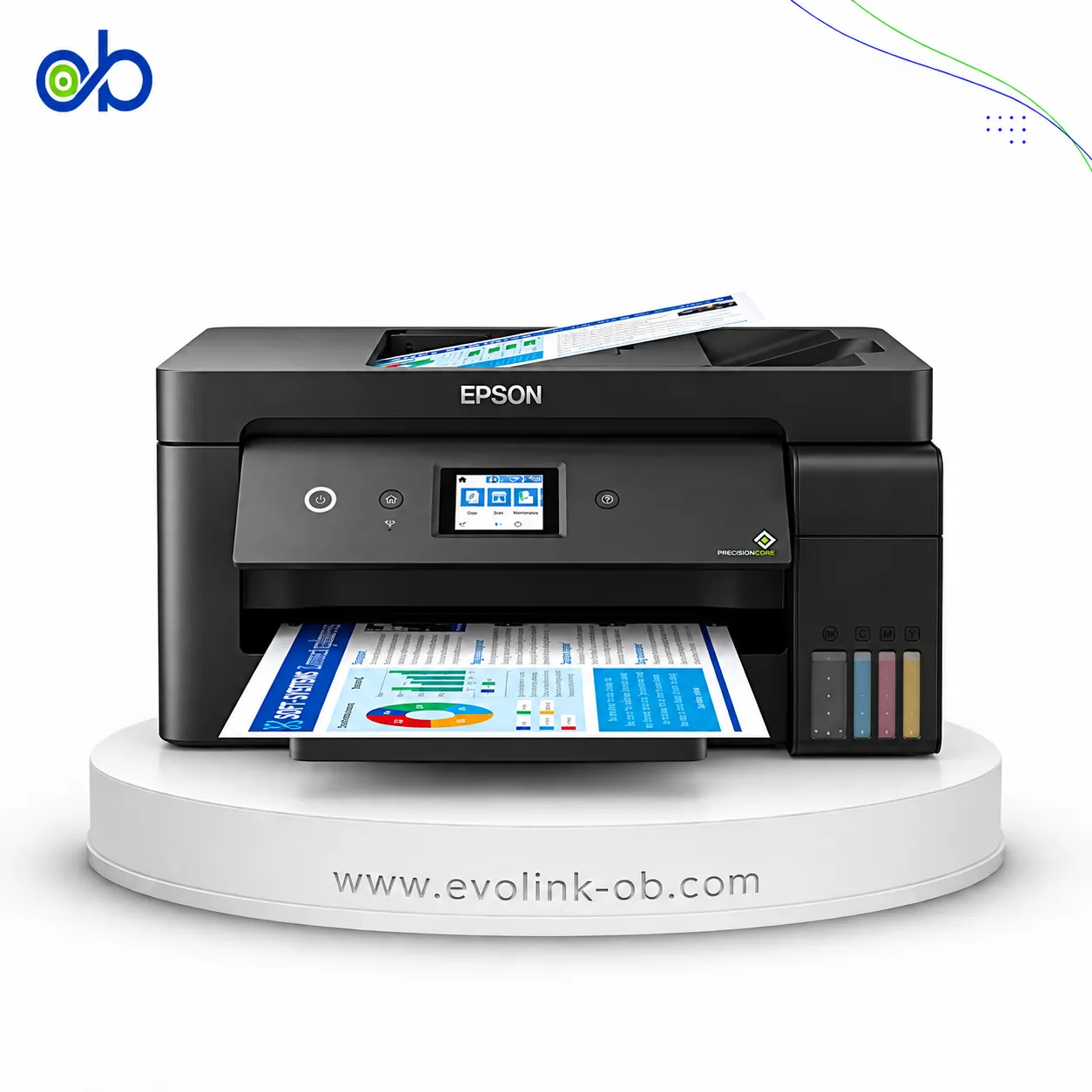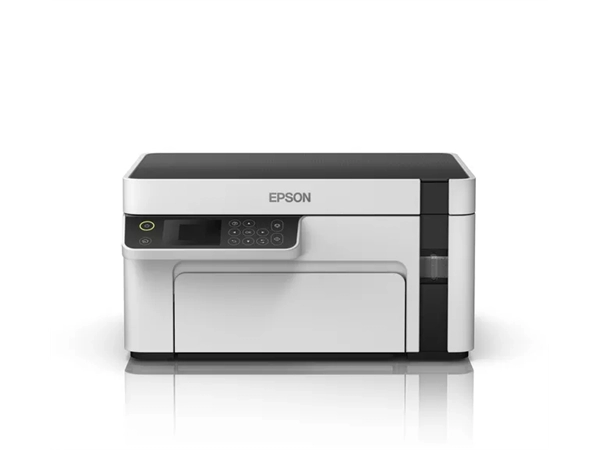
Compare Epson EcoTank M2118 Printer Epson EcoTank L3250 Printer

A full side-by-side comparison of reference model EcoTank M2118 Printer and in-stock product EcoTank L3250 Printer on specs, price, and Syria availability.

Specifications

Specification ⁦Epson EcoTank M2118 Printer⁩ ⁦Epson EcoTank L3250 Printer⁩
Price Not for sale $150.00
Features
Printer Functions Print, Scan, Copy Print, Scan, Copy
LCD Display ⁦1.44-inch / 3.7 cm color LCD⁩ —
Control Panel ⁦1.44-inch colour LCD control panel⁩ —
Quiet Mode — Yes
Printer Specifications
تقنية الطباعة Epson Micro Piezo Epson Micro Piezo
Printing
Print Colors 1 4
Ink System Black Black, Cyan, Magenta, Yellow
Maximum Print Resolution ⁦1440 x 720 dpi⁩ ⁦5760 × 1440⁩ dpi
Duplex Printing Manual Manual
Borderless Printing — ⁦Up to 10 x 15 cm⁩
Paper size — ⁦A4⁩
Print Margins ⁦3 mm top, bottom, left and right on plain paper mm⁩ —
Ink
Ink Technology Pigment Black + Dye Colour Dye Ink
Included Black Ink Yield — ⁦8100 pages⁩
Included Color Ink Yield — ⁦6500 pages⁩
Standard Black Ink Bottle ⁦Epson 006S Black⁩ ⁦Espon 103⁩
Standard Colour Ink Bottles — ⁦Espon 103⁩
Replacement Black Ink Bottle Yield ⁦6000 pages⁩ ⁦4500 pages⁩
Performance
Print Speed Black ⁦32 ppm⁩ ⁦33 ppm⁩
Maximum Print Speed Color — ⁦15 ppm⁩
ISO Print Speed Black ⁦15 ppm⁩ ⁦10 ppm⁩
ISO Print Speed Color — ⁦5 ppm⁩
10×15 cm Photo Print Speed — ⁦27 sec⁩
First Page Out Time (Black) ⁦8 sec⁩ —
Print Head
Black Nozzles — 180
Nozzles Per Color — 59
Minimum Droplet Size ⁦3 pl⁩ ⁦3 pl⁩
Copy
ISO Copy Speed Black ⁦13 ipm⁩ ⁦7.7 ipm⁩
Copy Resolution — ⁦600 × 600 dpi⁩
Scanning
Scanner Type — Flatbed CIS
Optical Scan Resolution — ⁦1200 × 2400 dpi⁩
Maximum Scan Area — ⁦21.6 × 29.7 cm⁩
Scan Output Formats — BMP, JPEG, PICT, TIFF, PDF, PNG
Flatbed Scan Speed — ⁦Black: 11; Colour: 28 sec⁩
Scanner Sensor Type — CIS
Colour Scanning — Yes
Monochrome Scanning — Yes
Maximum Scan Resolution — ⁦1200 × 2400 dpi⁩
Hardware Scan Resolution — ⁦1200 × 2400 dpi⁩
Connectivity
Wireless Connectivity — Yes
Wi-Fi Direct — Yes
Mobile Printing Services — Epson Connect (iPrint, Email Print, Remote Print Driver)
Interfaces Hi-Speed USB, Ethernet USB, Wi-Fi, Wi-Fi Direct
Network Protocols — ⁦IPv4,IPv6⁩
Ethernet Connectivity Yes —
Supported OS ⁦Windows XP SP3, Windows XP Professional x64 SP2, Windows Vista, Windows 7, Windows 8, Windows 8.1, Windows 10; Mac OS X 10.6.8, 10.7.x, 10.8.x, 10.9.x, 10.10.x, 10.11.x, 10.12.x, 10.13.x⁩ Windows , Mac OS
Email Print — Yes
Compatibility
Chromebook Native Print — Yes
Paper Handling
Paper Input Capacity ⁦150 sheets⁩ ⁦100 sheets⁩
Paper Output Capacity ⁦30 sheets⁩ ⁦30 sheets⁩
Paper Trays ⁦1 tray⁩ ⁦1 tray⁩
Supported Paper Weight — ⁦64–300 g/m²⁩
Photo Paper Capacity — ⁦20 sheets⁩
Maximum Custom Paper Length ⁦1200 mm⁩ —
Standard Paper Tray Capacity ⁦150 sheets⁩ ⁦100 sheets⁩
Dimensions
Width — ⁦375 mm⁩
Depth — ⁦347 mm⁩
Height — ⁦179 mm⁩
Physical
Weight — ⁦3.9 kg⁩
Printer Colour White and black Black
Power
Supply Voltage ⁦220–240 V⁩ ⁦220–240 V⁩
Frequency ⁦50-60 Hz⁩ ⁦50-60 Hz⁩
Ready Mode Power ⁦4.3 W⁩ ⁦4.5 W⁩
Sleep Mode Power ⁦0.7 W⁩ ⁦0.7 W⁩
Power Off Consumption ⁦0.3 W⁩ ⁦0.2 W⁩
Printing Power Consumption — ⁦12 W⁩
Standalone Copying Power Consumption ⁦15 W⁩ ⁦12 W⁩
Copying Power Consumption — ⁦12 W⁩
Printer
Printer Category ⁦A4 monochrome multifunction ink tank printer⁩ Home, Home Office
Printer Language ESC/P-R ESC/P-R
Product SKU — ⁦C11CJ67405⁩
Software
Desktop Printing and Scanning Software — Epson ScanSmart

Summary: which fits better?

Epson EcoTank M2118 Printer vs Epson EcoTank L3250 Printer — choose by the use case in the table (role/paper, document features, connectivity, speed).

research reference (not for sale) vs store product.

When to pick which:

Pick Epson EcoTank M2118 Printer if you need: higher ISO print/copy speed.

Pick Epson EcoTank L3250 Printer if you need: network / wireless printing (including 5 GHz when present), higher ink yield, higher ISO print/copy speed.

Key differences:

  • Interfaces: Hi-Speed USB, Ethernet vs Hi-Speed USB 2.0, Wi-Fi, Wi-Fi Direct
  • Printer Category: A4 monochrome multifunction ink tank printer vs Home, Home Office
  • Scanner Type: Flatbed color image scanner vs Flatbed CIS
  • Included Black Ink Yield: 6000 vs 8100
  • Iso Print Speed Black: 15 vs 10

Based on the specs table, Epson EcoTank M2118 Printer fits most office needs better thanks to: Printer Category: A4 monochrome multifunction ink tank printer vs Home, Home Office; Iso Print Speed Black: 15 vs 10; Paper Input Capacity: 150 vs 100.

Maximum dpi and ink bottle series numbers alone do not settle the buy.

What differs?

Material differences (most important first)

  • Interfaces: Hi-Speed USB, Ethernet vs Hi-Speed USB 2.0, Wi-Fi, Wi-Fi Direct
  • Printer Category: A4 monochrome multifunction ink tank printer vs Home, Home Office
  • Scanner Type: Flatbed color image scanner vs Flatbed CIS
  • Included Black Ink Yield: 6000 vs 8100
  • Iso Print Speed Black: 15 vs 10
  • Ink Technology: Pigment Black + Dye Colour vs Dye Ink
  • Paper Input Capacity: 150 vs 100
  • Maximum Print Speed Black: 32 vs 33

Minor deltas

  • Weight: 4 vs 3.9

One-sided data (missing ≠ unsupported)

  • Wireless Connectivity: Not listed vs 1
  • Ethernet Connectivity: 1 vs Not listed
  • Wi Fi Direct: Not listed vs 1

Similarities

Duplex Printing: Manual, Minimum Droplet Size: 3, Printer Functions: Print, Scan, Copy, Tkny Altbaaa: Epson Micro Piezo print head

Frequently asked questions

References

  1. https://www.epson.com.cn/products/l-all-in-ones/m2118/
  2. https://www.epson.eu/en_EU/products/printers/inkjet/consumer/ecotank-l3250-multifunction-wi-fi-ink-tank-a4-printer,-with-up-to-3-years-of-ink-included/p/30226
Contact via WhatsApp