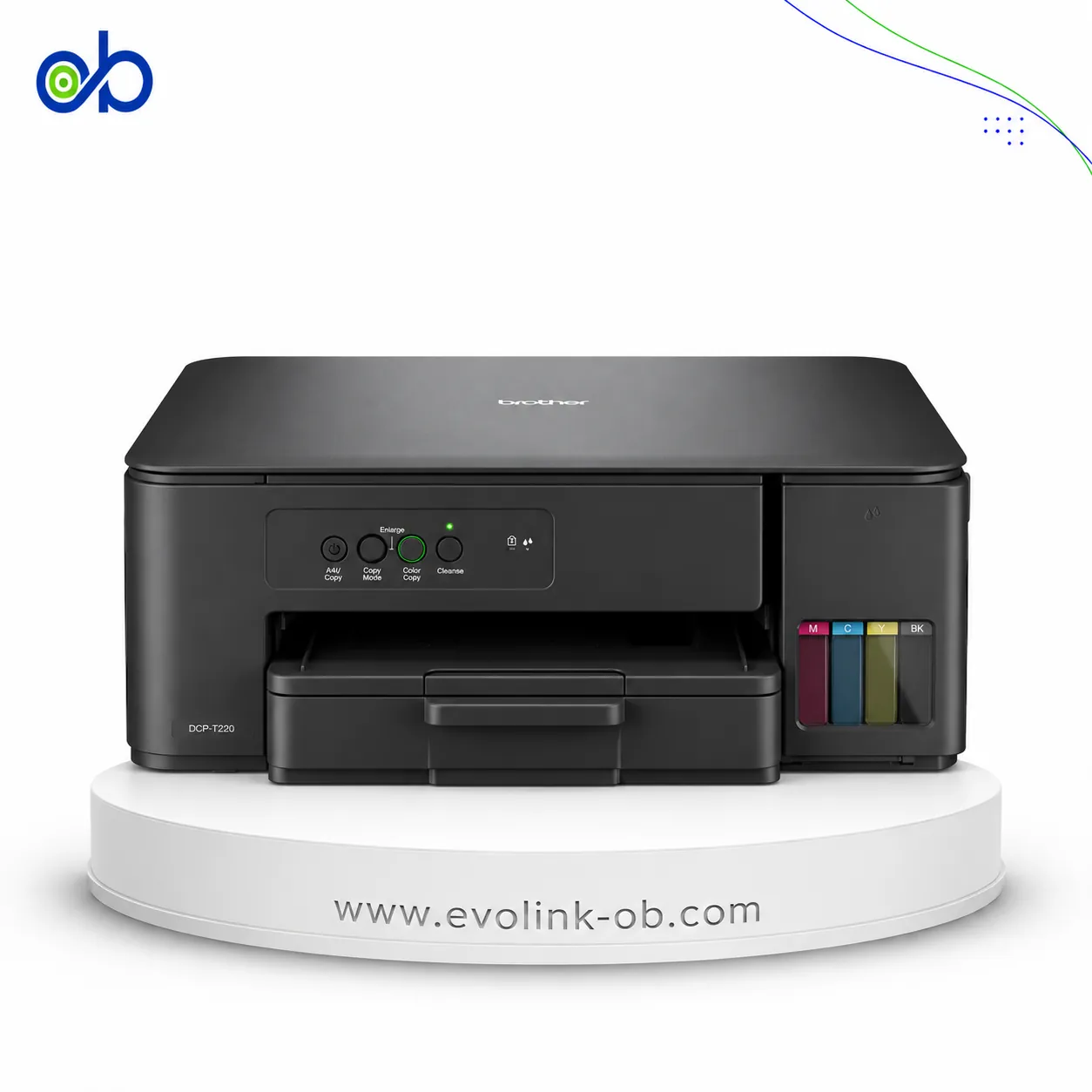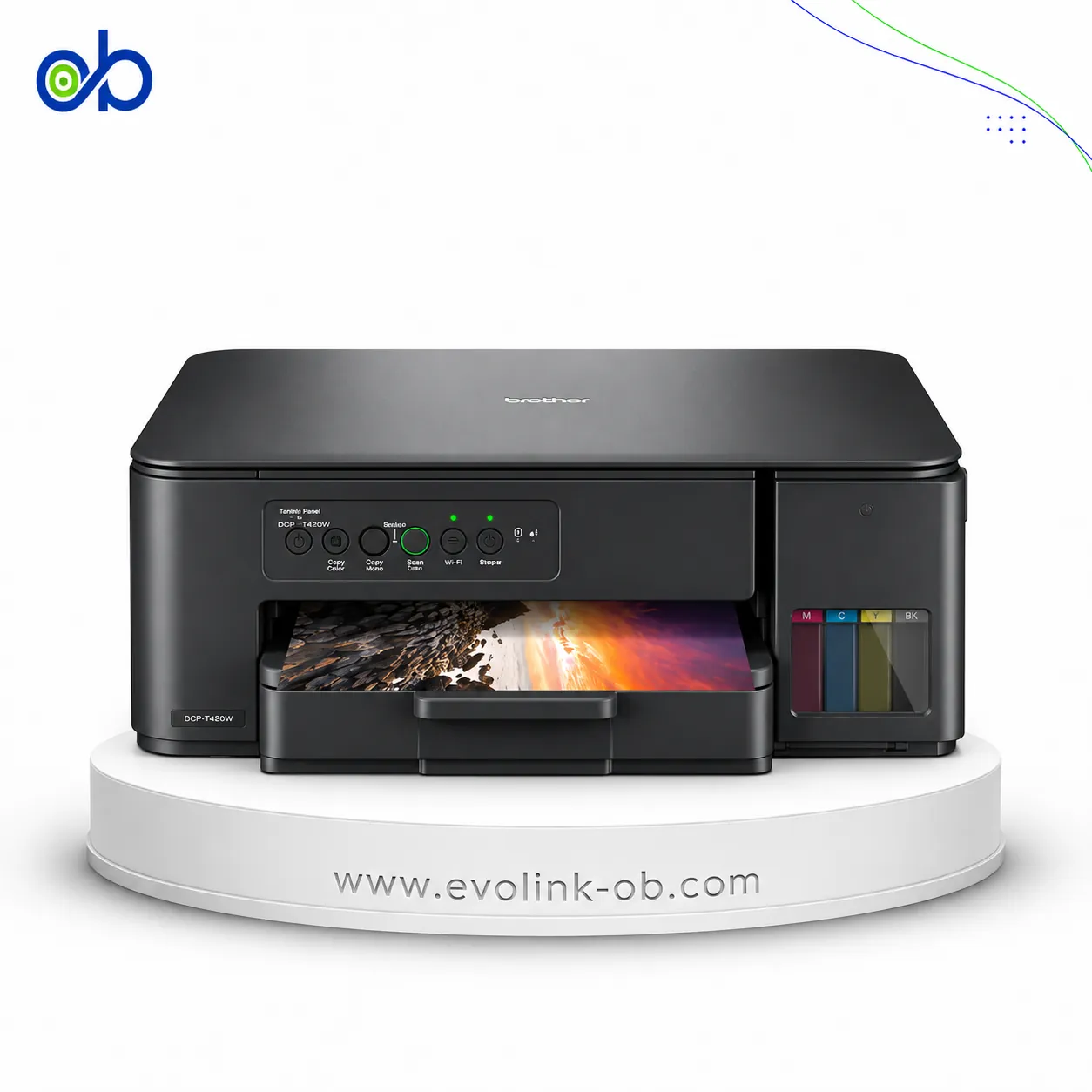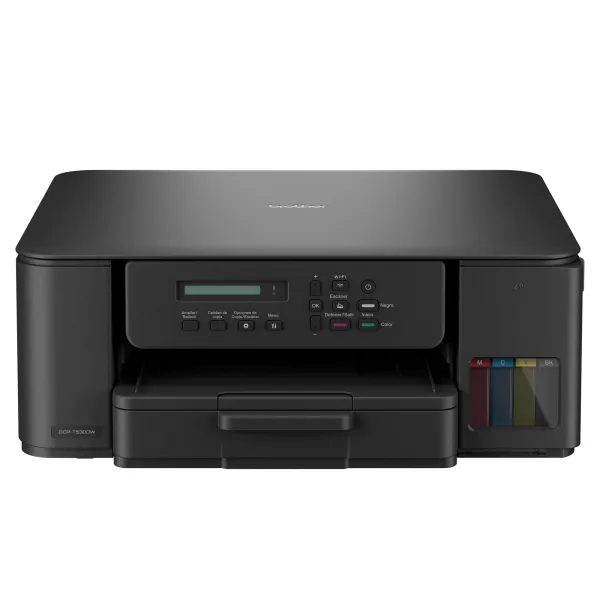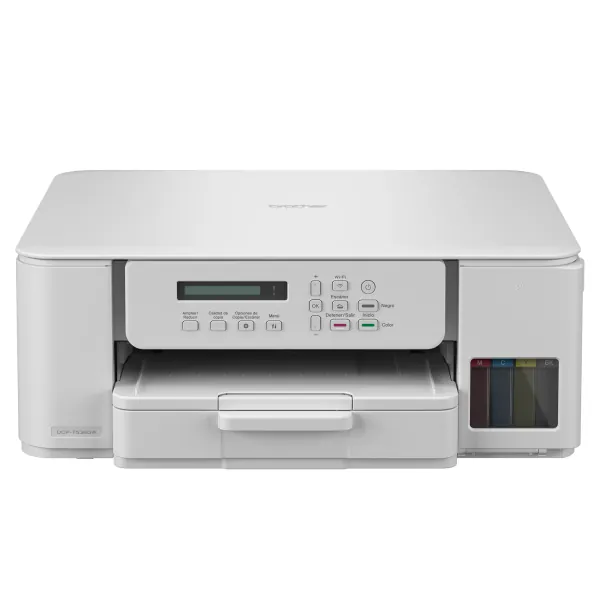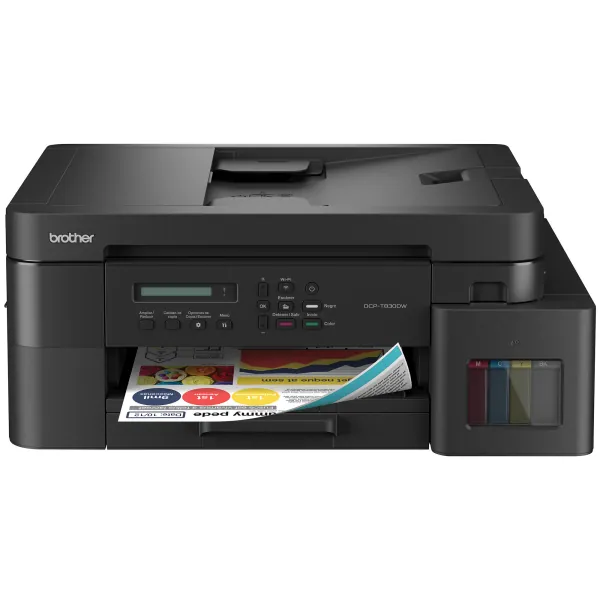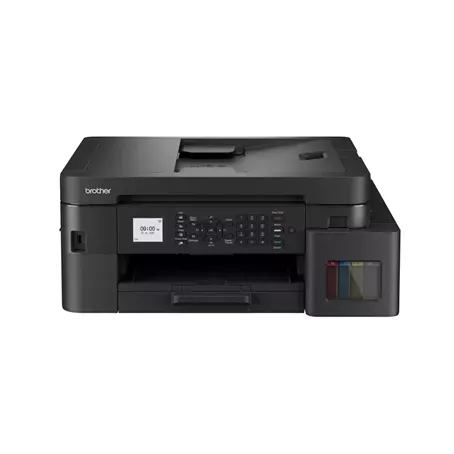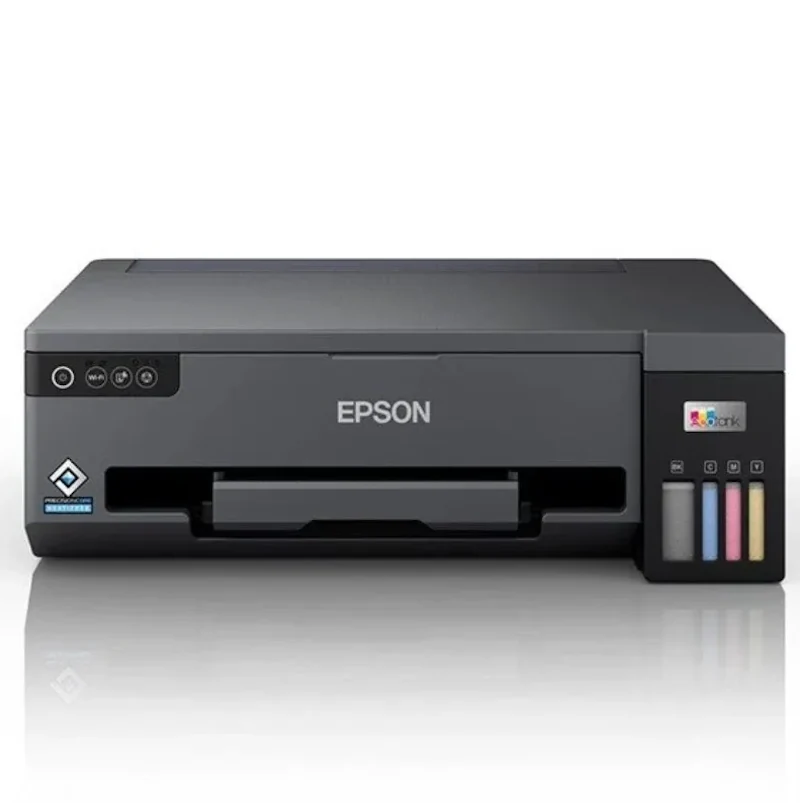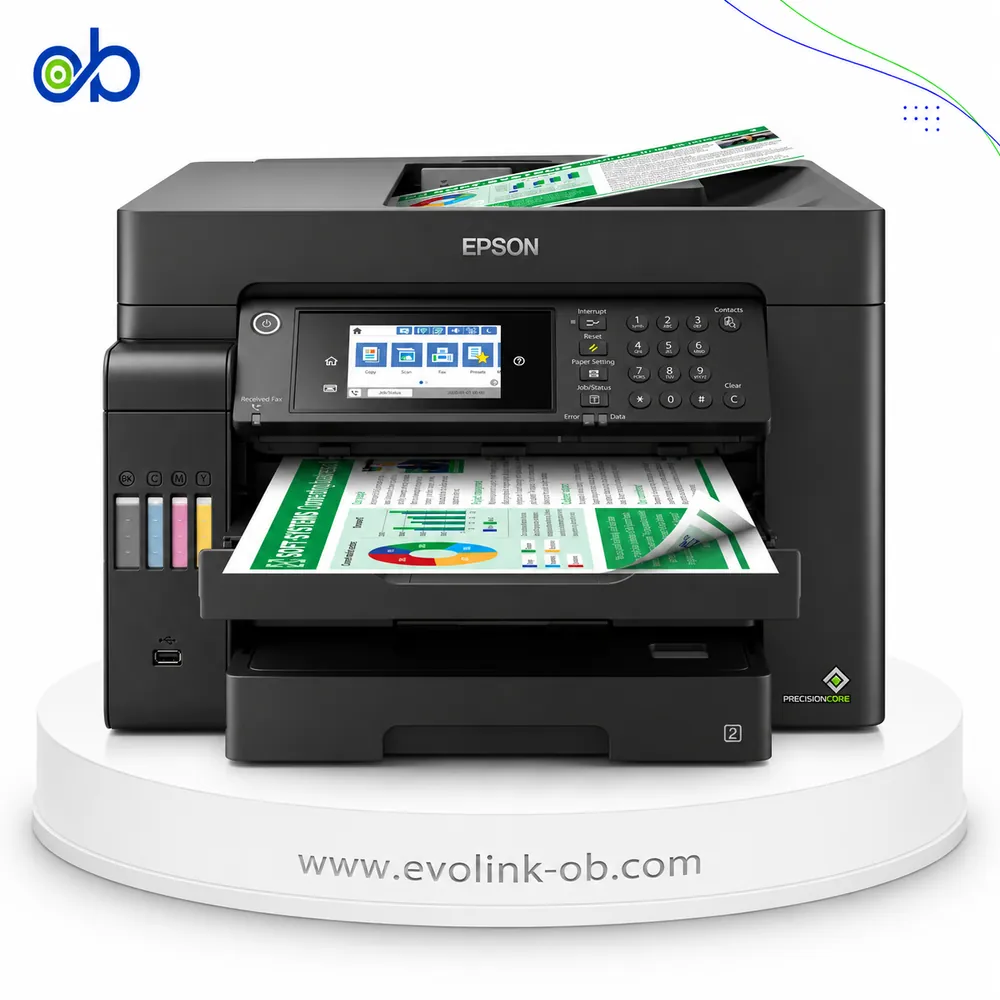

Epson EcoTank L4151 Printer
A colour multifunction ink tank printer for printing, copying, and scanning, with Wi-Fi and Wi-Fi Direct, ISO…
Not for sale
A full side-by-side comparison of reference model EcoTank L4151 Printer and in-stock product EcoTank L14150 Printer on specs, price, and Syria availability.
A colour multifunction ink tank printer for printing, copying, and scanning, with Wi-Fi and Wi-Fi Direct, ISO…
Not for sale
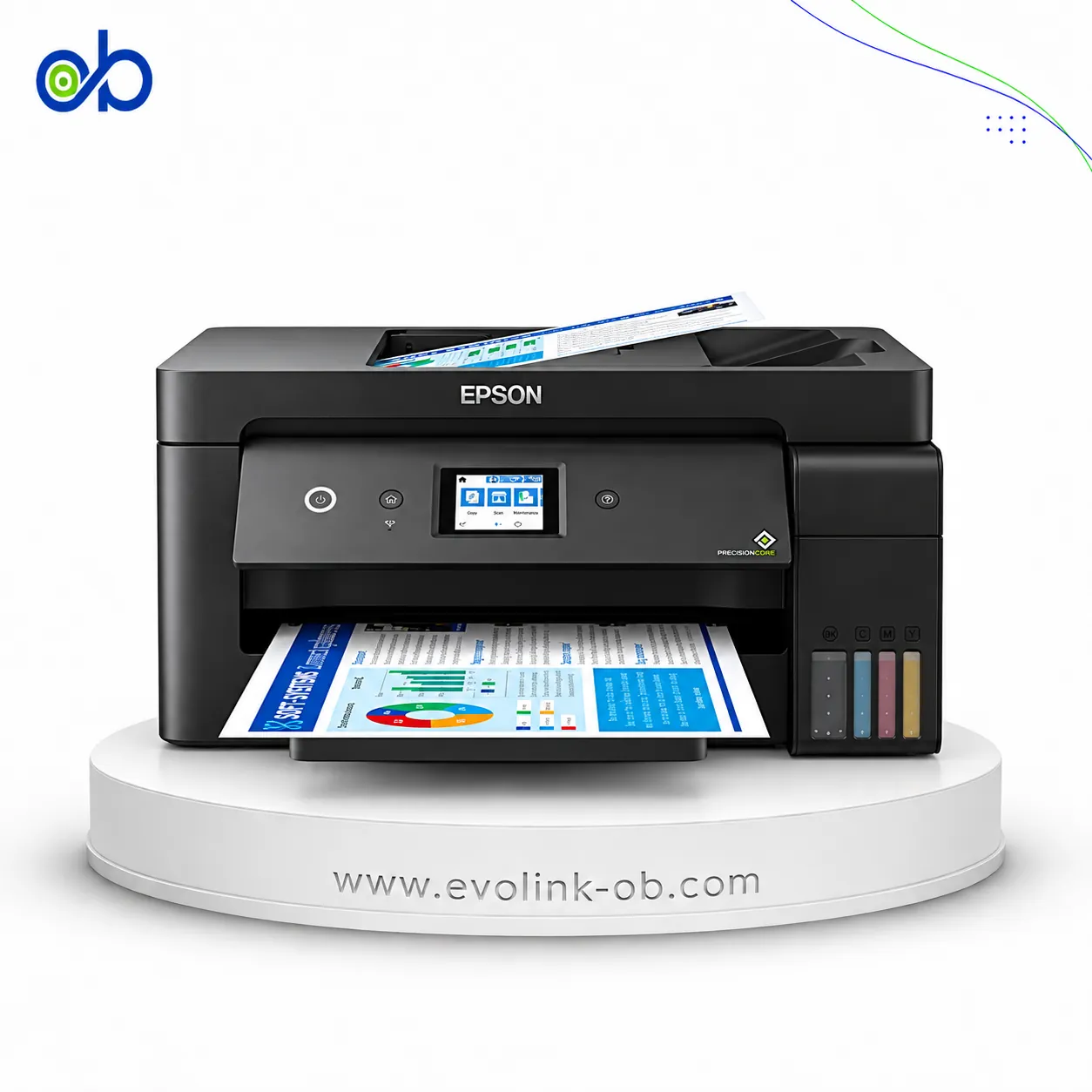
A multifunction ink tank printer with A3+ printing, copying, scanning and faxing, offering ISO speeds up to 17…
$490.00
in stock
| Specification | Epson EcoTank L4151 Printer | Epson EcoTank L14150 Printer |
|---|---|---|
| Price | Not for sale | $490.00 |
| Features | ||
| Printer Functions | Print, Scan, Copy | Print, Scan, Copy, Fax |
| LCD Display | — | 6.8 cm colour LCD touchscreen |
| Control Panel | — | 6.8 cm colour touchscreen |
| Quiet Mode | — | Yes |
| Printer Specifications | ||
| تقنية الطباعة | Epson Micro Piezo print head | Epson PrecisionCore print head |
| Printing | ||
| Print Colors | 4 | 4 |
| Ink System | Black, Cyan, Magenta, Yellow | Black, Cyan, Magenta, Yellow |
| Maximum Print Resolution | 5760 × 1440 dpi | 4800 x 1200 dpi |
| Duplex Printing | Manual | Automatic (A4 plain paper only) |
| Borderless Printing | Yes | Up to A3 |
| Paper size | Legal | A3+, A3, A4 |
| Print Margins | 0 top, left, right and bottom with custom settings, except on plain paper mm | — |
| Ink | ||
| Ink Technology | Pigment black and Dye colour Inks | Pigment Black + Dye Colour |
| Included Black Ink Yield | 14000 pages | 6200 pages |
| Included Color Ink Yield | 5200 pages | 5200 pages |
| Standard Black Ink Bottle | Epson 002 Black | Epson 101 |
| Standard Colour Ink Bottles | Epson 002 Cyan, Epson 002 Magenta, Epson 002 Yellow | Epson 101 |
| Replacement Black Ink Bottle Yield | 7500 pages | 7500 pages |
| Performance | ||
| Print Speed Black | 33 ppm | 38 ppm |
| Maximum Print Speed Color | 15 ppm | 24 ppm |
| ISO Print Speed Black | 10.5 ppm | 17 ppm |
| ISO Print Speed Color | 5 ppm | 9 ppm |
| 10×15 cm Photo Print Speed | 69 sec | — |
| ISO Duplex Print Speed Black | — | 7 ppm |
| ISO Duplex Print Speed Color | — | 5 ppm |
| Print Head | ||
| Black Nozzles | 180 | 400 |
| Nozzles Per Color | 59 | 128 |
| Minimum Droplet Size | 3 pl | 3.3 pl |
| Copy | ||
| ISO Copy Speed Black | 7.7 ipm | 11.5 ipm |
| ISO Copy Speed Color | — | 5.5 ppm |
| Copy Resolution | 360 × 360 dpi | 600 × 600 dpi |
| Maximum Copies | 20 copies | 99 copies |
| Copy Zoom | Actual size % | 25–400 % |
| Maximum Copy Size | A4, Letter | Legal |
| Copy Features | color or monochrome copying; draft or standard mode | — |
| Scanning | ||
| Scanner Type | Contact Image Sensor (CIS) | Flatbed with ADF |
| Optical Scan Resolution | 1200 × 2400 dpi | 1200 × 2400 dpi |
| Maximum Scan Area | 21.6 x 29.7 cm | Glass up to 21.6×35.6 cm (Legal); ADF: A4/Letter/Legal — not A3 cm |
| Scan Output Formats | BMP, JPEG, TIFF, PDF | BMP, JPEG, PICT, TIFF, multi-TIFF, PDF, PNG |
| Flatbed Scan Speed | — | Black: 13; Colour: 28 sec |
| Scan-to Features | Scan to computer using Epson ScanSmart | — |
| Scanner Sensor Type | CIS | CIS |
| Scanner Colour Bit Depth | 48: input : 24- output bit | 48-bit input, 24-bit output bit |
| Scanner Grayscale Bit Depth | 16- input, 8- output bit | 16-bit input, 8-bit output bit |
| Scanner Black and White Bit Depth | 16- input, 1- output bit | 16-bit input, 1-bit output bit |
| ADF Monochrome Scan Speed | — | 5.0 ipm |
| ADF Colour Scan Speed | — | 5.0 ipm |
| Colour Scanning | Yes | Yes |
| Monochrome Scanning | Yes | Yes |
| Scanner Compatibility | TWAIN, WIA, ICA | — |
| Maximum Scan Resolution | 9600 dpi | — |
| Connectivity | ||
| Wireless Connectivity | Yes | Yes |
| Wi-Fi Direct | Yes | Yes |
| Mobile Printing Services | Epson Connect (iPrint, Email Print, Remote Print Driver), Apple AirPrint | Epson Connect (Epson iPrint, Epson Email Print, Remote Print Driver, Scan to Cloud), Apple AirPrint, Mopria Print Service |
| Interfaces | USB, Wi-Fi, Wi-Fi Direct | Hi-Speed USB 2.0, Ethernet, Wi-Fi, Wi-Fi Direct |
| Network Protocols | IPP, LPD, PORT9100, TCP/IPv4, TCP/IPv6, WSD | IPv4, IPv6 |
| WLAN Security | WEP 64/128-bit, WPA/WPA2 Personal, WPA2-PSK (AES) | WEP 64 Bit, WEP 128 Bit, WPA PSK (TKIP), WPA2 PSK (AES) |
| Ethernet Connectivity | — | Yes |
| Supported OS | Windows XP SP3, XP Professional x64 Edition SP2, Vista, 7, 8, 8.1 and 10 (32/64-bit); Windows Server 2003, 2003 x64, 2003 R2, 2003 R2 x64, 2008, 2008 R2, 2012, 2012 R2 and 2016; Mac OS X 10.6.8 through 10.12.x | Windows , Mac OS |
| Email Print | Yes | Yes |
| Network Management Tools | APIPA, DDNS, DHCP, HTTP, LLTD, mDNS, PING, SLP, SNMP, WSD | — |
| Wireless Frequency Bands | 2.4 GHz | 2.4 GHz |
| Wireless Standards | IEEE 802.11b/g/n | IEEE 802.11b/g/n, Wi-Fi Direct |
| Wireless Setup | Infrastructure mode, Wi-Fi Direct (Simple AP) | — |
| Compatibility | ||
| Chromebook Native Print | — | Yes |
| Paper Handling | ||
| Paper Input Capacity | 100 sheets | 250 sheets |
| Paper Output Capacity | 30 sheets | 30 sheets |
| Paper Trays | 1 tray | 1 tray |
| Supported Paper Weight | Plain paper: 64-90, envelopes: 75-90 g/m² | 64–300 g/m² |
| Automatic Document Feeder Capacity | — | 35 sheets |
| Rear Paper Feed | Yes | Yes |
| Photo Paper Capacity | 20 sheets | 50 sheets |
| Standard Tray Media Types | Plain paper, Epson Premium Glossy Photo Paper, envelopes, postcards | — |
| ADF Supported Paper Weight | — | 64–95 g/m² |
| Premium Glossy Photo Paper Output Capacity | 20 sheets | — |
| Standard Paper Tray Capacity | — | 250 sheets |
| Dimensions | ||
| Width | 375 mm | 498 mm |
| Depth | 347 mm | 358 mm |
| Height | 187 mm | 245 mm |
| Physical | ||
| Weight | 5 kg | 9.7 kg |
| Dimensions | 375 x 347 x 187 (W × D × H) | — |
| Power | ||
| Supply Voltage | 220-240 V | AC 100–240 V, 50–60 Hz V |
| Frequency | 50-60 Hz | 50-60 Hz |
| Ready Mode Power | 3.9 W | 5.4 W |
| Sleep Mode Power | 0.7 W | 1 W |
| Power Off Consumption | 0.3 W | 0.2 W |
| ENERGY STAR Support | Yes | — |
| Copying Power Consumption | 12 W | 12 W |
| Maintenance | ||
| Replaceable Maintenance Box | — | Yes |
| Fax | ||
| Fax Transmission Speed | — | 33.6 kbps |
| Fax Memory | — | 100 pages |
| Fax Speed Dials | — | Up to 100 names and numbers |
| Fax Type | — | Walk-up black and white and colour fax |
| Fax Features | — | PC Fax, auto redial, address book, broadcast, fax preview |
| Printer | ||
| Printer Category | A4 color wireless multifunction ink tank printer | — |
| Printer Language | ESC/P-R | ESC/P-R |
| Product SKU | — | C11CH96402 |
| Software | ||
| Desktop Printing and Scanning Software | Epson ScanSmart, Remote Print Driver | Epson ScanSmart |
| Environment | ||
| Operating Temperature | 10-35 °C | — |
| Operating Humidity | 20-80 % | — |
| Storage Temperature | -20-40 °C | — |
| Storage Humidity | 5-85 % | — |
| Noise | ||
| Printing Sound Pressure | 51 dB(A) | — |
The Epson EcoTank L4151 and L14150 differ significantly in paper format and office productivity. The L4151 provides printing, copying and scanning, with ISO speeds of 10.5 black and 5 colour pages per minute, Wi-Fi, Wi-Fi Direct and manual duplex printing. The L14150 adds A3+ printing through its rear feed, ISO speeds of 17 black and 9 colour pages per minute, fax, Ethernet, a 250-sheet input tray and a 35-sheet ADF.
Which should you buy? Choose the L14150 for A3+ printing or demanding office document workflows. Its faster document printing, automatic duplex on A4 plain paper and automatic document feeder offer substantial practical advantages. The L4151 remains a simpler, lighter choice for modest home or office workloads if available in good condition at a substantially lower price.
Important limitation: A3+ support on the L14150 refers to printing through the rear feed. It does not mean the machine can scan or copy A3+ originals. Epson describes its scanning, copying and fax functions as A4-oriented, and automatic duplex printing is restricted to A4 plain paper. Buyers needing A3 scanning or copying should look for a device explicitly supporting those functions.
Both printers use pigment black and dye-based colour inks. Included-ink yield and long-term running cost cannot be compared reliably without verified, equivalent information for the exact regional versions and local replacement ink prices. The L4151's higher nominal maximum print resolution also does not automatically establish better print quality for every task.
Price and availability: The comparison lists the L14150 at USD 490 and in stock, while the L4151 is not available for sale. The L14150 is functionally stronger for office tasks and A3+ printing, but light users may not need to pay extra for those capabilities.
1. Printing format: The L4151 supports printing up to Legal, while the L14150 supports A3+ printing through the rear paper feed. The L14150's scanning, copying and fax functions remain A4-oriented. A3+ printing support does not imply A3 scanning or copying.
2. Document speed: The L4151 delivers approximately 10.5 black and 5 colour ISO pages per minute, versus 17 black and 9 colour for the L14150. The L14150 has a clear advantage for frequent document workloads.
3. Duplex: The L4151 supports manual two-sided printing. The L14150 provides automatic duplex specifically on A4 plain paper, with ISO duplex speeds of 7 black and 5 colour pages per minute. This does not establish automatic A3 or A3+ duplex support.
4. Scanning and ADF: The L4151 uses a CIS flatbed scanner. The L14150 adds a 35-sheet A4 ADF for handling multi-page originals. An ADF does not automatically imply two-sided scanning or A3 scanning.
5. Fax: The L14150 includes fax functionality, a transmission rate of up to 33.6 kbps and memory for up to 100 pages. The L4151's listed functions are printing, copying and scanning.
6. Connectivity: Both printers offer USB, Wi-Fi and Wi-Fi Direct. The L14150 additionally includes Ethernet, which is useful for shared office networks. Support for 5 GHz Wi-Fi must not be assumed without model-specific documentation.
7. Paper handling: The L4151 has a 100-sheet input capacity compared with 250 sheets for the L14150. Both list a 30-sheet output capacity. The L14150 also has a rear paper path for special and larger media.
8. Print technology: The L4151 uses an Epson Micro Piezo printhead, while the L14150 uses PrecisionCore. Their maximum stated resolutions are 5760×1440 dpi and 4800×1200 dpi respectively. Neither the printhead name nor the maximum resolution alone proves superior output quality.
9. Ink: Both models use pigment black and dye colour inks. Epson Europe states an included-ink yield of 6,200 black and 5,200 colour pages for the L14150. Epson China publishes approximately 7,500 black and 6,000 colour pages under its L4151 testing conditions, but does not establish an equivalent included-ink comparison against the European L14150 package. An unsupported 14,000-page figure must not be used to declare the L4151 the winner.
10. Dimensions and weight: The L4151 weighs approximately 5 kg and measures 375×347×187 mm. The L14150 weighs approximately 9.7 kg and measures 498×358×245 mm. The L4151 is lighter and smaller; the L14150 offers more extensive office features.
11. Display: Epson Europe specifies a 6.8 cm colour touchscreen for the L14150. An unspecified display field for the L4151 should not automatically be treated as evidence that it has no display.
The L14150 is better for offices needing higher-volume document work or A3+ printing, thanks to faster ISO speeds, a 250-sheet input tray, a 35-sheet ADF, fax, Ethernet and automatic A4 duplex. The L4151 is simpler for light use when available at a lower price.
The official specifications do not support A3+ scanning or copying. A3+ is supported for printing through the rear paper feed, while Epson describes the scan, copy and fax functions as A4-oriented.
No. Epson specifies automatic duplex for A4 plain paper. The L4151 uses manual duplex printing.
The L4151 is rated at 10.5 black and 5 colour pages per minute, versus 17 black and 9 colour pages per minute for the L14150. These are ISO document speeds, not draft-mode speeds.
Yes. The L14150 has a 35-sheet A4 ADF for multi-page documents. The L4151 is specified with flatbed scanning and no ADF.
A like-for-like included-ink comparison has not been established. Epson Europe specifies 6,200 black and 5,200 colour pages for the L14150 package. Epson China's L4151 test-yield figures do not prove an included-ink advantage or support an unsupported 14,000-page claim.
It can be worth the additional expense when A3+ printing, a document feeder, fax, Ethernet or automatic A4 duplex is required. Light home users may not need those capabilities. The page currently lists the L14150 in stock at USD 490 and the L4151 as unavailable.