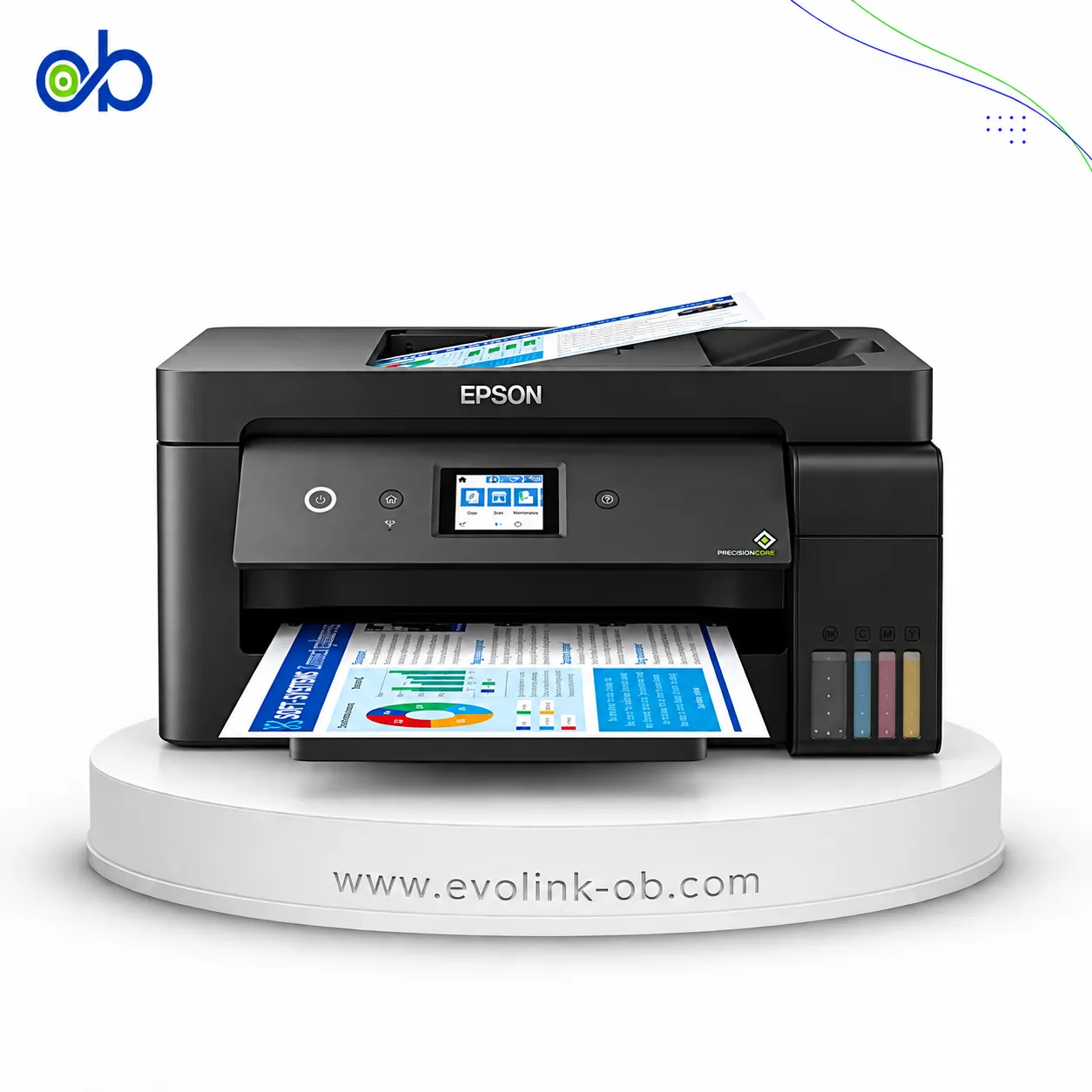
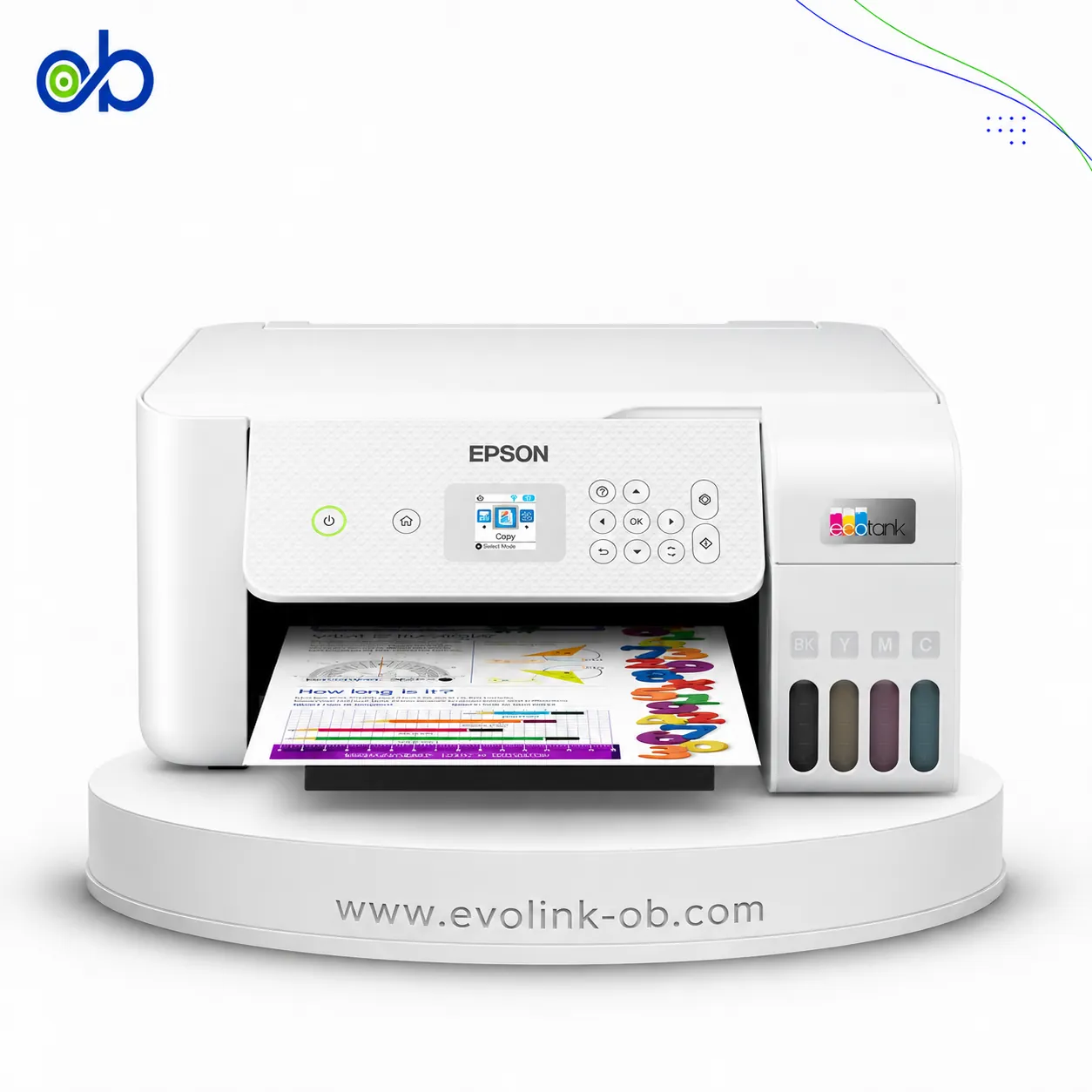
EcoTank L1270 Printer
An Epson tank printer identified as the EcoTank L1270, intended for users comparing this printer category and…
Not for sale
A full side-by-side comparison of reference models EcoTank L1270 Printer and EcoTank ET-8550 Series Printers within the same category.
An Epson tank printer identified as the EcoTank L1270, intended for users comparing this printer category and…
Not for sale

A 6-colour ink tank photo printer for printing, scanning, and copying, supporting media up to A3+ with 5760 ×…
Not for sale
| Specification | EcoTank L1270 Printer | EcoTank ET-8550 Series Printers |
|---|---|---|
| Price | Not for sale | Not for sale |
| Features | ||
| Printer Functions | Print, Scan, Copy | |
| LCD Display | — | 10.9 cm color touchscreen |
| Control Panel | — | Color touchscreen, 10.9 cm |
| Printer Specifications | ||
| تقنية الطباعة | Epson Micro Piezo | Epson Micro Piezo |
| Printing | ||
| Print Colors | 4 | 6 |
| Ink System | Black, Cyan, Magenta, Yellow | Black, Photo Black, Cyan, Magenta, Yellow, Grey |
| Maximum Print Resolution | 5760 x 1440 dpi | 5760 × 1440 dpi |
| Duplex Printing | Manual | Automatic |
| Borderless Printing | Up to 10 x 15 | Yes |
| Paper size | A4 | A3+, A3 |
| CD/DVD Printing | — | Yes |
| USB Direct Print | — | Yes |
| Print Margins | 3 mm | — |
| Ink | ||
| Ink Technology | Dye ink | Pigment Black + Dye Colour |
| Included Black Ink Yield | 8100 pages | 1800 pages |
| Included Color Ink Yield | 6500 pages | 1800 pages |
| Standard Black Ink Bottle | 103 EcoTank Black, C13T00S14A, 65 ml | Epson 114 Pigment Black, C13T07A140 |
| Standard Colour Ink Bottles | Epson 103 EcoTank Cyan C13T00S24A, Magenta C13T00S34A and Yellow C13T00S44A ink bottles; 65 ml each | Epson 114 Photo Black C13T07B140, Cyan C13T07B240, Magenta C13T07B340, Yellow C13T07B440, Grey C13T07B540 |
| Replacement Black Ink Bottle Yield | 4500 pages | 6700 pages |
| Performance | ||
| Print Speed Black | 33 ppm | 32 ppm |
| Maximum Print Speed Color | 15 ppm | 32 ppm |
| ISO Print Speed Black | 10 ppm | 16 ppm |
| ISO Print Speed Color | 5 ppm | 12 ppm |
| 10×15 cm Photo Print Speed | 69 sec | 25 sec |
| ISO Duplex Print Speed Black | — | 6 ppm |
| ISO Duplex Print Speed Color | — | 5 ppm |
| Print Head | ||
| Black Nozzles | 180 | 360 |
| Nozzles Per Color | 59 | 180 |
| Minimum Droplet Size | 3 pl | — |
| Copy | ||
| ISO Copy Speed Black | — | 15 ipm |
| Scanning | ||
| Scanner Type | — | CIS |
| Optical Scan Resolution | — | 1200 x 4800 dpi |
| Scan Output Formats | — | BMP, JPEG, PICT, TIFF, PDF, PNG |
| Scanner Sensor Type | — | CIS |
| Colour Scanning | — | Yes |
| Monochrome Scanning | — | Yes |
| Hardware Scan Resolution | — | 1200 x 4800 dpi |
| Connectivity | ||
| Wireless Connectivity | Yes | Yes |
| Wi-Fi Direct | Yes | Yes |
| Mobile Printing Services | Epson Connect: Epson iPrint, Email Print, Remote Print Driver | Apple AirPrint, Mopria Print Service, Mopria Scan, Epson Smart Panel, Epson Email Print, Remote Print Driver, Scan-to-Cloud |
| Interfaces | USB, Wi-Fi, Wi-Fi Direct | USB, USB Host, Ethernet, Wi-Fi IEEE 802.11a/b/g/n/ac, Wi-Fi Direct, SD Card Slot |
| Ethernet Connectivity | — | Yes |
| Supported OS | Mac OS X 10.6.8 or later; Windows 10; Windows 8.1; Windows 8; Windows 7; Windows Vista; Windows XP SP3 or later (32-bit); Windows XP Professional x64 Edition SP2 or later; Windows Server 2016; Windows Server 2012 R2; Windows Server 2012 (64-bit); Windows Server 2008 R2; Windows Server 2008 (32/64-bit); Windows Server 2003 R2; Windows Server 2003 SP2 or later | Mac OS X 10.6.8 or later, Windows 10 (32/64 bit), Windows 7 (32/64 bit), Windows 8 (32/64 bit), Windows 8.1 (32/64 bit), Windows Vista, Windows XP Professional x64 Edition SP2 or later, Windows XP SP3 or later (32-bit), Windows Server 2003 SP2 or later |
| Email Print | Yes | Yes |
| Memory Card Slot | — | Yes |
| Paper Handling | ||
| Paper Input Capacity | 100 sheets | 100 sheets |
| Paper Output Capacity | 30 sheets | 50 sheets |
| Paper Trays | 1 tray | 3 tray |
| Supported Paper Weight | 64–300 g/m² | — |
| Rear Paper Feed | Yes | Yes |
| Standard Tray Media Types | Plain paper, Epson photo paper, and envelopes | — |
| Dimensions | ||
| Width | 375 mm | 523 mm |
| Depth | 347 mm | 379 mm |
| Height | 169 mm | 169 mm |
| Physical | ||
| Weight | 2.9 kg | 11.1 kg |
| Printer Colour | Black | Black |
| Power | ||
| Supply Voltage | 100–240 V | 220-240 V |
| Frequency | 50-60 Hz | 50-60 Hz |
| Ready Mode Power | 3 W | 7.5 W |
| Sleep Mode Power | 0.7 W | 0.8 W |
| Power Off Consumption | 0.2 W | 0.3 W |
| Printing Power Consumption | 12 W | — |
| Standalone Copying Power Consumption | — | 17 W |
| Copying Power Consumption | — | 17 W |
| Printer | ||
| Printer Category | Home, Home Office | Home, Photo |
| Printer Language | ESC/P-R | ESC/P-R |
| Product SKU | C11CJ71407 | C11CJ21401 |
| Software | ||
| Desktop Printing and Scanning Software | Epson Printer Driver | — |
| Environment | ||
| Operating Temperature | 10–35 °C | 10 to 35 °C |
| Operating Humidity | 20–80 % | 20-80 RH % |
| Storage Temperature | -20–40 °C | -20 to 40 °C |
| Storage Humidity | 5–85 % | 5-85 RH % |
| Noise | ||
| Printing Sound Pressure | — | 48 dB(A) |
| Package Contents | ||
| Package Contents | EcoTank L1270 printer, 4 x 65 ml individual ink bottles (black, cyan, yellow and magenta), 1 additional black ink bottle, power cable, setup guide and warranty document | AC cable, Driver and Utilities CD, Ink set, Quick Start Guide, Warranty document |
Overall, Epson EcoTank ET-8550 Series Printers leads on the measurable paired differences. The choice still depends on use if a specific trait of Epson EcoTank L1270 Printer is what you need.
Both models share specifications such as الطباعة عبر البريد الإلكتروني, تردد التشغيل, الارتفاع.
The main differences: سرعة طباعة الصور 10×15 سم: 69 sec vs 25 ثانية; عدد فوهات الأسود: 360 vs 180; الطباعة على الأقراص: Yes vs No; منفذ إيثرنت: Yes vs No; إنتاجية الحبر الأسود المرفق: 8100 pages vs 1800 photos. Some specifications appear on one side only; that is missing data, not a win.
Epson EcoTank L1270 Printer may suit users who need its confirmed advantages, while Epson EcoTank ET-8550 Series Printers benefits those who need its paired strengths. Both models are reference pages for comparison, not direct store listings here.
سرعة طباعة الصور 10×15 سم: 69 sec vs 25 ثانية; عدد فوهات الأسود: 360 vs 180; الطباعة على الأقراص: Yes vs No; منفذ إيثرنت: Yes vs No
Epson EcoTank ET-8550 Series Printers is the better overall fit on the scored differences. Epson EcoTank L1270 Printer remains suitable if a specific trait it has is what you need.
Shared specifications include: الطباعة عبر البريد الإلكتروني, تردد التشغيل, الارتفاع.
سرعة طباعة الصور 10×15 سم: 69 sec vs 25 ثانية
Nearby alternatives currently available for EcoTank L1270 Printer: Epson EcoTank L3350 Printer ($145.00) · Epson EcoTank L8050 Printer ($300.00) · Epson EcoTank L18050 Printer ($515.00).
Nearby alternatives currently available for EcoTank ET-8550 Series Printers: Epson EcoTank L14150 Printer ($490.00) · Epson EcoTank L8050 Printer ($300.00) · Epson EcoTank L18050 Printer ($515.00).
Suitable alternatives to EcoTank L1270 Printer and EcoTank ET-8550 Series Printers are available at EvoLink in Damascus, with shipping to all Syrian governorates.
Address: Syria, Damascus, Halbouni, Musalam Barudi street, Building 1020, 1st floor.
Contact: +963 96 44 007 44 or via WhatsApp.