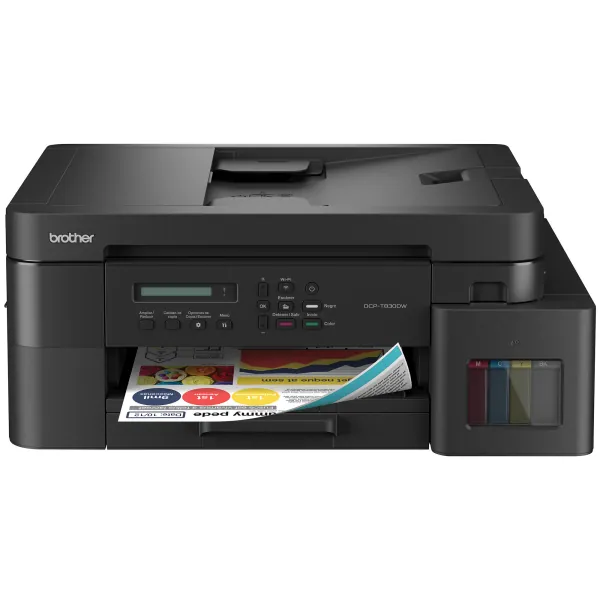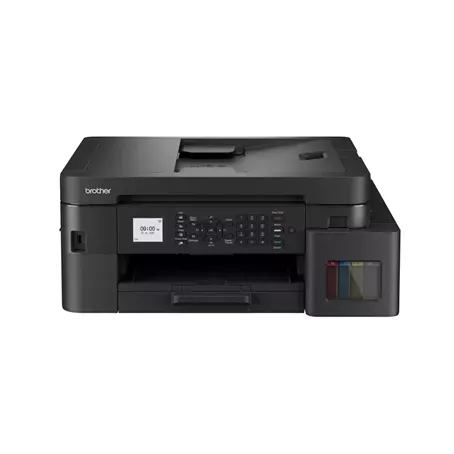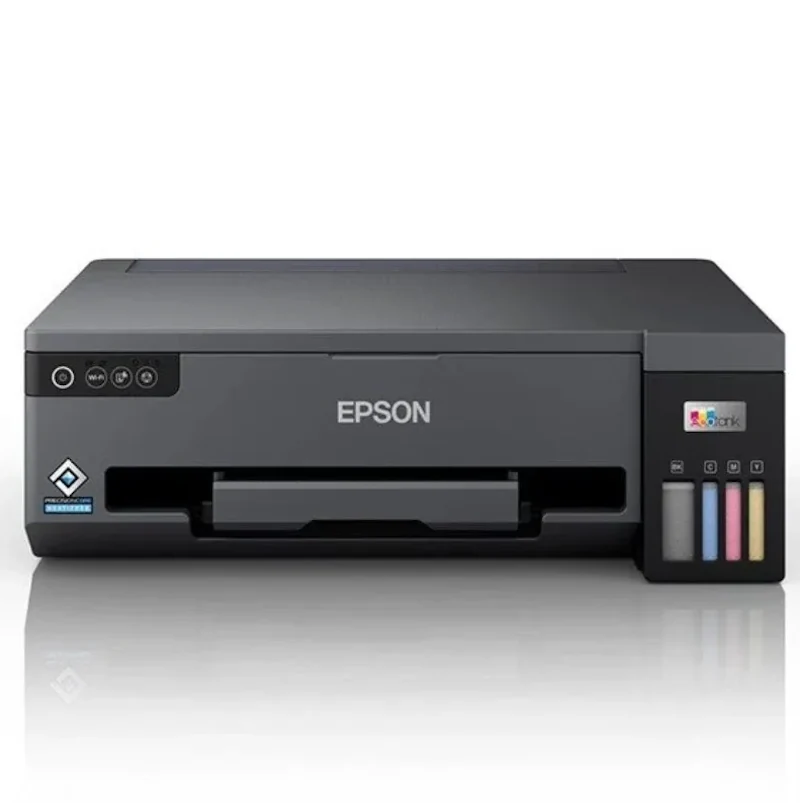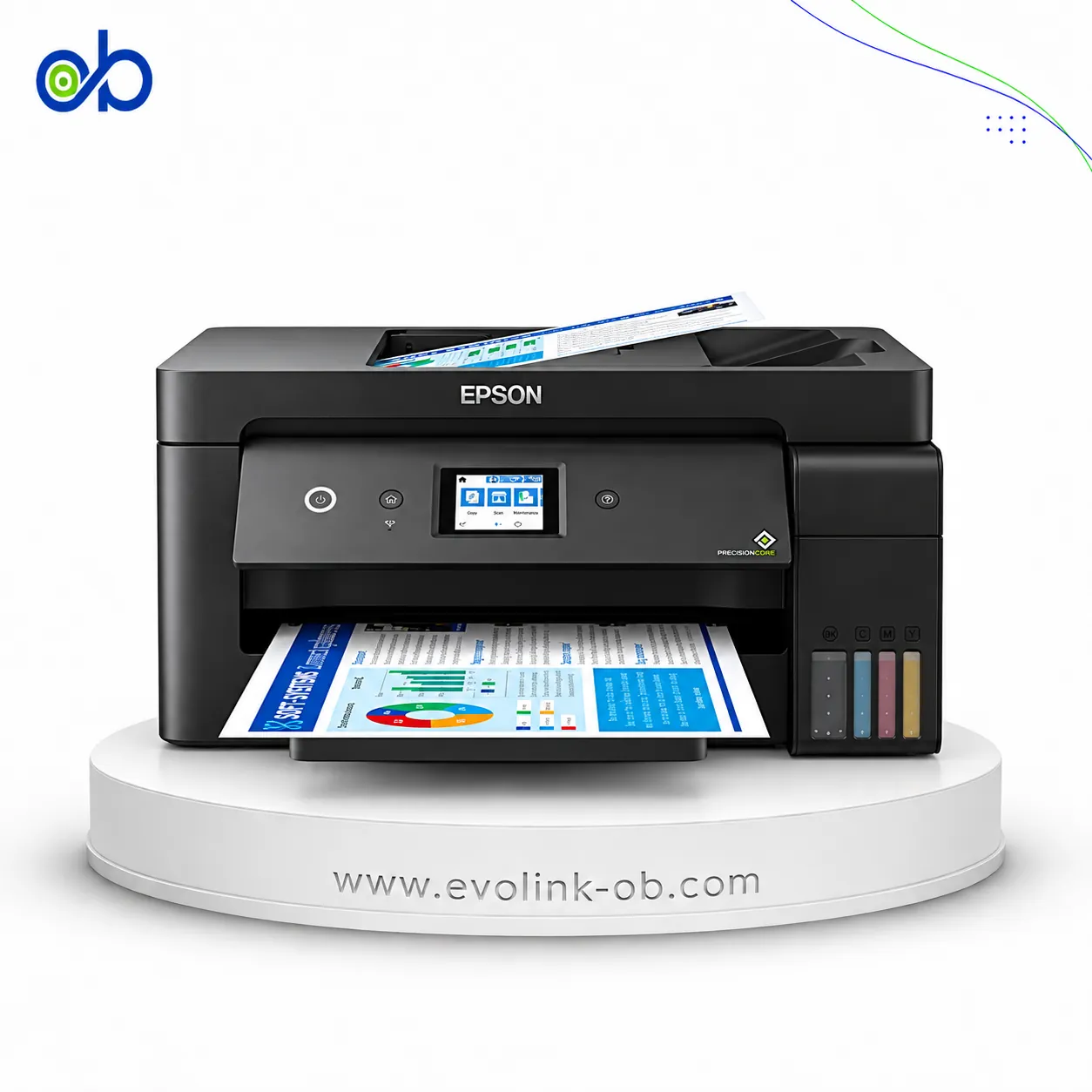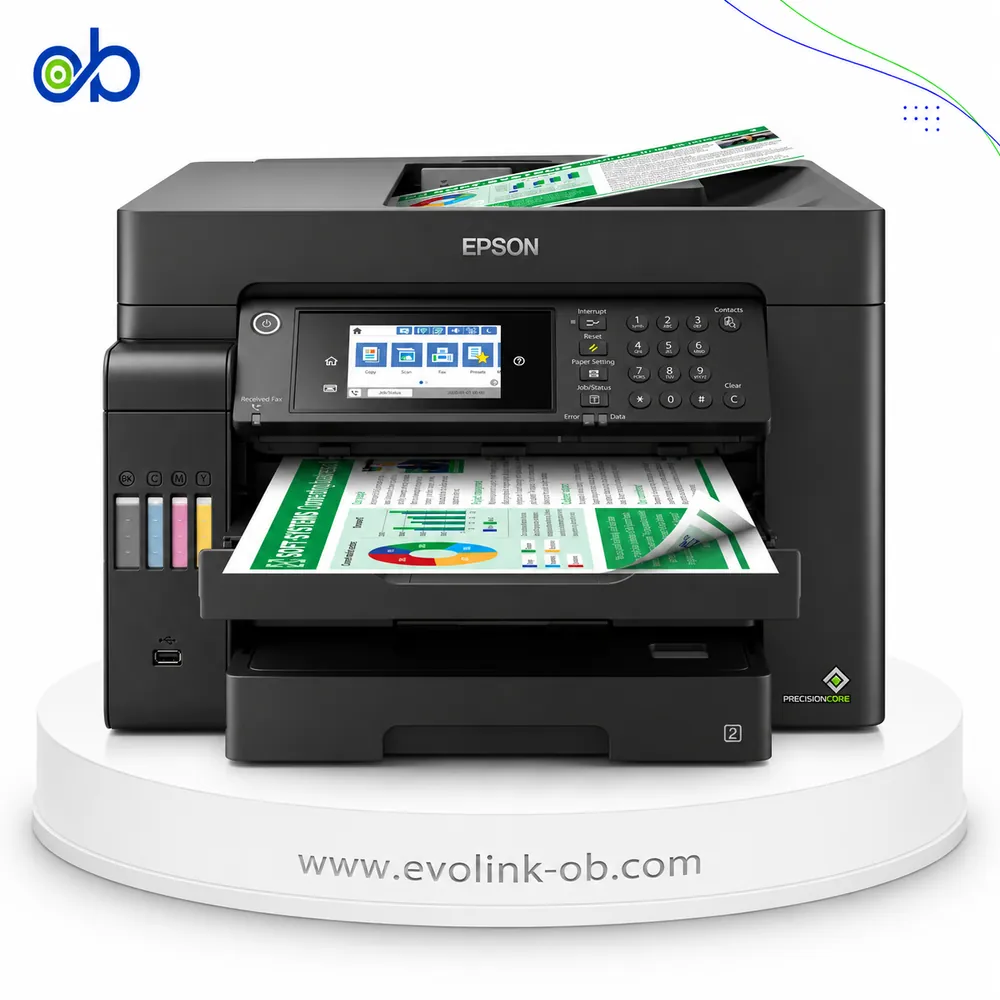
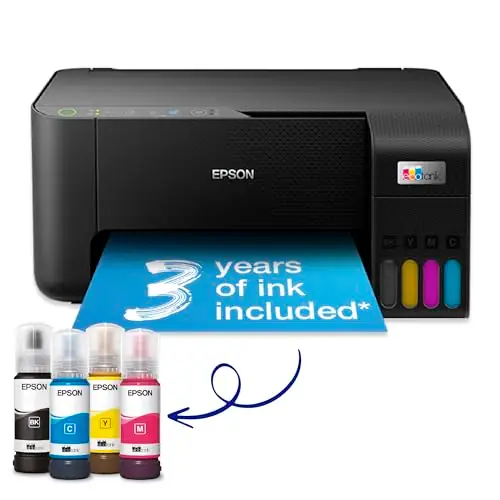
Epson EcoTank ET-2810 Printer
A multifunction colour ink tank printer for printing, scanning and copying, with Wi-Fi and Wi-Fi Direct, ISO s…
Not for sale
A full side-by-side comparison of reference model EcoTank ET-2810 Printer and in-stock product PIXMA G3410 All-in-One Ink Tank Printer on specs, price, and Syria availability.
A multifunction colour ink tank printer for printing, scanning and copying, with Wi-Fi and Wi-Fi Direct, ISO s…
Not for sale

An A4 color ink tank all-in-one printer for printing, copying and scanning, with up to 4800 × 1200 dpi resolut…
$140.00
in stock
| Specification | Epson EcoTank ET-2810 Printer | Canon PIXMA G3410 All-in-One Ink Tank Printer |
|---|---|---|
| Price | Not for sale | $140.00 |
| Features | ||
| Printer Functions | Print, Scan, Copy | Print, Scan, Copy |
| LCD Display | — | 1.2-inch monochrome segment LCD |
| Control Panel | — | 1.2-inch mono segment LCD |
| Quiet Mode | — | Yes |
| Printer Specifications | ||
| تقنية الطباعة | Epson Micro Piezo | Canon FINE |
| Printing | ||
| Print Colors | 4 | 4 |
| Ink System | Black, Cyan, Magenta, Yellow | Black, Cyan, Magenta, Yellow |
| Maximum Print Resolution | 5760 × 1440 dpi | 4800 x 1200 dpi |
| Duplex Printing | Manual | Manual |
| Borderless Printing | Up to 10 x 15 | Up to A4 |
| Paper size | A4 | A4 |
| Ink | ||
| Ink Technology | Dye Ink | Pigment Black + Dye Colour |
| Included Black Ink Yield | 3600 pages | 6000 pages |
| Included Color Ink Yield | 6500 pages | 7000 pages |
| Standard Black Ink Bottle | Epson 104 Black, C13T00P140 | GI-490 PGBK |
| Standard Colour Ink Bottles | Epson 104 Cyan C13T00P240, Magenta C13T00P340, Yellow C13T00P440 | GI-490 C, GI-490 M, GI-490 Y |
| Replacement Black Ink Bottle Yield | 4500 pages | 6000 pages |
| Performance | ||
| Print Speed Black | 33 ppm | 8.8 ppm |
| Maximum Print Speed Color | 15 ppm | 5 ppm |
| ISO Print Speed Black | 10 ppm | 8.8 ppm |
| ISO Print Speed Color | 5 ppm | 5 ppm |
| 10×15 cm Photo Print Speed | 27 sec | 60 sec |
| First Page Out Time (Black) | 10 sec | — |
| First Page Out Time (Color) | 16 sec | — |
| Print Head | ||
| Black Nozzles | 180 | — |
| Nozzles Per Color | 59 | — |
| Minimum Droplet Size | 3 pl | 2 pl |
| Copy | ||
| ISO Copy Speed Black | 7.7 ipm | 3.5 ipm |
| ISO Copy Speed Color | — | 3.5 ipm |
| Maximum Copies | — | 20 copies |
| Copy Zoom | — | Actual size |
| Scanning | ||
| Scanner Type | CIS | CIS flatbed photo and document scanner |
| Optical Scan Resolution | 1200 x 2400 dpi | 600 × 1200 dpi |
| Maximum Scan Area | — | 21.6 × 29.7 cm |
| Scan Output Formats | BMP, JPEG, PICT, TIFF, PDF, PNG | BMP, JPEG, PICT, TIFF, PDF, PNG |
| Flatbed Scan Speed | Black: 11; Colour: 28 sec | 19 sec |
| Scanner Sensor Type | CIS | CIS |
| Scanner Colour Bit Depth | — | 48: input : 24- output bit |
| Scanner Grayscale Bit Depth | — | 16-bit input / 8-bit output bit |
| Colour Scanning | Yes | Yes |
| Monochrome Scanning | Yes | — |
| Maximum Scan Resolution | — | 600 × 1200 dpi |
| Hardware Scan Resolution | 1200 x 2400 dpi | 600 × 1200 dpi |
| Connectivity | ||
| Wireless Connectivity | Yes | Yes |
| Wi-Fi Direct | Yes | — |
| Mobile Printing Services | Email Print, Epson Connect, Epson Smart Panel App, Remote Print Driver | Canon PRINT Inkjet/SELPHY, PIXMA Cloud Link, Mopria (Android), Access Point Mode |
| Interfaces | USB, Wi-Fi, Wi-Fi Direct | USB, Wi-Fi, Wi-Fi Direct |
| Network Protocols | — | IEEE 802.11b/g/n |
| WLAN Security | WEP 128-bit, WEP 64-bit, WPA-PSK (AES), WPA-PSK (TKIP), WPA2-PSK (AES), WPA3-SAE (AES) | WEP, WPA-PSK, WPA2-PSK, Administration Password |
| Supported OS | Mac OS X 10.6.8 or later; Windows 11; Windows 10 32/64-bit; Windows 8.1 32/64-bit; Windows 8 32/64-bit; Windows 7 32/64-bit; Windows Vista 32/64-bit; Windows XP SP3 or later 32-bit; Windows XP Professional x64 Edition SP2 or later; Windows Server 2003 SP2 or later; Windows Server 2003 R2; Windows Server 2008 R2; Windows Server 2012 R2; Windows Server 2016 | Chrome OS; Windows 10; Windows 8.1; Windows 7 SP1; iOS; Android; Windows 10 Mobile |
| Email Print | Yes | — |
| Wireless Frequency Bands | — | 2.4 GHz |
| Wireless Standards | — | IEEE 802.11b/g/n |
| Compatibility | ||
| Chromebook Native Print | — | Yes |
| Paper Handling | ||
| Paper Input Capacity | 100 sheets | 100 sheets |
| Paper Output Capacity | 30 sheets | — |
| Paper Trays | 1 tray | 1 tray |
| Supported Paper Weight | 64-300 g/m² | 64-275 g/m² |
| Rear Paper Feed | — | Yes |
| Standard Tray Media Types | — | Plain, high-resolution, glossy/semi-gloss/matte photo paper, envelopes |
| Standard Paper Tray Capacity | — | 100 sheets |
| Dimensions | ||
| Width | 375 mm | 445 mm |
| Depth | 347 mm | 330 mm |
| Height | 179 mm | 163 mm |
| Physical | ||
| Weight | 3.9 kg | 6.3 kg |
| Printer Colour | Black | Black |
| Power | ||
| Supply Voltage | 100-240 V | 100–240 V |
| Frequency | 50-60 Hz | 50-60 Hz |
| Ready Mode Power | 4.5 W | 1.2 W |
| Sleep Mode Power | 0.7 W | 1.2 W |
| Power Off Consumption | 0.2 W | 0.2 W |
| Printing Power Consumption | — | 11 W |
| Standalone Copying Power Consumption | 12 W | 11 W |
| Copying Power Consumption | 12 W | 11 W |
| Printer | ||
| Printer Category | Home | Ink Tank All-in-One Printer |
| Product SKU | C11CJ67403 | 2315C009 |
| Software | ||
| Desktop Printing and Scanning Software | — | Canon PRINT |
| Environment | ||
| Operating Temperature | — | 5–35 °C |
| Operating Humidity | — | 10–90 % RH |
| Noise | ||
| Printing Sound Pressure | — | 46 dB(A) |
| Package Contents | ||
| Package Contents | Printer, individual ink bottles, power cable, setup guide and warranty document | — |
For regular home and school documents, the Epson EcoTank ET-2810 is a suitable choice, particularly when black-document printing speed and compact size matter. Its ISO print speed is approximately 10 ppm black and 5 ppm color, compared with 8.8 ppm black and 5 ppm color for the Canon PIXMA G3410. Epson also offers a listed optical scanning resolution of 1200 × 2400 dpi compared with Canon's 600 × 1200 dpi.
The Canon PIXMA G3410 is worth choosing if you need borderless printing on larger formats up to A4 or prefer its 1.2-inch monochrome LCD. Canon also combines pigment black ink with dye-based color inks, whereas Epson lists dye-based ink for all four colors. These differences alone do not establish superior real-world photo quality.
Both printers support printing, copying, scanning, wireless connectivity, manual duplex printing, and 100-sheet paper input. Canon's All-in-One marketing classification is not an independent functional advantage because Epson supports the same core functions.
Buying recommendation: Choose Epson for faster black-document ISO printing, smaller size, and higher listed optical scanning resolution. Choose Canon for borderless printing up to A4 or a built-in display. Canon is currently listed by the store at $140 and available, while Epson is a reference model unavailable for direct purchase. Do not base the decision on included-ink yields or photo-print timing until both measurements have been verified under equivalent conditions.
Document printing: Epson ET-2810 delivers ISO speeds of 10 ppm black and 5 ppm color, versus 8.8 ppm black and 5 ppm color for Canon G3410. Epson is slightly faster for black documents, with equal rated color speed.
Borderless printing: Canon supports borderless printing up to A4, compared with Epson's 10×15 cm limit. This gives Canon an advantage for larger borderless photographs and designs.
Photo speed: The Epson table lists 27 seconds for a 10×15 cm photo on Epson Premium Glossy paper under its general printing-speed specification. Epson also publishes 69 seconds in a separate photo-speed category. Canon lists approximately 60 seconds using default settings and Canon Photo Paper Plus Glossy II. These results should not be used to declare a winner without equivalent testing conditions.
Scanning: Both have CIS flatbed scanners. Epson lists 1200×2400 dpi optical resolution, versus Canon's 600×1200 dpi. Higher stated resolution does not guarantee superior scanning quality in every situation.
Ink: Epson uses dye-based inks for all four colors, while Canon combines pigment black with dye-based color inks. Epson specifies included-ink yields of approximately 3600 black and 6500 color pages. Canon's published 6000 black and 7000 color figures are supplemental yields for replacement bottles after initial setup, not independent proof of equivalent included-ink yield.
Connectivity: Both support USB and Wi-Fi. Epson provides Wi-Fi Direct, while Canon documents Access Point Mode for direct connectivity. Missing fields should not be treated as evidence that a feature is unsupported.
Paper and display: Both support A4 and other paper formats, 100-sheet input capacity, and manual duplex printing. Canon includes a 1.2-inch monochrome LCD, while the Epson comparison does not list an equivalent display.
Size: Epson weighs approximately 3.9 kg versus Canon's 6.3 kg. Epson is lighter when printer mobility or limited space matters.
Conclusion: Epson offers faster black-document printing, higher listed optical scanning resolution, and lower weight. Canon offers borderless A4 printing, a built-in display, and pigment black ink. Neither printer should be ranked using non-equivalent ink yields or unmatched photo-speed measurements.
Epson offers 10 ppm ISO black printing versus Canon's 8.8 ppm. Both are rated at 5 ppm color, giving Epson a small advantage for black documents.
Canon G3410 supports borderless printing up to A4, whereas Epson ET-2810 supports borderless printing up to 10×15 cm.
A reliable winner cannot be established because the published Epson and Canon measurements do not provide sufficiently equivalent test conditions.
These figures are documented as supplemental replacement-bottle yields after initial setup. They must not automatically be applied to the included ink without a dedicated official source.
Epson uses dye ink for all four colors and lists 1200×2400 dpi optical scanning resolution. Canon combines pigment black with dye colors and lists 600×1200 dpi. Neither specification alone determines real-world output quality.
Epson supports Wi-Fi Direct, while Canon offers Access Point Mode for direct connectivity. Their official terminology and setup requirements differ.