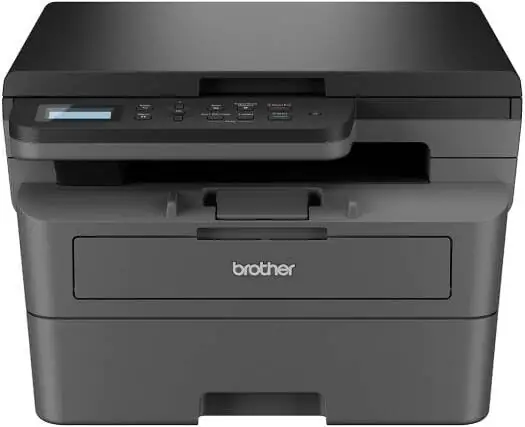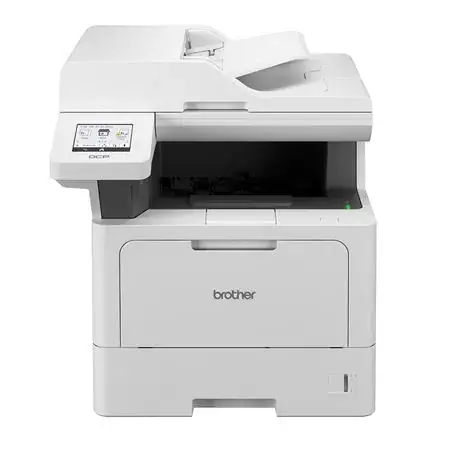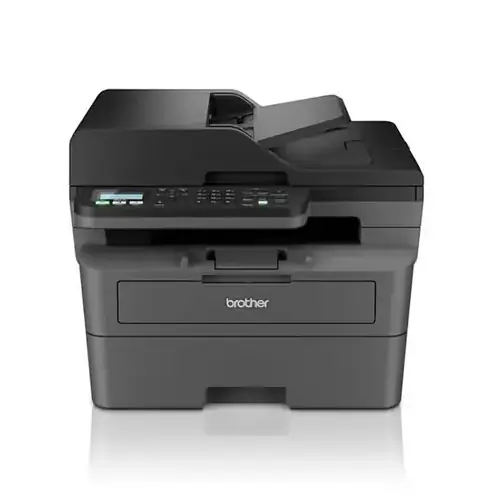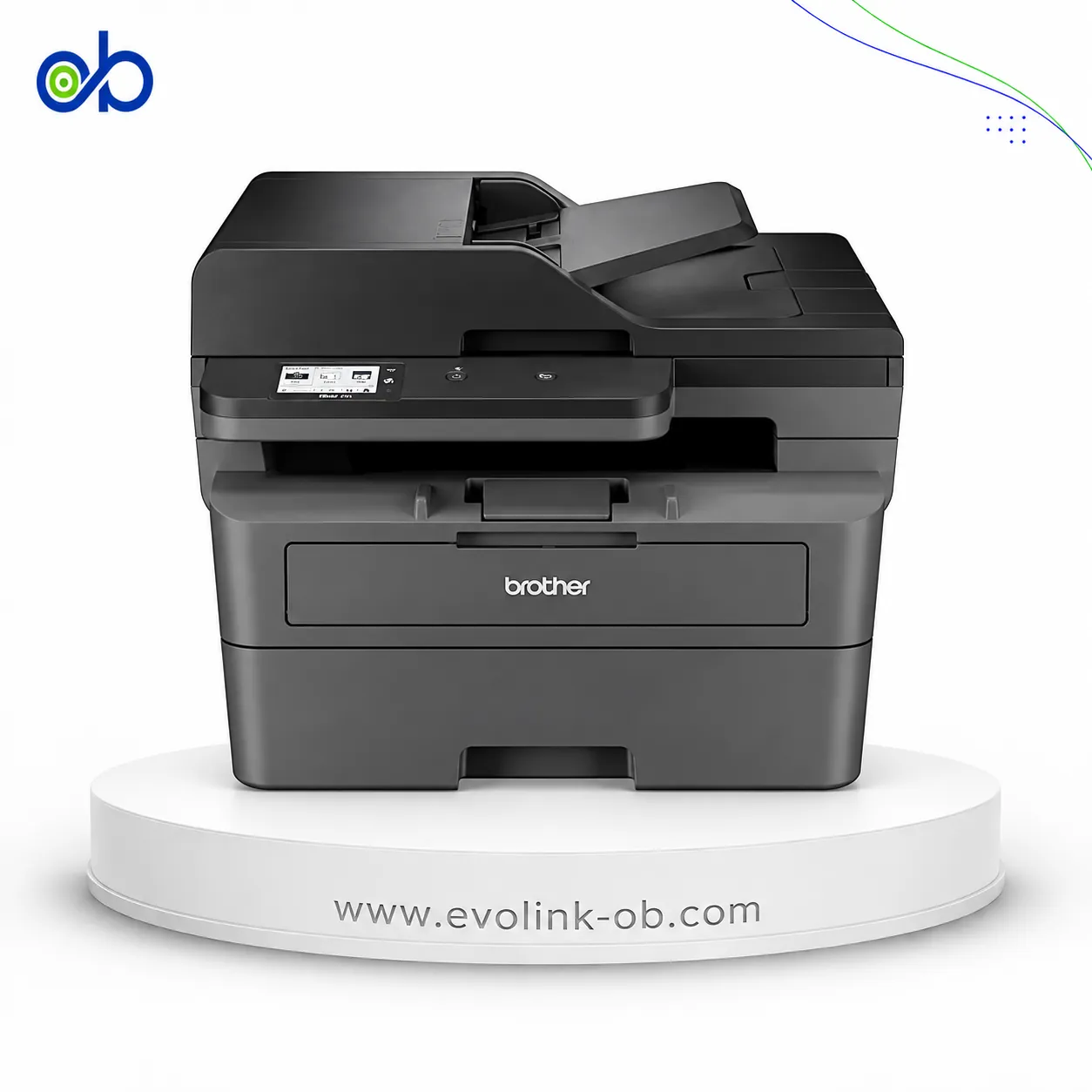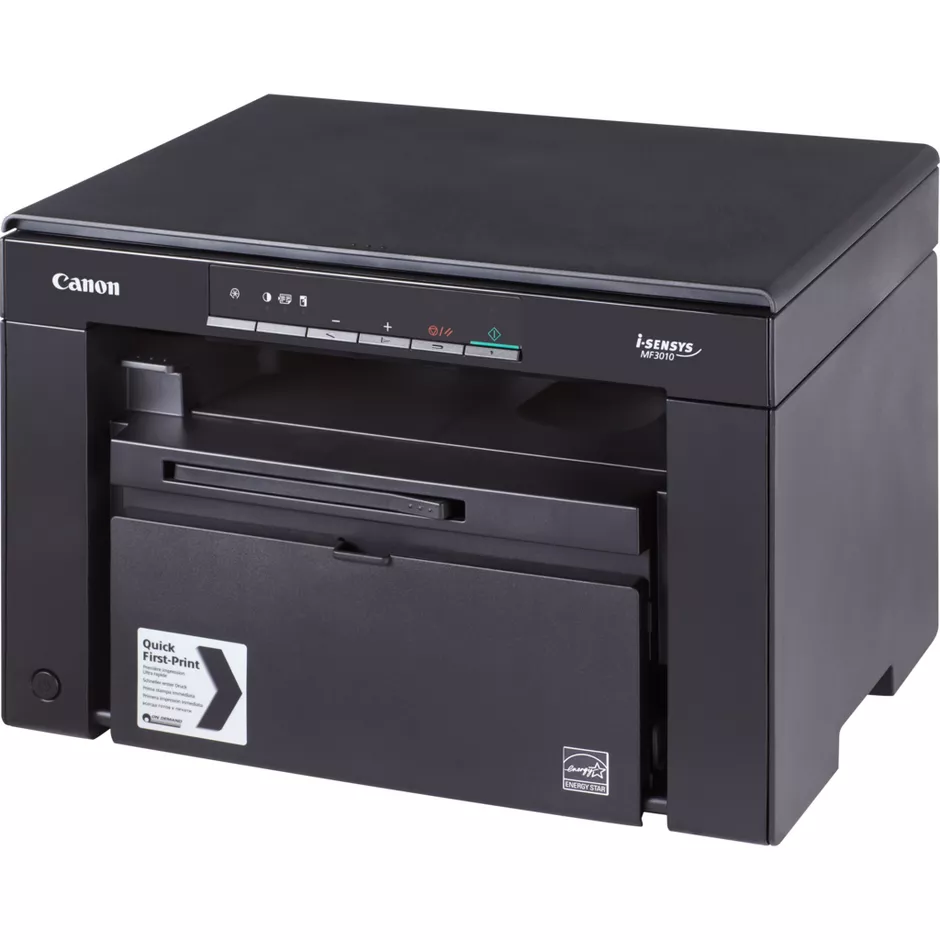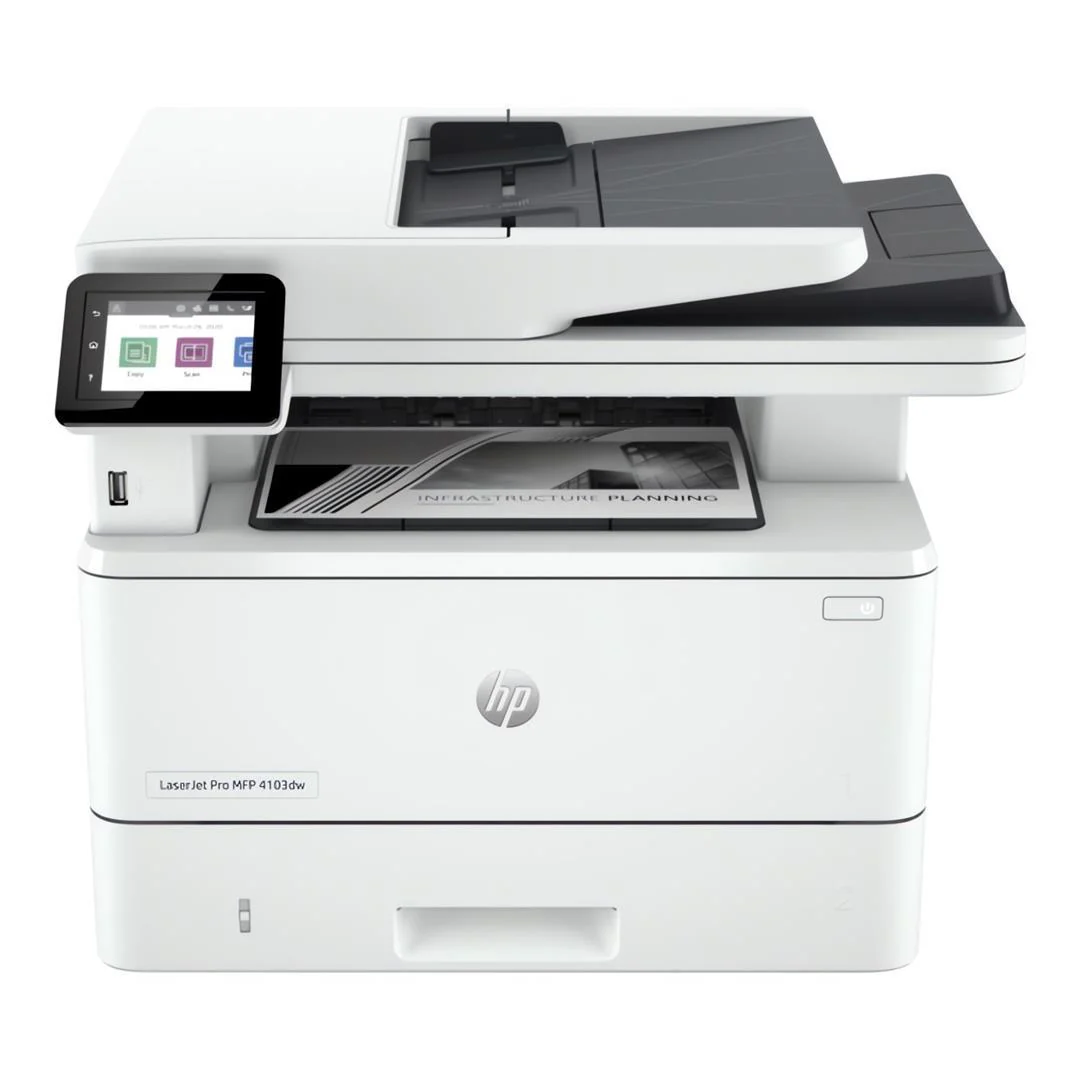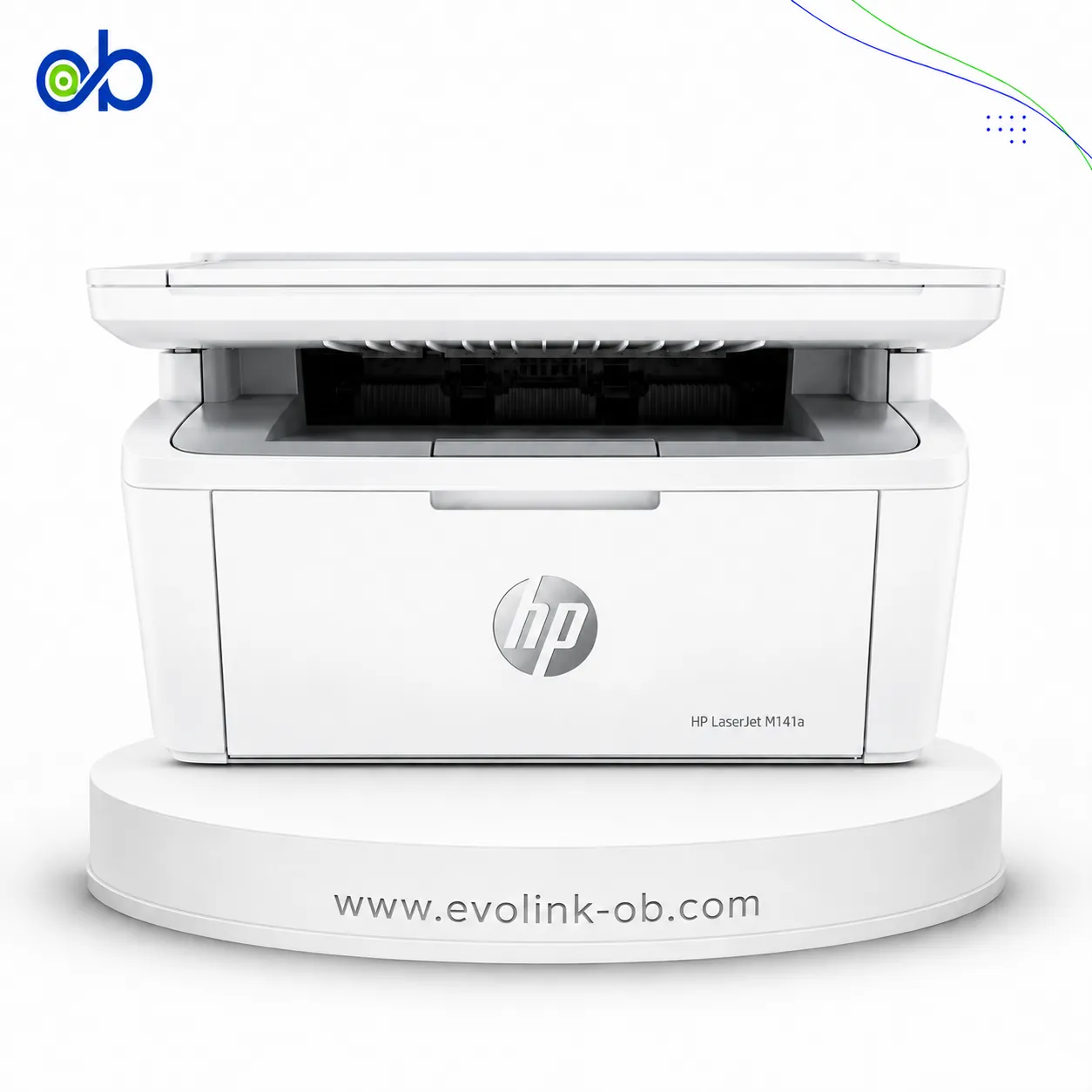
LaserJet MFP M141A 3 in 1 Printer
An HP multifunction monochrome laser printer, model M141A, combining black-and-white laser printing with multi…
$135.00
in stock
A full comparison of HP printers on price, Printer Functions, Technical Features, Printer Smart Software Features, Printing Power Consumption, and technical specs.
An HP multifunction monochrome laser printer, model M141A, combining black-and-white laser printing with multi…
$135.00
in stock

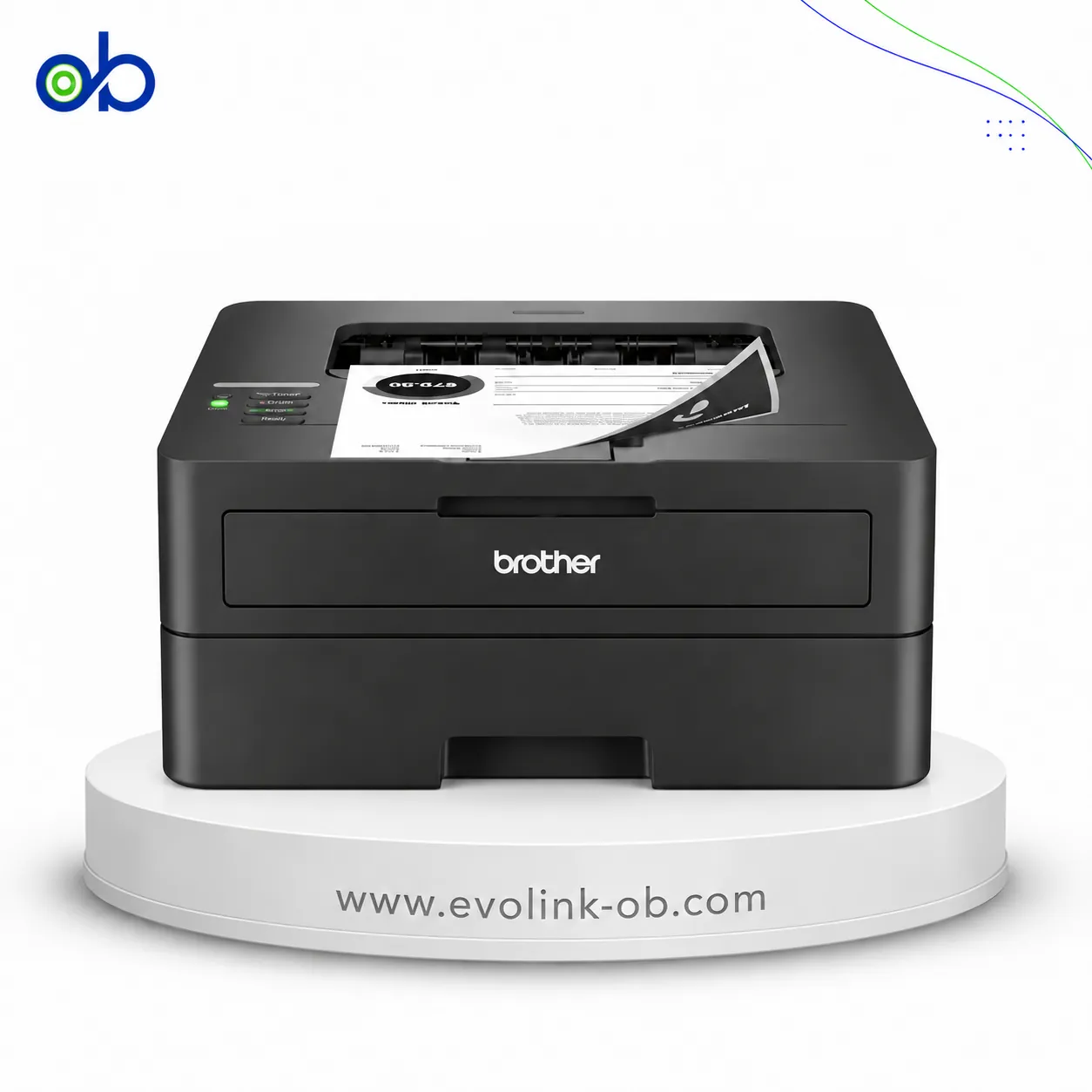
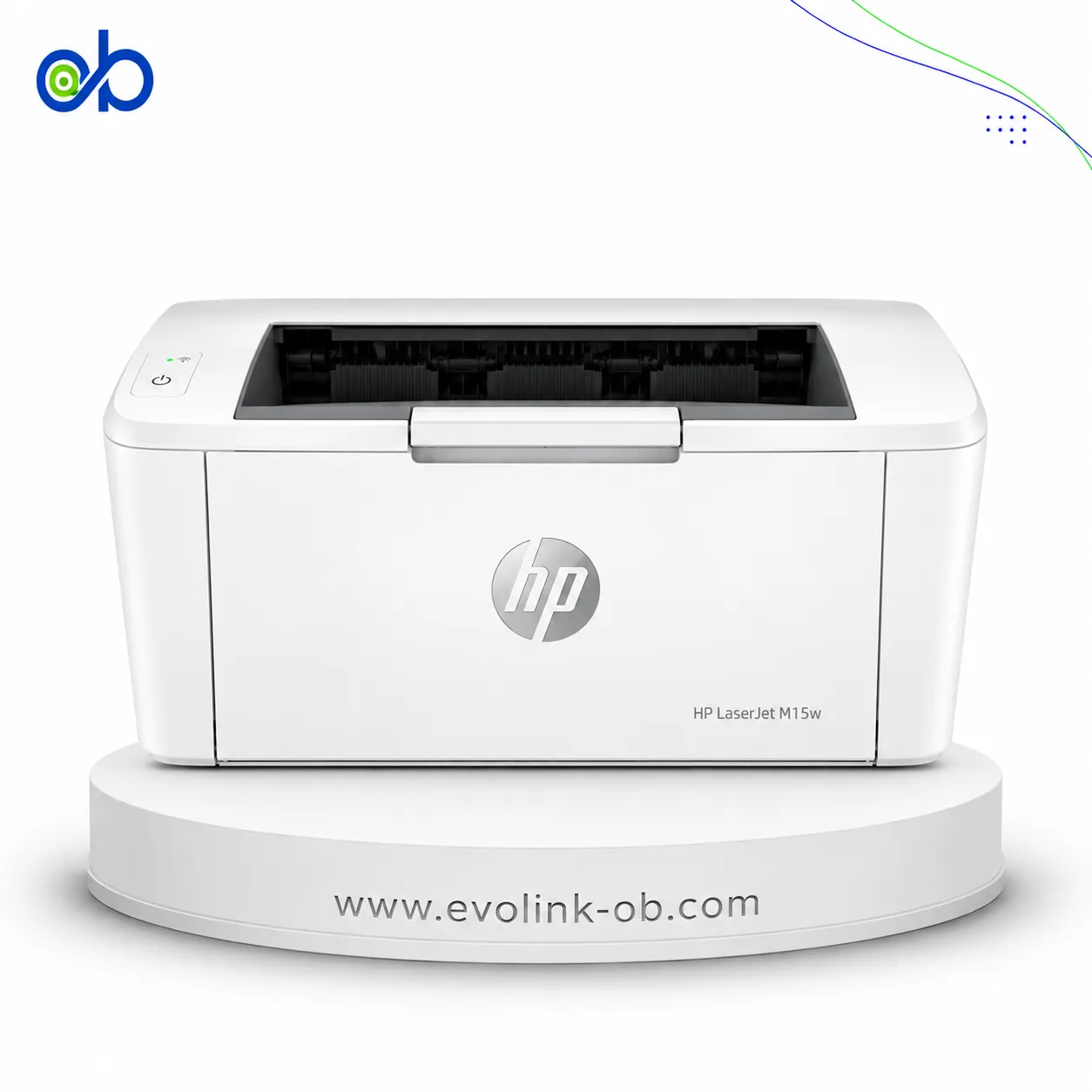
A monochrome laser printer designed for black-and-white document and text printing, suited to users comparing…
$100.00
Out of stock
| Specification | LaserJet MFP M141A 3 in 1 Printer | LaserJet M111A Black & White Printer |
|---|---|---|
| Price | $135.00 | $100.00 |
| Features | ||
| Printer Functions | Print, Scan, Copy | |
| Technical Features | Compact size; Scan-to-email; Scan-to-folder; HP Auto-On/Auto-Off | Compact size; HP Auto-On/Auto-Off |
| Display | LED | LED |
| Control Panel | 3 LEDs: Toner, Attention and Ready; 3 buttons: Cancel, Copy and Power | 2 LEDs (Attention, Ready); 2 buttons (Cancel, Power) |
| Printer Specifications | ||
| تقنية الطباعة | Monochrome Laser | Monochrome Laser |
| Printing | ||
| Print Colour | Black and white | Black and white |
| Maximum Print Resolution | 600 × 600 dpi | 600 × 600 dpi |
| Duplex Printing | No | No |
| Maximum Print Size | — | 8.5 × 14 in |
| Paper size | A4 | A4 |
| Print Margins | 2 mm | 2 mm |
| Maximum Print Area | — | 216 x 355.6 mm |
| Performance | ||
| ISO Black Print Speed A4 | 20 ppm | 20 ppm |
| ISO Black Print Speed Letter | 21 ppm | 21 ppm |
| First Page Out Time Black A4 | 8.5 sec | 8.5 sec |
| Recommended Monthly Volume | 1000 pages | 1000 pages |
| Software | ||
| Printer Smart Software Features | HP Auto-On/Auto-Off, HP app | HP Auto-On/Auto-Off |
| Included Software | Software available by download from HP | Software available by download from HP |
| Printer Management Utility | HP Printer Assistant (UDC); HP Device Toolbox | HP Printer Assistant (UDC); HP Device Toolbox |
| Power | ||
| Energy Saving Technology | HP Auto-On/Auto-Off Technology | HP Auto-On/Auto-Off Technology |
| Printing Power Consumption | 357 W | 361 W |
| Ready Mode Power | 2.4 W | 2.3 W |
| Sleep Mode Power | 1 W | 1 W |
| Manual-Off Power Consumption | 0.05 W | 0.05 W |
| Auto-Off Manual-On Power Consumption | 0.05 W | 0.05 W |
| Auto-Off Wake on USB Power Consumption | 1 W | 1 W |
| Power Supply Type | 220–240 V AC, 50/60 Hz | 220–240 V AC, 50/60 Hz |
| Supplies | ||
| Replacement Toner Cartridge | HP 150A (W1500A) | HP 150A (W1500A) |
| Replacement Toner Yield | 975 pages | 975 pages |
| Starter Toner Yield | 500 pages | 500 pages |
| Standard-Yield Toner | — | HP 150A Black LaserJet Toner Cartridge, W1500A |
| Connectivity | ||
| Standard Connectivity | USB | USB |
| Compatibility | ||
| Compatible Operating Systems | Windows 11, Windows 10, macOS 10.14, macOS 10.15, macOS 15, Linux | Windows 11, Windows 10, macOS 10.15, macOS 11, macOS 15, Linux |
| Windows Server Support | Windows Server 2008 R2 64-bit, 2012 64-bit, 2012 R2 64-bit and 2016 64-bit with print driver only | Windows Server 2008 R2 64-bit, 2012 64-bit, 2012 R2 64-bit and 2016 64-bit with print driver only |
| Mac Compatible | Yes | Yes |
| Copy | ||
| Black Copy Speed A4 | 20 cpm | — |
| Black Copy Speed Letter | 21 cpm | — |
| Copy Resolution | 600 × 400 dpi | — |
| Maximum Copies | 99 copies | — |
| Copy Scaling | 25–400 % | — |
| Maximum Copy Size | 8.27 × 11.69 (A4) / 8.5 × 11 (Letter) in | — |
| Scanning | ||
| Scan File Formats | JPG, BMP, PNG, TIFF, PDF | — |
| Scan Input Modes | HP LaserJet Software Scan, TWAIN, WIA | — |
| Scan Technology | CIS | — |
| Scanner Type | Flatbed | — |
| Scanner Colour Bit Depth | 24 bit | — |
| Colour Scanning | Yes | — |
| Optical Scan Resolution | Up to 600 × 600 dpi | — |
| Maximum Scan Document Size | 216 × 297 mm | — |
| Native Scan File Formats | JPG; PDF | — |
| Dimensions | ||
| Width | 360 mm | 346 mm |
| Depth | 264 mm | 189 mm |
| Height | 197 mm | 159 mm |
| Maximum Dimensions | 360 x 427 x 347 mm | — |
| Physical | ||
| Weight | 5.39 kg | 3.79 kg |
| Sustainability | ||
| Blue Angel Compliant | Yes | Yes |
| Ecolabels | IT ECO Declaration; EPEAT Silver India; EPEAT Silver Australia; EPEAT Silver Canada; EPEAT Silver US; EPEAT Silver registered in the U.S.; Blue Angel DE-UZ 219 when using Original HP supplies | EPEAT Silver registered |
| Sustainability Specifications | Recyclable through HP Planet Partners; contains post-consumer recycled plastic | Recyclable through HP Planet Partners; contains post-consumer recycled plastic |
| Product Information | ||
| Product Number | 7MD73A | 7MD67A |
| Noise | ||
| Acoustic Power Active Printing | 6.2 B(A) | 6 B(A) |
| Printing Sound Pressure | 51 dB(A) | 48 dB(A) |
| Printer | ||
| Printer Language | PCLm/PCLmS, URF, PWG | PCLm/PCLmS, URF, PWG |
| Shared Print Memory | 64 MB | 32 MB |
| CPU Speed | 500 MHz | 500 MHz |
| Standard Memory | 64 MB | 16 MB |
| Maximum Memory | — | 16 MB |
| NVRAM Memory | 32 KB | 32 KB |
| Flash ROM Memory | 64 MB | 16 MB |
| Paper Handling | ||
| Paper Input Capacity | 150 sheets | 150 sheets |
| Paper Output Capacity | 100 sheets | 100 sheets |
| Supported Paper Weight | — | 17–32 lb bond |
| Supported Media Sizes | A4, A5, A6, Letter, Legal, C5, DL, custom sizes | A4, A5, A6, Letter, Legal, C5, DL, custom sizes |
| Envelope Capacity | 10 envelopes | 10 envelopes |
| Supported Envelope Types | C5, DL | C5, DL |
| Standard Tray Media Weight | 65 to 120 g/m² | 65 to 120 g/m² |
| Paper Trays | 1 tray | 1 tray |
| Media Handling | ||
| Supported Media Types | Plain paper, envelopes, postcards, labels | Plain paper, envelopes, postcards, labels |
| Environment | ||
| Operating Temperature | 32.5–15 °C | 32.5–15 °C |
| Operating Humidity | 10 to 80 % | 10 to 80 % |
| Storage Temperature | -20 to 60 °C | -20 to 60 °C |
| Recommended Operating Temperature | 17.5 to 25 °C | 17.5 to 25 °C |
| Recommended Operating Humidity | 30 to 70 % | 30 to 70 RH % |
| Security | ||
| Dynamic Security | Yes | — |
HP LaserJet MFP M141A 3 in 1 Printer vs HP LaserJet M111A Black & White Printer — choose by the use case in the table (role/paper, document features, connectivity, speed).
When to pick which:
Pick HP LaserJet MFP M141A 3 in 1 Printer if you need: fax or a fuller print/scan/copy set in the table.
Pick HP LaserJet M111A Black & White Printer if you need: the documented gaps that match your priority.
Key differences:
Based on the specs table, HP LaserJet MFP M141A 3 in 1 Printer fits most office needs better thanks to: Printer Functions: Print, Scan, Copy vs Print; Printing Power Consumption: 357 vs 361; Width: 360 vs 346.
Maximum dpi and ink bottle series numbers alone do not settle the buy.
Iso Black Print Speed A4: 20, Iso Black Print Speed Letter: 21, Paper Size: A4, Tkny Altbaaa: Monochrome Laser
Pick HP LaserJet MFP M141A 3 in 1 Printer if you need: fax or a fuller print/scan/copy set in the table.
Based on current prices, LaserJet M111A Black & White Printer is the cheaper option. It costs 100 USD versus 135 USD for LaserJet MFP M141A 3 in 1 Printer. The price difference is 35 USD, about 25.9% less. Prices are live and subject to change.
Pick HP LaserJet M111A Black & White Printer if you need: the documented gaps that match your priority.
Printer Functions: Print, Scan, Copy vs Print
Not by themselves. Dpi alone does not prove higher quality, and bottle series is a consumables difference. Decide by role, duplex/ADF, speed, connectivity, and price.
LaserJet MFP M141A 3 in 1 Printer is currently in stock at EvoLink in Damascus, with shipping to all Syrian governorates. LaserJet M111A Black & White Printer is currently out of stock; you can inquire about availability.
Address: Syria, Damascus, Halbouni, Musalam Barudi street, Building 1020, 1st floor.
Contact: +963 96 44 007 44 or via WhatsApp.