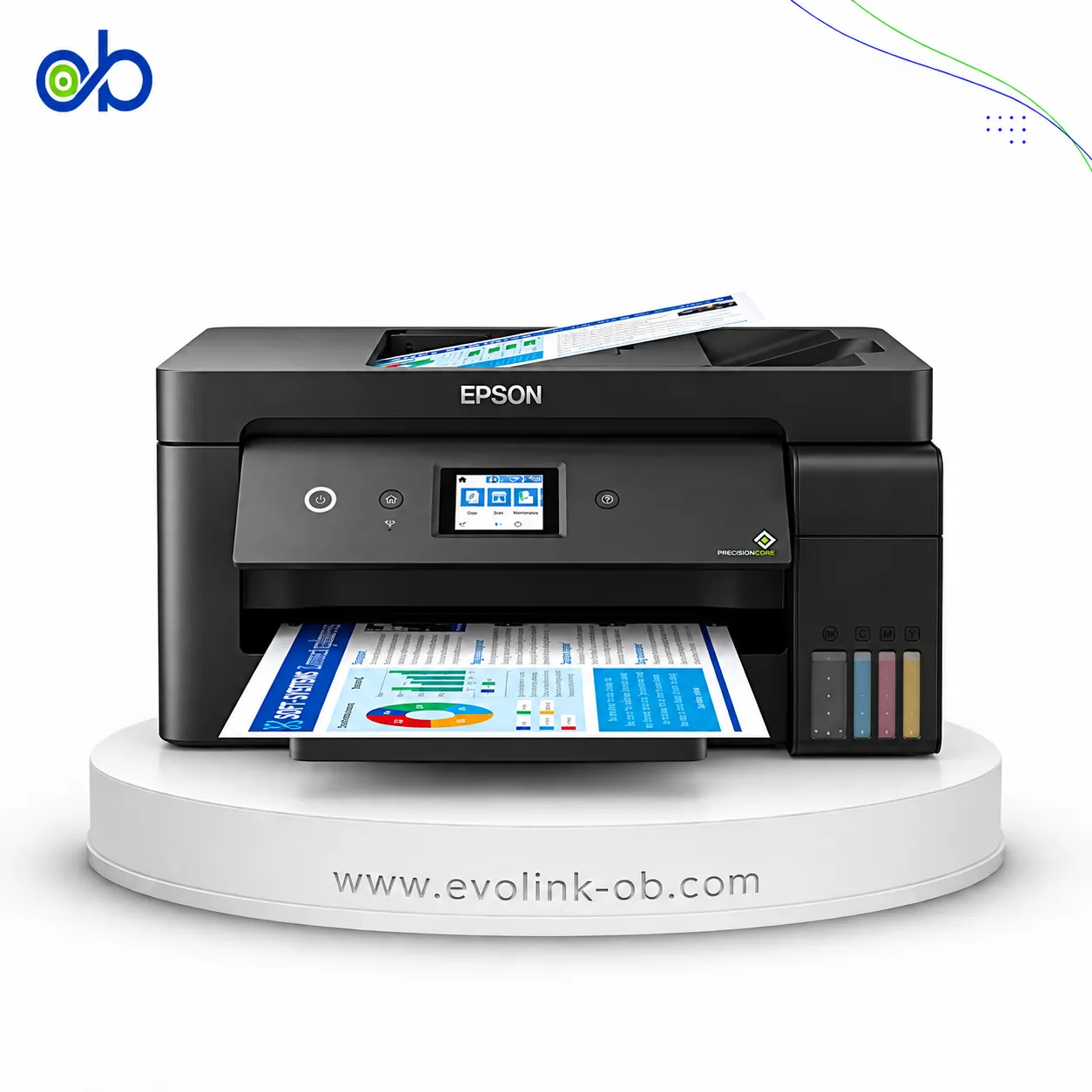
⁦Compare Epson EcoTank L3210 Printer vs EcoTank L18050 Printer⁩

A full comparison of Epson printers on price, Printer Functions, Print Colors, Ink System, Borderless Printing, and technical specs.

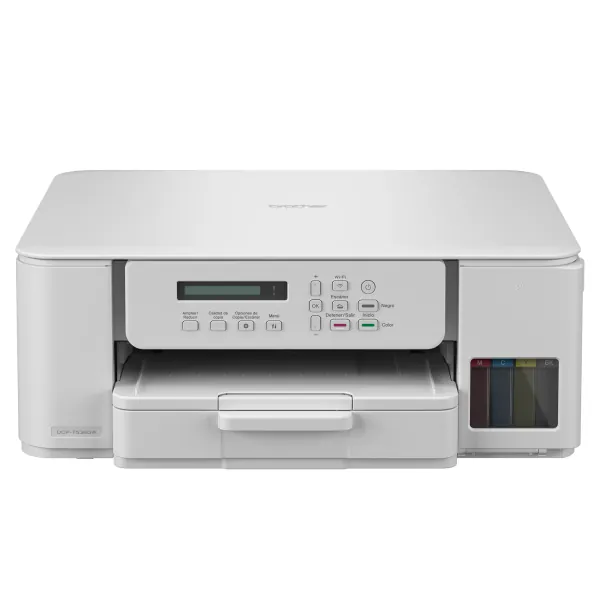
More Versatile ⁦Epson EcoTank L3210 Printer⁩

⁦EcoTank L3210 Printer⁩

Faster Black Printing Smaller and Lighter

An Epson EcoTank printer identified by model L3210, intended for users researching this specific tank-printer…

$130.00

in stock

View product
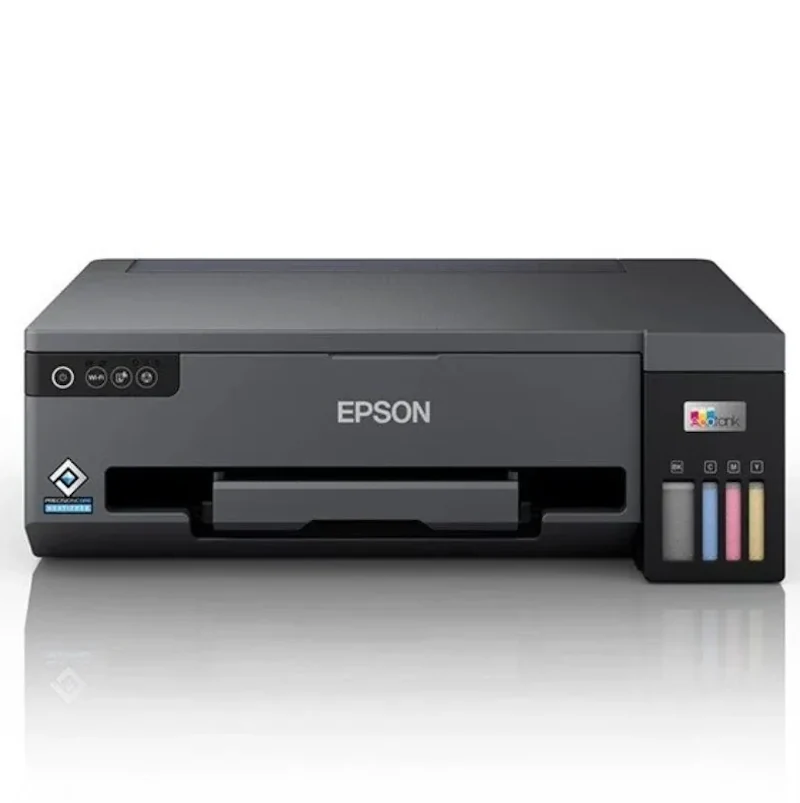
Best Overall ⁦Epson EcoTank L18050 Printer⁩

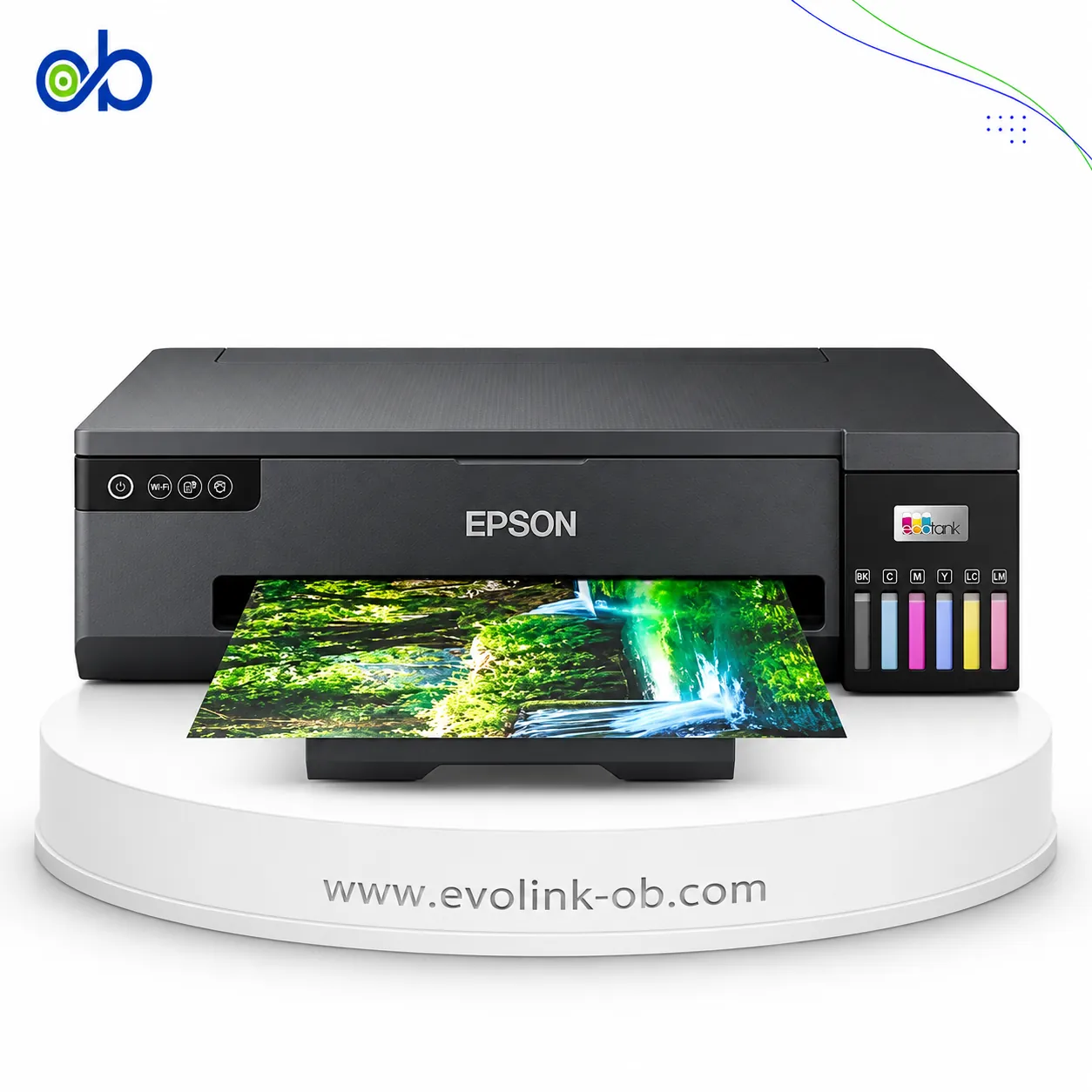
⁦EcoTank L18050 Printer⁩

Broader Connectivity Up to A3+

A six-color ink tank photo printer for sizes up to A3+, offering 5760 × 1440 dpi borderless output, Wi-Fi Dire…

$515.00

in stock

View product

Specifications

Specification ⁦EcoTank L3210 Printer⁩ ⁦EcoTank L18050 Printer⁩
Price $130.00 $515.00
Features
Printer Functions Print, Scan, Copy Print
Quiet Mode Yes Yes
Printer Specifications
تقنية الطباعة Epson Micro Piezo Epson Micro Piezo
Printing
Print Colors 4 6
Ink System Black, Cyan, Magenta, Yellow Black, Cyan, Magenta, Yellow , Light Cyan , Light Magenta
Maximum Print Resolution ⁦5760 × 1440⁩ dpi ⁦5760 × 1440⁩ dpi
Duplex Printing Manual Manual
Borderless Printing ⁦Up to A4⁩ ⁦Up to A3+⁩
Paper size ⁦A4⁩ ⁦A3+, A3⁩
CD/DVD Printing Yes
PVC Card Printing Yes
Ink
Ink Technology Dye Ink Dye Ink
Included Black Ink Yield ⁦8100 pages⁩
Included Color Ink Yield ⁦6500 pages⁩
Standard Black Ink Bottle ⁦Epson 103⁩ ⁦Espon 108⁩
Standard Colour Ink Bottles ⁦Epson 103⁩ ⁦Espon 108⁩
Replacement Black Ink Bottle Yield ⁦4500 pages⁩ ⁦3000 pages⁩
Performance
Print Speed Black ⁦33 ppm⁩ ⁦22 ppm⁩
Maximum Print Speed Color ⁦15 ppm⁩ ⁦22 ppm⁩
ISO Print Speed Black ⁦10 ppm⁩ ⁦8 ppm⁩
ISO Print Speed Color ⁦5 ppm⁩ ⁦8 ppm⁩
10×15 cm Photo Print Speed ⁦69 sec⁩ ⁦13 sec⁩
Print Head
Black Nozzles 180 180
Nozzles Per Color 59 180
Minimum Droplet Size ⁦3 pl⁩ ⁦1.5 pl⁩
Copy
ISO Copy Speed Black ⁦7 ppm⁩
Copy Resolution ⁦600 × 600 dpi⁩
Scanning
Scanner Type Contact Image Sensor (CIS)
Optical Scan Resolution ⁦1200 × 2400 dpi⁩
Maximum Scan Area ⁦21.6 × 29.7 cm⁩
Scan Output Formats BMP, JPEG, PICT, TIFF, PDF, PNG
Flatbed Scan Speed ⁦Black: 11; Colour: 28 sec⁩
Scanner Sensor Type CIS
Colour Scanning Yes
Monochrome Scanning Yes
Maximum Scan Resolution ⁦600 × 1200 dpi⁩
Hardware Scan Resolution ⁦600 × 1200 dpi⁩
Connectivity
Wireless Connectivity Yes
Wi-Fi Direct Yes
Mobile Printing Services Epson Smart Panel App, Epson Connect (Email Print, Remote Print Driver)
Interfaces USB ⁦USB⁩، ⁦Wi-Fi⁩، ⁦Wi-Fi Direct⁩
WLAN Security ⁦WEP 64 Bit, WEP 128 Bit, WPA PSK (TKIP), WPA2 PSK (AES), WPA3-SAE(AES)⁩
Supported OS ⁦Mac OS X 10.6.8 or later; Windows 10; Windows 8.1; Windows 8; Windows 7; Windows Vista; Windows XP SP3 or later (32-bit); Windows XP Professional x64 Edition SP2 or later; Windows Server 2003 SP2 or later; Windows Server 2003 R2; Windows Server 2008 (32/64-bit); Windows Server 2008 R2; Windows Server 2012 (64-bit); Windows Server 2012 R2; Windows Server 2016⁩ Windows , Mac OS
Email Print Yes
Compatibility
Chromebook Native Print Yes Yes
Paper Handling
Paper Input Capacity ⁦100 sheets⁩ ⁦100 sheets⁩
Paper Output Capacity ⁦30 sheets⁩
Paper Trays 1 1
Supported Paper Weight ⁦64–300 g/m²⁩
Photo Paper Capacity ⁦20 sheets⁩ ⁦20 sheets⁩
Standard Paper Tray Capacity ⁦100 sheets⁩ ⁦100 sheets⁩
Dimensions
Width ⁦375 mm⁩ ⁦523 mm⁩
Depth ⁦347 mm⁩ ⁦369 mm⁩
Height ⁦179 mm⁩ ⁦150 mm⁩
Physical
Weight ⁦3.9 kg⁩ ⁦8 kg⁩
Printer Colour Black Black
Power
Supply Voltage ⁦220–240 V⁩ ⁦100–240 V⁩
Frequency ⁦50-60 Hz⁩ ⁦50-60 Hz⁩
Ready Mode Power ⁦4 W⁩ ⁦4.4 W⁩
Sleep Mode Power ⁦0.4 W⁩ ⁦0.6 W⁩
Power Off Consumption ⁦0.2 W⁩ ⁦0.2 W⁩
Printing Power Consumption ⁦12 W⁩ ⁦19 W⁩
Standalone Copying Power Consumption ⁦12 W⁩
Copying Power Consumption ⁦14 W⁩
Maintenance
Replaceable Maintenance Box Yes
Replaceable Pickup Roller Yes
Printer
Printer Category Home, Home Office Photo
Printer Language ESC/P-R ESC/P-R
Product SKU ⁦C11CJ68401⁩ ⁦C11CK38402⁩
Software
Desktop Printing and Scanning Software Epson ScanSmart Epson ScanSmart
Noise
Printing Sound Pressure ⁦48 dB(A)⁩

Summary: Which Printer Should You Choose?

Choose EcoTank L3210 if you need:

  • An all-in-one device that prints, scans and copies.
  • Faster ISO black printing at 10 pages per minute versus 8 pages per minute.
  • A smaller and lighter printer weighing 3.9 kg instead of 8 kg.
  • Lower printing power consumption at 12 W versus 19 W.

Choose EcoTank L18050 if you need:

  • Printing on media sizes up to A3+ rather than A4.
  • A six-colour ink system with a smaller 1.5 pl droplet size.
  • Faster ISO colour output and 10×15 cm photos in 13 seconds instead of 69 seconds.
  • Wi-Fi, Wi-Fi Direct, and printing on CDs, DVDs and PVC cards.

Decision: The EcoTank L18050 is the best overall for its broader printing capabilities, stronger colour performance and wireless connectivity. The L3210 is more suitable when scanning, copying, lower weight and black-document speed matter most.

What Is the Difference Between Epson EcoTank L3210 Printer and Epson EcoTank L18050 Printer?

Both printers use Epson Micro Piezo Heat-Free technology, Dye Ink and a maximum print resolution of 5760 × 1440 dpi. They also support Windows and Mac OS, provide a 100-sheet input capacity and use manual duplex printing.

The main difference is that the L3210 combines printing, scanning and copying, while the L18050 is print-only. In return, the L18050 supports A3 and A3+ media and uses six colours, compared with A4 and four colours on the L3210. It also includes Wi-Fi and Wi-Fi Direct, reaches 8 ISO colour pages per minute versus 5, and prints a 10×15 cm photo in 13 seconds instead of 69 seconds. It additionally supports CD, DVD and PVC card printing.

The L3210 benefits users who need scanning and copying alongside printing, or prefer a lighter, more compact device with faster ISO black output. The L18050 better serves users focused on colour and photo printing, larger media sizes, wireless access and a wider selection of printable media.

Frequently asked questions